User Manual for StudioLogic Numa Compact 2x 88-Key Portable Digital Piano Click to enlarge the picture
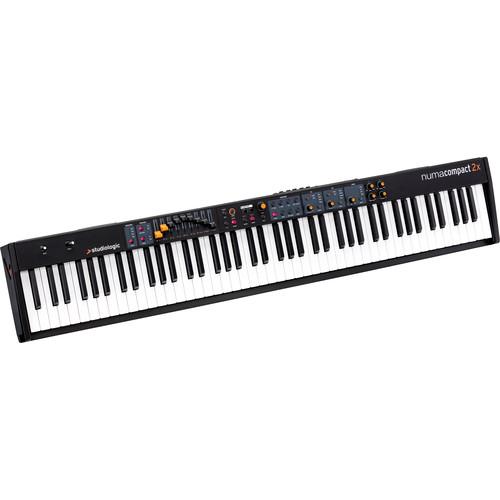 Contents of the user manual for the StudioLogic Numa Compact 2x 88-Key Portable
- Product category: Digital Pianos StudioLogic
- Brand: StudioLogic
- Description and content of package
- Technical information and basic settings
- Frequently asked questions – FAQ
- Troubleshooting (does not switch on, does not respond, error message, what do I do if...)
- Authorized service for StudioLogic Digital Pianos
 |
User manual for the StudioLogic Numa Compact 2x 88-Key Portable contain basic instructions
that need to be followed during installation and operation.
Before starting your appliance, the user manual should be read through carefully.
Follow all the safety instructions and warnings, and be guided by the given recommendations.
User manual is an integral part of any StudioLogic product,
and if it is sold or transferred, they should be handed over jointly with the product.
Following the instructions for use is an essential prerequisite for protecting
health and property during use, as well as recognition of liability on the part of the manufacturer
for possible defects should you make a warranty claim. Download an official StudioLogic user manual in which you will find instructions on how to install, use, maintain and service your product.
And do not forget – unsuitable use of a StudioLogic product will considerably shorten its lifespan!
|
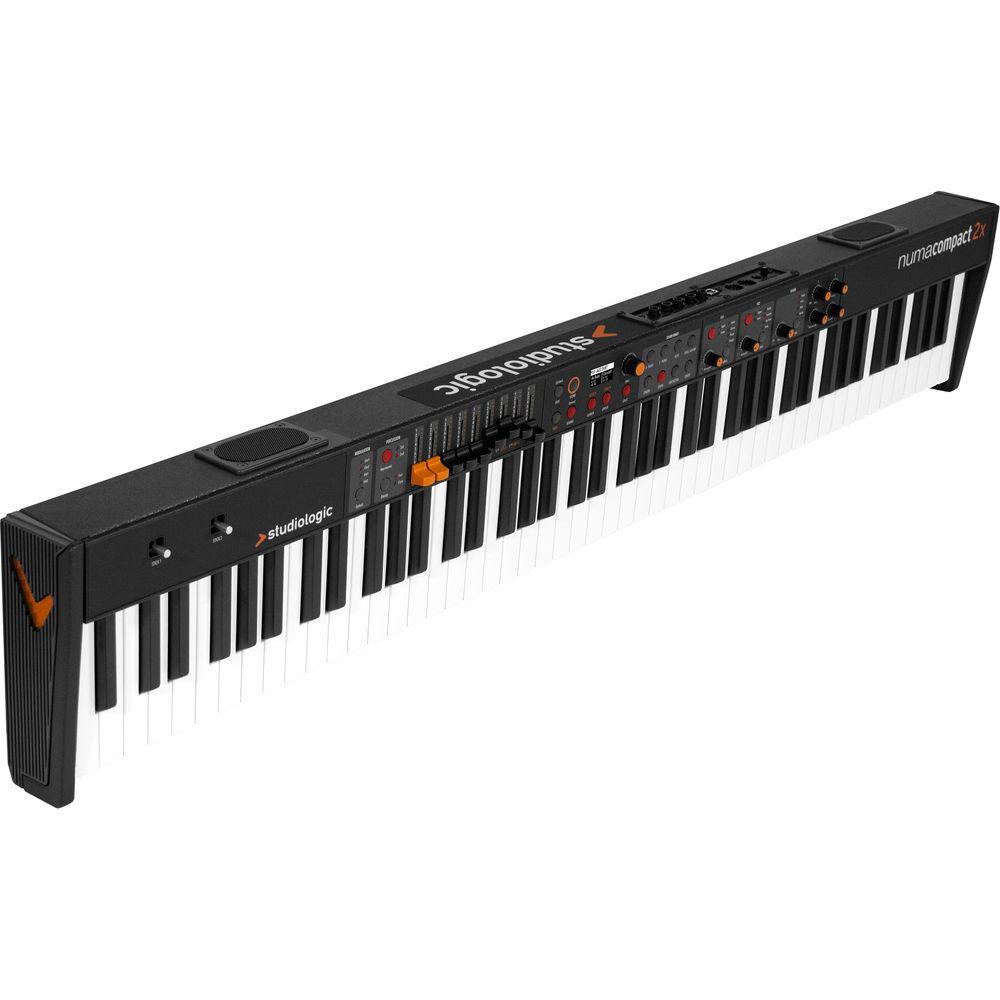
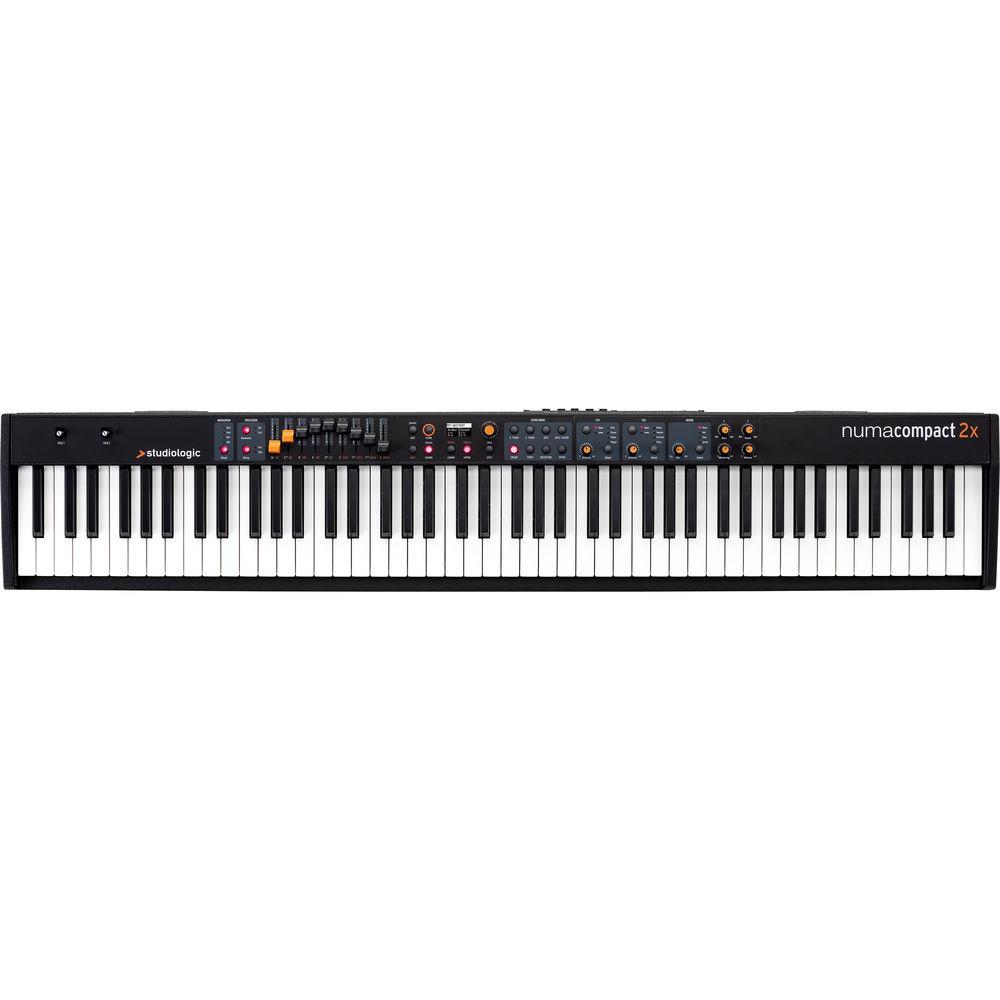
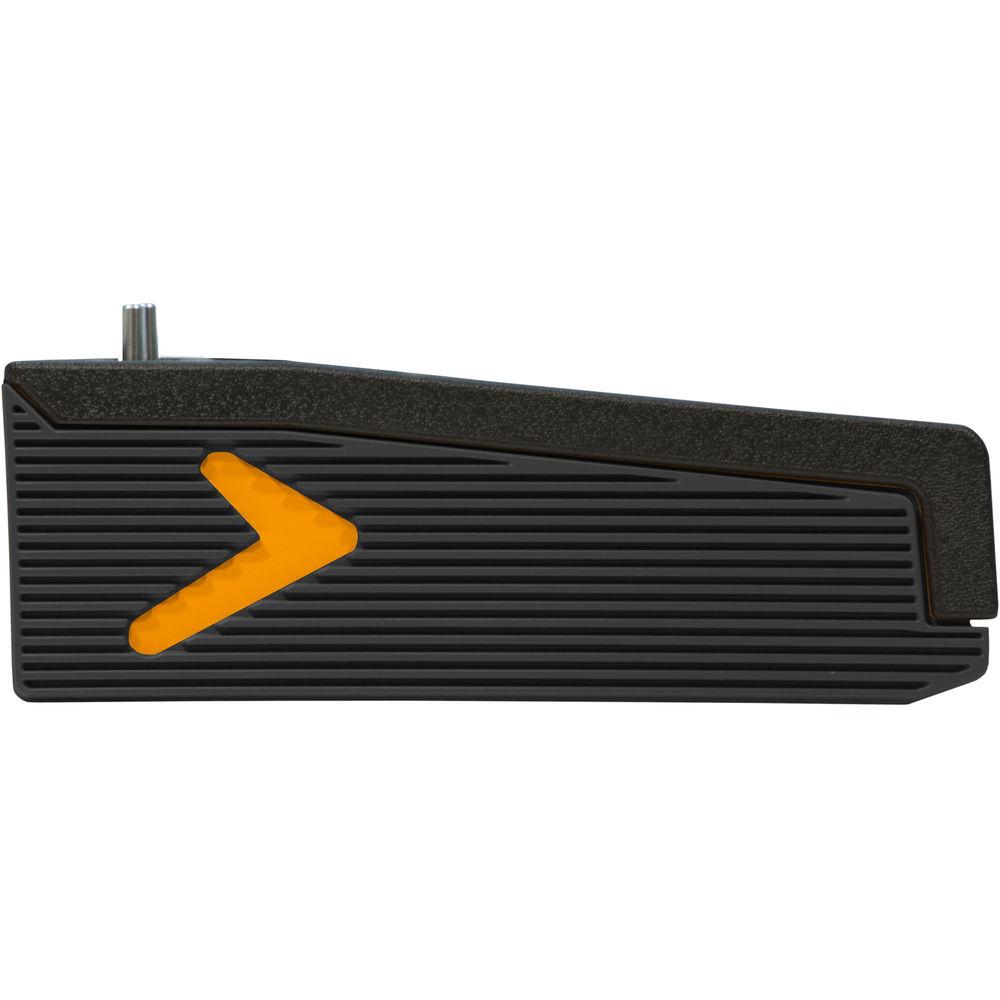
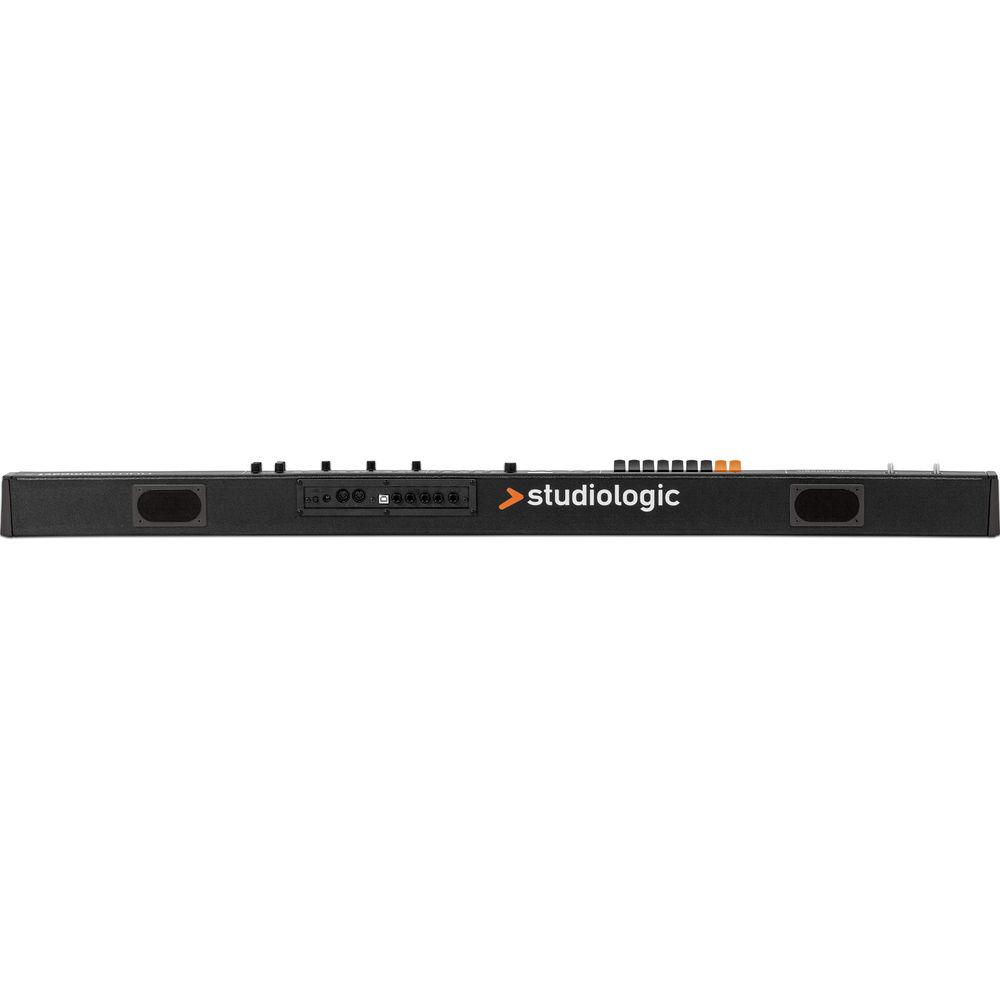
Product description The portable StudioLogic Numa Compact 2x combines a stage piano, organ, synth, and USB/MIDI controller in a lightweight and compact cabinet weighing only 15.6 lb. It features an 88-key, semi-weighted keyboard with dual-switch detection system, aftertouch, and programmable velocity curves, which delivers a piano-like playing experience. With its two built-in speakers and 20W internal amplifier, the instrument can double as a home digital piano, and is ideal for playing live gigs without a PA system or practicing while on the road.The Numa Compact 2x is equipped with three sound engines including a tone wheel organ with drawbars and the Sledge virtual synth machine, which enables you to creates synthetic sounds starting from a basic waves library. It offers 128 voices of polyphony and 88 onboard sounds with a selection of acoustic pianos, electric pianos, synths, organs, guitar & basses, drum kits, and more. All sounds can be processed with up to six effects simultaneously including chorus, flanger, rotary, tremolo, delay, reverbs, and strings resonance.The simple and intuitive UI features an OLED display and a friendly layout with an encoder knob to quickly navigate through all functions. Two programmable stick controllers give you direct control and manipulation of various sound parameter during live performances.The Numa Compact 2x USB port allows you to send and record your sounds in digital format to your computer or tablet, or to use the instrument's built-in speakers to amplify the digital audio coming from your computer or tablet. - Key Features
-
- Portable stage piano, organ, synth, and full USB/MIDI controller in a lightweight (at 15.6 lb) and compact cabinet
- For live gigs and concerts, rehearsals, recording sessions, or playing at home
- 88-key digital piano with semi-weighted keyboard, dual-switch detection system, and aftertouch
- 128-voice polyphony
- Keyboard feel is programmable for soft, medium, hard, and fixed velocity curves
- Three sound engines
- Tone wheel organ—derived from the Numa Organ
- Sledge engine virtual synth machine creates synthetic sounds starting from a basic waves library
- Two sound section in layer or split mode
- Two MIDI zones in layer or split mode
- Up to six effects simultaneously
- Effects include chorus, flanger, rotary, tremolo, delay, reverbs, string resonance, and more
- Simple and intuitive UI with friendly layout
- Encoder knob lets you navigate through all functions quickly and easily
- Nine programmable sliders can be used as drawbars to control the organ sounds, synthesis parameters for the Sledge engine, or as linear controls to send Midi CC
- Two programable stick controllers
- USB port for audio send/receive, MIDI, hi-speed transfer, and power (not amplified)
- OLED display 128 x 64 dots
- 1GB of samples memory updatable via USB
- Includes 12V power adapter
- Sounds
-
- 88 onboard sounds
- Eight acoustic pianos, eight electric pianos, eight keyboards, twelve basses & guitars, twelve organs, twelve synthesizers, twelve orchestral sounds, sixteen other sounds including drum kits
- Speaker System
-
- 10 + 10W built-in digital amplifier
- Two elliptical, full-range speakers
- Built-in speakers let the instrument double as home digital piano, and are perfect for performing without a PA system or practicing while on the road.
- Audio Over USB
-
- Send and record your sounds in digital format to your computer or tablet
- Receive the computer or tablet audio in digital format and amplify it through the internal speakers
In the Box StudioLogic Numa Compact 2x 88-Key Portable Digital Piano Power Adapter Limited 2-Year Warranty Table of Contents
|
Upload User Manual
Have you got an user manual for the StudioLogic Numa Compact 2x 88-Key Portable Digital Piano in electronic form? Please send it to us and help us expand our library of instruction manuals.
Thank you, too, on behalf of other users.
To upload the product manual, we first need to check and make sure you are not a robot. After that, your "Submit Link" or "Upload File" will appear.
Technical parametersStudioLogic Numa Compact 2x Specs | | | Keyboard | 88 Keys, Semi-Weighted Action with Aftertouch | | Touch Response | 3 Levels of Sensitivity, Plus Fixed | | Expression Controls | 9 x Drawbars
1 x Pitch Bend
1 x Modulation | | | | Number of Sound Presets | 88 | | Effects | Chorus, Delay, Drive, Flanger, Phaser, Reverb, Rotary, String Resonance, Tremolo | | Maximum Polyphony | 128 Notes | | Performance Functions | Octave Shift, Split/Layer, Transpose | | | | I/O | 2 x 1/4" Output
1 x 1/4" TRS Aux/Headphone Output
1 x 5-Pin MIDI Input
1 x 5-Pin MIDI Output | | Pedal Support | 2 x 1/4" Assignable/Expression | | Data Port | 1 x USB Type-B | | | | AC Input Power | 100 to 240 VAC, 50 / 60 Hz | | AC/DC Power Adapter | 12 VDC at 2.5 A (Included) | | | | Display | OLED | | Dimensions | 50.0 x 9.0 x 4.0" / 127.0 x 23.0 x 10.0 cm | | Weight | 15.6 lb / 7.1 kg | | | | Package Weight | 22.15 lb | | Box Dimensions (LxWxH) | 54.75 x 12.5 x 6.5" |
Rating100% users recommend this product to others. And what about you?

This product has already been rated by 02 owners. Add your rating and experience with the product.
Discussion
 Ask our technicians if you have a problem with your settings,
or if anything is unclear in the user manual you have downloaded.
You can make use of our moderated discussion.
The discussion is public and helps other users of our website who may be encountering similar problems.
Ask our technicians if you have a problem with your settings,
or if anything is unclear in the user manual you have downloaded.
You can make use of our moderated discussion.
The discussion is public and helps other users of our website who may be encountering similar problems.
The discussion is empty - enter the first post
Post a new topic / query / comment:
|
|


