User Manual for SWIT S-1053F 5.5" Full HD Waveform LCD Monitor with S-7003D Panasonic CGA VBD Battery Plate Click to enlarge the picture
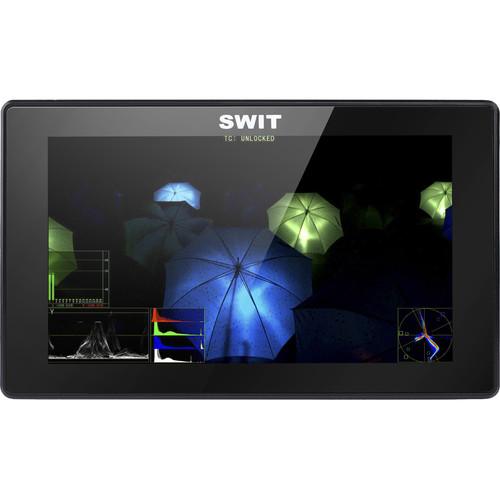 Contents of the user manual for the SWIT S-1053F 5.5" Full HD Waveform
- Product category: On Camera Monitors SWIT
- Brand: SWIT
- Description and content of package
- Technical information and basic settings
- Frequently asked questions – FAQ
- Troubleshooting (does not switch on, does not respond, error message, what do I do if...)
- Authorized service for SWIT On Camera Monitors
 |
User manual for the SWIT S-1053F 5.5" Full HD Waveform contain basic instructions
that need to be followed during installation and operation.
Before starting your appliance, the user manual should be read through carefully.
Follow all the safety instructions and warnings, and be guided by the given recommendations.
User manual is an integral part of any SWIT product,
and if it is sold or transferred, they should be handed over jointly with the product.
Following the instructions for use is an essential prerequisite for protecting
health and property during use, as well as recognition of liability on the part of the manufacturer
for possible defects should you make a warranty claim. Download an official SWIT user manual in which you will find instructions on how to install, use, maintain and service your product.
And do not forget – unsuitable use of a SWIT product will considerably shorten its lifespan!
|
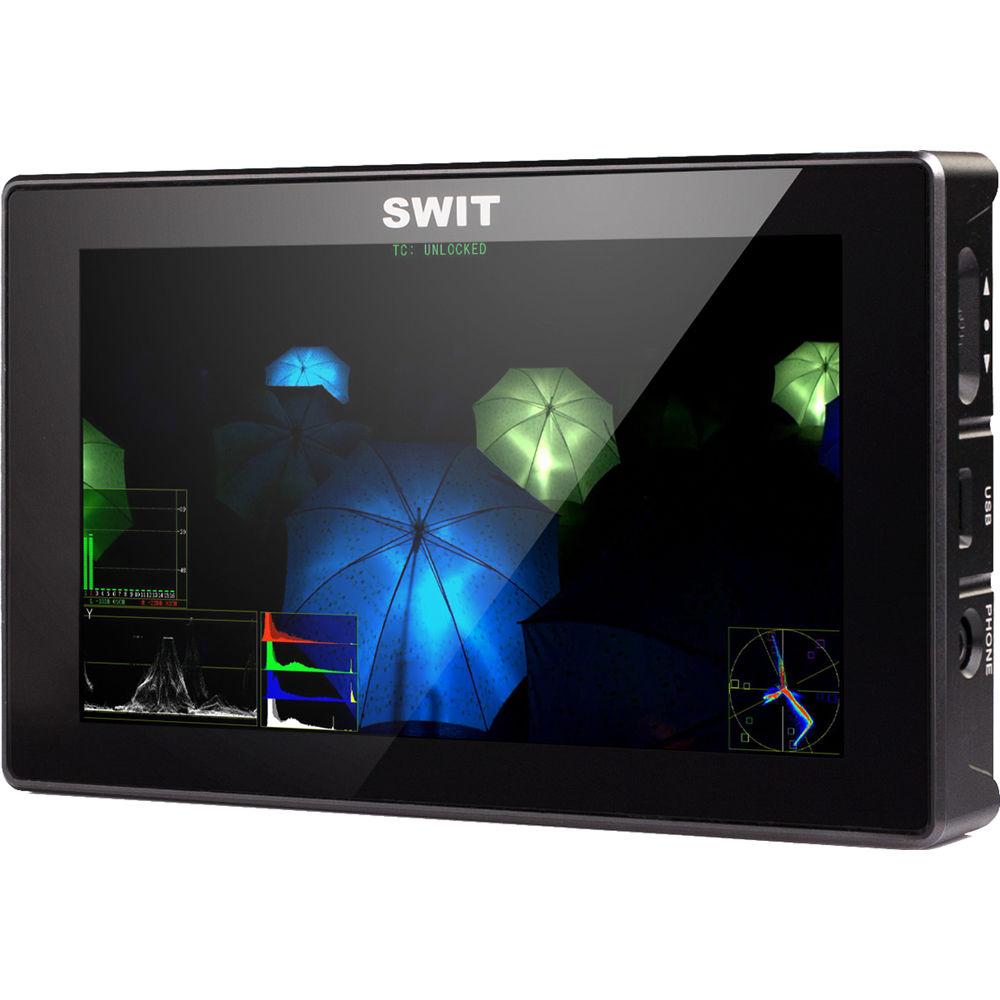
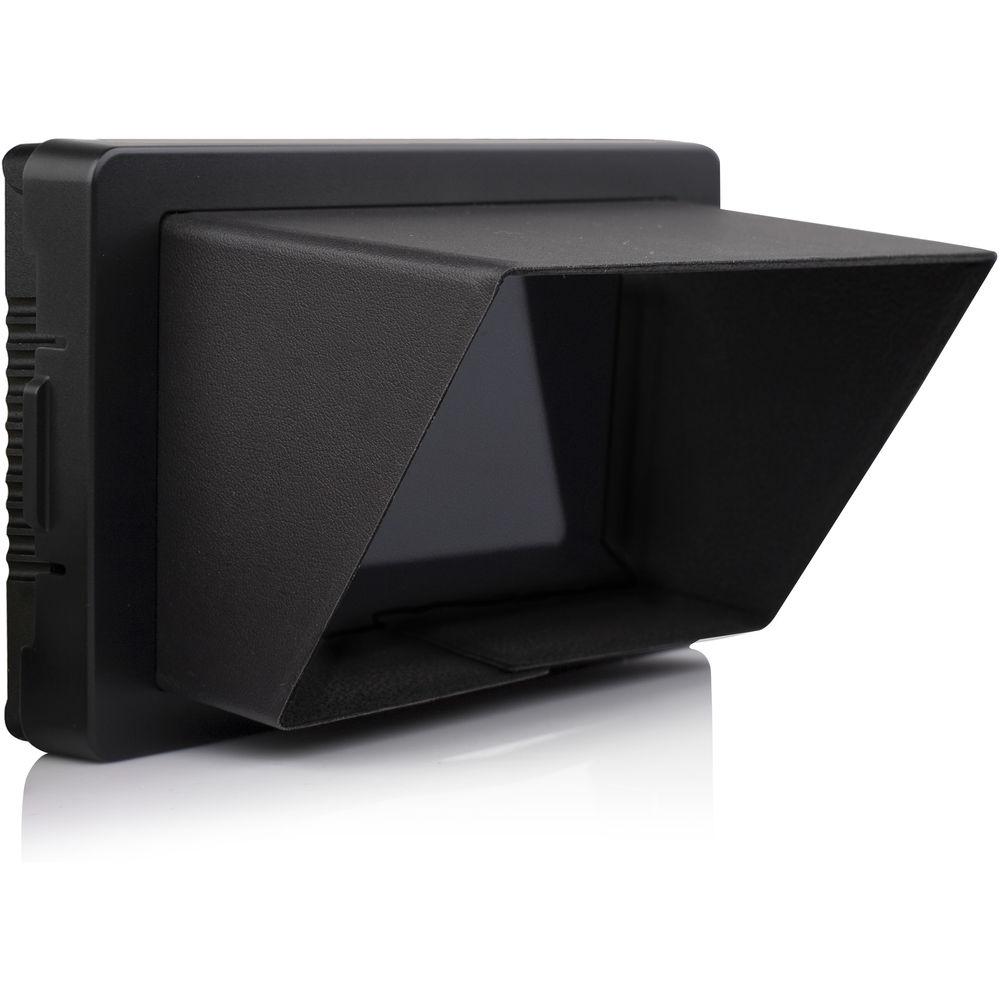
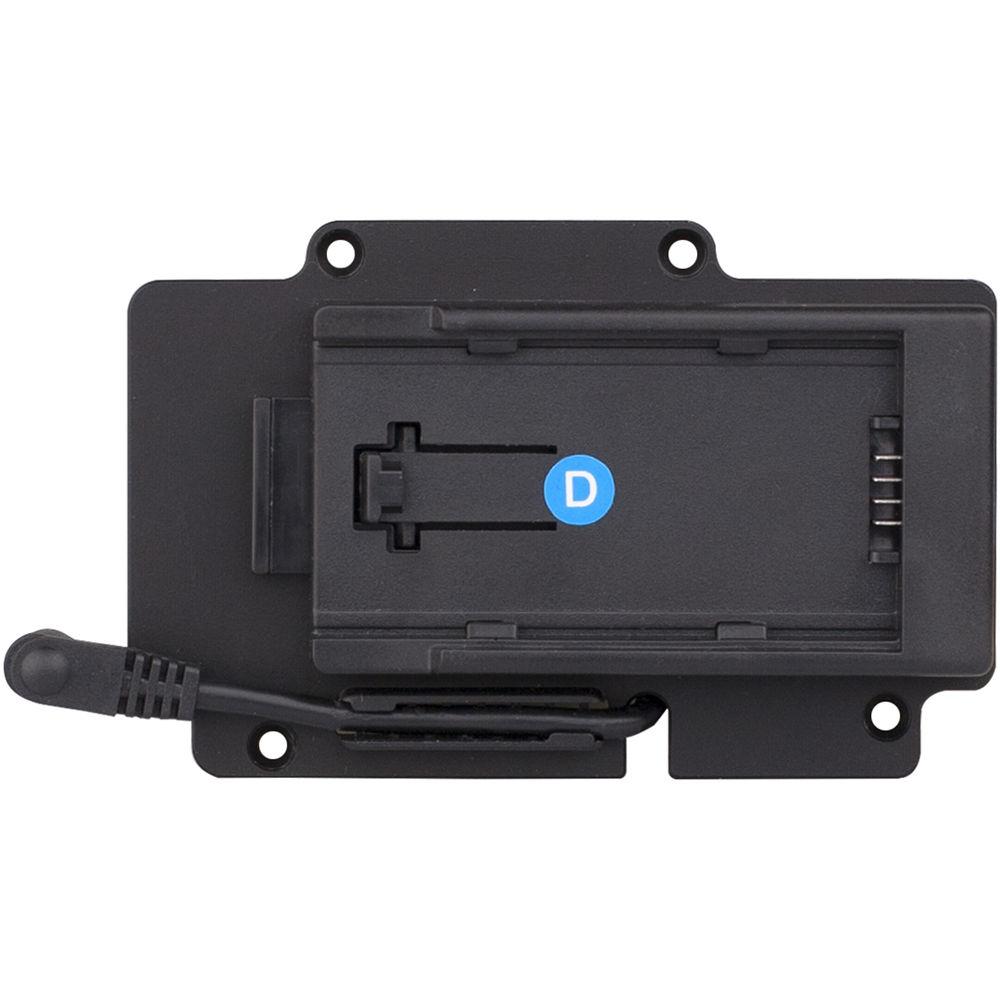
Product description The S-1053F from SWIT adopts a 5.5” LCD panel with LED backlight and 1920 x 1080 native resolution, a contrast of 1000:1, and viewing angle of 160°/160°. It has an aluminum alloy housing, thinner, and robust, suitable for outdoor on-camera video monitoring. The monitor supports built-in HDMI to SDI conversion and also features a SDI loop output port. It supports 6.5 to 24 VDC input via a 5.5mm lockable DC socket, and comes with a S-7003D Panasonic CGA/VBD Battery Plate to be powered by DV batteries.
Furthermore, the monitor supports video analysis assistant patterns and embedded audio monitoring with up to 16 channels SDI and 8 channels HDMI embedded audio meters display, with marks and audio abnormal alert info. It has a revolve/push menu button, with one-button operation for menu system and provides a micro-USB port for firmware upgrade. The monitor includes a foldable sunhood, an AC-DC lockable power adapter, and carrying case. Monitor - Input/Ouput Interfaces
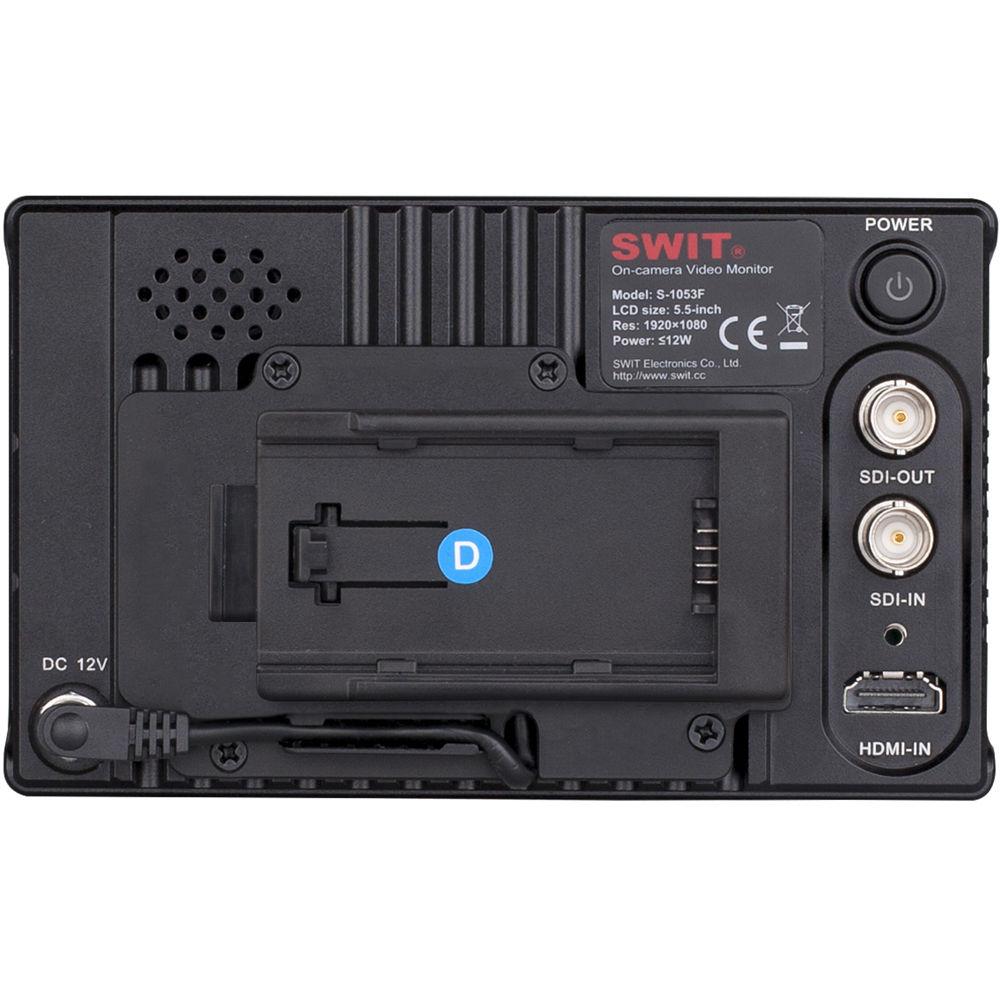
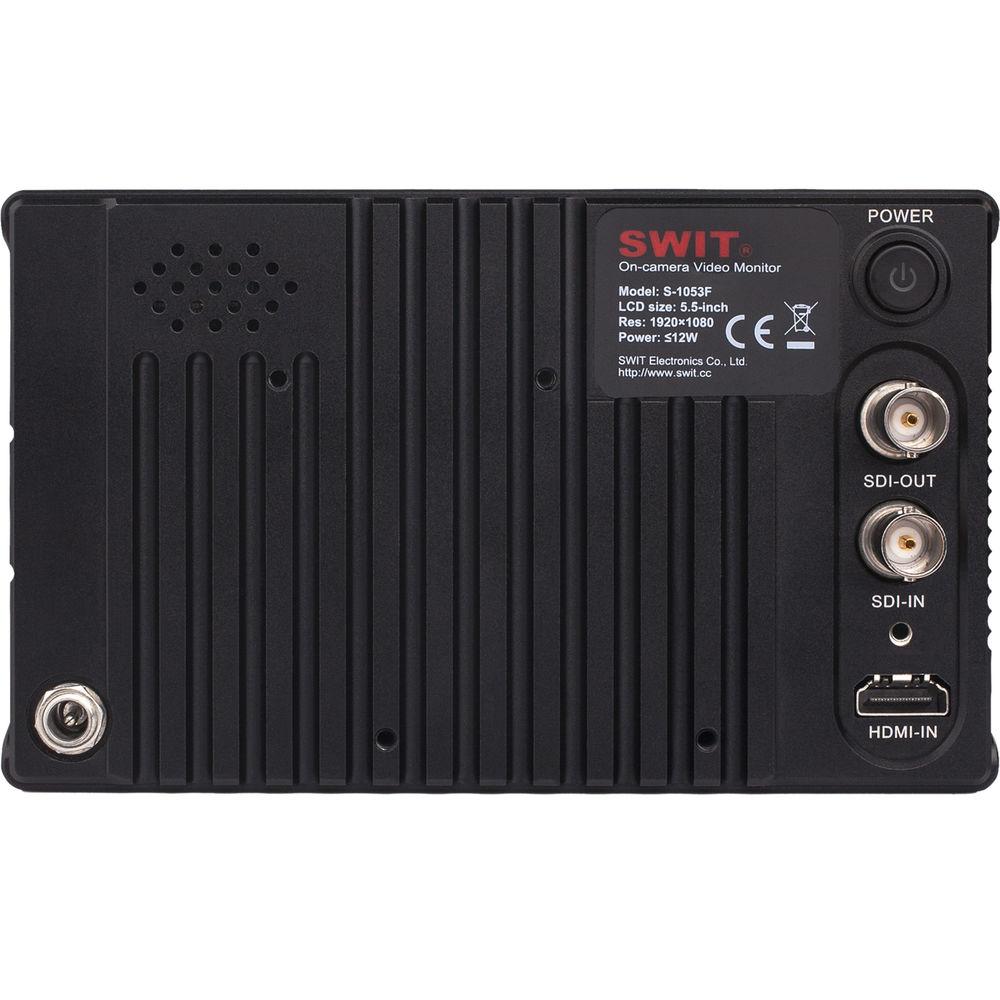
- Supports 2K/3G/HD/SD-SDI input, 2K/3G/HD/SD-SDI loop output, HDMI input (with lock), HDMI to SDI output (share SDI loop port), micro-USB (firmware upgrade), 3.5mm analog audio output.
- Built-in HDMI to SDI Conversion
- Supports built-in HDMI to SDI conversion; share the SDI loop output port. It's the same format conversion and supports the following HDMI formats: 480i, 576i, 720p (60/59.94/50), 1080i (60/59.94/50), 1080p (30/29.97/25/24/23.98). 1
Please Note: When both SDI and HDMI are connected, if the current display source is SDI, the SDI output port is SDI loop; and if the current display source is HDMI, the SDI output port is HDMI conversion output. close - Video Analysis Assistant Pattern
- The supported video analysis assistant patterns include: Waveform (Y/Pb/Pr/R/G/B), Vectorscope, and Histogram (R/G/B/Y), to convert the digital video quality info (Luma, Color, Saturation, etc.) to patterns, and the patterns can be switched on/off individually.
- Embedded audio monitoring
- Supports SDI 16 channels and HDMI 8 channels embedded audio meters display, with marks and audio abnormal alert info. Users can also select any 2 channels audio to output via 3.5mm socket or speakers.
- One-Key Menu and Function Keys
- The monitor has a Revolve/Push Menu button, with one-button operation for menu system.
- USB Firmware Upgrade
- The monitor provides a micro-USB port for firmware upgrade. You can download the latest firmware file to a USB stick, and insert it into the S-1053F monitor (via micro-USB OTG cable) to upgrade, without PC connection.
- Foldable Sunhood
- For outdoor use, the S-1053F provides a foldable sunhood that snaps to the monitor.
- Additional Features
-
- 5.5" LCD, 1920 x 1080 full HD
- Optical bonding LCD panel
- Metal housing, thinner, and robust
- Peaking focus assist (dual color)
- Timecode, H/V delay, AFD, and scale markers
- F1-F3 functions: Input source switch, max backlight, waveform, info display, color temperature, timecode, zebra, vector, audio meters, histogram, false color, AFD, H/V delay, R/G/B/Mono, scale markers, color bar, audio alert, peaking focus assist, aspect ratio, scan mode, zoom mode, mute, freeze frame, flip
- Lockable HDMI connector
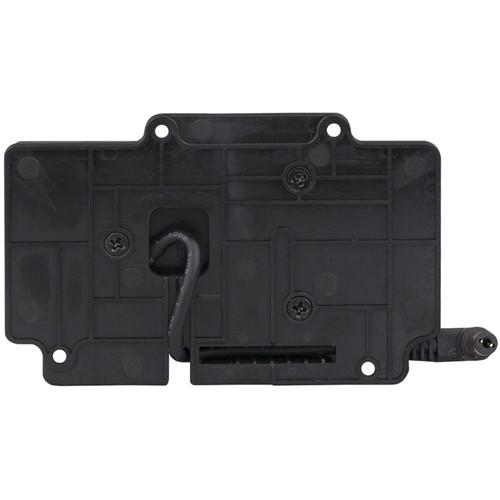
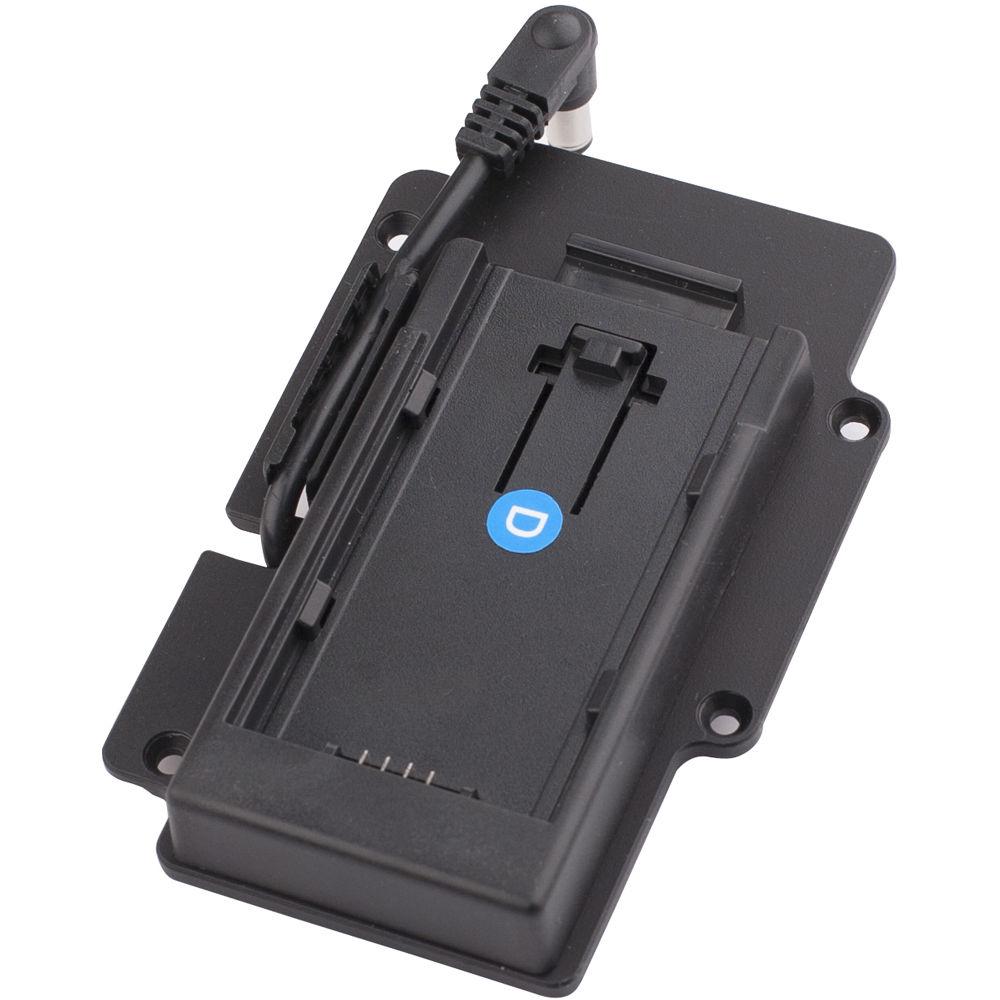
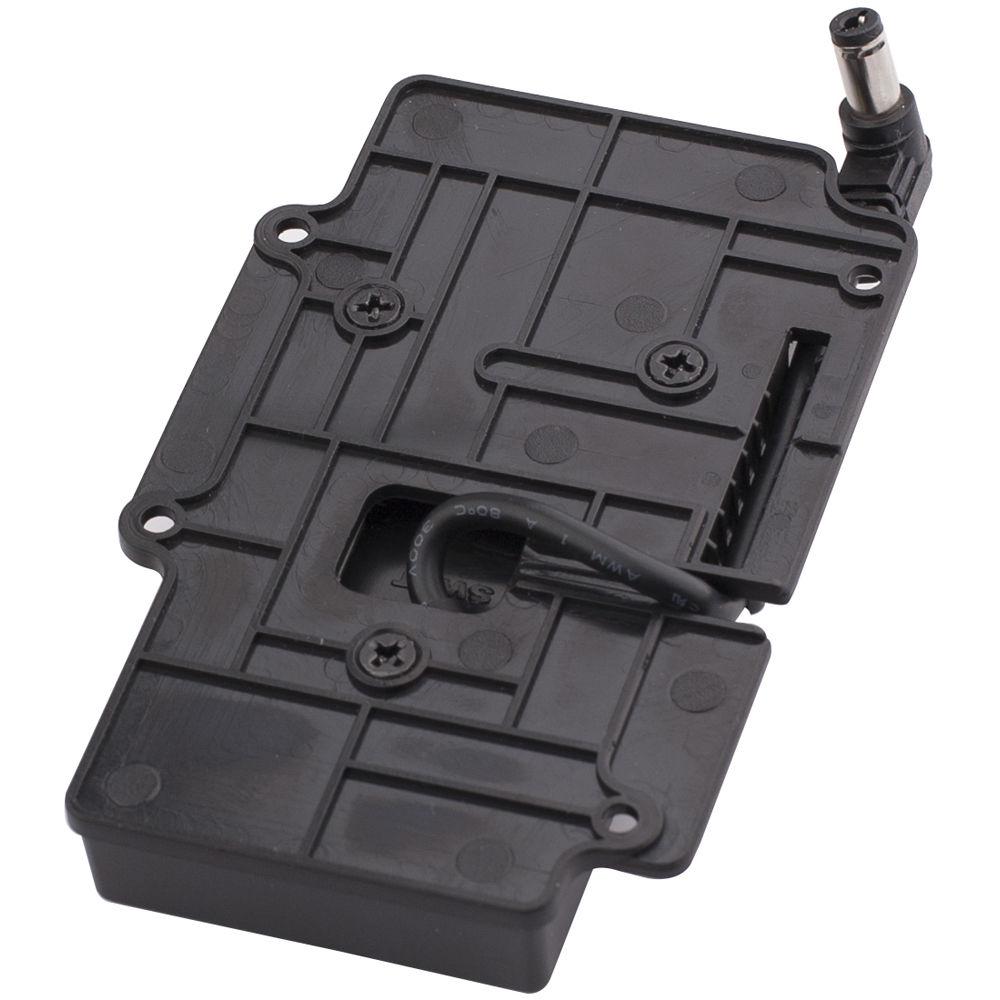
Battery Plate - Compatible with Panasonic CGA-D54/D28, VW-VBD58 series DV batteries
- Structure and power pins ensure a stable and reliable connection
- 5.5mm DC plug for monitor
In the Box SWIT S-1053F 5.5" Full HD Waveform LCD Monitor with S-7003D Panasonic CGA/VBD Battery Plate S-7003D Panasonic CGA/VBD Battery Plate Foldable Sunhood D-Tap to Lockable Pole DC Cable AC-DC Lockable Power Adapter Cold Shoe / Screw Articulating Arm Trestle Lockable HDMI Cable (80cm) Flannelette Bag for Monitor Carrying Case Limited 1-Year Warranty for Battery Plate Limited 2-Year Warranty for Monitor User Manual PDF 566.4kb Table of Contents
|
Upload User Manual
Have you got an user manual for the SWIT S-1053F 5.5" Full HD Waveform LCD Monitor with S-7003D Panasonic CGA VBD Battery Plate in electronic form? Please send it to us and help us expand our library of instruction manuals.
Thank you, too, on behalf of other users.
To upload the product manual, we first need to check and make sure you are not a robot. After that, your "Submit Link" or "Upload File" will appear.
Technical parametersSWIT S-1053FD Specs | | | Size | 5.5" (14 cm) | | Display Area | 4.76 x 2.67" (120.96 x 68.04 mm) | | Resolution | 1920 x 1080 | | Aspect Ratio | 16:9 (4:3 adjustable) | | Brightness | 400 cd/m2 | | Contrast Ratio | 1000:1 | | Color | 16.77 million colors | | Viewing Angle | Horizontal: 160°
Vertical: 160° | | Input | BNC: 2K/3G/HD/SD-SDI
HDMI 1.3
Micro-USB firmware upgrade | | Output | BNC: 2K/3G/HD/SD-SDI loop output or HDMI converted to SDI output
1/8" (3.5 mm): SDI, HDMI, embedded audio output | | SDI | SMPTE 2048-2: 2048 x 1080p (23.98/24/25/29.97/30/50/59.94/60) / 2048 x 1080i (50/59.94/60)
SMPTE-425M: 1080p (60/ 59.94/50)
SMPTE-274M: 1080i (60/59.94/50) / 1080p (30/29.97/25/24/23.98)
SMPTE-RP211: 1080psf (30/29.97/25/24/23.98)
SMPTE-296M: 720p (60/59.94/50)
SMPTE-125M: 480i (59.94)
ITU-R BT.656: 576i (50) | | HDMI | 480i/576i/480p/576p, 1080i (60/59.94/50), 720p (60/59.94/50), 1080p (60/59.94/50/30/29.97/25/24/23.98) | | Operating Voltage | Battery 6.5 to 24 VDC | | Power Consumption | 12 W | | Operating Temperature | 14 to 122°F (-10 to 50°C) | | Operating Humidity | 10 to 90% | | Storage Temperature | 5 to 140°F (-15 to 60°C) | | Storage Humidity | 10 to 90% | | Dimensions | 5.9 x 3.5 x 1.2" (151 x 91 x 32 mm) | | Weight | 13 oz (375 g) | | | | Battery | SWIT S-8D62, S-8D58; Panasonic CGA-D54, CGA-D28, VW-VBD58 | | Output Voltage | Nominal 7.2 VDC | | Dimensions | 4.1 x 1.7 x 0.6" (105 x 45 x 17 mm) | | Weight | Approximately 3.5 oz (100 g) | | | | Package Weight | 5.6 lb | | Box Dimensions (LxWxH) | 12.5 x 10.8 x 6.5" |
Rating90% users recommend this product to others. And what about you?

This product has already been rated by 43 owners. Add your rating and experience with the product.
Discussion
 Ask our technicians if you have a problem with your settings,
or if anything is unclear in the user manual you have downloaded.
You can make use of our moderated discussion.
The discussion is public and helps other users of our website who may be encountering similar problems.
Ask our technicians if you have a problem with your settings,
or if anything is unclear in the user manual you have downloaded.
You can make use of our moderated discussion.
The discussion is public and helps other users of our website who may be encountering similar problems.
The discussion is empty - enter the first post
Post a new topic / query / comment:
|
|


