|
User Manual for Synology DiskStation DS218j 2-Bay NAS Enclosure Click to enlarge the picture
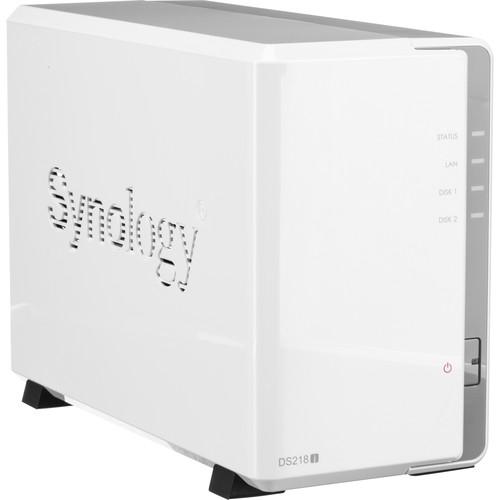 Contents of the user manual for the Synology DiskStation DS218j 2-Bay NAS Enclosure
- Product category: NAS Enclosures Synology
- Brand: Synology
- Description and content of package
- Technical information and basic settings
- Frequently asked questions – FAQ
- Troubleshooting (does not switch on, does not respond, error message, what do I do if...)
- Authorized service for Synology NAS Enclosures
 |
User manual for the Synology DiskStation DS218j 2-Bay NAS Enclosure contain basic instructions
that need to be followed during installation and operation.
Before starting your appliance, the user manual should be read through carefully.
Follow all the safety instructions and warnings, and be guided by the given recommendations.
User manual is an integral part of any Synology product,
and if it is sold or transferred, they should be handed over jointly with the product.
Following the instructions for use is an essential prerequisite for protecting
health and property during use, as well as recognition of liability on the part of the manufacturer
for possible defects should you make a warranty claim. Download an official Synology user manual in which you will find instructions on how to install, use, maintain and service your product.
And do not forget – unsuitable use of a Synology product will considerably shorten its lifespan!
|
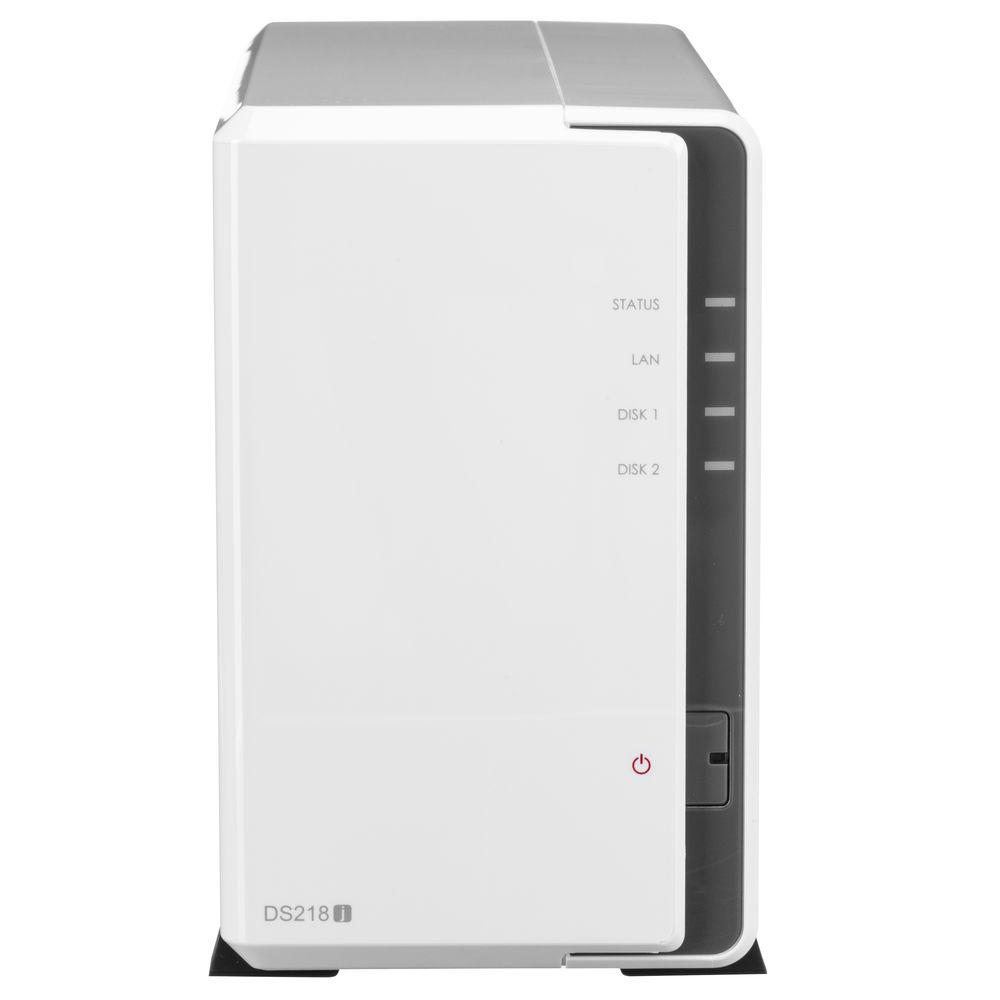
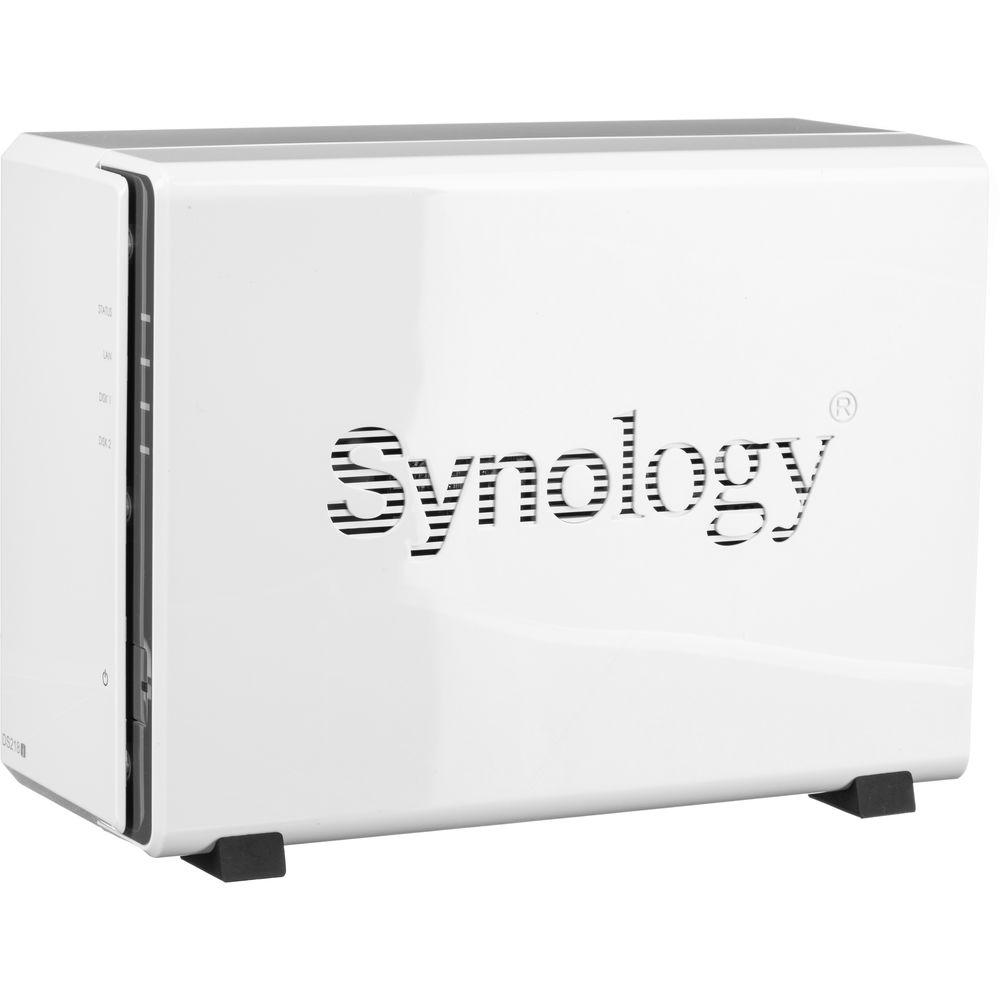
Product description Designed for home users who need to back up digital assets with low power consumption, the DiskStation DS218j 2-Bay NAS Enclosure from Synology is an entry-level NAS for personal cloud storage that delivers rapid data transmission, with sequential read speeds of up to 113 MB/s and sequential write speeds of up to 112 MB/s. It is equipped with two drive bays that are capable of natively supporting 3.5" SATA hard drives, as well as 2.5" SATA hard drives and SSDs with a drive bay adapter. Using its dual drive bays, this NAS will allow you to store and share a large number of files, including videos, music, photos, and documents with up to 1024 user accounts.
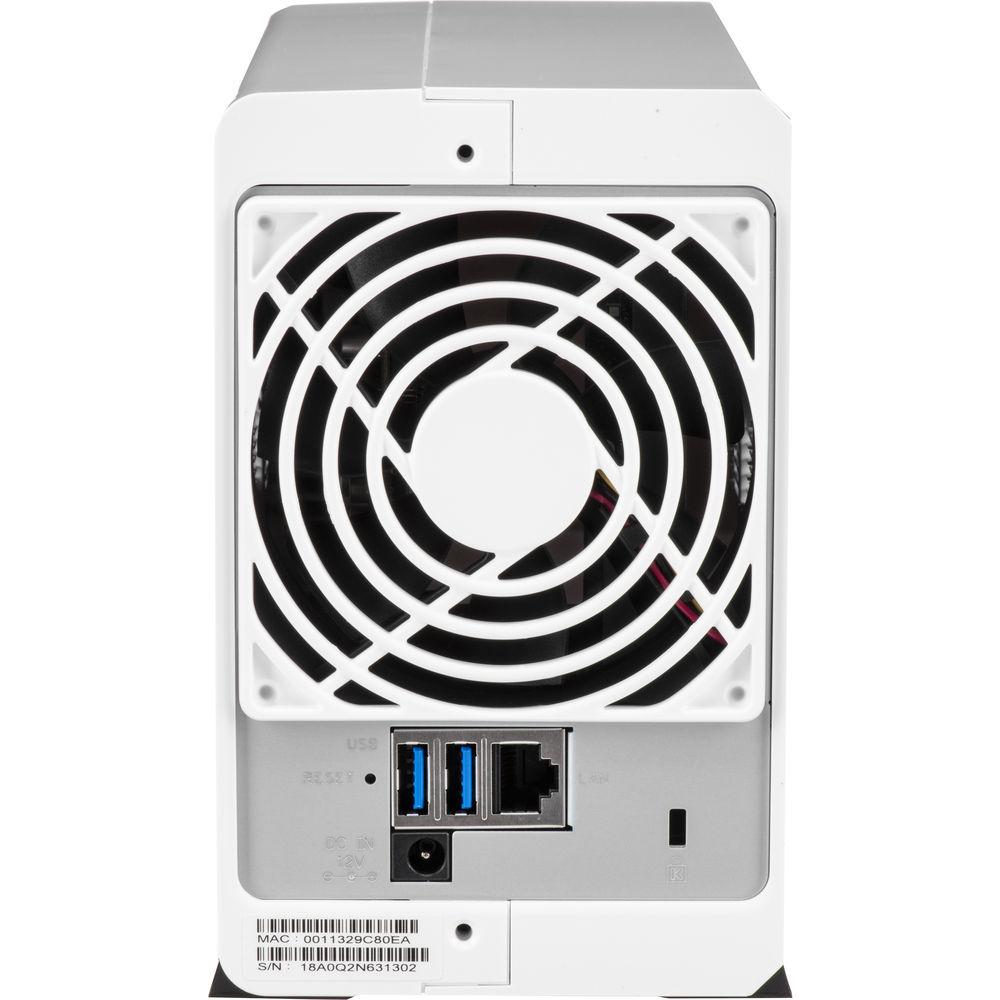
The DS218j runs on Synology DiskStation Manager (DSM) OS, which is a browser-based operating system which helps to simplify managing your Synology NAS. Its CPU is a 1.3 GHz Marvell Armada 385 88F6820 Dual-Core and its 512MB of DDR3 RAM allows frequently-used files and applications to be quickly accessed. Also featured are two USB 3.0 Type-A ports which allow it to be connected to your Windows or Mac system, and network connectivity is achieved via the integrated Gigabit Ethernet port, allowing your stored data to be shared with users throughout the network. Data may also be made remotely available through the free iOS and Android applications. The DS218j is also able to function as a multimedia solution for management, streaming, and playback.
For those who require RAID support, the DS218 supports RAID 0 and 1, as well Synology Hybrid RAID and Basic RAID, each of which offers performance, data redundancy, or a combination of both. For those who do not require a RAID, JBOD is also available, allowing each drive bay to be individually utilized.
The DS218j is engineered to be energy efficient. Not only does it offer a 92 x 92mm fan to help keep the system running cool at all times, its noise dampening design of 18.2 dB(A) makes for quiet operations. The server supports numerous scheduled power on / off cycles and hard drive hibernation to further minimize power consumption and operation expenses.
The Synology DiskStation DS218j 2-Bay NAS Enclosure operates on 100-240 VAC at 50/60 Hz and includes an accessory pack, a 60W AC power adapter, a power cord, and an RJ45 LAN cable. It is protected by a limited 2-year warranty. General Features - Cost-Effective Home Storage Server
- Back up your digital assets with the Synology DS218j, a 2-bay NAS with sequential reads up to 113 MB/s and sequential writes up to 112 MB/s, power efficiency of 17.48W in HDD access and 7.03W in HDD hibernation, all of which is made for home users.
- Cloud Station Backup for PC Protection
- Back up virtually any computer or mobile device with Synology's comprehensive multi-versioning backup solution. You can protect your computer and NAS against malicious attacks including the rising encryption-based ransomware threats.
- Synchronize Files Across Your Devices
- Cloud Station Suite provides real-time data synchronization across all your devices and other Synology NAS. "Intelliversioning" keeps the most important file versions to better utilize storage space.
- User-Friendly File Access with QuickConnect
- Access files on your Synology NAS over the Internet without the hassle of setting up port forwarding rules, DDNS, or other complicated network settings. QuickConnect allows you to connect via a secure, customizable address, so that you can instantly access media and work files on most Internet-connected devices with no additional charge.
- Seamless Integration with Your Mobile Devices
- Synology mobile applications, such as DS audio, DS Photo, and DS video, are designed to allow quick and secure access to your data.
- Powered by Synology DSM
- Surveillance Station
Complete surveillance solution for recording, monitoring, and management.
Desktop Backup
Simplified backup solution for your Windows, Mac, and mobile devices.
File Server/Management
Powerful built-in file management and sharing services..
DSM UI
Synology's DSM operating system has an intuitive user interface and powerful capabilities.
Security
Comprehensive built-in security tools and constantly updated to tackle evolving threats and protect your devices.
Multimedia
Complete multimedia solution for management, streaming, and playback. UPC: 846504002818 In the Box Synology DiskStation DS218j 2-Bay NAS Enclosure Accessory Pack 60W AC Power Adapter AC Power Cord RJ45 LAN Cable Limited 2-Year Warranty Hardware Installation Guide PDF 2.1mb Table of Contents
|
Upload User Manual
Have you got an user manual for the Synology DiskStation DS218j 2-Bay NAS Enclosure in electronic form? Please send it to us and help us expand our library of instruction manuals.
Thank you, too, on behalf of other users.
To upload the product manual, we first need to check and make sure you are not a robot. After that, your "Submit Link" or "Upload File" will appear.
Technical parametersSynology DiskStation DS218j Specs | | | Number of Bays | 2 x 3.5" | | Media Card Slots | None | | Maximum Filled Capacity | 24 TB | | Connections | 2 x USB Type-A (USB 3.1 Gen 1 (5 Gb/s))
1 x RJ45 (Gigabit Ethernet) | | Compatible Drive Interface | SATA | | | | Total Raw Capacity | None | | Type | None | | Flash Memory | None | | | | Processor | Marvell Armada 385 88F6820 Dual-Core | | Clock Speed | Base: 1.33GHz | | Total Installed Memory | 512 MB DDR3 | | | | Supported Protocols | AFP
CIFS/SMB
CalDAV
FTP
NFS
OpenVPN
PPTP
SNMP
SSH
Telnet
WebDAV
iSCSI | | | | OS Compatibility | Windows 7
Windows 8.1
Windows 10
macOS 10.11 or Later | | File System Formats Supported | External: EXT3, EXT4, FAT, HFS+, NTFS
Internal: EXT4 | | Supported Browsers | Chrome, Firefox, Internet Explorer, Safari | | Supported Languages | Brazilian Portuguese
Czech
Danish
Dutch
English
French
Hungarian
Italian
Japanese
Korean
Norwegian
Polish
Portuguese
Russian
Simplified Chinese
Spanish
Swedish
Traditional Chinese
Turkish | | | | Power Consumption | 17.48 W (Typical)
7.03 W (Standby) | | Power Source | AC Adapter | | AC Input Power | 100 to 240 VAC, 50 / 60 Hz | | DC Input Power | 60 VDC | | | | Operating Temperature | 40 to 104°F / 5 to 40°C | | Operating Humidity | 5 to 95% | | Storage Temperature | -5 to 140°F / -21 to 60°C | | Certifications | BSMI, CE, EAC, FCC, RCM, as per Manufacturer | | | | Cooling | 1 x 92 mm Fan | | Noise Level | 18.2 dBA | | Status Monitoring | LED Indicator | | Dimensions | 6.5 x 3.9 x 8.8" / 165.0 x 100.0 x 222.5 mm | | Weight | 1.9 lb / 0.9 kg | | | | Package Weight | 4.15 lb | | Box Dimensions (LxWxH) | 11.4 x 10.5 x 4.8" |
Rating98% users recommend this product to others. And what about you?

This product has already been rated by 32 owners. Add your rating and experience with the product.
Discussion
 Ask our technicians if you have a problem with your settings,
or if anything is unclear in the user manual you have downloaded.
You can make use of our moderated discussion.
The discussion is public and helps other users of our website who may be encountering similar problems.
Ask our technicians if you have a problem with your settings,
or if anything is unclear in the user manual you have downloaded.
You can make use of our moderated discussion.
The discussion is public and helps other users of our website who may be encountering similar problems.
The discussion is empty - enter the first post
Post a new topic / query / comment:
|
|
|
| Request for user manual |
You can’t find the operation manual you are looking for? Let us know and we will try to add the missing manual:
I’m looking for a manual / Request for manual
Current requests for instruction manuals:
Call Of Duty World War Two For Xbox...
controller stratus XL...
stratus XL...
smart whatch serie S11 42mm...
Allen & Heath SQ-6 manual...
|
| Discussion |
Latest contributions to the discussion:
AEW R 4100
Name: MAURICIO ANGARITA
Audio-Technica AEW-R4100 UHF Diversity Receiver for
AEW R 4100 has the mute function blocked and does not allow audio to pass. I tried several times to turn off the mute from the transmitter but it does nothing, the mute stays on. Solution?
Thank you...
Instructions for assembling the 2015 Forecast Image Master Consoles GC3-A
Name: mike elam
Forecast Consoles GC3-A ImageMaster Editing Console
Looking for instructions for assembling this console. ...
EMPTY TONER ERROR MESSAGE AFTER REPLACING TONER
Name: LINDA BAD YELLOW EYES
Brother TN223BK Standard-Yield Toner
I HAD TO CHANGE OUT ALL THREE TONERS DUE TO LEAKS IN THE YELLOW AND CYAN. AFTER I REPLACED THEM, THE MACHINE KEEPS GIVING ME AN EMPTY TONER ERROR MESSAGE. HELP!!...
PS480D 20/24 pin Switching 480W Power Supply
Name: swkargo
Logisys 480W Power Supply
This item states in can run -5vdc .It is NOT listed on the board or I beleive is r4 is missing the resitior. Any body have thid issue. Shawn
...
Help needed
Name: Ann Carter
SanDisk 1TB Extreme Portable USB 3.1
When I click the link to download the user manual for my Sandisk Extreme external hard drive, it gives me the manual for the LG Cricket. Can you please change the link so I can download the Sandisk manual and begin using this drive? Thank you....
|
|


