|
User Manual for Synology FlashStation FS3017 24-Bay NAS Enclosure Click to enlarge the picture
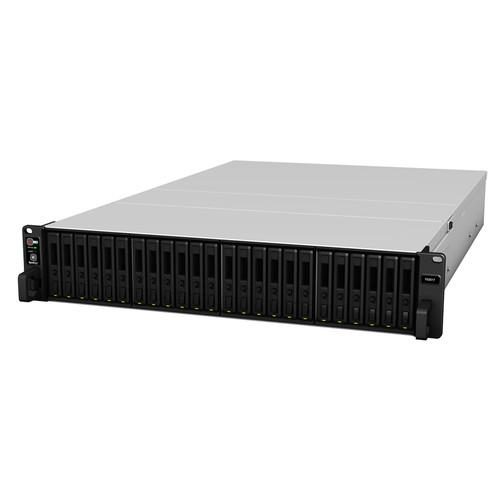 Contents of the user manual for the Synology FlashStation FS3017 24-Bay NAS Enclosure
- Product category: NAS Enclosures Synology
- Brand: Synology
- Description and content of package
- Technical information and basic settings
- Frequently asked questions – FAQ
- Troubleshooting (does not switch on, does not respond, error message, what do I do if...)
- Authorized service for Synology NAS Enclosures
 |
User manual for the Synology FlashStation FS3017 24-Bay NAS Enclosure contain basic instructions
that need to be followed during installation and operation.
Before starting your appliance, the user manual should be read through carefully.
Follow all the safety instructions and warnings, and be guided by the given recommendations.
User manual is an integral part of any Synology product,
and if it is sold or transferred, they should be handed over jointly with the product.
Following the instructions for use is an essential prerequisite for protecting
health and property during use, as well as recognition of liability on the part of the manufacturer
for possible defects should you make a warranty claim. Download an official Synology user manual in which you will find instructions on how to install, use, maintain and service your product.
And do not forget – unsuitable use of a Synology product will considerably shorten its lifespan!
|
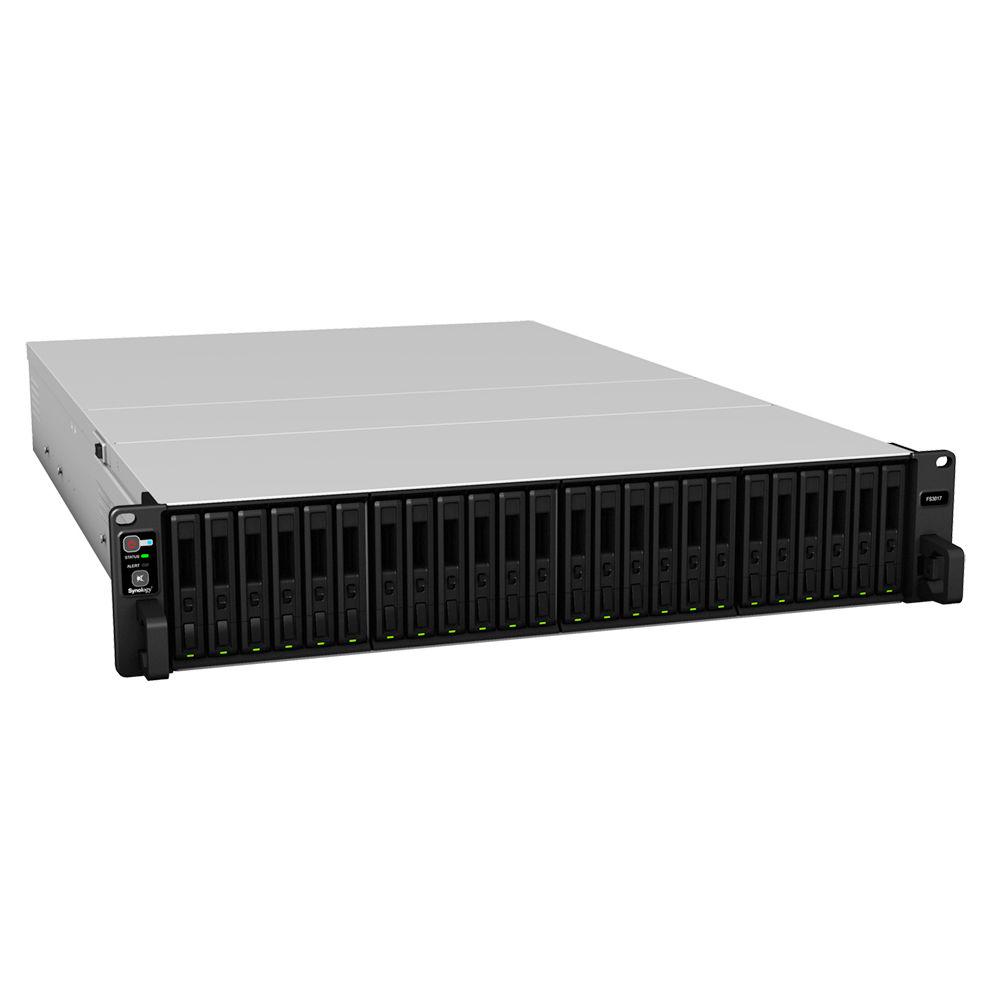
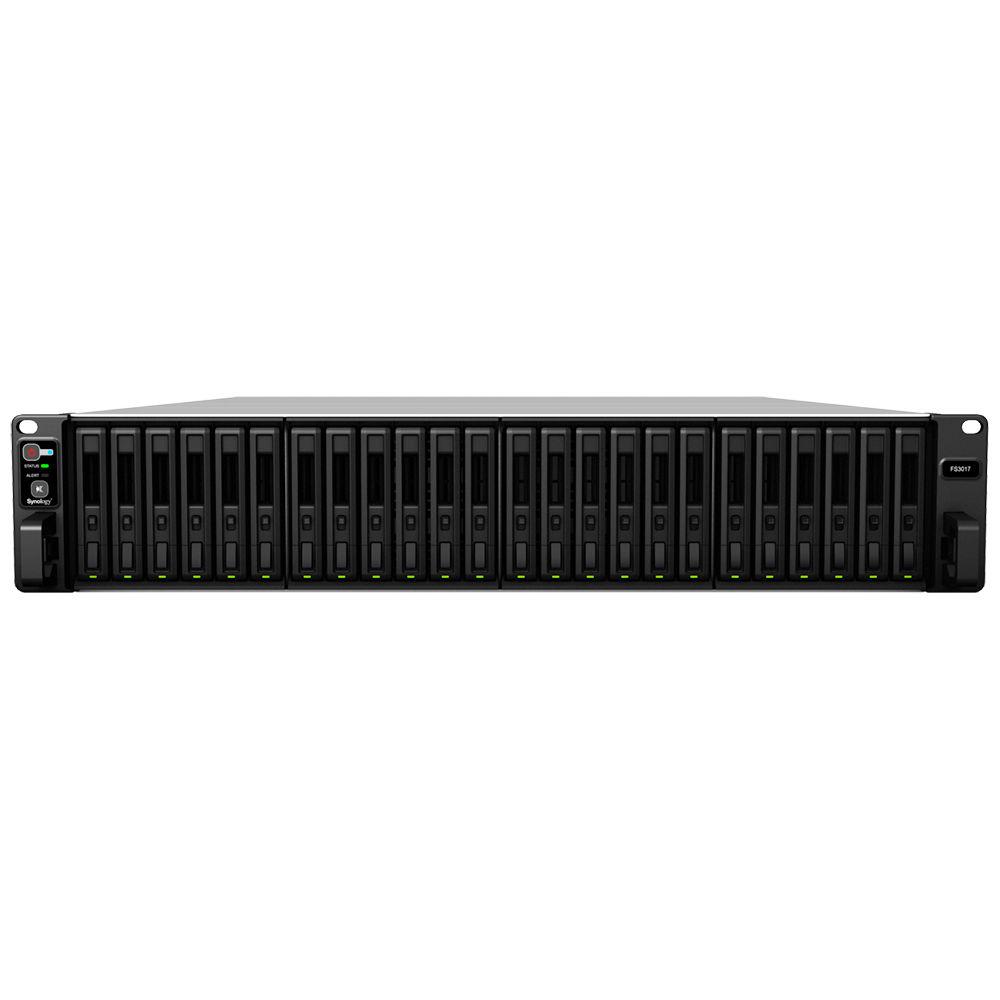
Product description Synology's FlashStation FS3017 24-Bay NAS Enclosure sports twenty-four bays that can accommodate 2.5" SSDs with a SATA or SAS interface, letting you build a custom storage solution for enterprise environments. Your data and assorted apps are quickly processed by the FS3017's two 2.4 GHz Intel Xeon E5-2620 v3 six-core processors and 64GB of DDR4 ECC memory. This level of performance allows the enclosure to run multiple VMs concurrently and smoothly. Once drives are installed, you can configure the drives in a RAID 0, 1, 5, 6, 10, Basic, or JBOD mode using the included DiskStation Manager operating system. Moreover, Synology offers a RAID F1 feature that lets you set a single SSD for most write-intensive operations, so you can swap out a single dead disk rather than risking multiple SSD failures at the same time.
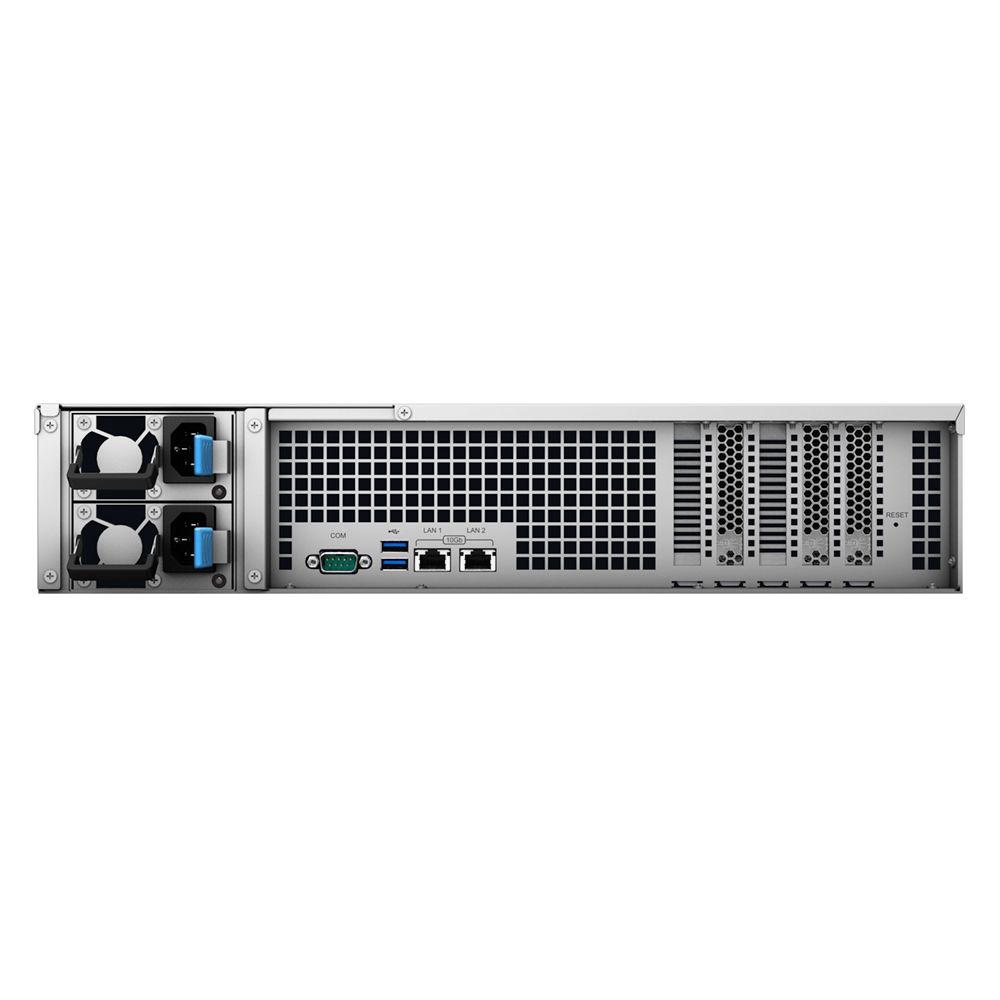
Connecting this enclosure to a network is accomplished via two 10GbE ports, which feature link-aggregation and failover support. Additional Ethernet adapters may be installed into the FS3017's two PCIe 3.0 slots. Other notable features include two USB 3.0 ports, two redundant 800W power supplies, and four 80mm cooling fans. - Cost-Effective Flexibility
- With flash-based storage being expensive, the FS3017 supports both high-end SAS SSDs and mainstream SATA SSDs.
- Performance
- High-latency, low-random IOPS is the bane of a regular storage array. Dealing with an unresponsive infrastructure is both costly and frustrating. The FS3017 delivers a iSCSI 200,000 4K random write IOPS, thanks to its two six-core Xeon processors and 64GB of DDR4 ECC memory with NUMA integration. You can upgrade the RAM up to 512GB for even more powerful performance.
- RAID F1
- When building RAID arrays with SSDs, it's very common for the disks to all wear out at the same time, due to the evenly distributed workload. With RAID F1, a system-assigned SSD takes the heat for the rest, handling the most write-intensive operations, and is worn out before the other SSDs. This process allows the users time to switch out the single dead disk, instead of risking multiple SSD failures at once.
- Future-Proof Networking
- The FS3017 is equipped with two 10GBase-T ports, but if you need more horsepower, it also has two PCIe slots available for adding more Ethernet controllers. Choose between 10GbE, 25GbE, and 40GbE to unlock the FS3017's full potential. In addition, you can leverage iSCSI over RDMA technology to enhance iSCSI performance by up to 80% with an optional purchase of supported a NIC on the FS3017.
- Data Protection & Disaster Recovery
- The built-in Snapshot Replication application reproduces 65,000 backup copies to offsite servers, bringing near-instantaneous data protection and ensuring data in shared folders or virtual machines in iSCSI LUNs remain available in the event of disaster.
- Support
- Synology iSCSI storage fully supports all major virtualization solutions, from VMware, Windows, Citrix, to OpenStack Cinder. Simplify your recovery process with VMware Site Recovery Manager, and initiate disaster recoveries directly via VMware vCenter Server.
- DiskStation Manager
- Synology DiskStation Manager (DSM) is a sleek, browser-based operating system running on every FileStation, which makes managing your Synology NAS a breeze. Featuring an intuitive user interface, DSM makes accessing and sharing your data smarter and simpler. Synology's Package Center lets you download and install useful add-on packages designed specifically for individual or business needs, meaning you can enjoy more entertainment in your life or better productivity at work.
- Increase Business Productivity with Cloud Solutions
- Cloud Station is a suitable package to sync files across multiple devices. Files can be edited in offline mode and later synced to Cloud Station, which keeps up to 32 historical versions, allowing you to restore a file back to previous version or recover deleted files. With the mobile app DS cloud, any change made to a file is automatically synced to your smartphones and tablets. For distributed enterprises, Synology's 2-way sync between different DiskStations ensures employees at different locations share the same information in real-time. IT administrators can handpick individual folders that they want to sync to different devices, manually or automatically, based on file format and size. Folders synced by Cloud Station can be encrypted on DSM.
- Continuity & Reliability
- The FS3017 offers Synology High Availability (SHA) technology that combines an active and passive server into one cluster, the former always mirrored to the latter. Shared Folder Sync can replicate data in real-time to another Synology NAS at a remote location, giving your business the Recovery Time Objective (RTO) for prompt disaster recovery. With multiple LAN ports, it also ensures redundancy in the event of unexpected network failure.
UPC: 846504002405 In the Box Synology FlashStation FS3017 24-Bay NAS Enclosure Accessory Pack 2 x Power Cords Limited 5-Year Warranty Table of Contents
|
Upload User Manual
Have you got an user manual for the Synology FlashStation FS3017 24-Bay NAS Enclosure in electronic form? Please send it to us and help us expand our library of instruction manuals.
Thank you, too, on behalf of other users.
To upload the product manual, we first need to check and make sure you are not a robot. After that, your "Submit Link" or "Upload File" will appear.
Technical parametersSynology FS3017 Specs | | | Processor | 2 x 2.4 GHz Intel Xeon E5-2620 v3 six-core | | Encryption | AES-NI hardware engine | | System Memory | 64 GB of DDR4 ECC RDIMM (4 x 16 GB)
16 memory slots
Maximum: 512 GB (16 x 32 GB) | | Drive Bays | 24 | | Supported Drive Types | 2.5" SAS HDD
2.5" SAS SSD
2.5" SATA SSD | | Maximum Single Volume Size | 200 TB (for RAID 5 or RAID 6 groups only)
108 TB | | Hot Swap Support | Yes | | Ports | 2 x USB 3.0
2 x 10GbE ports with Link Aggregation / Failover support | | PCIe Slots | 1 x PCIe 3.0 x16
1 x PCIe 3.0 x8 | | Cooling | 4 x 80 mm full-speed, quiet fans | | Wireless Support (Dongle) | Yes | | Power Recovery | Yes | | Noise Level | 55.4 dBA | | Power Supply | Two redundant 800 W | | Input Voltage | 100 to 240 VAC, 47/63 Hz, single phase | | Power Consumption | 321 W (access)
156 W (hibernation) | | Operating Temperature | 40 to 95°F / 4 to 35°C | | Storage Temperature | -5 to 140°F / -21 to 60°C | | Relative Humidity | 5 to 95% | | Certification | FCC, CE, BSMI | | Green Compliance | RoHS | | | | File System | Internal: Btrfs, EXT4
External: Btrfs, EXT4, EXT3, FAT, NTFS, HFS+, exFAT | | Maximum iSCSI Target Number | 128 | | Maximum iSCSI LUN | 512 | | iSCSI | iSCSI LUN Clone/Snapshot, Windows ODX | | Supported RAID Modes | RAID F1
Basic
JBOD
RAID 0
RAID 1
RAID 5
RAID 6
RAID 10 | | RAID Migration | Basic to RAID 1
Basic to RAID 5
RAID 1 to RAID 5
RAID 5 to RAID 6 | | File Sharing Capacity | Maximum Local User Accounts: 16000
Maximum Local Groups: 512
Maximum Shared Folder: 512
Maximum Shared Folder Sync Tasks: 32
Maximum Concurrent CIFS/AFP/FTP Connections: 13000
Windows Access Control List (ACL) Integration
NFS Kerberos Authentication | | Virtualization | VMware vSphere 6 with VAAI
Windows Server 2012
Windows Server 2012 R2
Citrix Ready
OpenStack | | VPN | Maximum Connections: 30 | | | | Dimensions (H x W x D) | 3.5 x 19.0 x 28.5" / 88.0 x 482.0 x 724.0 mm | | Weight | 37.8 lb / 17.1 kg | | | | Package Weight | 53.0 lb | | Box Dimensions (LxWxH) | 36.0 x 27.0 x 10.0" |
Rating50% users recommend this product to others. And what about you?

This product has already been rated by 90 owners. Add your rating and experience with the product.
Discussion
 Ask our technicians if you have a problem with your settings,
or if anything is unclear in the user manual you have downloaded.
You can make use of our moderated discussion.
The discussion is public and helps other users of our website who may be encountering similar problems.
Ask our technicians if you have a problem with your settings,
or if anything is unclear in the user manual you have downloaded.
You can make use of our moderated discussion.
The discussion is public and helps other users of our website who may be encountering similar problems.
The discussion is empty - enter the first post
Post a new topic / query / comment:
|
|
|
| Request for user manual |
You can’t find the operation manual you are looking for? Let us know and we will try to add the missing manual:
I’m looking for a manual / Request for manual
Current requests for instruction manuals:
Call Of Duty World War Two For Xbox...
controller stratus XL...
stratus XL...
smart whatch serie S11 42mm...
Allen & Heath SQ-6 manual...
|
| Discussion |
Latest contributions to the discussion:
AEW R 4100
Name: MAURICIO ANGARITA
Audio-Technica AEW-R4100 UHF Diversity Receiver for
AEW R 4100 has the mute function blocked and does not allow audio to pass. I tried several times to turn off the mute from the transmitter but it does nothing, the mute stays on. Solution?
Thank you...
Instructions for assembling the 2015 Forecast Image Master Consoles GC3-A
Name: mike elam
Forecast Consoles GC3-A ImageMaster Editing Console
Looking for instructions for assembling this console. ...
EMPTY TONER ERROR MESSAGE AFTER REPLACING TONER
Name: LINDA BAD YELLOW EYES
Brother TN223BK Standard-Yield Toner
I HAD TO CHANGE OUT ALL THREE TONERS DUE TO LEAKS IN THE YELLOW AND CYAN. AFTER I REPLACED THEM, THE MACHINE KEEPS GIVING ME AN EMPTY TONER ERROR MESSAGE. HELP!!...
PS480D 20/24 pin Switching 480W Power Supply
Name: swkargo
Logisys 480W Power Supply
This item states in can run -5vdc .It is NOT listed on the board or I beleive is r4 is missing the resitior. Any body have thid issue. Shawn
...
Help needed
Name: Ann Carter
SanDisk 1TB Extreme Portable USB 3.1
When I click the link to download the user manual for my Sandisk Extreme external hard drive, it gives me the manual for the LG Cricket. Can you please change the link so I can download the Sandisk manual and begin using this drive? Thank you....
|
|


