User Manual for Syrp Genie Motion Control Time-Lapse Device Click to enlarge the picture
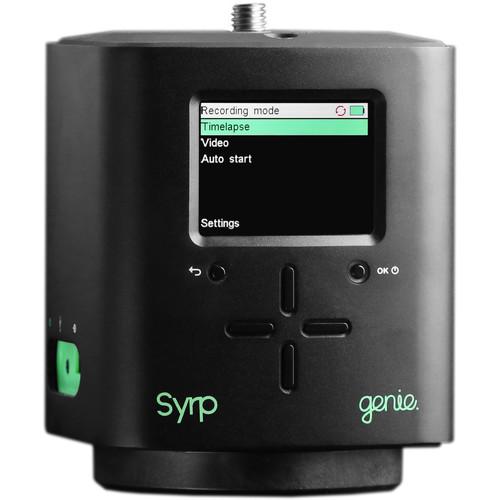 Contents of the user manual for the Syrp Genie Motion Control Time-Lapse Device
- Product category: Tripods, Supports & Rigs Syrp
- Brand: Syrp
- Description and content of package
- Technical information and basic settings
- Frequently asked questions – FAQ
- Troubleshooting (does not switch on, does not respond, error message, what do I do if...)
- Authorized service for Syrp Tripods, Supports & Rigs
 |
User manual for the Syrp Genie Motion Control Time-Lapse Device contain basic instructions
that need to be followed during installation and operation.
Before starting your appliance, the user manual should be read through carefully.
Follow all the safety instructions and warnings, and be guided by the given recommendations.
User manual is an integral part of any Syrp product,
and if it is sold or transferred, they should be handed over jointly with the product.
Following the instructions for use is an essential prerequisite for protecting
health and property during use, as well as recognition of liability on the part of the manufacturer
for possible defects should you make a warranty claim. Download an official Syrp user manual in which you will find instructions on how to install, use, maintain and service your product.
And do not forget – unsuitable use of a Syrp product will considerably shorten its lifespan!
|
Product description - Syrp Time Lapse System: Hands-On Review
- Item Demo
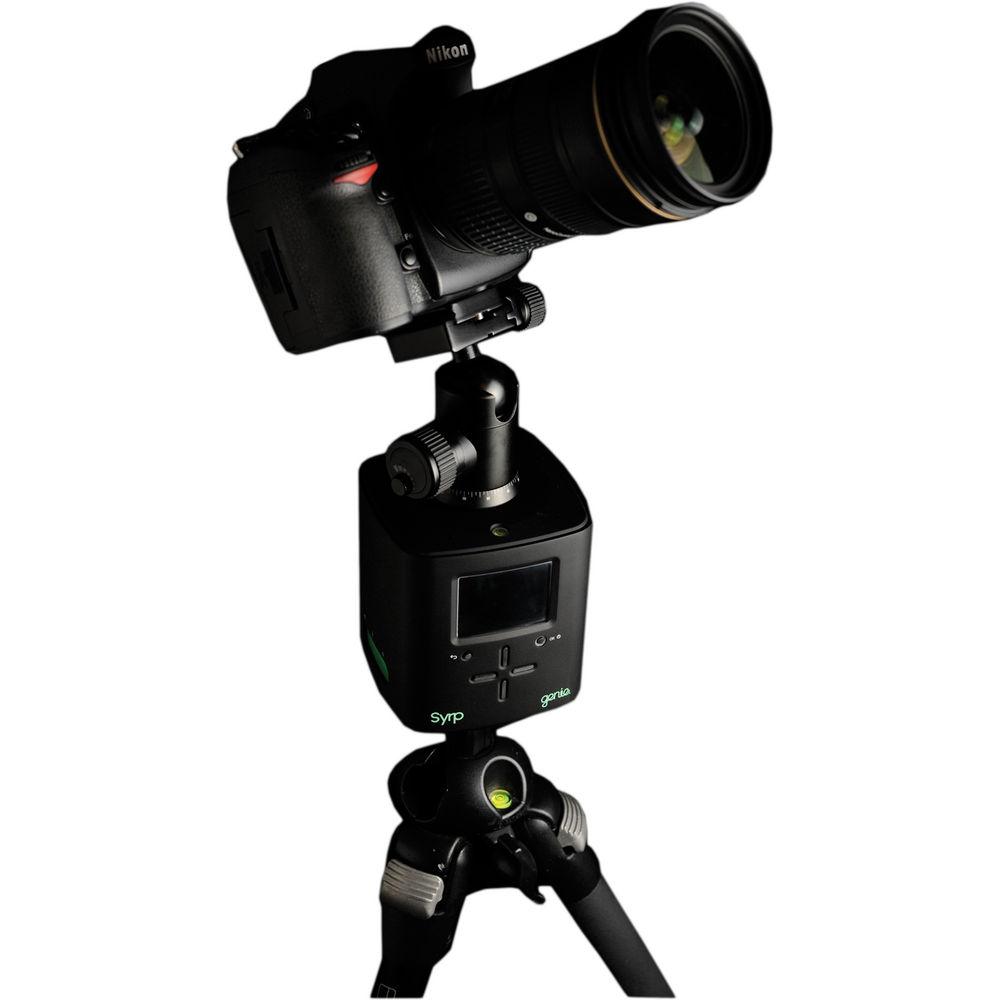
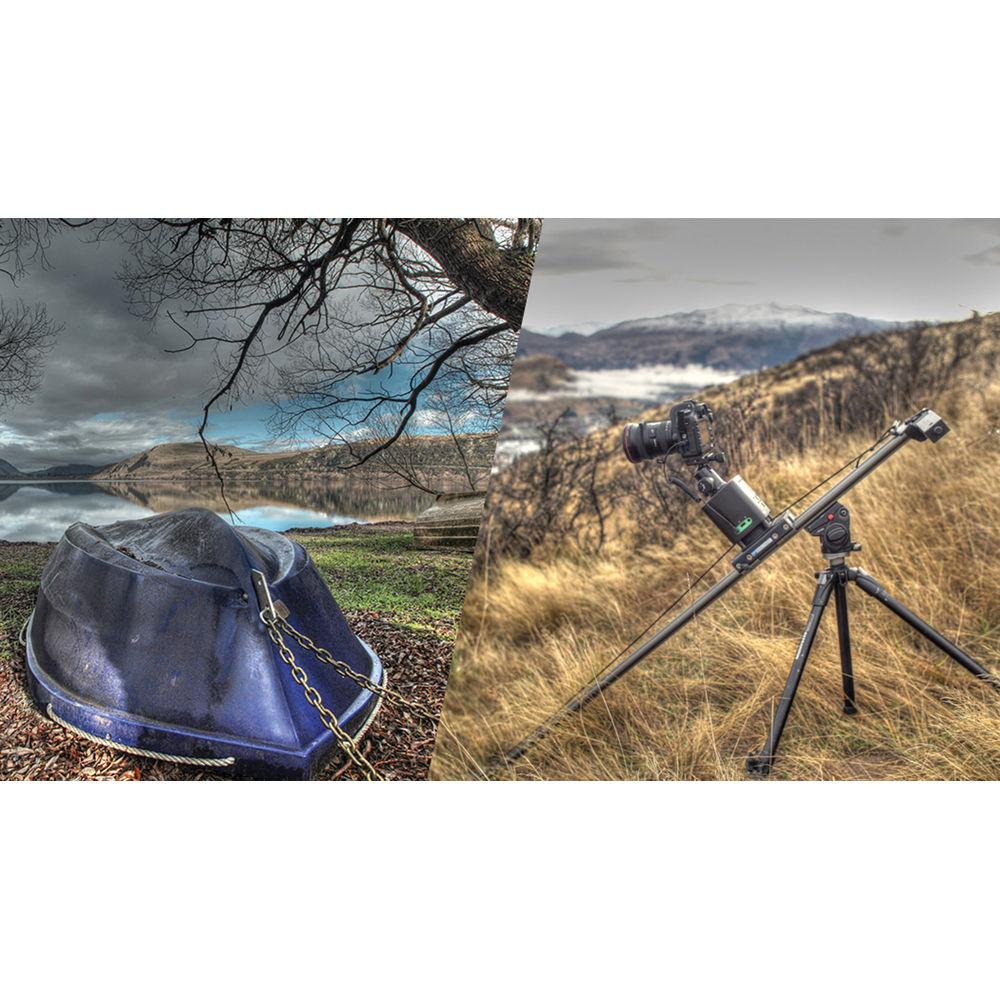
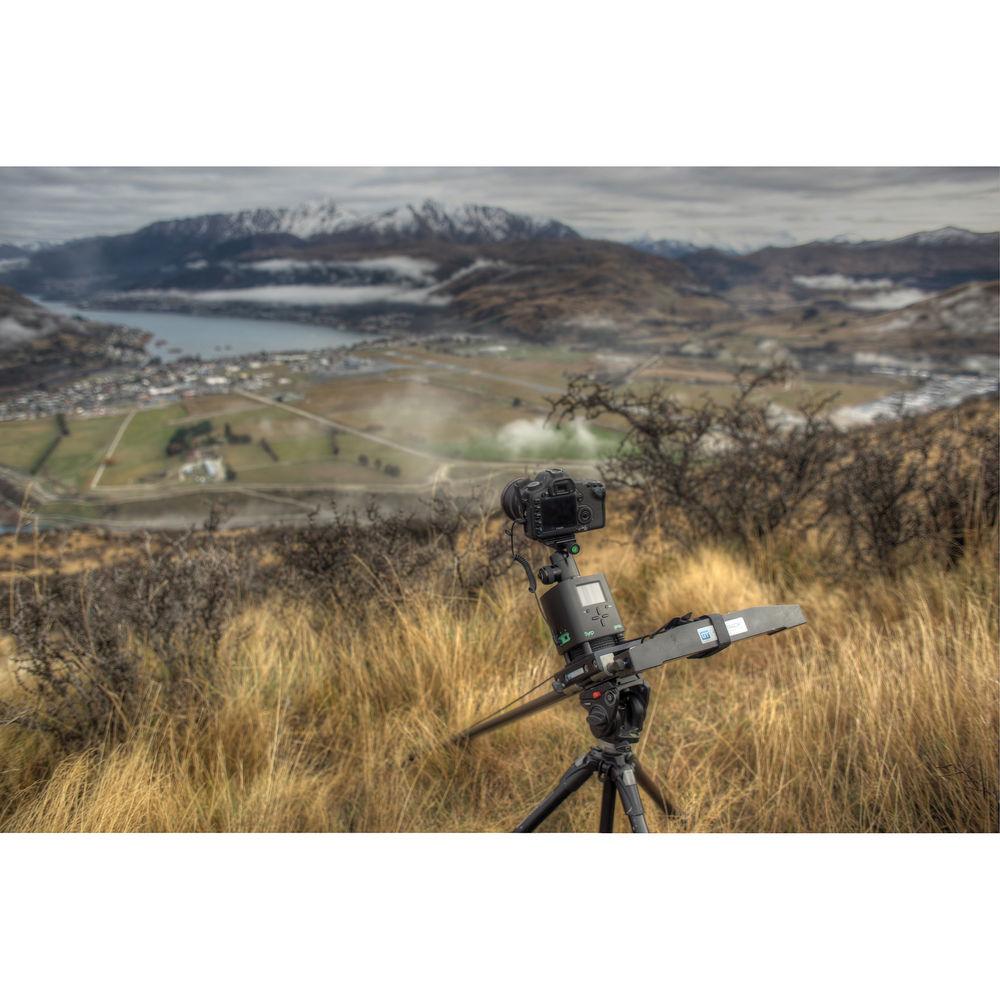
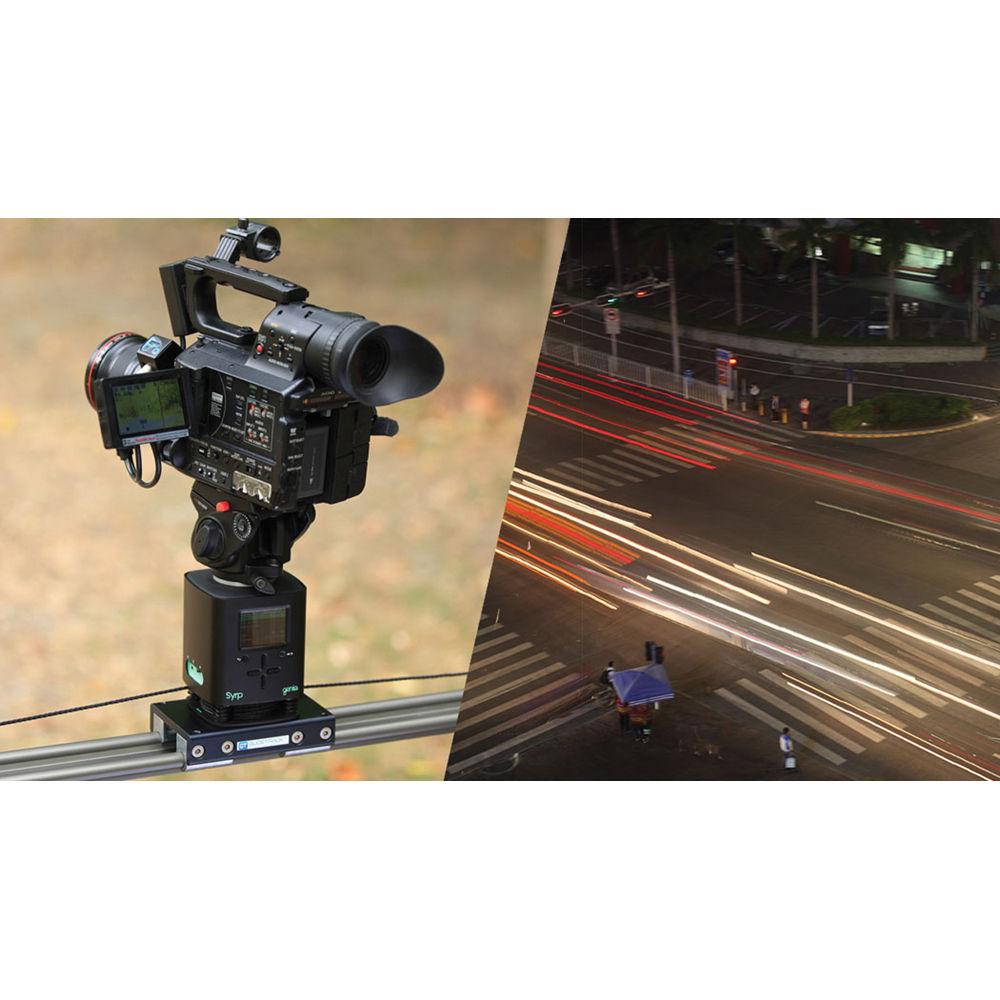
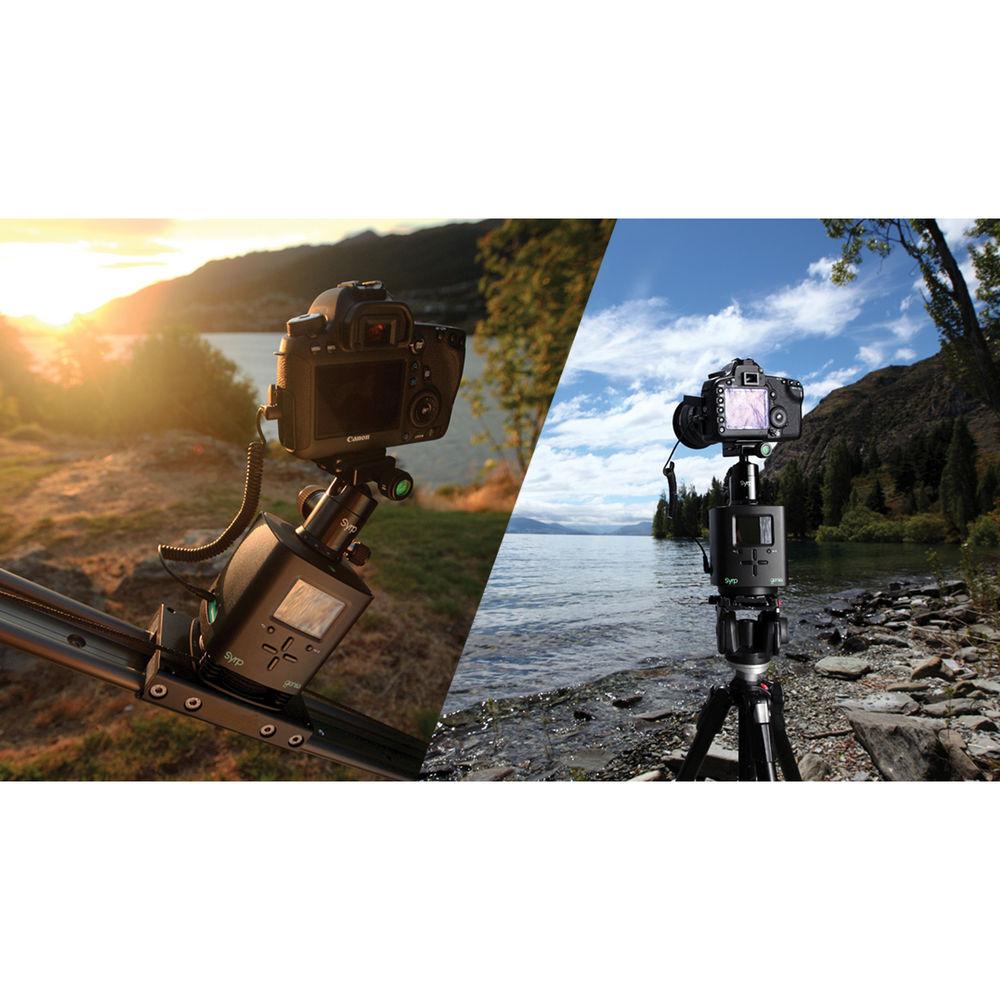
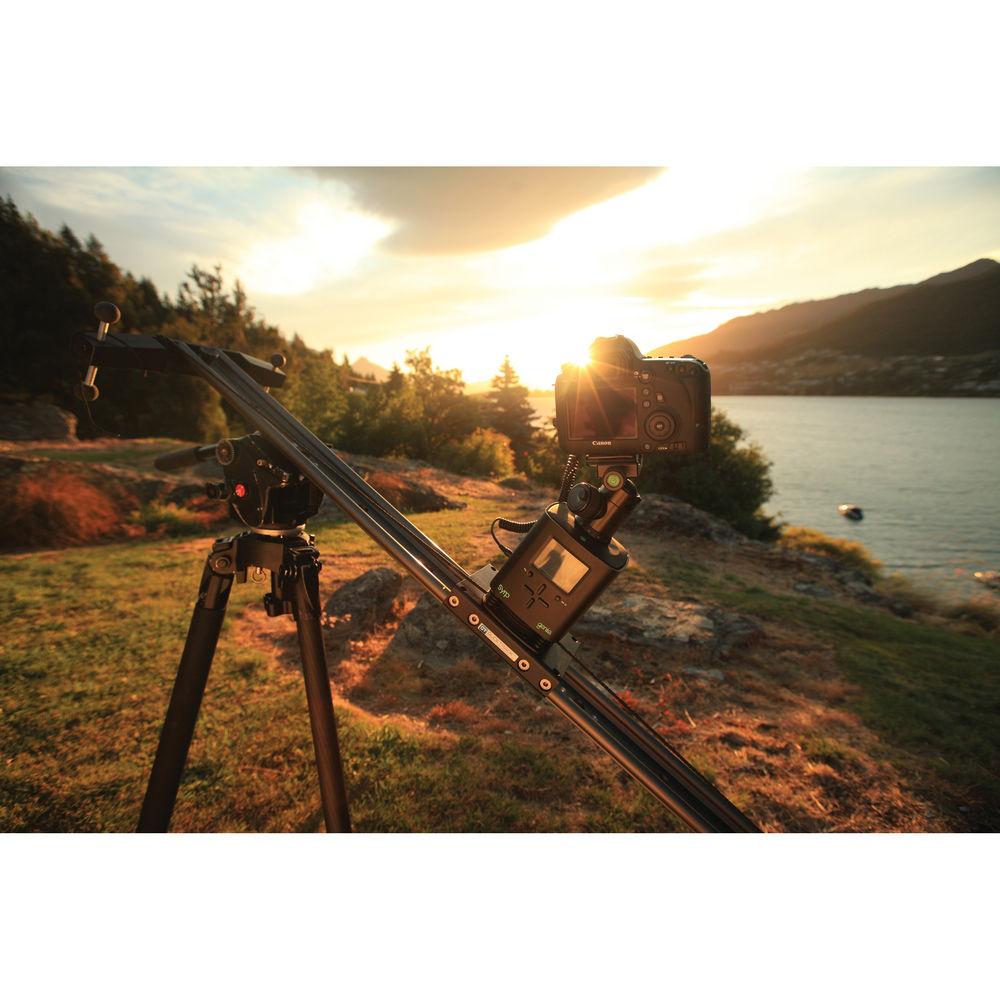
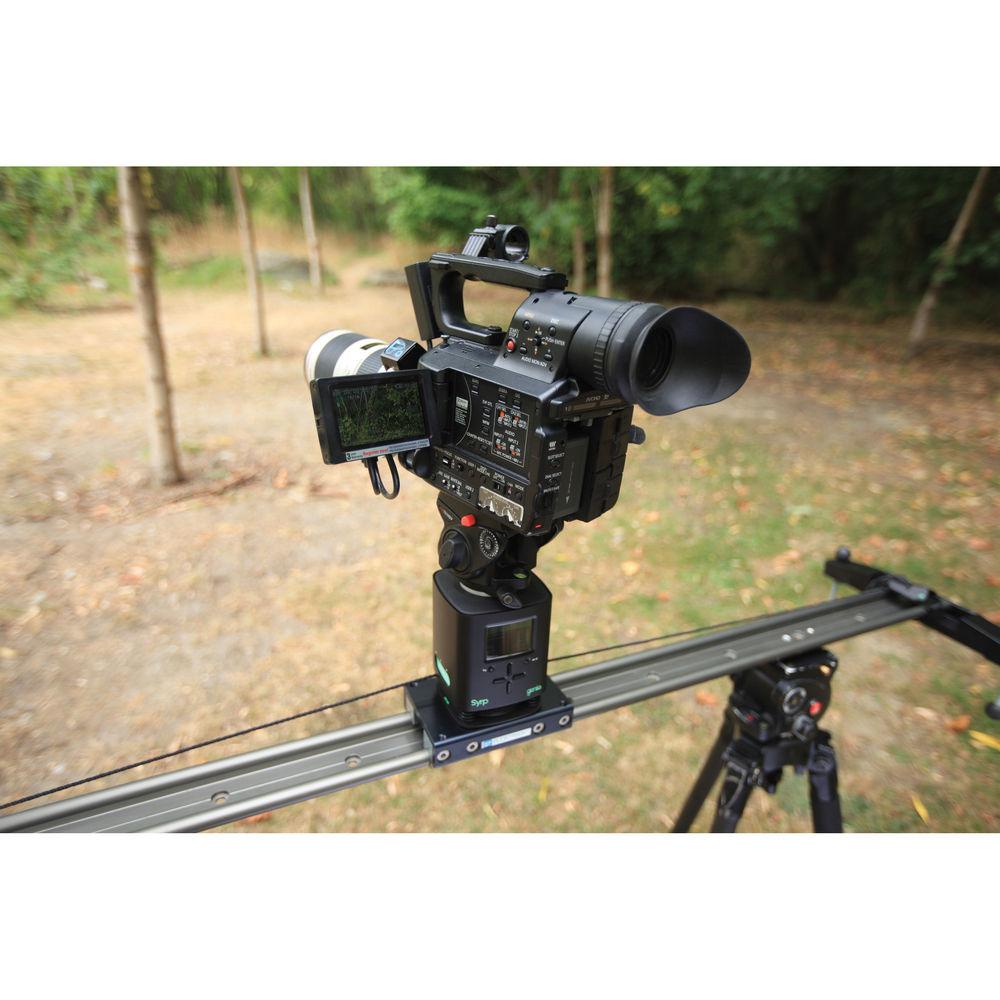
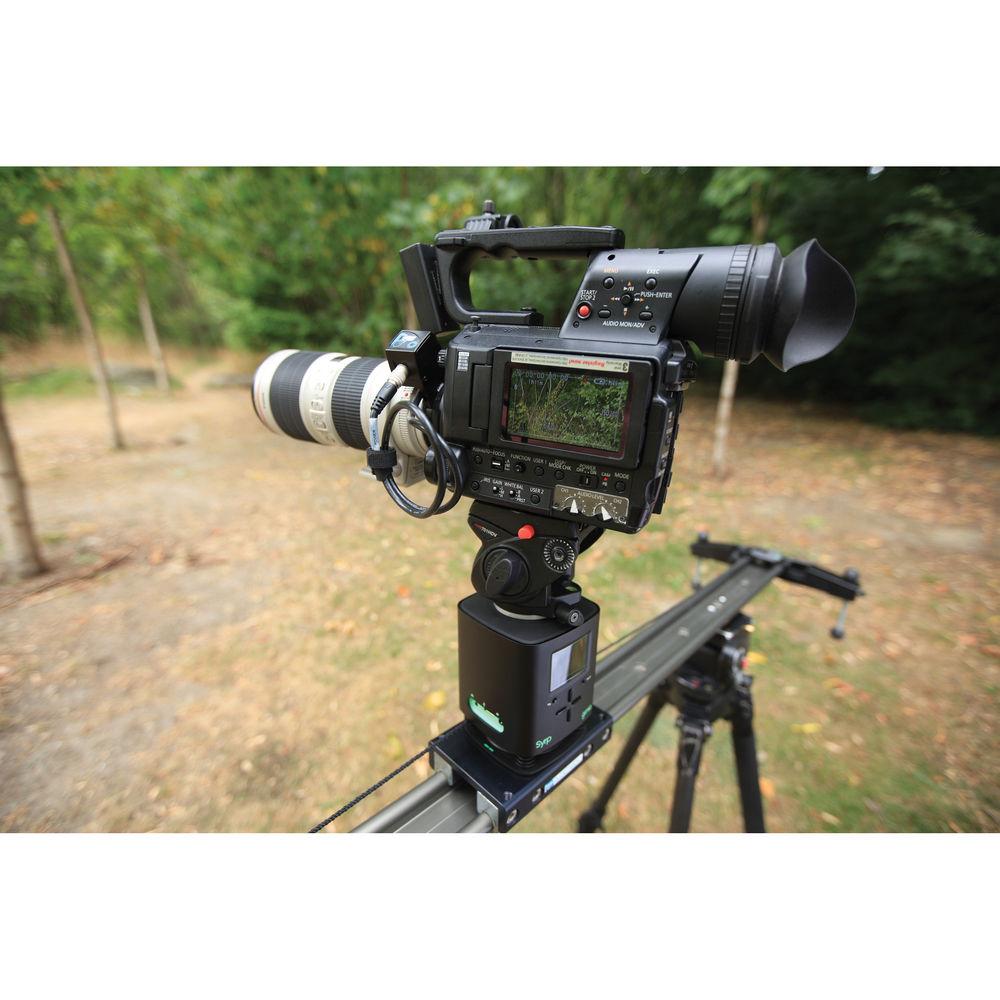
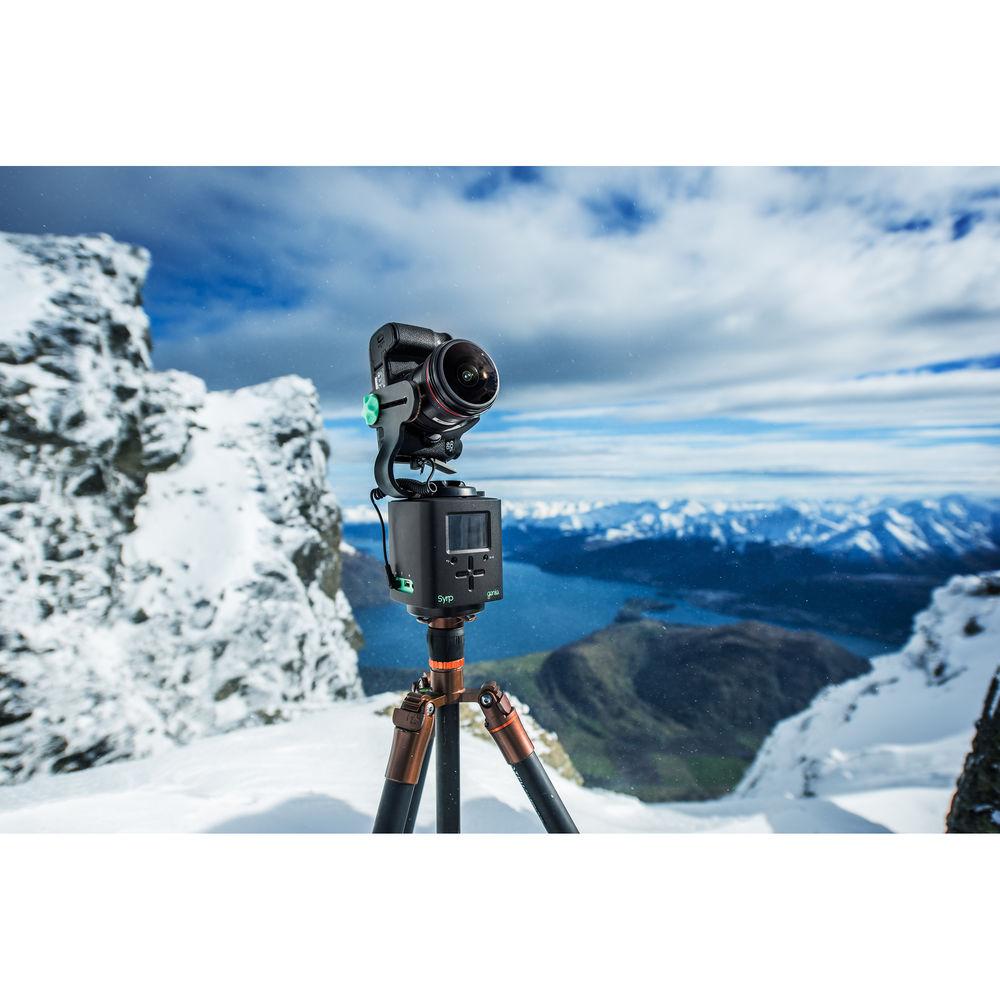
The Genie Motion Control Time-Lapse Device from Syrp is your key to the creative world of time-lapse photography or real-time video. The 4" cube takes up very little space in your bag, and at only 3.3 lb it's easy to make it part of your standard rig.The Genie, which allows both panning and linear motion control, attaches to standard gear such as dollies, sliders, jib arms, and tripods. Simply attach it to your tripod or support and mount your optional camera and ball head to the 3/8"-16 stud atop the Genie. The weight of your equipment is rarely a concern since it supports up to 44 lb. An illuminated bubble level is built-in for setting up in low light. The Genie has factory presets such as Stars, People, or Clouds, but you can enter an unlimited amount of user presets into the Genie's memory for custom work. At maximum panning speed, a 360° pan takes five seconds, while 39" of linear movement takes just 23 seconds.Linear time-lapse can be done on a rail or on a linear support system of your own making. While the Genie comes with 9.8' of rope to pull it across the rail, the movement of your time-lapse is only limited by the length of your rope. Kevlar-cored rope with lengths of 328', 164', or 32.8' are available separately. The Genie has been tested successfully on a homemade 60' dual-cable stretched over a lake.Inputs include both USB for firmware and a sensor input. The free firmware upgrade enables bulb ramp-in and ramp-out functions, as well as HDR (High Dynamic Range). Ramping is the process of modifying exposure settings on a camera to maintain a desired exposure value while the camera is in Bulb mode. This is especially valuable for transitional day into night, or night into day time-lapses.The sensor input accepts a motion, light, sound, or other type of sensor to start your program in response to specific stimuli. The Genie ships with both panning and sliding bases, two slider mounts, 9.8' of rope, and a multi-voltage charger for its built-in battery. A three-hour charge gives you about 12 hours of run time, depend on the weight of your camera. The Genie is compatible with approximately 130 cameras from nine major brands. A camera link cable must be purchased separately. - Dual Motion
- Panning and linear motion control with one device.
- Versatile
- Attaches to any existing film equipment such as a dolly, slider, jib arm, etc.
- Sensor Input
- Auto Start function through a timer or sensor or both. Sensor input allows for attachment of a motion sensor, light sensor, sound sensor, and more.
- Preview
- The Preview function allows for revision of recording movement prior to recording.
- Pre-Sets
- Factory pre-sets allow for instant shooting straight out of the box, or storable user-programmable panning and tracking pre-sets.
- Auto Start and Power Saving
- Auto Start enables the user to program camera movements to return to "Home" and repeat again, or continuously run the same movement. It also enables the user to set up time-lapse or camera movement to start on a delay timer. Auto Power Off shuts down the Genie when it's unused for one hour to save battery power.
- Leveling
- Bubble level with light is provided.
- Ramping Firmware
- Bulb ramping is the process of modifying exposure settings on a camera to maintain a desired exposure value while the camera is in Bulb mode. A free firmware upgrade allows for ramp-in/ramp-out function and HDR.
- Compatibility
- If your camera is not listed below, please contact Syrp to check compatibility.
Canon
7D, 70D, 60D, 50D, 40D, 30D, 5D, 20D, 10D, 5D Mark IV, 5D Mark III, 5D Mark II, 1D X, 1D C, 1D Mark IV, EOS M, EOS M2
1D (s) Mark III, 1D (s) Mark II (N), 1200D (T5), 1100D (T3), 1000D (XS), 100D (SL1), 700D (T5i), 650D (T4i)
600D (T3i), 550D (T2i), 500D (T1i),450D (XSi), 400D (XTi), 350D (XT), 300D, 300V, 300, 60Da
50E, 50, 33, 30, 3000, PowerShot G1X Mark II, G1X, G10, G11, G12, G15
Nikon
D810, D800E, D800, D700, D600, D300S, D300, D200, D4, D4S, D3S, D3X, D3, D2, D1X, D1, D1H, D2H, D2HS, D2X, D2XS, D80, D70s, D7100, D7000, D5300, D5200,
D5100, D5000, D3200, D3100, D3000, D90, D610, 1 AW1, 1 J1, 1 J2, 1 J3, 1 J4, 1 S1, 1 S2, 1 V1, 1 V2, 1 V3
Sony
A99, A 77 Mark II, A77V, A900, A850, A700, A580, A550, A500, A450, A350, A300, A200, A100, A77, A65, A58, A55, A35, A33, NEX 5, NEX 5N NEX 5T, NEX 7, NEX 6, Sony a7, a7R, a7s, a6000
Pentax
645D, ist D, ist DL, ist DL2, ist DS, ist DS2, K-30, K-5, K-5 II, K-5 IIs, K3, K-50, K-500, K-7, K-m, K10 Grand Prix, K100D, K100D Super, K10D, K110D, K200D, K20D, MZ-6, MZ-L, ZX-L
Panasonic
FT 2, FZ1000, FZ100, FZ15, FZ150, FZ20, FZ200, FZ30, FZ50, G1, G10, G2, G3, GH4, G5, G6, GF1, GH1, GH2, GH3, GX1, GX7 L1, L10, LC1, TS2
Olympus
E-100 RS, E-30, E-400, E-410, E-420, E-450, E-510, E-520, E-600, E-620, Evolt E-410, Evolt E-510, OM-D E-M1, OM-D E-M10, OM-D E-M5, PEN E-P1, PEN E-P2, PEN E-P3, PEN E-P5, PEN E-PL2, PEN E-PL3, PEN E-PL5, PEN E-PM1, PEN E-PM2, SP-550, SP-560, SP-570, XZ-1, XZ-2, XZ-2 iHS
Fujifilm
S5 Pro, S3 Pro, X-E1
Kodak
DSC-530, DCS Pro 14n
Contax
N Digital NX, N1, 645
Samsung
GX 1L, GX 1S, GX-10, GX-20, NX-10, NX-100, NX-11, NX-5
Hasselblad
H, H3D, H4D-200MS, H4D-31, H4D-40, H4D-50, H4D-50MS, H4D-60
Sigma
SD1, SD1 Merrill, SD15
Minolta
DiMAGE 5, DiMAGE 7, DiMAGE 7Hi, DiMAGE 7i, DiMAGE A1, DiMAGE A2, DiMAGE A200, Dynax 3, Dynax 4, Dynax 5000, Dynax 500si, Dynax 505si, Dynax 5D, Dynax 7, Dynax 7000, Dynax 7D, Dynax 9, Dynax 9000, Dynax Sweets, Maxxum 3, Maxxum 4, Maxxum 5000, Maxxum 500s, Maxxum 505si, Maxxum 5D, Maxxum 600si, Maxxum 7, Maxxum 7000, Maxxum 700si, Maxxum 7D, Maxxum 807si, Maxxum 9, Maxxum 9000
Leica
DigiLux 2, DigiLux 3, V-Lux, V-Lux 2, V-Lux 3 In the Box Syrp Genie Motion Control Time-Lapse Device Panning Base Sliding Base Rope for Slider (9.8') 2 x Slider Mounts Multi-Voltage Charger Limited 1-Year Warranty User Manual PDF 882.2kb Table of Contents
|
Upload User Manual
Have you got an user manual for the Syrp Genie Motion Control Time-Lapse Device in electronic form? Please send it to us and help us expand our library of instruction manuals.
Thank you, too, on behalf of other users.
To upload the product manual, we first need to check and make sure you are not a robot. After that, your "Submit Link" or "Upload File" will appear.
Technical parametersSyrp Genie Specs | Payload | 33 lb / 15 kg | | Rope Length | 9.8' / 3 m | | Maximum Speed | Linear: 39" / 100 cm, in 25 seconds
Panning: 360° in 6 seconds | | Power Supply | Input: 110 to 240 VAC, 50/60 Hz
Output: 15 VDC, 1.5 A | | Battery | Type: 11.1 V lithium-ion
Charging Time: 4 hours
Runtime:
24 hours+ (Time-Lapse mode)
6 hours+ (Video mode)
Note: Need firmware v2.4 or above for specified battery life. Other factors include camera weight and type of movement. | | Connectivity | 1 x USB
1 x Sensor input | | Head to Tripod Mounting Thread | Bottom: 3/8"-16 and 1/4"-20
Top: 3/8"-16 | | Dimensions | 4 x 4 x 4" / 10.2 x 10.2 x 10.2 cm | | Weight | 3.3 lb / 1.5 kg | | | | Package Weight | 5.595 lb | | Box Dimensions (LxWxH) | 8.4 x 8.2 x 5.5" |
Rating84% users recommend this product to others. And what about you?

This product has already been rated by 19 owners. Add your rating and experience with the product.
Discussion
 Ask our technicians if you have a problem with your settings,
or if anything is unclear in the user manual you have downloaded.
You can make use of our moderated discussion.
The discussion is public and helps other users of our website who may be encountering similar problems.
Ask our technicians if you have a problem with your settings,
or if anything is unclear in the user manual you have downloaded.
You can make use of our moderated discussion.
The discussion is public and helps other users of our website who may be encountering similar problems.
The discussion is empty - enter the first post
Post a new topic / query / comment:
|
|


