|
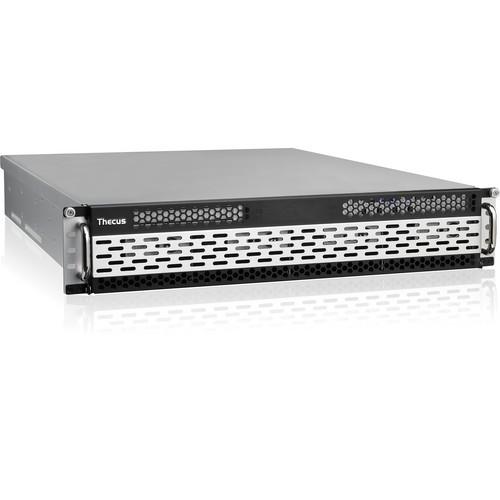
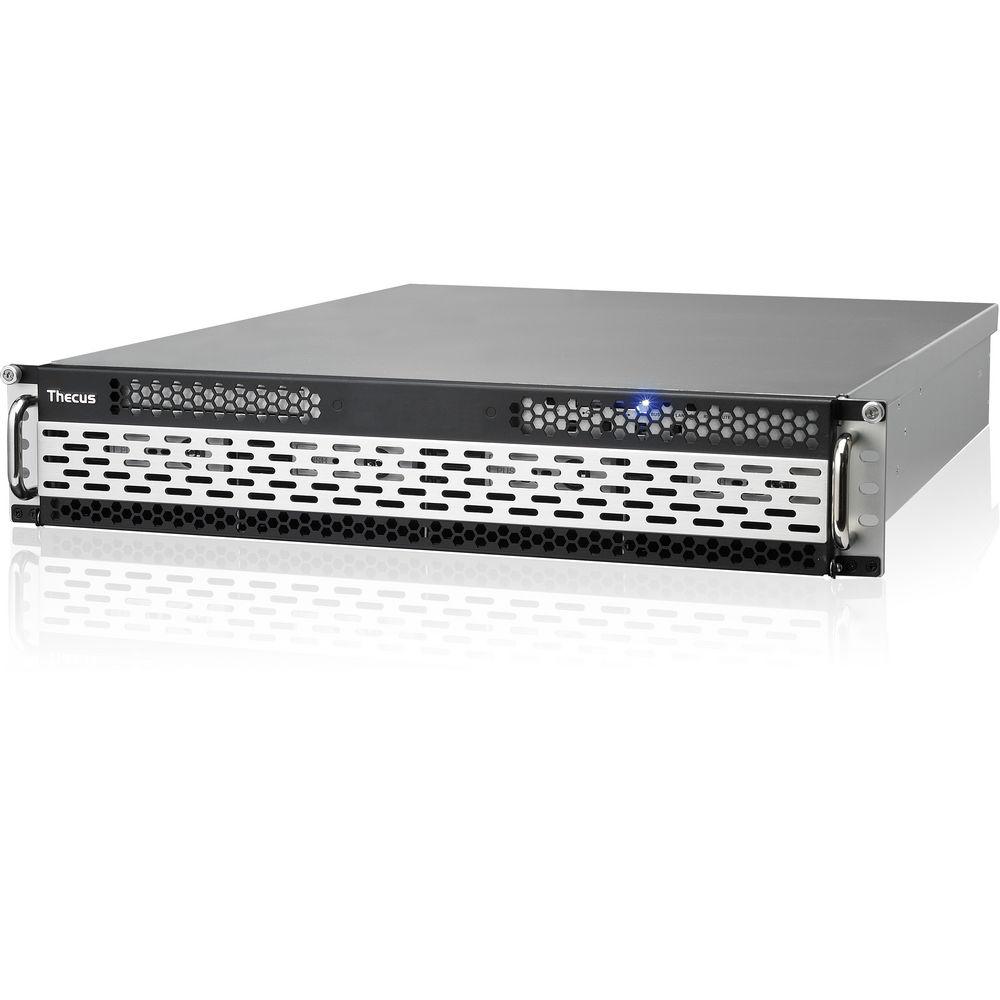
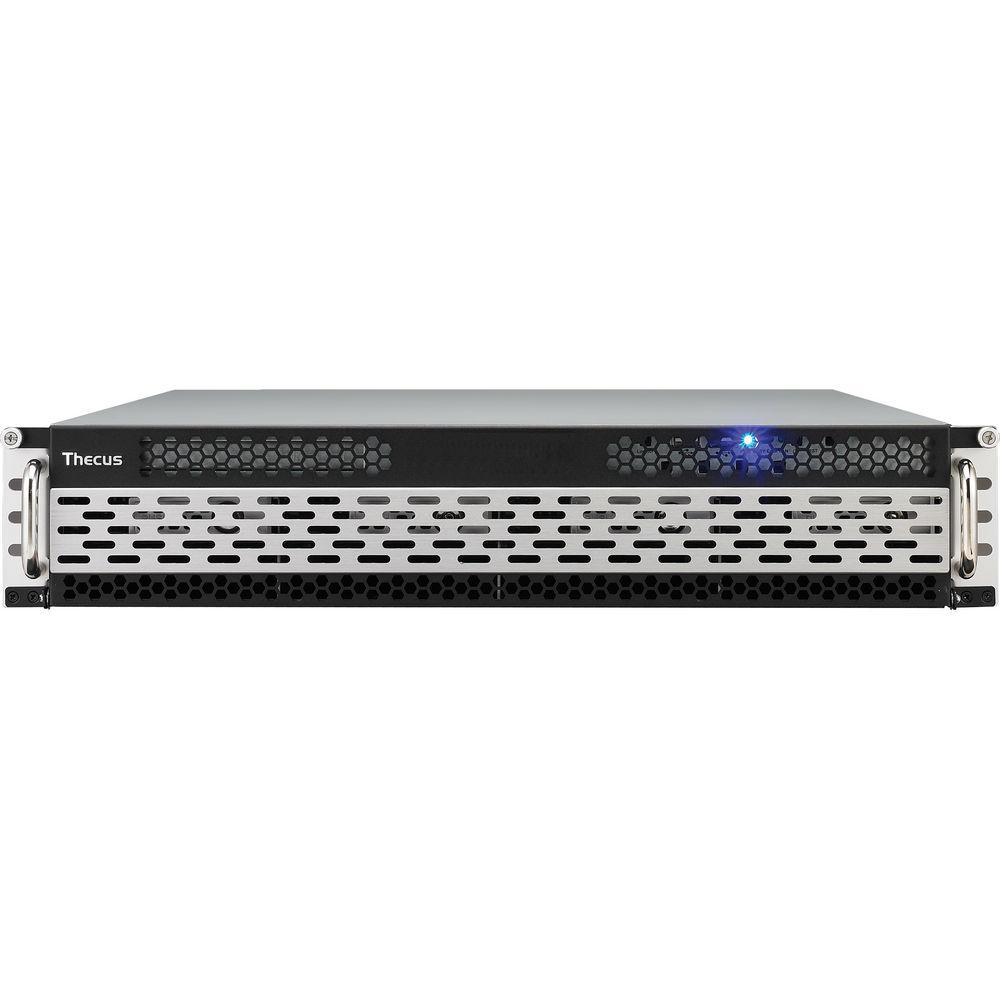
User Manual for Thecus W8900 8 Bay 2U Rackmount Windows Storage Server Click to enlarge the picture
 Contents of the user manual for the Thecus W8900 8 Bay 2U Rackmount
- Product category: NAS Enclosures Thecus
- Brand: Thecus
- Description and content of package
- Technical information and basic settings
- Frequently asked questions – FAQ
- Troubleshooting (does not switch on, does not respond, error message, what do I do if...)
- Authorized service for Thecus NAS Enclosures
 |
User manual for the Thecus W8900 8 Bay 2U Rackmount contain basic instructions
that need to be followed during installation and operation.
Before starting your appliance, the user manual should be read through carefully.
Follow all the safety instructions and warnings, and be guided by the given recommendations.
User manual is an integral part of any Thecus product,
and if it is sold or transferred, they should be handed over jointly with the product.
Following the instructions for use is an essential prerequisite for protecting
health and property during use, as well as recognition of liability on the part of the manufacturer
for possible defects should you make a warranty claim. Download an official Thecus user manual in which you will find instructions on how to install, use, maintain and service your product.
And do not forget – unsuitable use of a Thecus product will considerably shorten its lifespan!
|
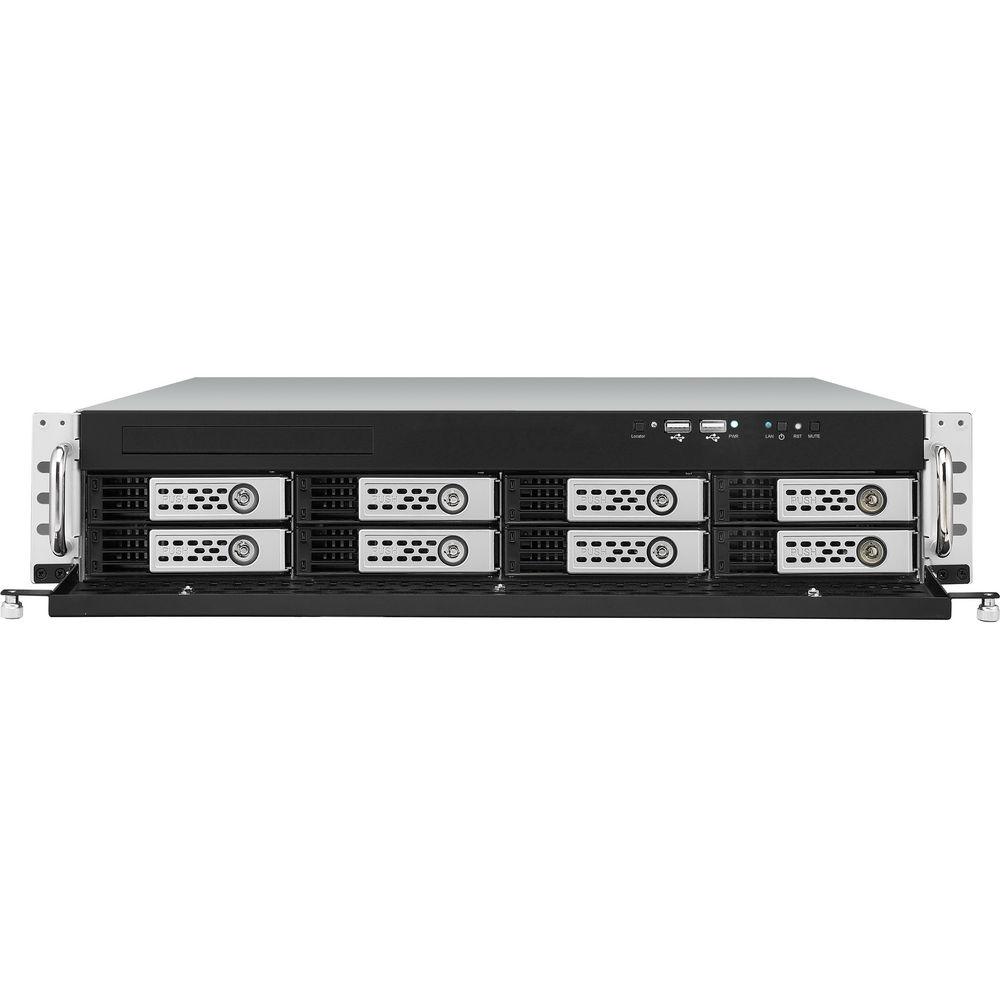
Product description The W8900 8 Bay 2U Rackmount Windows Storage Server from Thecus provides a network platform that allows you to access computers that are running Windows Server 2008 R2. This server offers new tools to manage and fulfill business needs. The RemoteFX and Dynamic Memory are two additions to the latest Windows Storage Server Service Pack 1 (SP1) that increase user flexibility and control. This server delivers a cost effective, reliable and scalable solution. The W8900 Server allows easy integration within a Microsoft infrastructure and a finer optimization for Windows transfer protocols. This has a more familiar interface that helps you manage and protect essential business data. Microsoft updates the server to maintain its security level. The Windows ecosystem enables functions such as replication, anti-virus and data backup. It features enhanced power, data and server management capabilities. In this server, traditional file protocols (NFS, SMB) are optimized to work better together. The server delivers USB 3.0 connectivity that is 10x faster than USB 2.0. - Single-Instance Storage (Dedup)
- When data is sent to multiple users, single-instance storage allocates data to be stored once, eliminating the need to duplicate data storage. This results in reduced data storage and improved data backups. Single-instance storage is most functional when transferring data to large distribution directories by improved delivery efficiency. This saves up to 60% in storage capacity.
- No Windows Server CALs Required
- No required CALs (Client Access Licenses) benefits users with the ability to access the services of the server without a permit. With this, business users can get direct authorization of pre-user or pre-device. With no CALs required, users are able to access data on demand, without the troubles of CALs.
- PCIe Gen2
- The evolved PCIe Gen2 offers innovative technology that saves costs with an efficient narrow configuration. It provides the same bandwidth as PCIe with half the number of lanes while doubling the transfer rate of the previous generation PCIe. The aim is to save on cost and provide an improved PCIe for users. It also provides a significant improvement on system performance over PCIe, allowing users to benefit from faster transfer speeds and connectivity.
- HDMI Output
- This makes your NAS Server the ultimate multimedia hub by allowing you to connect your NAS directly to your TV for device management, web browsing with Flash support and even HD video playback.
- 10 GbE Ready
- Today's high-end data centers routinely require a degree of speed that average Internet is simply incapable of providing. This NAS Server is 10 GbE ready, to satisfy the toughest needs of today and tomorrow.
- USB 3.0 Connectivity
- USB 3.0 connectivity provides speeds 10x faster than USB 2.0. USB 3.0 connects digital cameras and smart phones, backs up large external hard drives and extends the capacity of your NAS Server in no time at up to 5 Gbps. The NAS Server's backwards compatibility adds connectivity for USB 2.0 and USB 1.1 devices to get the best combination of speed and universal access.
- iSCSI Target
- The classic set-and-forget architecture allows you configure your storage as a regular disk over the network and use it on a daily basis.
- Remote Administration
- You can simply connect to an easy-to-remember link and remotely access the control panel through any web browser on any computer.
UPC: 884956003229 In the Box Thecus W8900 8 Bay 2U Rackmount Windows Storage Server Power Cord Ethernet Cable Sliding Shelves HDD Compatibility List Card Accessory Bag with Key WSS 2008 R2 Recovery CD Quick Installation Guide Limited 2-Year Warranty Table of Contents
|
Upload User Manual
Have you got an user manual for the Thecus W8900 8 Bay 2U Rackmount Windows Storage Server in electronic form? Please send it to us and help us expand our library of instruction manuals.
Thank you, too, on behalf of other users.
To upload the product manual, we first need to check and make sure you are not a robot. After that, your "Submit Link" or "Upload File" will appear.
Technical parametersThecus W8900 Specs | | | Processor | Intel Core i3-2120 3.30 GHz | | System Memory | 8 GB DDR3 SDRAM | | Storage | - For Pre-installed OS:
- 2.5" (6.35 cm) SATA
- 250 GB 5400 rpm/7200 rpm above
| | LAN Interface (PCIe) | - RJ-45x3: Intel 82574L 10/100/1000 BASE-TX Auto MDI/MDI-X
- WOL supported
| | USB Interface | - USB 2.0 host port x6 (front x2, back x4) (Type A)
- USB 3.0 host port x2 (back x2)
| | LED Indicator | - Power: (blue)
- HDD 1-16 Activity/Fail (green/red)
| | HDMI Output | HDMI port (back x1) | | Audio | MIC input, Line input, Audio output | | Disk Interface | 8 x SATA for internal
1 x eSATA for external | | Power Supply | Redundant power supply 350 W or more | | PCIe Expansion Slots | - 8-lane (x3), One is used by SAS HBA
- 4-lane (x1)
- 1-lane (x1) used by CU30N (USB 3.0)
| | Thermal / Fan Control | - Thermal sensor on processor temperature
- CPU fan control
- System fan control
| | System Fan | Hot swappable x2 | | Buttons | - Power button (Front, shutdown controlled by user interface)
- System reset button
- Locator button
| | RS232 | 1 for UPS | | Chassis | 2U Rackmount | | Environment | - Temperature: 41 to 104°F (5 to 40°C)
- Humidity: 0 to 80 % R.H. non-condensing
| | | | Features | - Up to 250 Network Access Service connections (RRAS)
- Up to 50 Network Policy Server connections
- Up to 250 Remote Services Gateway connections
- Active Directory Lightweight Directory Services
- BranchCache
- DirectAccess
- Virtualization services (Hyper-V guest support.)
- Files services
- Print services
- Windows SharePoint Services
- Web services
- iSCSI Block storage services
- Network Access Protection (NAP)
- Remote Desktop Services
- Internet Information Services 7.5
- Server Manager
- Windows Powershell 2.0
Feature (Windows 2008 Storage Server R2 (Standard)):- RAID Level:
RAID 0, 1, 5 and JBOD
- No. of Users:
Unlimited
- File Classification Infrastructure (FCI)
- File Server Resource Manager (FSRM)
- Domain join
- Shared block storage (iSCSI Target +Boot)
- iSCSI Software Target 3.3
- Single Instance Storage
- Virtualization (Hyper-V host support)
- .NET 3.0
- .NET Framework 3.5.1 Features
- Administration Tools
- Bit Locker Drive Encryption
- BITS Server Extensions
- Desktop Experience
- Direct Access Management
- Group Policy Management Console
- Ink and Handwriting Services
- Internet Printing Client
- LPR Port Monitor
- Microsoft Message Queuing (MSMQ)
- Multipath I/O
- Peer Name Resolution Protocol
- Quality Windows Audio Video Experience
- RAS Connection Manager Administrator Kit
- RDC
- Remote Assistance
- Remote Differential Compression
- Remote Server Admin Tools
- RPC Over HTTP Proxy
- Simple TCP/IP Services
- SMTP
- SNMP
- Storage SAN Manager for SANS
- Subsystem for Unix-Based Applications (SUA)
- Telnet Client
- Telnet Server
- TFTP Client
- Windows Biometric Framework
- Windows Internal Database
- Windows PowerShell Integrated Scripting Environment (ISE)
- Windows PowerShell
- Windows Server Backup
- Windows Server Backup Features
- Windows Server Migration Tools
- Windows System Resource Manager (WSRM)
- Windows TIFF IFilter
- Wireless Client
- Wireless LAN Service
- XPS Viewer
| | Dimensions (HxWxD) | 3.43 x 17.24 x 23.43" (87 x 438 x 595 mm) | | Weight | Not specified by the manufacturer | | | | Package Weight | 46.4 lb | | Box Dimensions (LxWxH) | 30.4 x 30.25 x 9.8" |
Rating90% users recommend this product to others. And what about you?

This product has already been rated by 96 owners. Add your rating and experience with the product.
Discussion
 Ask our technicians if you have a problem with your settings,
or if anything is unclear in the user manual you have downloaded.
You can make use of our moderated discussion.
The discussion is public and helps other users of our website who may be encountering similar problems.
Ask our technicians if you have a problem with your settings,
or if anything is unclear in the user manual you have downloaded.
You can make use of our moderated discussion.
The discussion is public and helps other users of our website who may be encountering similar problems.
The discussion is empty - enter the first post
Post a new topic / query / comment:
|
|
|
| Request for user manual |
You can’t find the operation manual you are looking for? Let us know and we will try to add the missing manual:
I’m looking for a manual / Request for manual
Current requests for instruction manuals:
Call Of Duty World War Two For Xbox...
controller stratus XL...
stratus XL...
smart whatch serie S11 42mm...
Allen & Heath SQ-6 manual...
|
| Discussion |
Latest contributions to the discussion:
AEW R 4100
Name: MAURICIO ANGARITA
Audio-Technica AEW-R4100 UHF Diversity Receiver for
AEW R 4100 has the mute function blocked and does not allow audio to pass. I tried several times to turn off the mute from the transmitter but it does nothing, the mute stays on. Solution?
Thank you...
Instructions for assembling the 2015 Forecast Image Master Consoles GC3-A
Name: mike elam
Forecast Consoles GC3-A ImageMaster Editing Console
Looking for instructions for assembling this console. ...
EMPTY TONER ERROR MESSAGE AFTER REPLACING TONER
Name: LINDA BAD YELLOW EYES
Brother TN223BK Standard-Yield Toner
I HAD TO CHANGE OUT ALL THREE TONERS DUE TO LEAKS IN THE YELLOW AND CYAN. AFTER I REPLACED THEM, THE MACHINE KEEPS GIVING ME AN EMPTY TONER ERROR MESSAGE. HELP!!...
PS480D 20/24 pin Switching 480W Power Supply
Name: swkargo
Logisys 480W Power Supply
This item states in can run -5vdc .It is NOT listed on the board or I beleive is r4 is missing the resitior. Any body have thid issue. Shawn
...
Help needed
Name: Ann Carter
SanDisk 1TB Extreme Portable USB 3.1
When I click the link to download the user manual for my Sandisk Extreme external hard drive, it gives me the manual for the LG Cricket. Can you please change the link so I can download the Sandisk manual and begin using this drive? Thank you....
|
|


