User Manual for TP-Link SafeStream Fast Wired Internet N Gigabit Broadband VPN Router Click to enlarge the picture
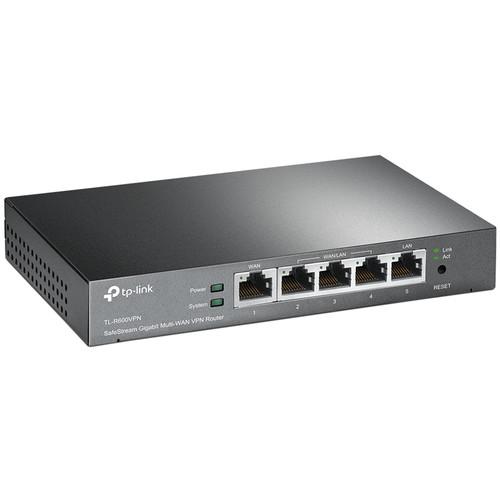 Contents of the user manual for the TP-Link SafeStream Fast Wired Internet N
- Product category: Network Routers TP-Link
- Brand: TP-Link
- Description and content of package
- Technical information and basic settings
- Frequently asked questions – FAQ
- Troubleshooting (does not switch on, does not respond, error message, what do I do if...)
- Authorized service for TP-Link Network Routers
 |
User manual for the TP-Link SafeStream Fast Wired Internet N contain basic instructions
that need to be followed during installation and operation.
Before starting your appliance, the user manual should be read through carefully.
Follow all the safety instructions and warnings, and be guided by the given recommendations.
User manual is an integral part of any TP-Link product,
and if it is sold or transferred, they should be handed over jointly with the product.
Following the instructions for use is an essential prerequisite for protecting
health and property during use, as well as recognition of liability on the part of the manufacturer
for possible defects should you make a warranty claim. Download an official TP-Link user manual in which you will find instructions on how to install, use, maintain and service your product.
And do not forget – unsuitable use of a TP-Link product will considerably shorten its lifespan!
|
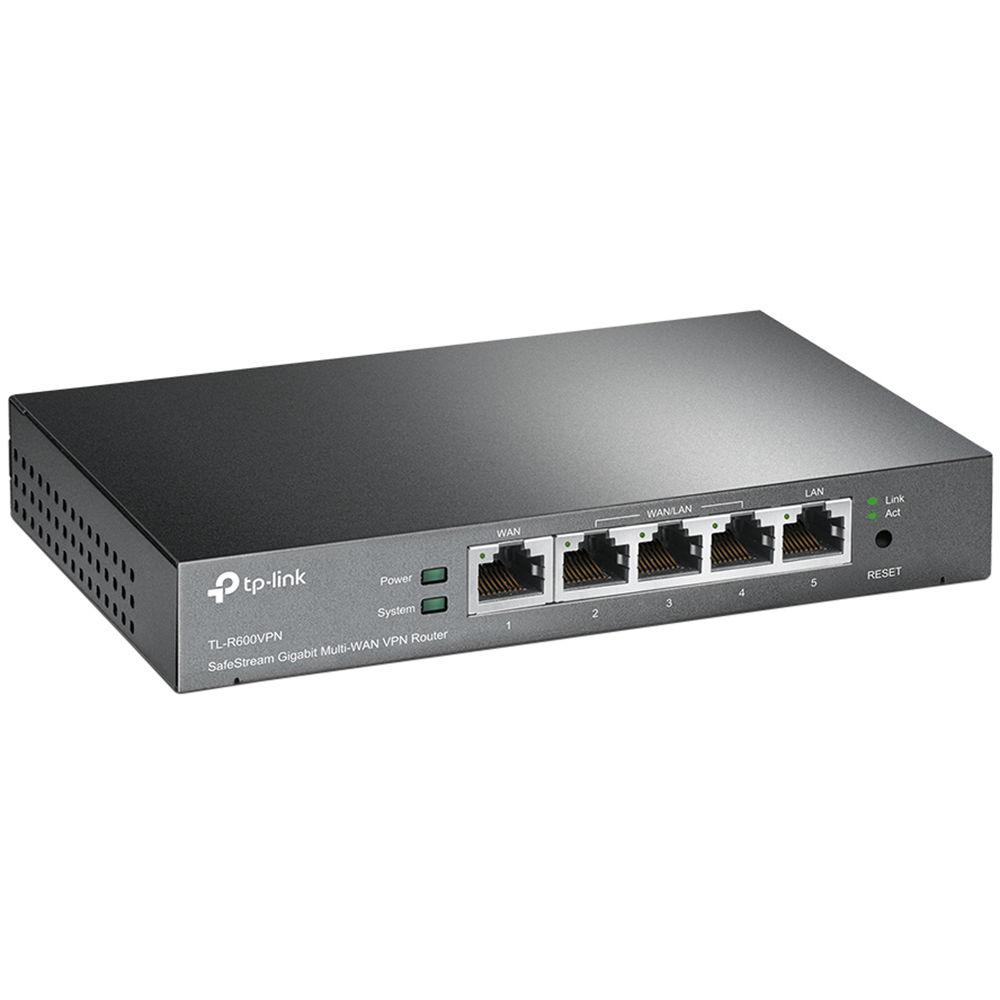
Product description The SafeStream Fast Wired Internet N Gigabit Broadband VPN Router from TP-Link supports Gigabit Ethernet connections on 1 x WAN and 4 x LAN ports which guarantee high-speed wired connectivity. It integrates multiple VPN protocols, high security, and high-performance VPN capabilities, which enable employees to have a secure remote access to their corporate networks. Besides, router security strategies such as SPI firewall, Denial of Service (DoS) Defense, and IP-MAC binding help protect the network against most common attacks. This router is an ideal partner for small offices, which need cost-effective and reliable VPN solutions. - High-Security VPN Capabilities
- The router supports IPsec and PPTP VPN protocols. It can handle IPsec/PPTP/L2TP pass-through traffic as well. The router also features a built-in hardware-based VPN engine, allowing it to support and manage up to 20 LAN-to-LAN IPsec and 16 PPTP VPN connections Advanced VPN features include: DES/3DES/AES128/AES192/AES256 encryption, MD5/SHA1 authentication, manual/IKE key management, and main/aggressive negotiation modes
- Professional Lightning Protection Technology
- Professional lightning protection technology is designed to prevent electrical surges from penetrating the interior of the electrical equipment. The router is designed to prevent lightning up to 4 KV in well-grounded connection conditions. This feature ensures that networking infrastructure investments remain as safe as possible from one of nature's more violent situations
- Connectivity
- One Gigabit WAN port and four Gigabit LAN ports provide high-speed wired connectivity
- Security
- For defense against external threats, the router features SPI firewall function. Furthermore, it can automatically detect and block Denial of Service (DoS) attacks such as TCP/UDP/ICMP Flooding, Ping of Death, and other related threats. Moreover, this router provides IP/MAC/Domain name filtering functions, which forcefully prevent attacks from intruders and viruses. For applications such as FTP, TFTP, H.323, and RTSP which are not well compatible with NAT, TL-R600VPN offers administrators one-click enable of ALG choices corresponding to the above four mentioned applications
Additional Features - Offers Dynamic/Static IP, PPPoE/Russian PPPoE, L2TP/Russian L2TP, PPTP/Russian PPTP, and BigPond Cable WAN connection types
- Offers up to 20 IPsec VPN tunnels, 16 PPTP VPN tunnels
- Offers MAC Clone, IP, and MAC binding and bandwidth control
- Provides DHCP client/server, DHCP address reservation
- Provides virtual server, port triggering, DMZ, and UPnP
- Provides SPI firewall, PPTP/L2TP/IPsec pass-through, FTP/TFTP/H.323/RTSP ALG
- Supports remote management
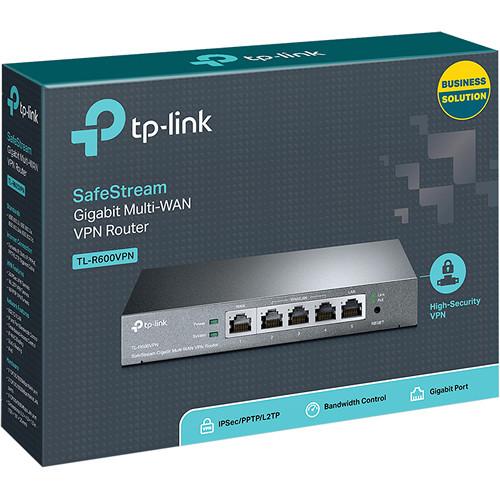
UPC: 845973041175 In the Box TP-Link SafeStream Fast Wired Internet N Gigabit Broadband VPN Router Power Cord RJ-45 Ethernet Cable Resource CD 5-Year Limited Warranty Guides & Manuals More info from TP-Link Table of Contents
|
Upload User Manual
Have you got an user manual for the TP-Link SafeStream Fast Wired Internet N Gigabit Broadband VPN Router in electronic form? Please send it to us and help us expand our library of instruction manuals.
Thank you, too, on behalf of other users.
To upload the product manual, we first need to check and make sure you are not a robot. After that, your "Submit Link" or "Upload File" will appear.
Download User ManualThe user manual for the TP-Link SafeStream Fast Wired Internet N Gigabit Broadband VPN Router can be downloaded in PDF format at the link stated below.
Technical parametersTP-Link TL-R600VPN Specs | | | Standards and Protocols | IEEE 802.3, 802.3u, 802.3ab
TCP/IP, DHCP, ICMP, NAT, PPPoE, SNTP, HTTP, DNS, IPsec, and PPTP | | Interface | 1 x Gigabit WAN port
4 x Gigabit LAN ports | | Network Media | 10BASE-T: UTP category 3, 4, 5 cable (maximum 328.0' (100 m))
EIA/TIA-568 100 Ω STP (maximum 328.0' (100 m))
100BASE-TX: UTP category 5, 5e cable (maximum 328.0' (100 m))
EIA/TIA-568 100 Ω STP (maximum 328.0' (100 m))
1000BASE-T: UTP category 5, 5e, 6 cable (maximum 328.0' (100 m)) | | Flash | 8 MB SPI | | DRAM | 64 MB DDR2 | | LED | PWR, SYS, WAN, and LAN | | Button | Reset button | | | | Concurrent Sessions | 10000 | | NAT Throughput | 120 Mb/s | | IPsec VPN Throughput (3 DES) | 20 Mb/s | | | | DHCP | DHCP server/client
DHCP address reservation | | MAC Clone | Modify WAN MAC address | | WAN Connection Type | Static/dynamic IP, PPPoE/Russian PPPoE, PPTP/Russian PPTP, L2TP/Russian L2TP, BigPond cable | | | | ACL | IP/MAC/domain name filtering | | ARP Inspection | IP/MAC binding | | Advanced Routing | Static routing | | Bandwidth Control | IP/port-based bandwidth control
Guarantee and limited bandwidth | | Forwarding | Virtual server
Port triggering
DMZ
UPnP | | Security | SPI Firewall
VPN Pass-through
FTP/TFTP/H.323/RTSP ALG
DoS Defence, Ping of Death
Local Management | | | | IPsec VPN | 20 x IPsec VPN tunnels
LAN-to-LAN
Main, aggressive negotiation mode
DES, 3DES, AES128, AES192, AES256 encryption algorithm
MD5, SHA1 authentication algorithm
Manual, IKE key management mode
Dead Peer Detection (DPD)
Perfect Forward Secrecy (PFS) | | PPTP VPN | 16 x PPTP VPN tunnels
PPTP VPN server
PPTP with MPPE encryption | | | | Maintenance | Time setting
Diagnostic
Firmware upgrade
Factory defaults/reboot
Backup and restore
System log
Remote management
Statistics | | Service | Dynamic DNS (Dyndns, No-IP, Peanuthull, Comexe) | | | | Environment | Operating Temperature: 32 to 104°F (0 to 40°C)
Storage Temperature: -40 to 158°F (-40 to 70°C)
Operating Humidity: 10 to 90% non-condensing
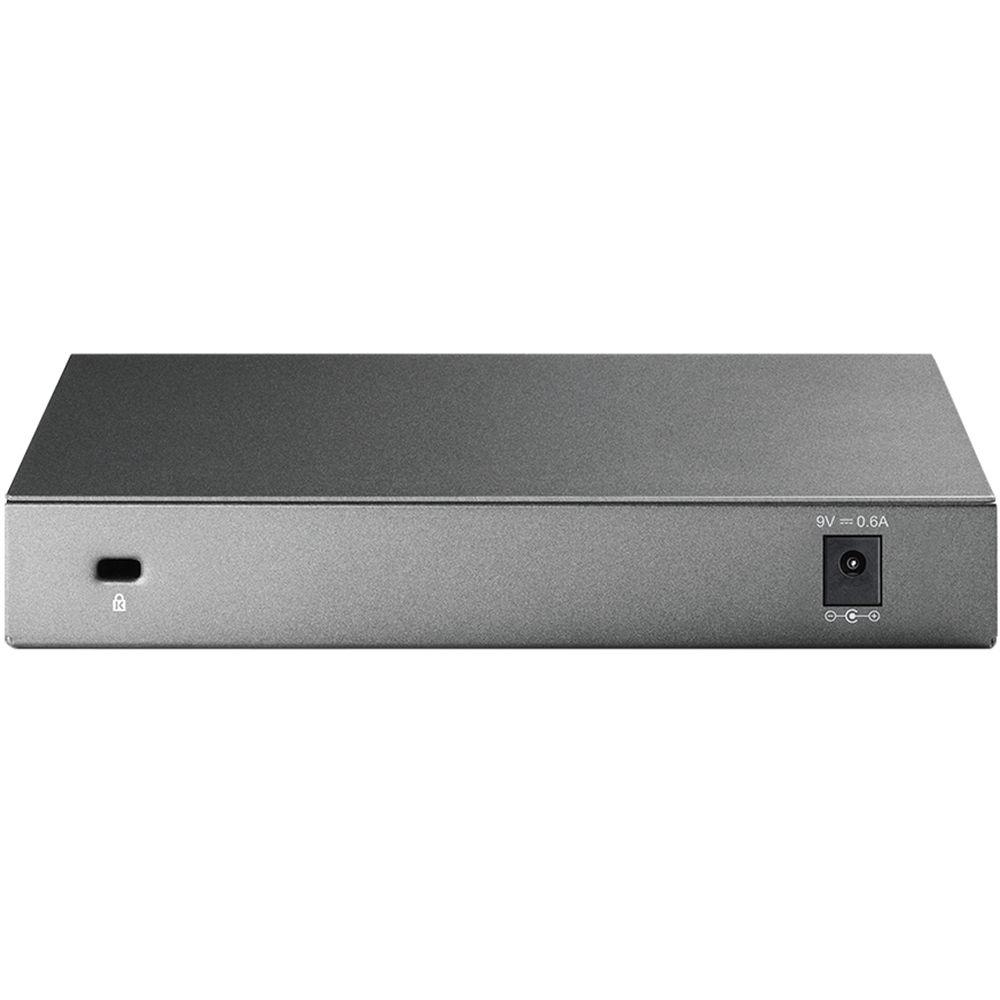
Storage Humidity: 5 to 90% non-condensing | | System Requirements | Microsoft Windows 98SE, NT, 2000, XP, Vista or Windows 7, MAC OS, NetWare, UNIX, or Linux | | Power Supply | Internal universal power supply
100 to 240 V AC ~ 50/60 Hz input | | Certifications | CE, FCC, and RoHS | | Dimensions (WxHxD) | 8.2 x 1.0 x 4.9" (208.2 x 25.4 x 124.4 mm) | | Weight | Not specified by the manufacturer | | | | Package Weight | 1.45 lb | | Box Dimensions (LxWxH) | 11.2 x 8.8 x 2.8" |
Rating94% users recommend this product to others. And what about you?

This product has already been rated by 16 owners. Add your rating and experience with the product.
Discussion
 Ask our technicians if you have a problem with your settings,
or if anything is unclear in the user manual you have downloaded.
You can make use of our moderated discussion.
The discussion is public and helps other users of our website who may be encountering similar problems.
Ask our technicians if you have a problem with your settings,
or if anything is unclear in the user manual you have downloaded.
You can make use of our moderated discussion.
The discussion is public and helps other users of our website who may be encountering similar problems.
The discussion is empty - enter the first post
Post a new topic / query / comment:
|
|



