User Manual for Transvideo 10" CineMonitorHD10 3DView Evolution Click to enlarge the picture
 Contents of the user manual for the Transvideo 10" CineMonitorHD10 3DView Evolution
- Product category: Production Monitors Transvideo
- Brand: Transvideo
- Description and content of package
- Technical information and basic settings
- Frequently asked questions – FAQ
- Troubleshooting (does not switch on, does not respond, error message, what do I do if...)
- Authorized service for Transvideo Production Monitors
 |
User manual for the Transvideo 10" CineMonitorHD10 3DView Evolution contain basic instructions
that need to be followed during installation and operation.
Before starting your appliance, the user manual should be read through carefully.
Follow all the safety instructions and warnings, and be guided by the given recommendations.
User manual is an integral part of any Transvideo product,
and if it is sold or transferred, they should be handed over jointly with the product.
Following the instructions for use is an essential prerequisite for protecting
health and property during use, as well as recognition of liability on the part of the manufacturer
for possible defects should you make a warranty claim. Download an official Transvideo user manual in which you will find instructions on how to install, use, maintain and service your product.
And do not forget – unsuitable use of a Transvideo product will considerably shorten its lifespan!
|
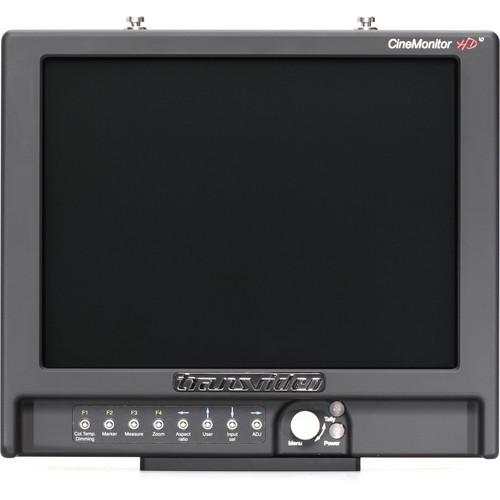
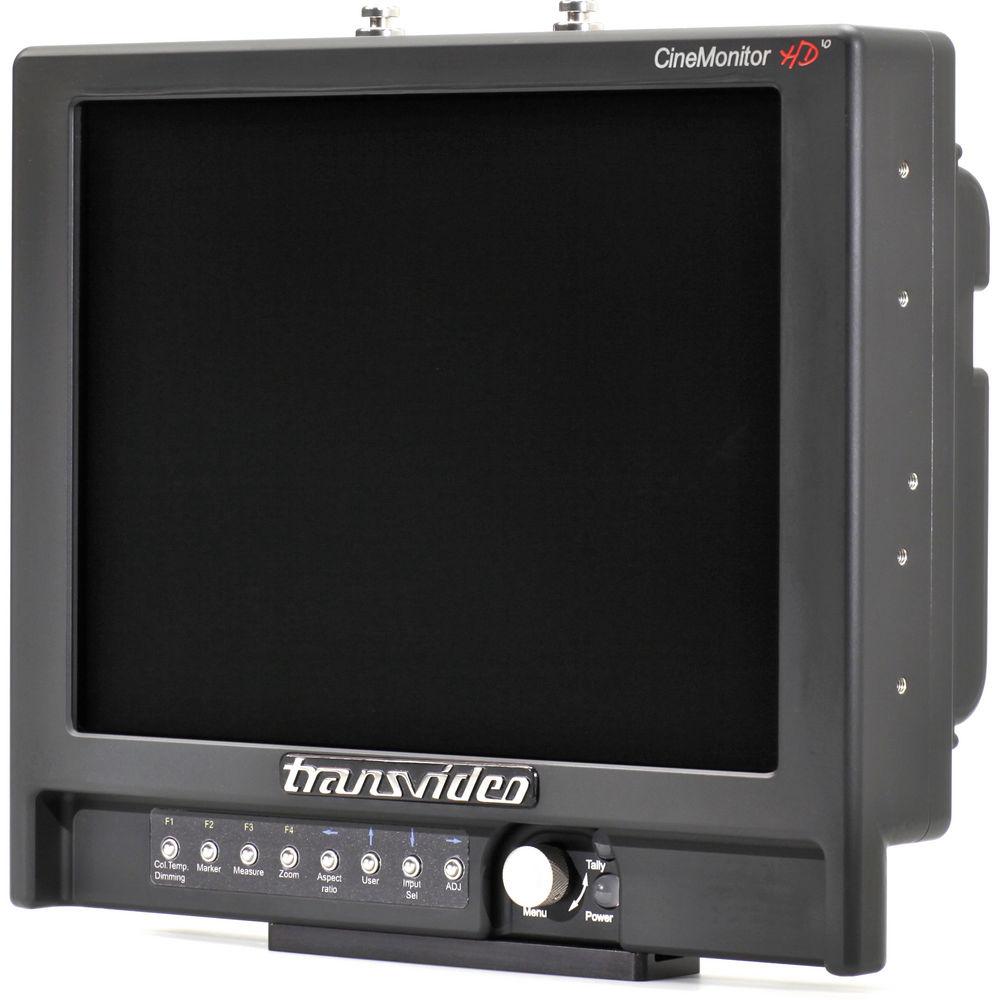
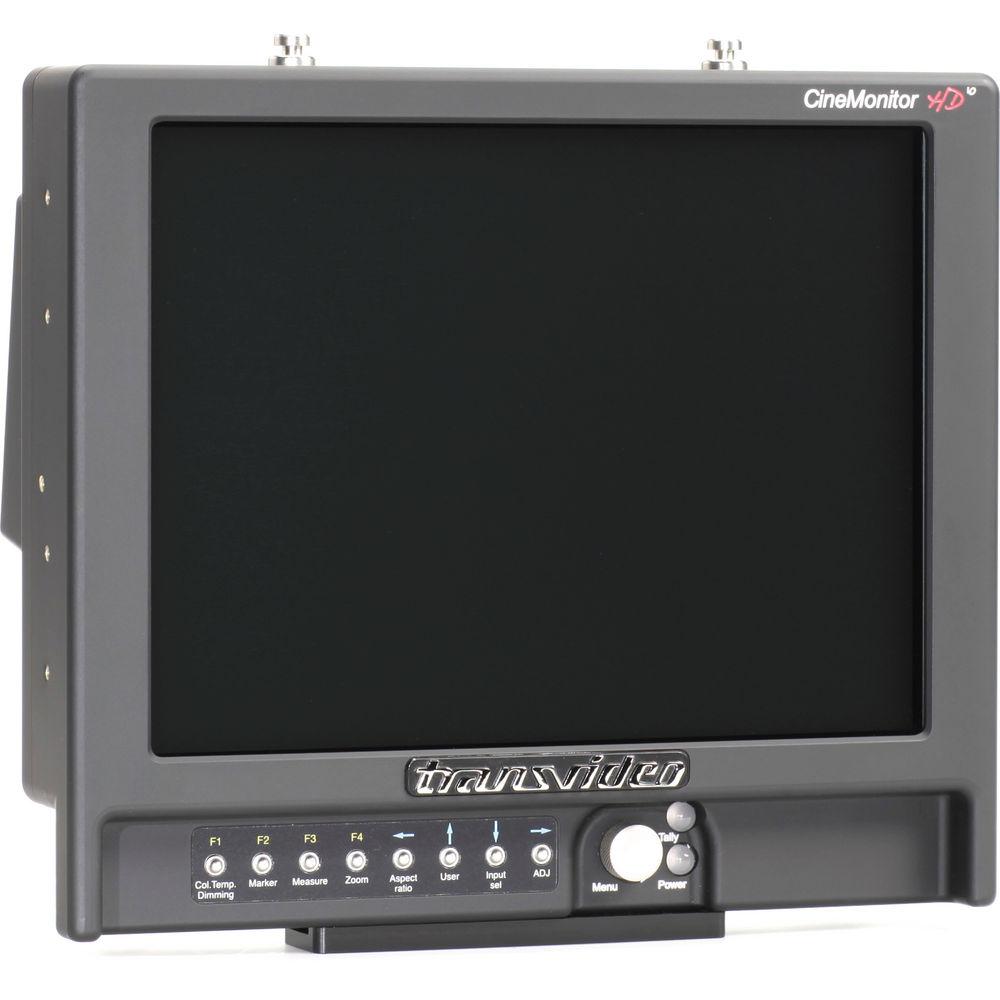
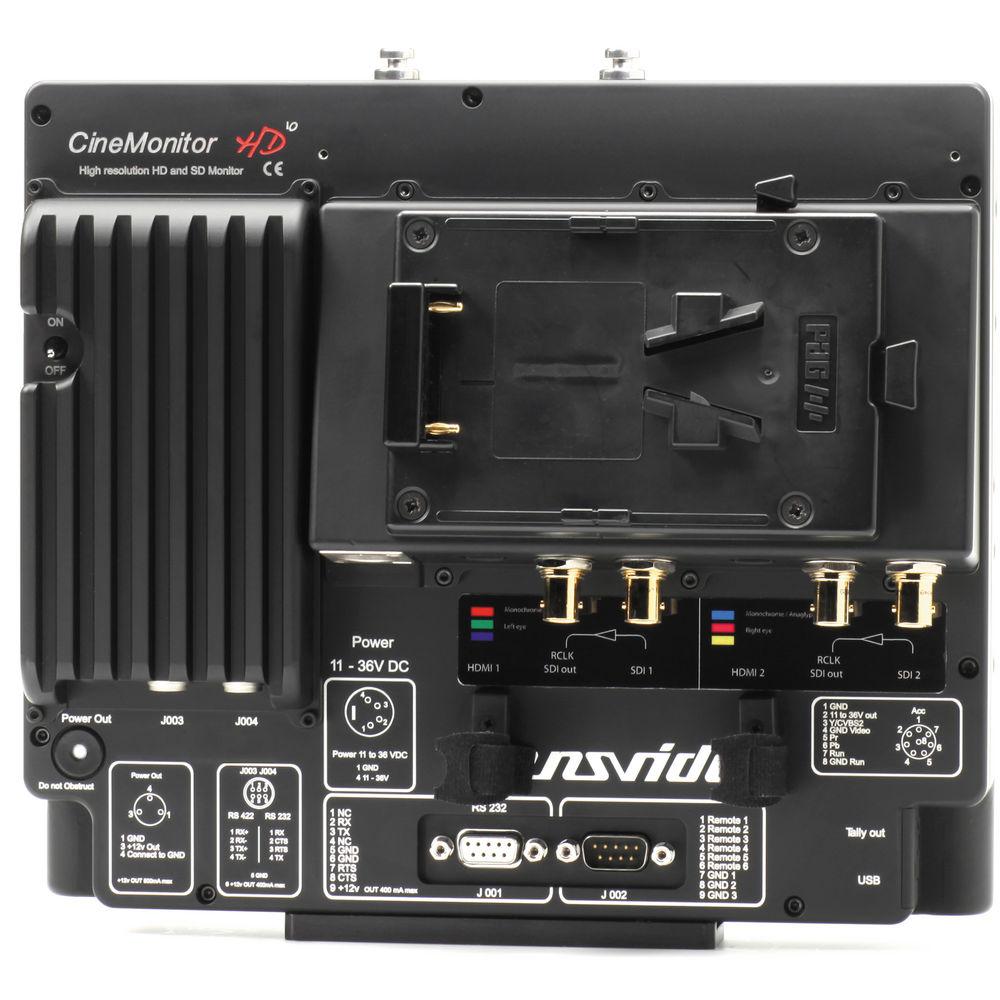
Product description The 10" CineMonitorHD10 3DView Evolution from Transvideo features a comprehensive set of 3D tools, including 3 Anaglyph, Monochrome and Shutter Glasses. Two HD-SDI and two HDMI inputs support stereoscopic set-ups, and each camera "eye" can be independently monitored as well as flipped vertically and/or horizontally. A phasemeter provides pixel and line phase information between the 2 signals, and the Derobe's Grid & Picture Shift functions help to achieve two-camera photometric matching.
This SuperBright model outputs 1000Nits, which improves visibility in sunny environments. Standard monitoring functions include selectable aspect ratios, fixed markers, zoom & reframe, and image flip & reverse. Multiple color adjustments include Colorimetry, gamma adjust, green and B&W modes, and Blue Check. The Focus Helper uses a multi dimensional filter to assess focus in difficult situations.
The monitor also provides for advanced picture analysis with Line & Parade Waveforms, user-programmable clipping levels, Histogram, Vectorscope and exposure monitoring. Standard 2D Tools include a full color frameline & matting generator, tri-color tally and embedded SDI tally.
A specific manual written by Alain Derobe describing theory and basics of 3D stereoscopic shooting with the CineMonitorHD 3DView comes with each monitor. Alain Derobe was a French stereographer and teacher. He was also one of the founders of the A.F.C. - Comprehensive 3D and 2D Tools, Phasemeter, Derobe's Grid, Picture Shift
- Supports stereoscopic set-ups with two HD-SDI inputs, two HDMI inputs, and genlock analysis
- SuperBright 1000Nits output improves visibility
- Selectable aspect ratios and anamorphic conversion
- Multiple color adjustments: Colorimetry, gamma, green & B&W display modes, Blue Check
- Focus Helper based on a multi dimensional filter
- Line & Parade Waveforms, histogram, and vectorscope
- Frameline and matting generators
- Tri-color Tally and embedded SDI Tally
In the Box Transvideo 10" CineMonitorHD10 3DView Evolution Manual Limited 1-Year Warranty Table of Contents
|
Upload User Manual
Have you got an user manual for the Transvideo 10" CineMonitorHD10 3DView Evolution in electronic form? Please send it to us and help us expand our library of instruction manuals.
Thank you, too, on behalf of other users.
To upload the product manual, we first need to check and make sure you are not a robot. After that, your "Submit Link" or "Upload File" will appear.
Technical parametersTransvideo 3DView Evolution Specs | | | Brightness | 1000Nits | | Contrast Ratio | max 500:1 | | Viewing Angles | Left/Right: ±80°
Top/Bottom: ±65° | | | | Video Input & Outputs | HD/SD-SDI inputs (x2, BNC)
Rclk output (x2, BNC)
mini HDMI (x2) | | Standards | HD-SDI (SMPTE 292M)
1280 x 720p at 24, 25, 29.97, 30 Hz (SMPTE 296M)*
1280 x 720p at 50, 59.94, 60 Hz (SMPTE 296M)
1920 x 1080i at 50, 59.94, 60 Hz (SMPTE 274M)
1920 x 1080psf at 23.98, 24, 25, 29.97, 30 Hz (SMPTE 274M)
1920 x 1080p at 23.97, 24, 25, 29.94, 30 Hz (SMPTE 274M)*
SD-SDI (SMPTE 259M-C)
720 x 487i at 60Hz (SD SDI 525 - SMPTE 125M)*
720 x 576i at 50Hz (SD SDI 625 - ITU-R BT.601)*
HDMI
720 x 480i at 59.94, 60 Hz*
720 x 576i at 50 Hz*
720 x 480p at 59.94, 60 Hz
720 x 576p at 50 Hz
1280 x 720p at 50, 59.94, 60 Hz
1920 x 1080i at 50, 59.94, 60 Hz
1920 x 1080psf at 25, 29.97, 30 Hz
1920 x 1080p at 23.97, 24, 25, 29.94, 30 Hz
* not available in 3D mode | | | | Power | XLR4 connector (-1, +4) - with galvanic insulation | | Power Consumption | 11 - 36V DC / 35W | | Dimensions | 10.55 x 8.89 x 2.99" (26.8 x 22.6 x 7.6 cm) | | Weight | 6.0 lb (2725 g) |
Rating90% users recommend this product to others. And what about you?

This product has already been rated by 76 owners. Add your rating and experience with the product.
Discussion
 Ask our technicians if you have a problem with your settings,
or if anything is unclear in the user manual you have downloaded.
You can make use of our moderated discussion.
The discussion is public and helps other users of our website who may be encountering similar problems.
Ask our technicians if you have a problem with your settings,
or if anything is unclear in the user manual you have downloaded.
You can make use of our moderated discussion.
The discussion is public and helps other users of our website who may be encountering similar problems.
The discussion is empty - enter the first post
Post a new topic / query / comment:
|
|


