User Manual for Transvideo 12" CineMonitorHD12 SB Evolution SuperBright Monitor Click to enlarge the picture
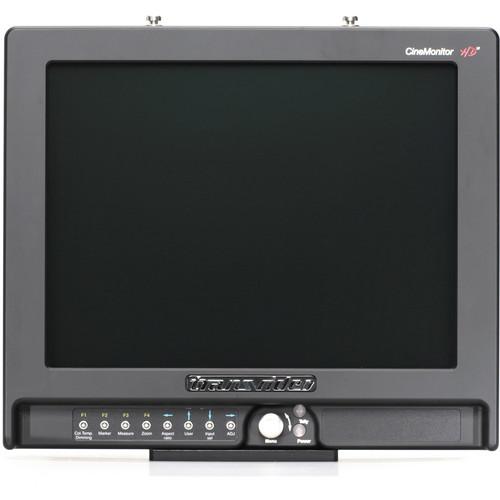 Contents of the user manual for the Transvideo 12" CineMonitorHD12 SB Evolution SuperBright
- Product category: Production Monitors Transvideo
- Brand: Transvideo
- Description and content of package
- Technical information and basic settings
- Frequently asked questions – FAQ
- Troubleshooting (does not switch on, does not respond, error message, what do I do if...)
- Authorized service for Transvideo Production Monitors
 |
User manual for the Transvideo 12" CineMonitorHD12 SB Evolution SuperBright contain basic instructions
that need to be followed during installation and operation.
Before starting your appliance, the user manual should be read through carefully.
Follow all the safety instructions and warnings, and be guided by the given recommendations.
User manual is an integral part of any Transvideo product,
and if it is sold or transferred, they should be handed over jointly with the product.
Following the instructions for use is an essential prerequisite for protecting
health and property during use, as well as recognition of liability on the part of the manufacturer
for possible defects should you make a warranty claim. Download an official Transvideo user manual in which you will find instructions on how to install, use, maintain and service your product.
And do not forget – unsuitable use of a Transvideo product will considerably shorten its lifespan!
|
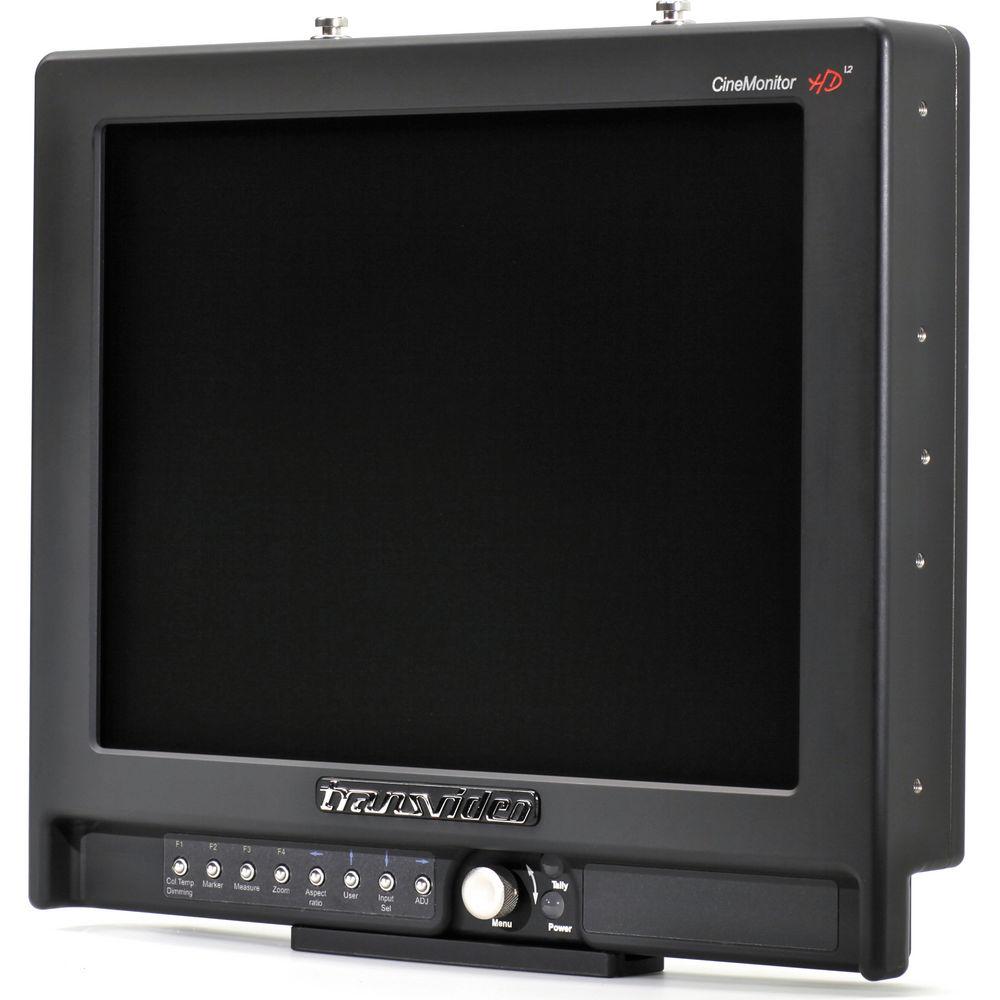
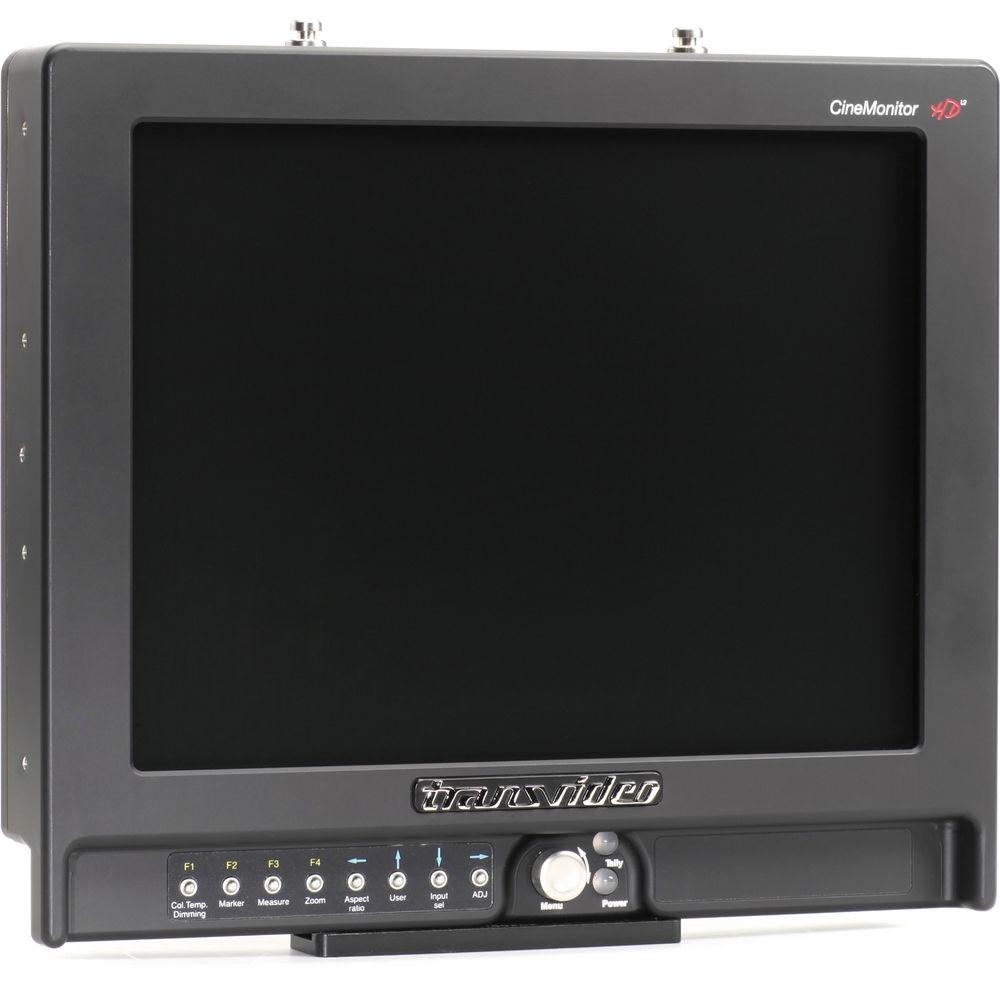
Product description The Transvideo 12” CineMonitorHD12 SB Evolution SuperBright Monitor features RFR (RealFrameRate processing) technology and provides true monitoring of existing in-camera images with 1-frame delay or less. The processing technology displays clear images without aliasing or motion-blurs. The monitor is configured with HD / SD SDI, HDMI, and analog inputs, with automatic recognition of all standards.
The user interface is very friendly and shows intuitive menus and direct access keys. The 4:3 screen is partitioned into 2 areas, a picture zone which displays the picture in 16:9 format and the tools and measurements which are displayed in the remaining free area of the screen.
The CineMonitorHD Evolution Monitor can be set in 2 operating modes either for outdoor viewing or color monitoring. In the Full Bright mode, details in both the dark areas and highlights are maintained even during full sunlight exposure without a hood.
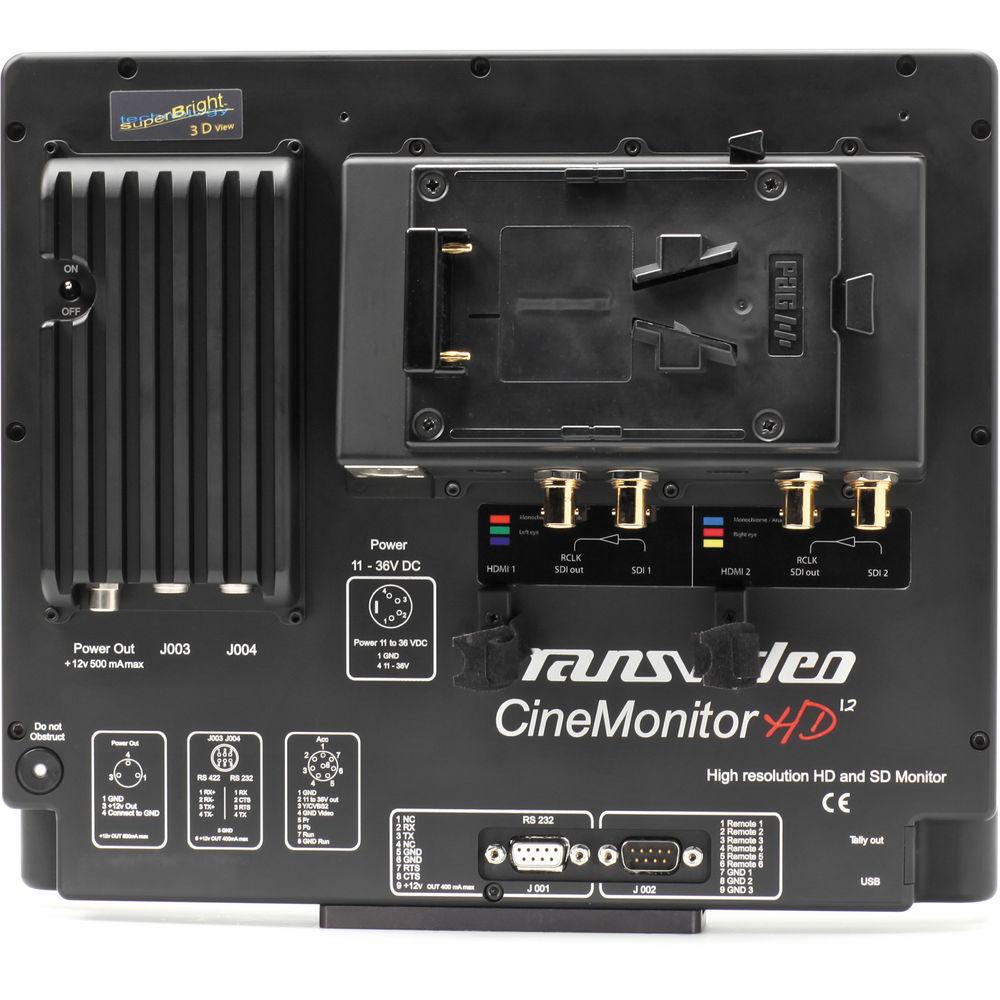
This monitor features an aluminum housing and optical glass that protect the screen. It also comes with a battery socket (V-Mount or Anton-Bauer). Furthermore, firmware and software updates are possible by using a USB key. Color Adjustments - Color calibration (D56 / D65 / manual), calibrated for full brightness
- Dimmer adjustment (Curves LogC, LogF, PanaLog)
- Gamma adjustment (Color / Green / B&W modes)
Picture Analysis - Line waveforms (Y, R, G, B) / parade waveforms (RGB, GBR, YRGB, YPrPb) / frame waveforms with user-programmable clipping levels, detailed waveform with 70% overlay
- Detailed vectorscope & phasemeter
Modes - 3 anaglyph modes for 3D preview (Red / Cyan, Green / Magenta, or Blue / Yellow)
- 3D B&W mode to check lens correlation plus 3D color mode
- Monochrome mode (camera 1 in magenta, camera 2 in green) for fringes monitoring
Tools - Full color frameline & matting generator
- Tri-color & on-screen tally (including embedded SDI tally)
Advanced Tools - Focus help tool (multi-color, adjustable level)
- Lens & CineTape data reader
Additional Features - Horizontal and/or vertical flip/flop of input 1 and/or 2 (right or left eye) for beamsplitter rigs
- Programmable grid to check lens convergence
- Measurement tools showing simultaneously the 2 signals for black level, white level, and flicker adjustment
- Color frameline & matting included
- Waveform YRGB, histogram, exposure analysis, white / black / mid-tone monitoring included
- Cooke / Agenieux lens interface
- 3D tools available in HD SDI 720p, 1080I, 1080Psf, 1080p, and HDMI
In the Box Transvideo 12" CineMonitorHD12 SB Evolution SuperBright Monitor 2 x Shoulder Strap Pin Bottom Slide Screen Protective Cover Microfiber Cloth & Bag 4.5 GHz HDTV BNC Cable (40") mini HDMI Cable USB Adapter for Software Updates Pelican Case with Custom-Shaped Foam Limited 2-Year Warranty on Parts & Labor Table of Contents
|
Upload User Manual
Have you got an user manual for the Transvideo 12" CineMonitorHD12 SB Evolution SuperBright Monitor in electronic form? Please send it to us and help us expand our library of instruction manuals.
Thank you, too, on behalf of other users.
To upload the product manual, we first need to check and make sure you are not a robot. After that, your "Submit Link" or "Upload File" will appear.
Technical parametersTransvideo SB Evolution Specs | | | Aspect Ratio | 16:9, 4:3, anamorphic 2.40:1 | | Markers | Safe area, 4:3, 14:9 | | Contrast Ratio | Maximum 500:1 | | Viewing Angle | ±80° H, +60 / -80° V | | Brightness | 1,000 nits | | Zoom | Zoom & Reframe: Pixel-to-pixel | | Setting | Image flips & monitor reverse | | | | Input | Video:
1 x HD / SD SDI + 1 Rclk out (BNC)
1 x CVBS + Loop (BNC)
1 x Accessory YPrPb / RGB / CVBS (Lemo8)
1 x mini HDMI
HD-SDI:
HD SDI (SMPTE 292M):
1280 x 720p at 24, 25, 29.97, 30 Hz (SMPTE 296M)
1280 x 720p at 50, 59.94, 60 Hz (SMPTE 296M)
1920 x 1080i at 50, 59.94, 60 Hz (SMPTE 274M)
1920 x 1080psf at 23.98, 24, 25, 29.97, 30 Hz (SMPTE 274M)
1920 x 1080p at 23.97, 24, 25, 29.94, 30 Hz (SMPTE 274M) | | SD-SDI Input | SD SDI (SMPTE 259M-C):
720 x 487i at 60 Hz (SD SDI 525 - SMPTE 125M)
720 x 576i at 50 Hz (SD SDI 625 - ITU-R BT.601) | | CVBS | NTSC-M, NTSC-J, NTSC 4.43
PAL B/G H I D, PAL M, PAL N
SECAM | | YPbPr Interface | ACC YPrPb / RGB:
720 x 480i at 60 Hz (SMPTE 253M)
720 x 576i at 50 Hz
1280 x 720p at 50, 59.94, 60 Hz
1920 x 1080i at 50, 59.94, 60 Hz (SMPTE 240M)
1920 x 1080psf at 25, 29.97, 30 Hz
1920 x 1080p at 23.97, 24, 25, 29.94, 30 Hz | | HDMI | 720 x 480i & 720 x 480p at 59.94, 60 Hz (SMPTE 296M)
720 x 576i & 720 x 576p at 50 Hz (SMPTE 296M)
1280 x 720p at 50, 59.94, 60 Hz (SMPTE 296M)
1920 x 1080i at 50, 59.94, 60 Hz (SMPTE 274M)
1920 x 1080psf at 23.98, 24, 25, 29.97, 30 Hz (SMPTE 274M)
1920 x 1080p at 23.97, 24, 25, 29.94, 30 Hz (SMPTE 274M) | | Power | XLR4 connector (-1, +4) with galvanic insulation | | | | Power Consumption | 10 to 36 VDC / 33 W | | Dimensions (LxHxD) | 11.7 x 10.3 x 3.4" (297.1 x 261.6 x 86.3 mm) | | Weight | 7.7 lb (3.4 kg) | | | | Package Weight | 17.15 lb | | Box Dimensions (LxWxH) | 19.1 x 14.1 x 5.4" |
Rating90% users recommend this product to others. And what about you?

This product has already been rated by 06 owners. Add your rating and experience with the product.
Discussion
 Ask our technicians if you have a problem with your settings,
or if anything is unclear in the user manual you have downloaded.
You can make use of our moderated discussion.
The discussion is public and helps other users of our website who may be encountering similar problems.
Ask our technicians if you have a problem with your settings,
or if anything is unclear in the user manual you have downloaded.
You can make use of our moderated discussion.
The discussion is public and helps other users of our website who may be encountering similar problems.
The discussion is empty - enter the first post
Post a new topic / query / comment:
|
|


