User Manual for Transvideo 8" CineMonitor HD8 SBL RF with V-Mount Battery Mount Click to enlarge the picture
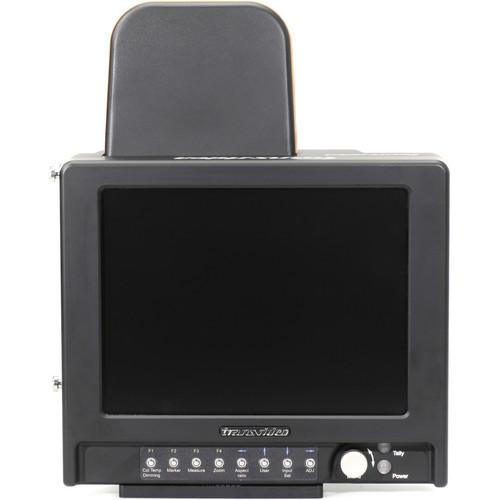 Contents of the user manual for the Transvideo 8" CineMonitor HD8 SBL RF
- Product category: On Camera Monitors Transvideo
- Brand: Transvideo
- Description and content of package
- Technical information and basic settings
- Frequently asked questions – FAQ
- Troubleshooting (does not switch on, does not respond, error message, what do I do if...)
- Authorized service for Transvideo On Camera Monitors
 |
User manual for the Transvideo 8" CineMonitor HD8 SBL RF contain basic instructions
that need to be followed during installation and operation.
Before starting your appliance, the user manual should be read through carefully.
Follow all the safety instructions and warnings, and be guided by the given recommendations.
User manual is an integral part of any Transvideo product,
and if it is sold or transferred, they should be handed over jointly with the product.
Following the instructions for use is an essential prerequisite for protecting
health and property during use, as well as recognition of liability on the part of the manufacturer
for possible defects should you make a warranty claim. Download an official Transvideo user manual in which you will find instructions on how to install, use, maintain and service your product.
And do not forget – unsuitable use of a Transvideo product will considerably shorten its lifespan!
|
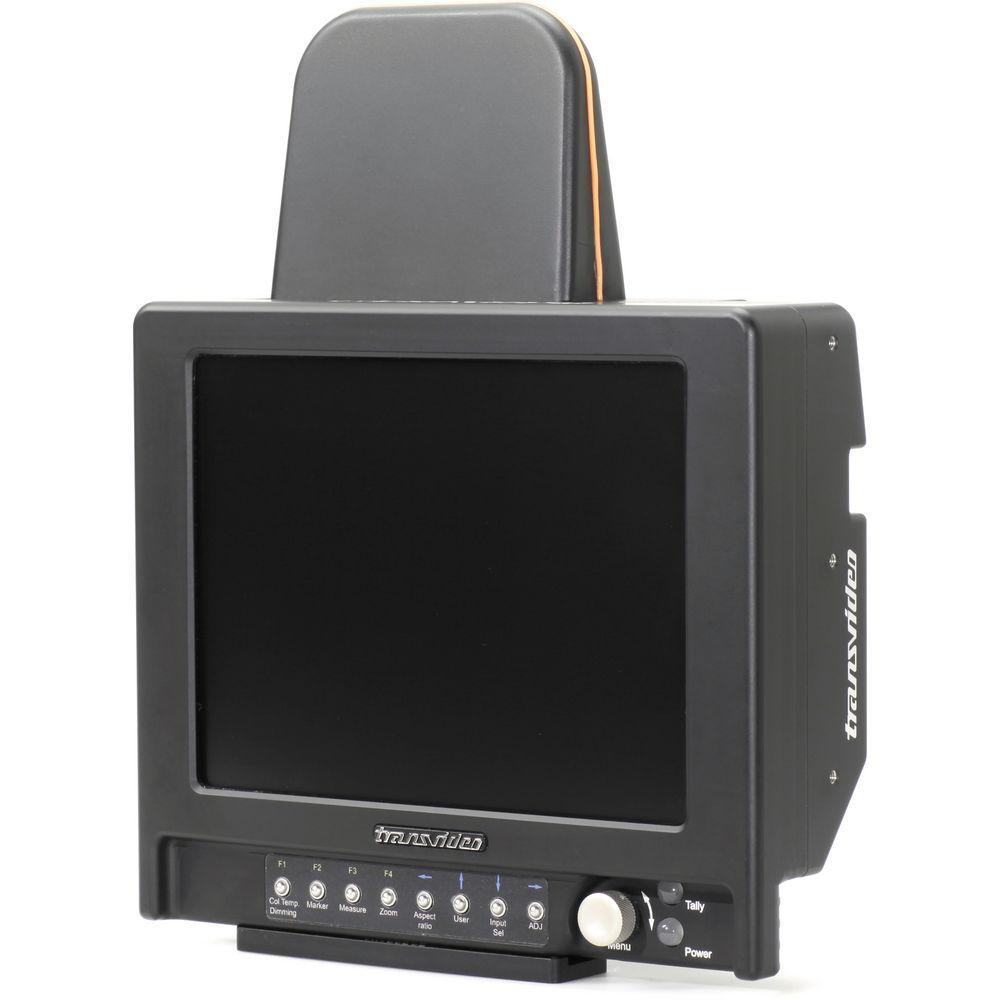
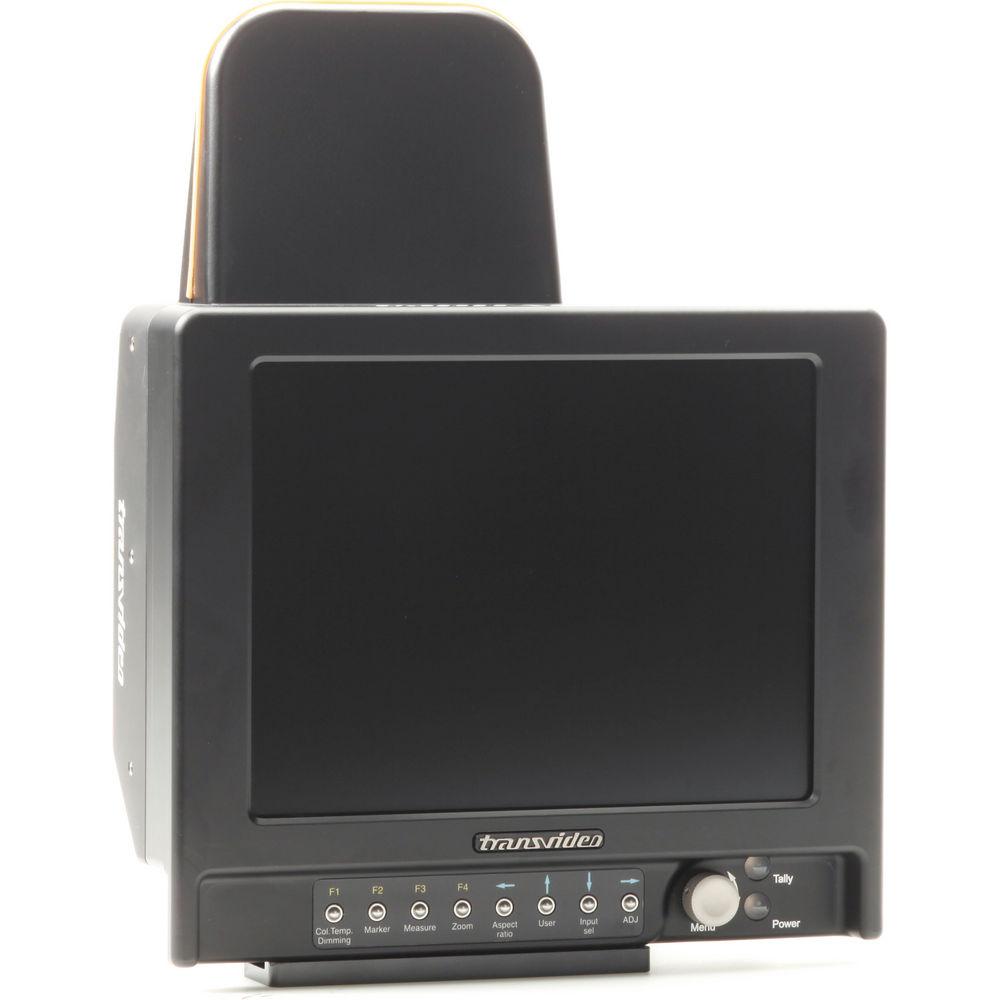
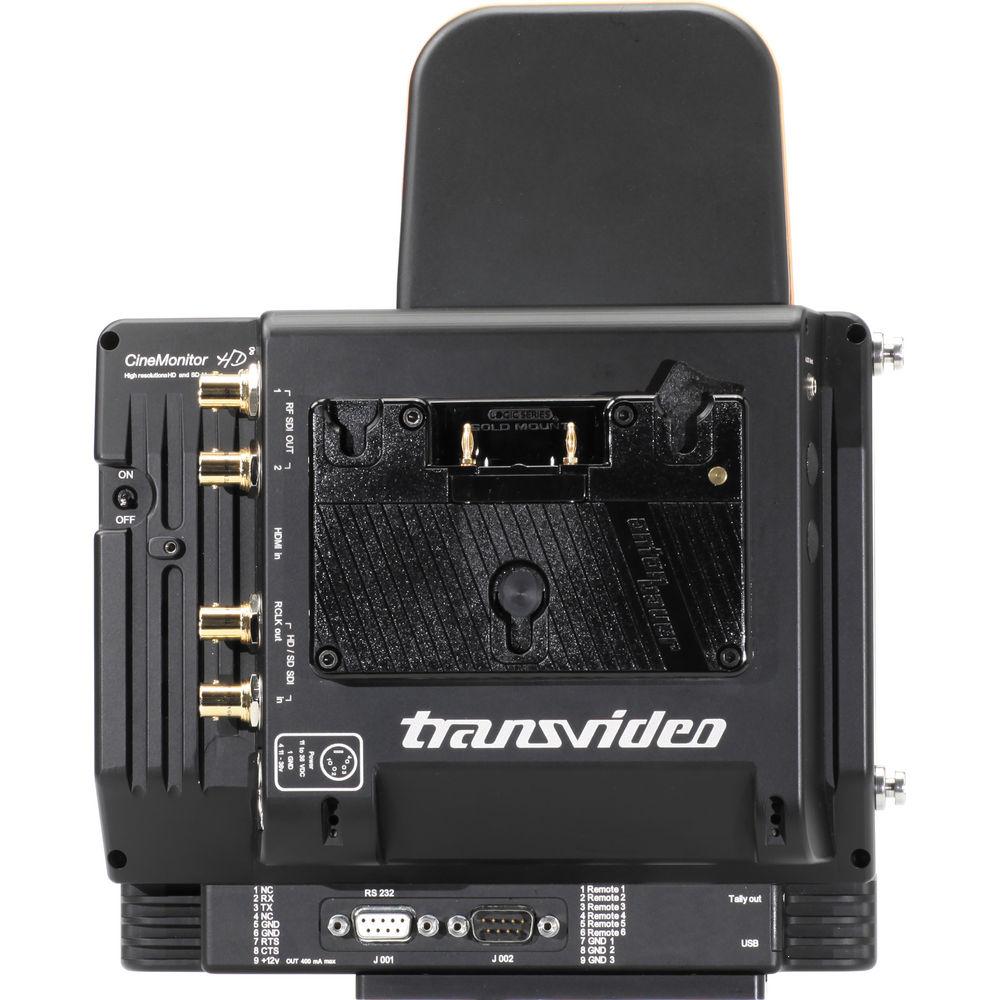
Product description The Transvideo 8" CineMonitor HD8 SBL RF with V-Mount Battery Mount features the ability to receive a wireless signal from a TitanHD wireless video HD/SD transmission system. It works on the 5.8GHz ISM band that doesn't require a broadcast license.The monitor carries RGB and YCrCb 10-bit signal (HD SDI and HDMI) as well as SD SDI and composite. It receives the signals without any loss in a normal environment. With a latency below 5ms, it provides real-time SD/HD monitoring.
Equipped with LED backlight technology the monitor outputs over 1,000 Nits for full sun operation. Firmware and software updates are possible via the USB key. The monitor can be powered by V-Mount battery or by or by external DC source. - Link
- The selection of a channel can be manual or automatic. In P2P mode the link is possible only between one receiver and one transmitter. In Broadcast mode up to 6 receivers can be linked to a single transmitter, but data transmission from receiver to transmitter (S/N ratio, GPIO) is not possible.
- Audio and Metadata Transmission
- CineMonitorHD RF includes an audio jack connector for audio monitoring. SDI embedded Timecode and Tally transmission are possible in place of one audio channel (if any embedded in the SDI).
- Monitoring Functions
- Diplay settings include: Aspect Ratio (16/9 and Anamorphic, 4:3 in SD), Fixed Markers (TV safe, 4:3 and 14/9), Zoom and Reframe, Image Flips and Monitor Reverse. Mutliple color adjustments are available: Colorimetry (D56/D65/manual calibration), Curves (LogC, LogF, PanaLog) and Gamma Adjust, Color / Green / B&W display modes, Blue Check.
- Picture Analysis
- High precision measurement tools include: Line Waveforms (Y, R, G, B), Parade Waveforms (RGB, GBR, YRGB, YPrPb), Frame Waveform with user-programmable clipping levels, histogram, vectorscope, exposure monitoring.
- Tools
- Standard tools include: Full Color Frameline and Matting Generator, Timecode, Embedded Audio Monitoring, Voltage Control, as well as Tri-Color Tally. Based on a high performance multi dimensional filter, the Focus Helper helps to have a sharp focus in difficult situations. The i/ Lens module reads and displays in a friendly user interface the data from Cooke S4/i & 5/i as well as Angénieux Zooms with ADS /i module.
In the Box Transvideo 8" CineMonitor HD8 SBL RF with V-Mount Battery Mount 2 x Shoulder Strap Pins Bottom Slide Screen Protective Cover Microfiber Cloth and Bag USB Adapter for SW Updates Pelican Case with Custom Shaped Foam Limited 1-Year Warranty Table of Contents
|
Upload User Manual
Have you got an user manual for the Transvideo 8" CineMonitor HD8 SBL RF with V-Mount Battery Mount in electronic form? Please send it to us and help us expand our library of instruction manuals.
Thank you, too, on behalf of other users.
To upload the product manual, we first need to check and make sure you are not a robot. After that, your "Submit Link" or "Upload File" will appear.
Technical parametersTransvideo SBL Specs | Battery Mount | V-Mount | | Video Input & Outputs | 1 x HD/SD SDI + 1 Rclk out (BNC)
1 x mini HDMI in
2 x HD/SD SDI RF out (BNC) | | Audio Monitoring | Out: 1 x Jack 2.5 female | | Modulation | Wireless: 5 GHz ISM band COFDM MiMo | | Modes | P2P: 1 Tx to 1 Rx
Broadcast: 1 Tx to 6 Rx | | Channels | 10 | | Contrast Ratio | Maximum 900:1 | | Viewing Angle (H/V) | ±80°, +60°/-80° | | Brightness | 1000 Nits | | Power | XLR4 connector (-1, +4) - with galvanic insulation | | Power Consumption | 11 to 36 VDC, 28 W | | | | HD-SDI Input | SMPTE 292M
1280x720p @ 24, 25, 29.97, 30 Hz (SMPTE 296M)<br>
1280x720p @ 50, 59.94, 60 Hz (SMPTE 296M)<br>
1920x1080i @ 50, 59.94, 60 Hz (SMPTE 274M)<br>
1920x1080psf @ 23.98, 24, 25, 29.97, 30 Hz (SMPTE 274M)<br>
1920x1080p @ 23.97, 24, 25, 29.94, 30 Hz (SMPTE 274M) | | SD-SDI Input | SMPTE 259M-C
720x487i @ 60Hz (SD SDI 525 - SMPTE 125M)<br>
720x576i @ 50Hz (SD SDI 625 - ITU-R BT.601) | | CVBS | NTSC-M, NTSC-J, NTSC 4.43
PAL B/G H I D, PAL M, PAL N
SECAM | | HDMI | 720 x 480i @ 59.94, 60 Hz
720 x 576i @ 50 Hz
720 x 480p @ 59.94, 60 Hz
720 x 576p @ 50 Hz
1280 x 720p @ 50, 59.94, 60 Hz
1920 x 1080i @ 50, 59.94, 60 Hz
1920 x 1080psf @ 25, 29.97, 30 Hz
1920 x 1080p @ 23.97, 24, 25, 29.94, 30 H 720 x 480p @ 59.94, 60 Hz, and 720 x 576p @ 50 Hz not available in wireless mode. | | Dimensions (LxHxD) | 8.5 x 11.0 x 4.2" (215.0 x 276.0 x 106.0 mm) | | Weight | 4.6 lb (2,080.0 g) |
Rating80% users recommend this product to others. And what about you?

This product has already been rated by 97 owners. Add your rating and experience with the product.
Discussion
 Ask our technicians if you have a problem with your settings,
or if anything is unclear in the user manual you have downloaded.
You can make use of our moderated discussion.
The discussion is public and helps other users of our website who may be encountering similar problems.
Ask our technicians if you have a problem with your settings,
or if anything is unclear in the user manual you have downloaded.
You can make use of our moderated discussion.
The discussion is public and helps other users of our website who may be encountering similar problems.
The discussion is empty - enter the first post
Post a new topic / query / comment:
|
|


