User Manual for Vienna Symphonic Library Vienna Smart Orchestra 140-Piece Orchestra Virtual Instrument Click to enlarge the picture
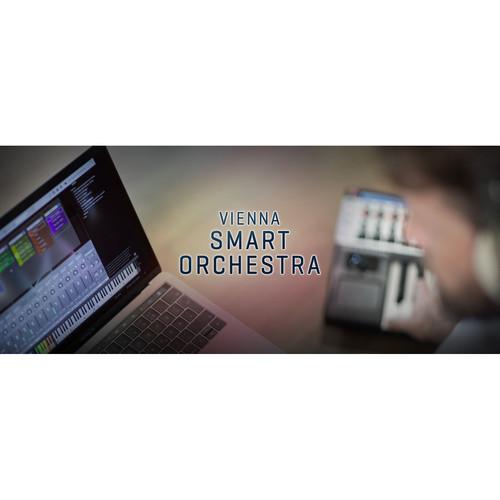 Contents of the user manual for the Vienna Symphonic Library Vienna Smart Orchestra
- Product category: Virtual Instruments Vienna Symphonic Library
- Brand: Vienna Symphonic Library
- Description and content of package
- Technical information and basic settings
- Frequently asked questions – FAQ
- Troubleshooting (does not switch on, does not respond, error message, what do I do if...)
- Authorized service for Vienna Symphonic Library Virtual Instruments
 |
User manual for the Vienna Symphonic Library Vienna Smart Orchestra contain basic instructions
that need to be followed during installation and operation.
Before starting your appliance, the user manual should be read through carefully.
Follow all the safety instructions and warnings, and be guided by the given recommendations.
User manual is an integral part of any Vienna Symphonic Library product,
and if it is sold or transferred, they should be handed over jointly with the product.
Following the instructions for use is an essential prerequisite for protecting
health and property during use, as well as recognition of liability on the part of the manufacturer
for possible defects should you make a warranty claim. Download an official Vienna Symphonic Library user manual in which you will find instructions on how to install, use, maintain and service your product.
And do not forget – unsuitable use of a Vienna Symphonic Library product will considerably shorten its lifespan!
|
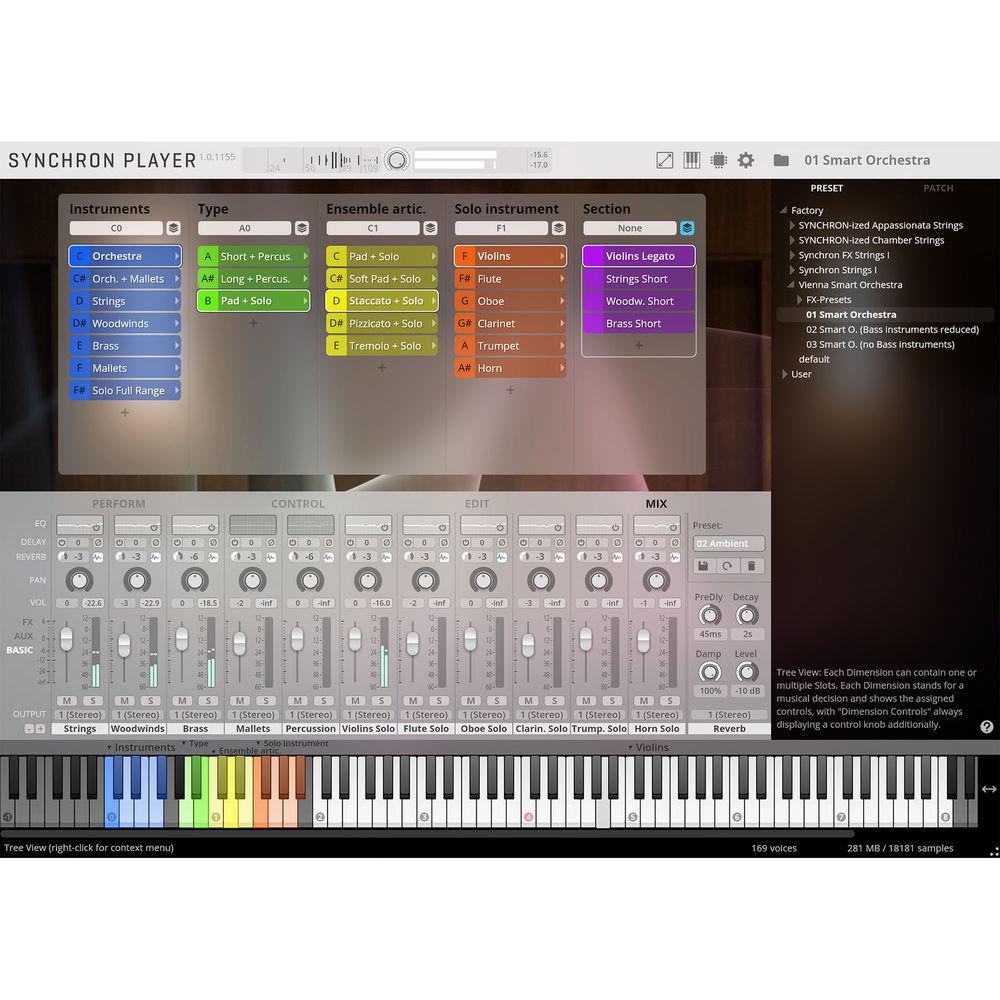
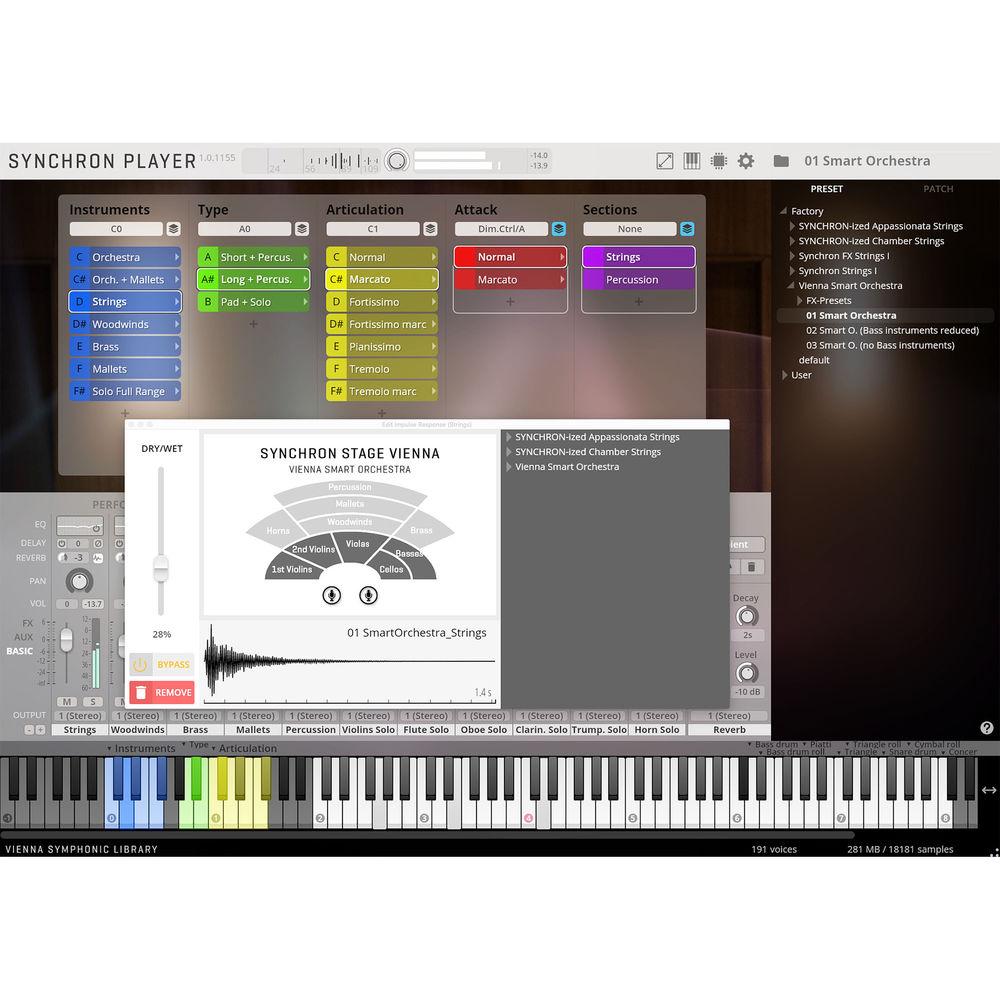
Product description The Vienna Symphonic Library - Vienna Smart Orchestra is a virtual instrument that provides an entire 140-piece orchestra at your fingertips and is well suited for musicians, producers, or anyone looking to quickly sketch a symphonic idea, deliver a final score on a deadline, or play live on stage. The software is powered by the Vienna Synchron Player, which uses Vienna MIR Pro technology to expertly place sections and solo instruments on the Synchron Stage Vienna.
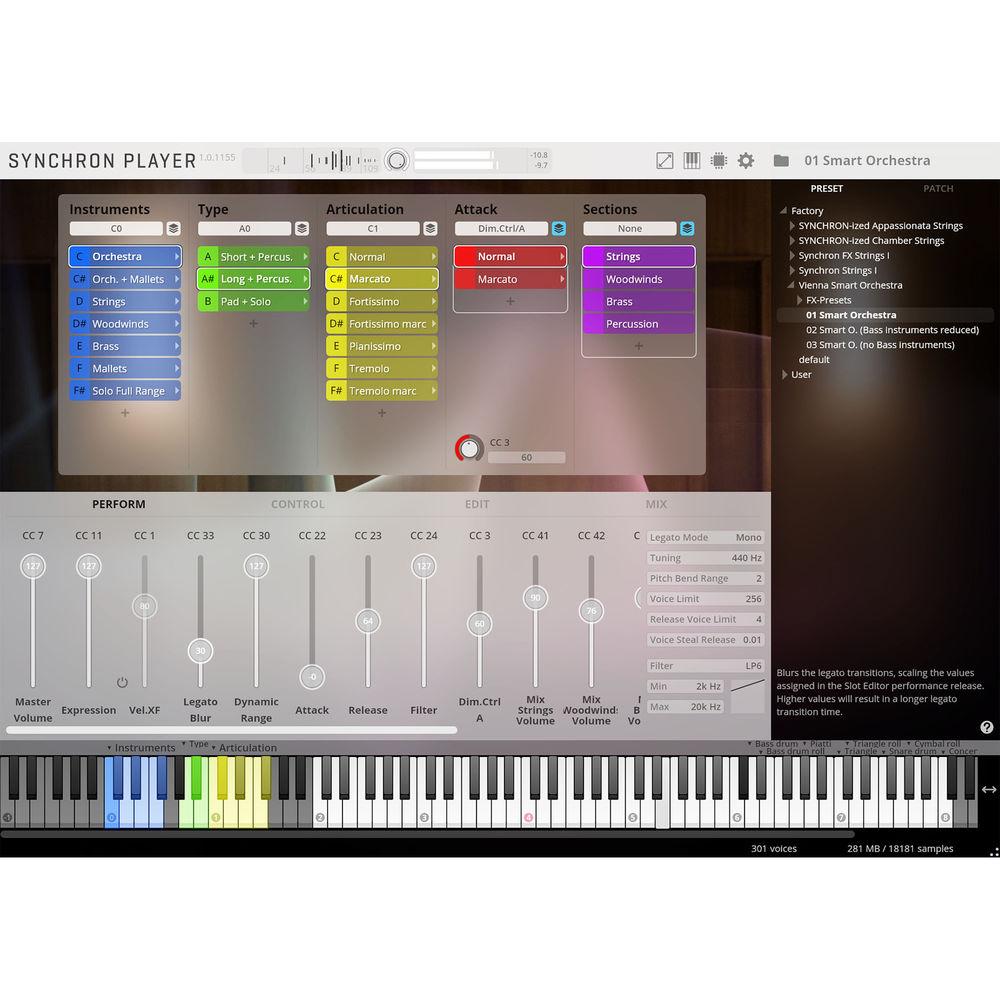
With presets, you can either play the entire orchestra with full dynamics, adjusting the balance of the main sections (strings, woodwinds, brass, mallets, drums and percussion) in the mixer, or you can play these sections separately, all on your keyboard. What's more, you may add selected solo instruments such as flute, oboe, clarinet, French horn, trumpet, or an ensemble of first violins, all over the accompanying ensemble played with your left hand. - Sample Content
-
- Instruments
- Full orchestra + percussion, with and without mallets section
- Different presets with full range of bass instruments, reduced range, and without bass
- Individual sections: strings, woodwinds, brass, mallets
- Separate solo instruments full range: violins, flute, oboe, clarinet, trumpet, horn
- FX presets in 4 categories: pads, plucks, leads, and processed percussion
- Articulation types
- Short notes, short notes + pizzicato
- Long notes: normal, fortissimo, pianissimo, tremolo; all except pianissimo also with marcato attack
- Pad + solo: normal and soft pad, staccato, pizzicato, and tremolo plus solo instruments
- FX: articulations according to FX type
Table of Contents
|
Upload User Manual
Have you got an user manual for the Vienna Symphonic Library Vienna Smart Orchestra 140-Piece Orchestra Virtual Instrument in electronic form? Please send it to us and help us expand our library of instruction manuals.
Thank you, too, on behalf of other users.
To upload the product manual, we first need to check and make sure you are not a robot. After that, your "Submit Link" or "Upload File" will appear.
Technical parametersVienna Symphonic Library VSLSYT01 Specs | Mac System Requirements | OS X 10.10 (Latest Update or Later), Intel Core 2 Duo
Recomended: macOS 10.12 (or Later), Intel i5/i7/Xeon
SSD (M2, Sata 6 or USB3/3.1 UASP Support) for Sample Content
RAM 8 GB (16 GB Recommended)
AU/VST/AAX Native Compatible Host (AAX Version Requires Pro Tools 10.3.5 or Later)
VIENNA KEY (Vienna Symphonic Library USB Protection Device) or Other USB eLicenser (e.g., from Steinberg or Arturia)
Free Hard-Drive Space: 9.92 GB | | Windows System Requirements | Windows 7/8/10 (Latest Update, 32-/64-bit), Intel Core 2 Duo or AMD Athlon 64 X2
Recommended: Windows 7/8/10 (Latest update, 64-bit), Intel i5/i7/Xeon
SSD (M2, Sata 6 or USB3/3.1 UASP Support) for Sample Content
RAM: 8 GB (16 GB recommended)
AU/VST/AAX Native Compatible Host (AAX Version Requires Pro Tools 10.3.5 or Later)
VIENNA KEY (Vienna Symphonic Library USB Protection Device) or Other USB eLicenser (e.g., from Steinberg or Arturia)
Free Hard-Drive Space: 9.92 GB | | Recommended | Accessory (Sold Separately): 88-Key Master Keyboard
|
Rating80% users recommend this product to others. And what about you?

This product has already been rated by 57 owners. Add your rating and experience with the product.
Discussion
 Ask our technicians if you have a problem with your settings,
or if anything is unclear in the user manual you have downloaded.
You can make use of our moderated discussion.
The discussion is public and helps other users of our website who may be encountering similar problems.
Ask our technicians if you have a problem with your settings,
or if anything is unclear in the user manual you have downloaded.
You can make use of our moderated discussion.
The discussion is public and helps other users of our website who may be encountering similar problems.
The discussion is empty - enter the first post
Post a new topic / query / comment:
|
|


