User Manual for vMix HD Live Production Software Six Virtual Sets Click to enlarge the picture
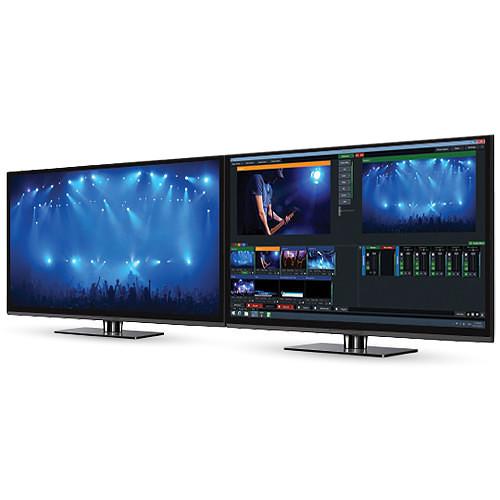 Contents of the user manual for the vMix HD Live Production Software Six
- Product category: Switcher Software Others
- Brand: Others
- Description and content of package
- Technical information and basic settings
- Frequently asked questions – FAQ
- Troubleshooting (does not switch on, does not respond, error message, what do I do if...)
- Authorized service for Others Switcher Software
 |
User manual for the vMix HD Live Production Software Six contain basic instructions
that need to be followed during installation and operation.
Before starting your appliance, the user manual should be read through carefully.
Follow all the safety instructions and warnings, and be guided by the given recommendations.
User manual is an integral part of any Others product,
and if it is sold or transferred, they should be handed over jointly with the product.
Following the instructions for use is an essential prerequisite for protecting
health and property during use, as well as recognition of liability on the part of the manufacturer
for possible defects should you make a warranty claim. Download an official Others user manual in which you will find instructions on how to install, use, maintain and service your product.
And do not forget – unsuitable use of a Others product will considerably shorten its lifespan!
|
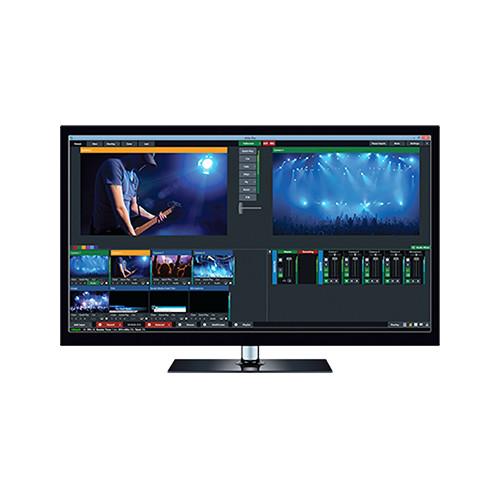
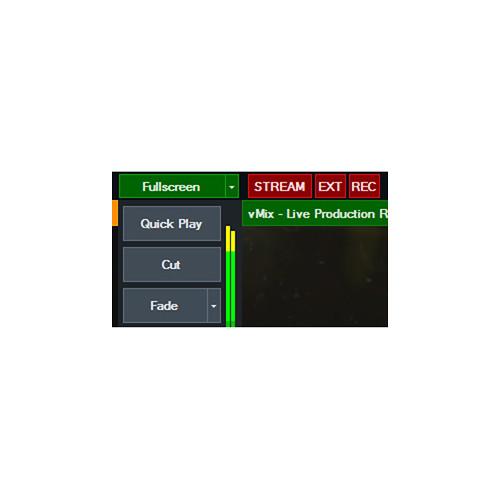
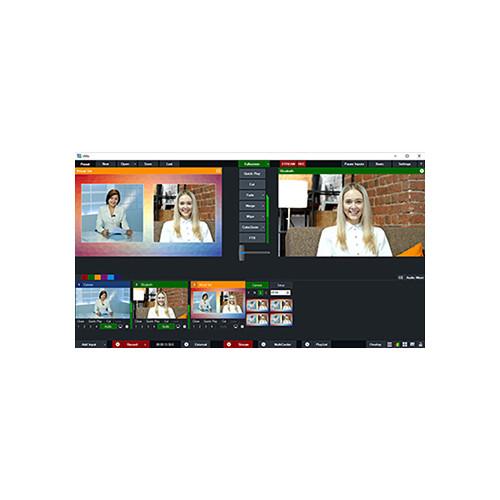
Product description vMix HD Live Production Software + Six Virtual Sets provides you with a 1920 x 1080, 1000-input, recording, streaming, and output solution plus six advanced virtual sets to enhance your production. vMix HD is designed for users who don't need advanced controls and external hardware support, but who require many inputs. The six virtual sets come as .xml files in 2880 x 1620 (2.5K) resolution, and allow for virtual pans and zooms, complete customization of the design, and replacement of select images with videos/images. - HD Live Production, Streaming & Mixing Software (Download) The multifunction HD Live Production, Streaming & Mixing Software from vMix can switch between multiple HD sources—the maximum number depending on the limitations of the computer, its GPU, and the video capture hardware installed. It can stream a live program feed out to the web over RTMP, RTSP, or Flash and can also record locally at up to HD resolution in AVI, MP4, MPEG-2 or WMV. If a video output is available, it can send out a full-quality program feed for local presentation or recording separately.
Capable of more than just basic switching, effects and chroma keying are also built-in. You can add titles, incorporate virtual sets, or apply templates to give productions network-worthy results.
There is a built-in audio mixer so you won't have to rely on a separate hardware mixer. Audio can be sourced via embedded audio, the capture device's audio inputs, through a separate audio interface, or even be played from a pre-recorded audio file.
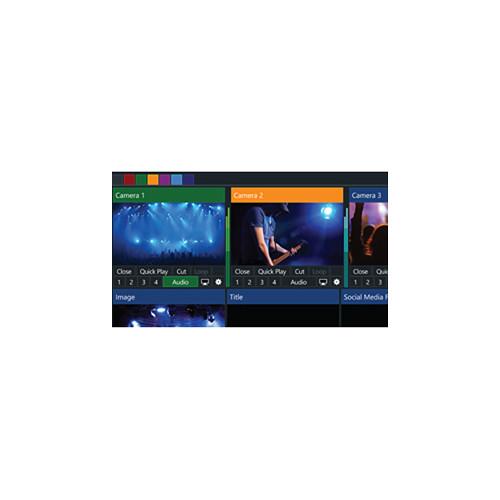
vMix Live Production software runs on Windows and works with a variety of video capture and I/O devices, including models from Blackmagic Design, Matrox, AJA, and more. Supports Live and Virtual Input Sources - Virtually Unlimited Number of Input Sources Supported
- The software supports up to a 1000 sources, including virtual as well as hardware sources. In practice, the total number will depend on the limitations of your computer, GPU, and capture hardware. An average workstation configuration with dedicated GPU can support about eight HD sources
- Camera
- Use a video I/O card such as a Blackmagic or AJA product to capture live from a camera or external video feed. Up to HD resolution is supported, depending on the limitations of the card and computer hardware.
FireWire (HDV/DV) capture is also supported; however, there will be a significant delay. - Remote Screen Capture
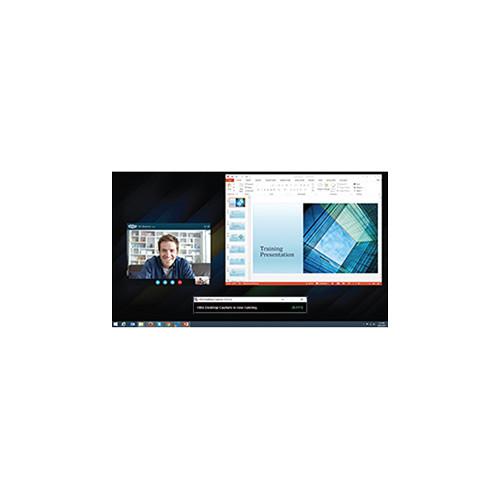
- Use the desktop from a Mac or Windows computer connected to the same network as a computer running vMix as a virtual input. Ideal for PowerPoint and Skype.
Note: Audio Capture support for Skype and other videoconferencing software is available under Windows 7. - Play from Files
- Previously recorded footage can be treated as an input source. Supported file types include AVI, MP4, H.264, MPEG-2, WMV, and QuickTime.
- DVDs
- DRM-free DVD content can be incorporated into the program feed, complete with menu navigation.
- Audio Files
- Use sound cues, music tracks, and other aural elements to spice up your production. vMix plays back MP3 and WAV files.
- External Audio
- Use the audio accompanying your video, a separate audio interface, or your computer's sound card to capture live sound.
- Video and Audio Playlists
- Combine multiple video and audio files into a bundle that will play on a single input channel.
- Other Supported Media
- In addition to audio and video, vMix supports PowerPoint, photos and other still image graphics, solid colors, and more.
Live Web Streaming - Streaming Protocols
- For compatibility with most CDNs (content delivery networks), vMix supports RTSP, RTMP, and Flash. Stream to your favorite streaming providers, including UStream and YouTube Live.
- Virtual Capture
- Enables streaming to third-party software such as Skype, Google Hangouts, and VLC.
- Record While You Stream
- Record your programs in Full HD to AVI, MP4, MPEG-2, or WMV.
- Output Locally
- Output the program feed via a compatible video I/O card for monitoring, presentation to a local audience, or to use a separate video recorder.
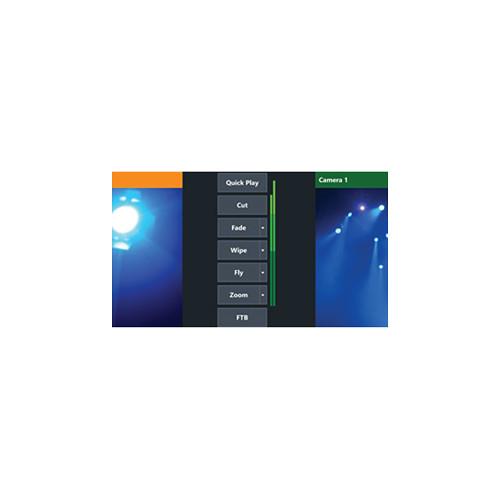
Effects and Processing - 10 Transition Effects
- Provides built-in transition effects with four customizable transition buttons for easy access to your favorite effects. Transitions include:
- Cut
- Fade
- Zoom
- Wipe
- Slide
- Fly
- CrossZoom
- FlyRotate
- Cube
- CubeZoom
- 3D GPU Acceleration
- Thanks to 3D acceleration provided by compatible graphics hardware, vMix is able to handle processing and switching of high-resolution video without overwhelming your computer's CPU.
- HD Virtual Sets
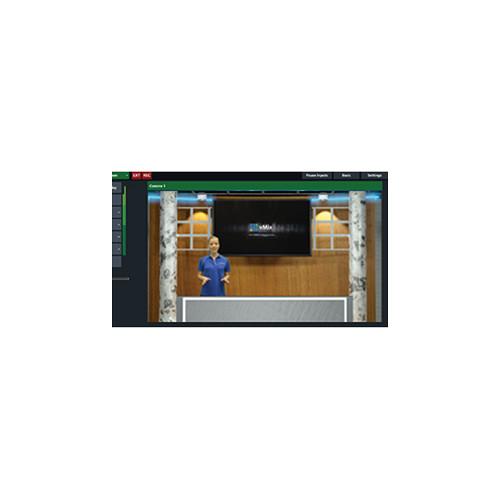
- Choose from four built-in virtual sets or build your own. You can zoom in or out as needed, or define custom camera presets.
- Real-Time Chroma Key
- Not only for virtual sets, you can also use the keyer to introduce background elements of your own creation—a weather map, for example.
- Built-In Title Templates
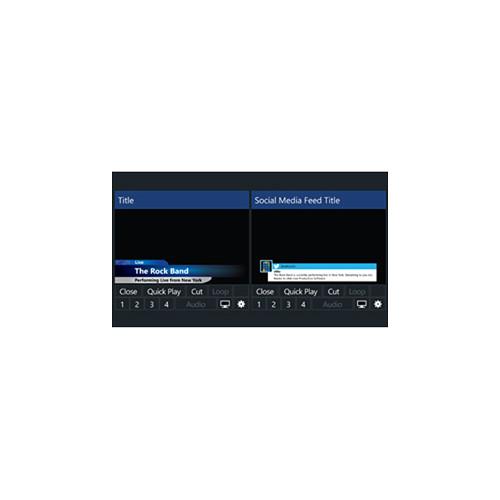
- Easily add and edit a title or score board from the many built-in templates, or build your own using any graphics or vector editing software. Adjust text, font size, and color. Alterations update in real time.
- Live Video Effects
- Color correct, deinterlace, sharpen, zoom, rotate, pan, and crop any input in real time. All effects are processed in 4:4:4 32-bit color space for optimal video quality.
- Multiview
- Combine two or more inputs in one image using a selection of multiview presets. For example, create a side-by-side between the studio anchor and a reporter in the field. You can customize the position of each element with provided zoom, pan, rotate, and crop controls.
- 4 Overlay Channels
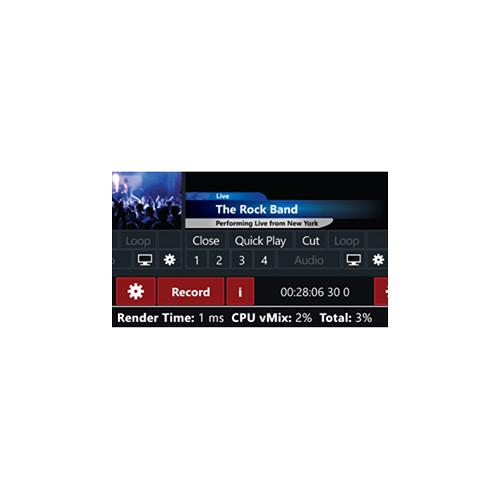
- Four overlay channels allow you add graphic elements such as logo bugs or station indents. Each overlay channel can have its own transition effect, position, and border.
User Interface - Touchscreen Web Interface
- Control vMix remotely using your Microsoft Surface, Apple iPad, Android tablet, or other touchscreen device using the built-in web interface. Customizable shortcut buttons can also be created to activate common production scenarios.
Other Features - Built-In Audio Mixer
- The Audio Mixer allows you to keep track of all audio sources and includes the ability to mute, follow (with auto mixing), and delay any source. A VU Meter with peaking display helps ensure each inputs level stays within acceptable broadcast limits.
- 6 Virtual Sets for vMix Basic, HD, 4K, and Pro (Download) The included 6 Virtual Sets are royalty-free .xml files from Virtualset Works, designed for vMix Basic, HD, 4K, and Pro production software. They come in 2880 x 1620 (2.5K) resolution, slightly more than 1920 x 1080 to allow for virtual pans and zooms. They each include 16 angles and feature multiple layers that allow for complete customization of the design. Two images in each set can be replaced by your own videos/images.
- 6 Virtual Sets
- Studio 148
Living room with an art gallery.
Studio 159
Major network news desk set with monitors spaced around the room.
Studio 164
Room with two lighting schemes and corresponding skyline.
Studio 180
City loft with furniture and a skyline.
Studio 181
News desk with stairs and side areas.
Studio 186
Talk show studio with space for a large number of chairs. In the Box Bundle Items HD Live Production, Streaming & Mixing Software (Download) ubwrsvbsqaaywab 6 Virtual Sets for vMix Basic, HD, 4K, and Pro (Download) Table of Contents
|
Upload User Manual
Have you got an user manual for the vMix HD Live Production Software Six Virtual Sets in electronic form? Please send it to us and help us expand our library of instruction manuals.
Thank you, too, on behalf of other users.
To upload the product manual, we first need to check and make sure you are not a robot. After that, your "Submit Link" or "Upload File" will appear.
Technical parameters - HD Live Production, Streaming & Mixing Software (Download)
| | | Operating System | Minimum
Windows 7 or higher
Recommended
Windows 8.1 | | CPU | Minimum
2 GHz dual-core
Recommended
Intel Core i7 | | RAM | Minimum
1 GB
Recommended
4 GB | | Hard Disk | Minimum
7200 RPM (video recording)
Recommended
SSD | | Graphics Card | Minimum
DirectX 10 compatible
Recommended
Intel HD Graphics 4600: 2 cameras and 4 inputs / 1080p recording or 720p recording + streaming | | Display Resolution | Minimum
1280 x 720
Recommended
1920 x 1080 | | Supported I/O Cards | vMix
vMix Thunder
vMix GO
AJA
KONA 4
KONA 3G / QUAD
KONA LHi
AVerMedia
Live Gamer HD (C985)
DarkCrystal HD Capture SDK II (C729)
Blackmagic Design
DeckLink 4K Extreme
DeckLink Series
Intensity Extreme
Intensity Pro
Intensity Shuttle Thunderbolt
UltraStudio Mini Recorder
UltraStudio Series
Datapath
Vision Series (VisionAV, VisionHD4)
Epiphan Systems
DVI2USB 3.0
Magewell
XI100DE-4K
XI100DUSB
XI006AUSB
XI204XE
XI400DE
Matrox
VS4
MXO2 Series (Mini, LE, MAX, etc)
Mojito MAX
Osprey
Osprey 845e
Osprey 825e
YUAN High-Tech
SC510 N4 Series
SC510 N2 Series
SC510 N1
SC580 N1
UB530
SC512N1 MC SDI
SC512N1 MC HDV
Thunderbolt Enclosures
Sonnet Echo Express Series: AJA, Matrox, Magewell, and Blackmagic cards supported
Magma ExpressBox Series: AJA, Matrox, Magewell, and Blackmagic cards supported
Other
HDV/DV cameras via FireWire (Note: HDV and DV formats introduce a half-second delay) | | | | Streaming Protocols | RTSP, Flash, RTMP | | Video Files | AVI, MP4, H264, MPEG-2, WMV, QuickTime | | Audio Files | MP3, WAV | | Other Files | PowerPoint | - 6 Virtual Sets for vMix Basic, HD, 4K, and Pro (Download)
Rating80% users recommend this product to others. And what about you?

This product has already been rated by 42 owners. Add your rating and experience with the product.
Discussion
 Ask our technicians if you have a problem with your settings,
or if anything is unclear in the user manual you have downloaded.
You can make use of our moderated discussion.
The discussion is public and helps other users of our website who may be encountering similar problems.
Ask our technicians if you have a problem with your settings,
or if anything is unclear in the user manual you have downloaded.
You can make use of our moderated discussion.
The discussion is public and helps other users of our website who may be encountering similar problems.
The discussion is empty - enter the first post
Post a new topic / query / comment:
|
|


