User Manual for VOX Continental Live Performance Instrument Click to enlarge the picture
 Contents of the user manual for the VOX Continental Live Performance Instrument
- Product category: Synthesizer Keyboards Others
- Brand: Others
- Description and content of package
- Technical information and basic settings
- Frequently asked questions – FAQ
- Troubleshooting (does not switch on, does not respond, error message, what do I do if...)
- Authorized service for Others Synthesizer Keyboards
 |
User manual for the VOX Continental Live Performance Instrument contain basic instructions
that need to be followed during installation and operation.
Before starting your appliance, the user manual should be read through carefully.
Follow all the safety instructions and warnings, and be guided by the given recommendations.
User manual is an integral part of any Others product,
and if it is sold or transferred, they should be handed over jointly with the product.
Following the instructions for use is an essential prerequisite for protecting
health and property during use, as well as recognition of liability on the part of the manufacturer
for possible defects should you make a warranty claim. Download an official Others user manual in which you will find instructions on how to install, use, maintain and service your product.
And do not forget – unsuitable use of a Others product will considerably shorten its lifespan!
|
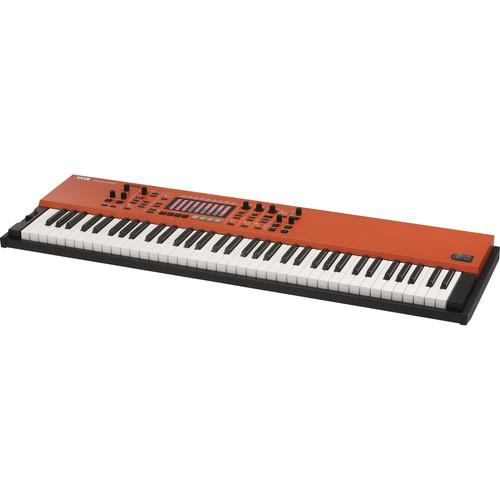
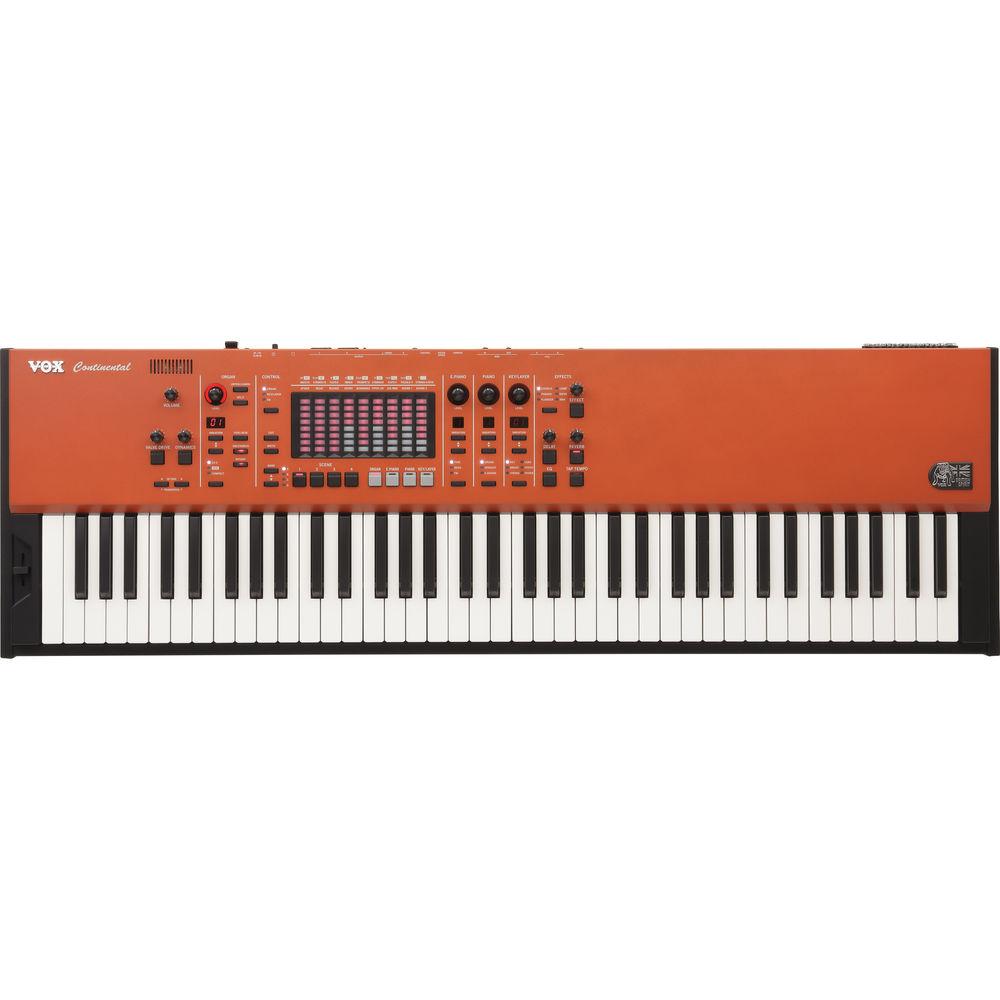
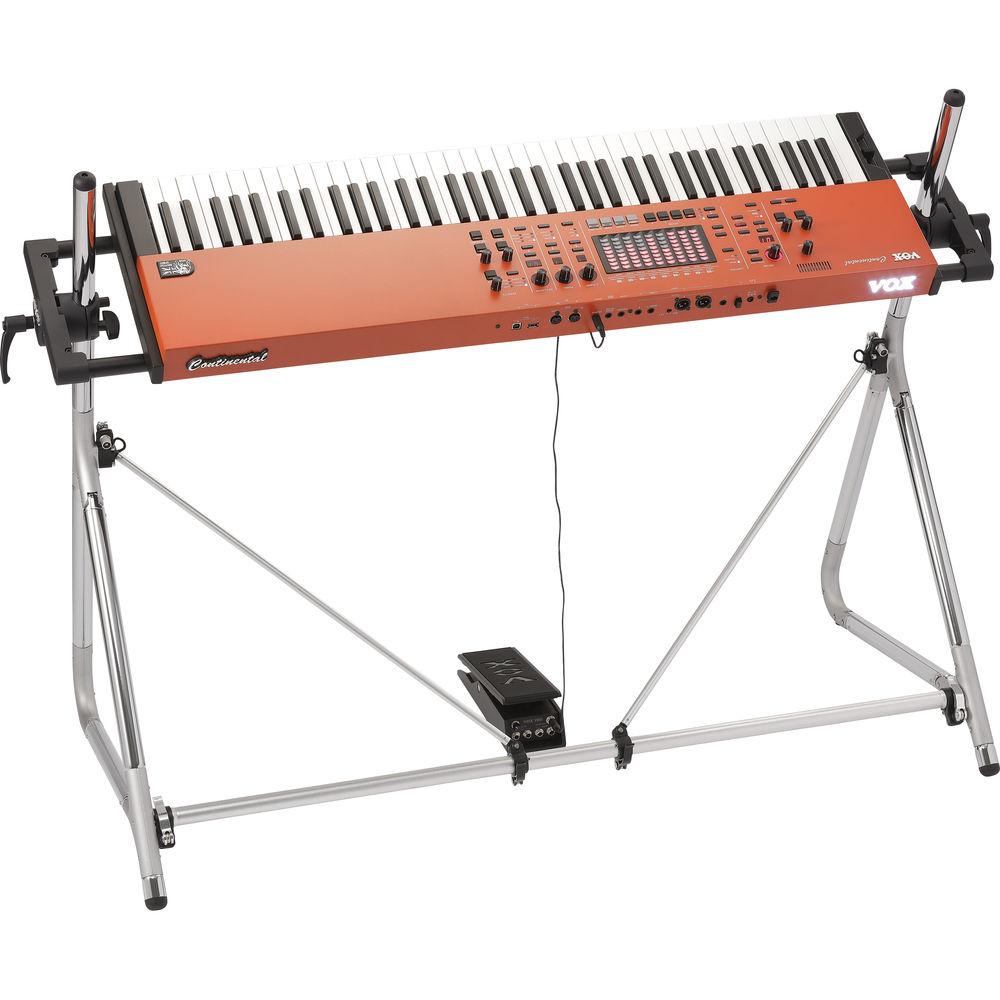
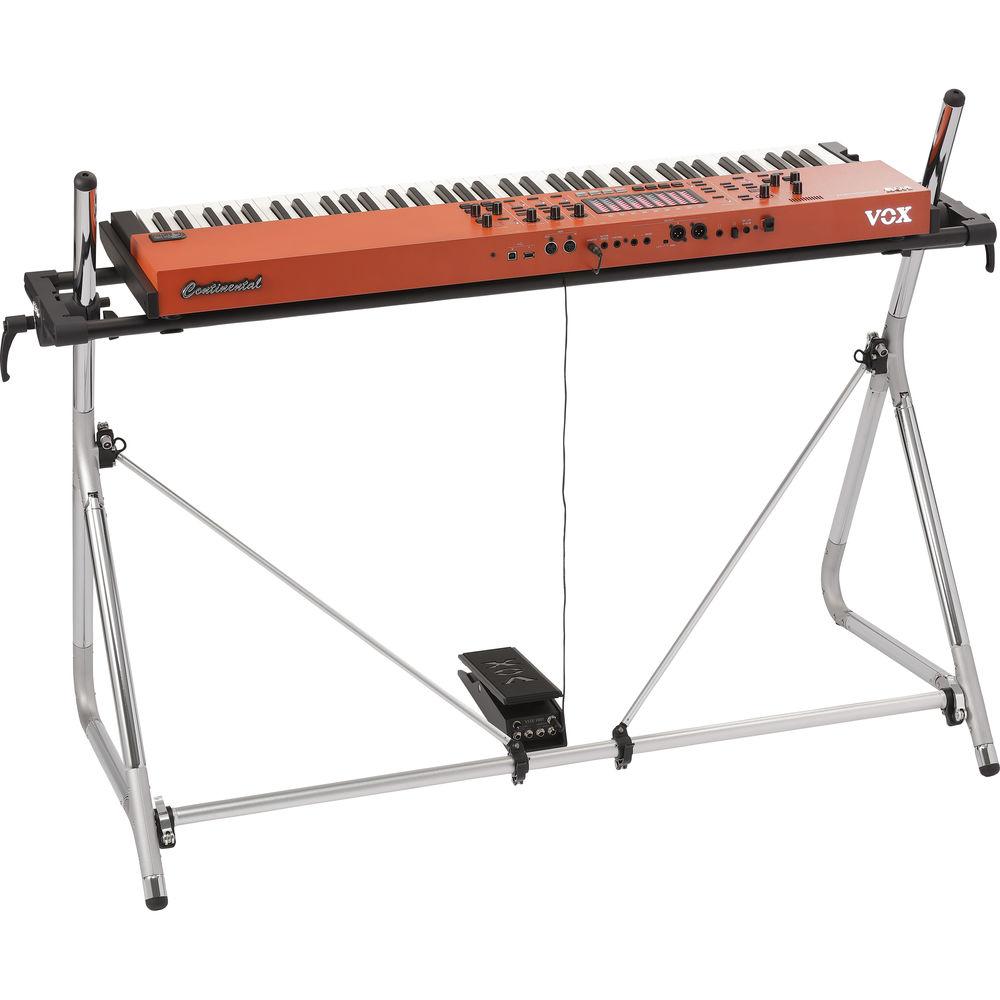
Product description The Korg VOX Continental is a 73-key, high-performance instrument well suited for stage performances, live bands, studios, rehearsal spaces, and houses of worship. The VOX Continental's intuitive user interface ensures fast and easy playability and includes 150 built-in programs carefully selected for live use, powered by its high-quality PCM sound engine and its vintage sound-modeling engine. The organ section provides three distinct models including CX-3, VOX, and Compact, each with drawbar controls, percussion on/off, split functions, rotary speaker on/off, and vibrato/chorus on/off. The electric piano section offers choices for Tine, Reed, and FM, while the piano offers selections for Grand, Upright, and E.Grand. The Key/Layer part offers 6 types including Key, Brass, Strings, Lead, Synth, and Other. The preset variations can be organized into 16 scenes for fast recall for on-the-fly performance switching.
The on-board insert and master effects offer a variety of choices including chorus, phaser, flanger, compressor, drive, and wah, which can be controlled by the included expression pedal. Other effects include several choices of delay and reverb, while the 9-band stereo EQ allows you to quickly fine-tune the instrument's tonal balance. In addition, the VOX Continental features Korg's vacuum tube Nutube 6P1, which injects harmonically rich and smooth distortion for a dense, fat sound not available through modeling.
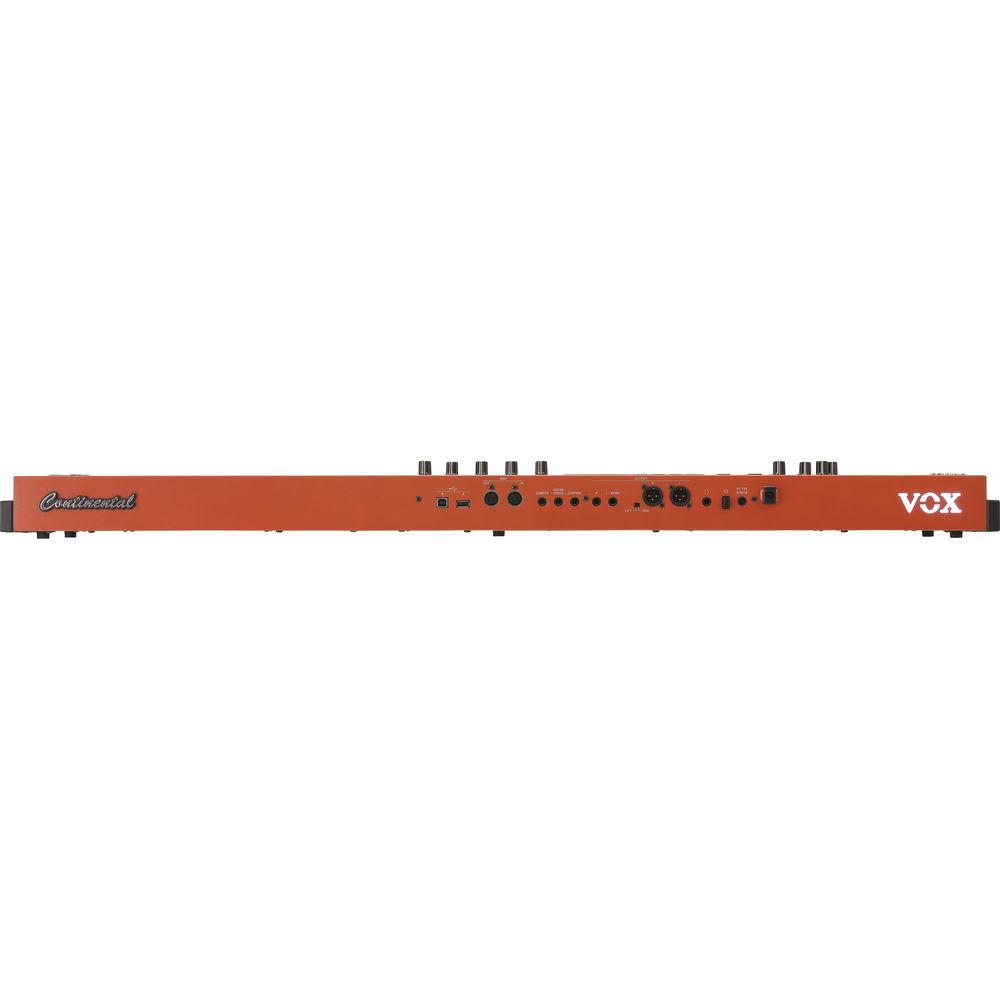
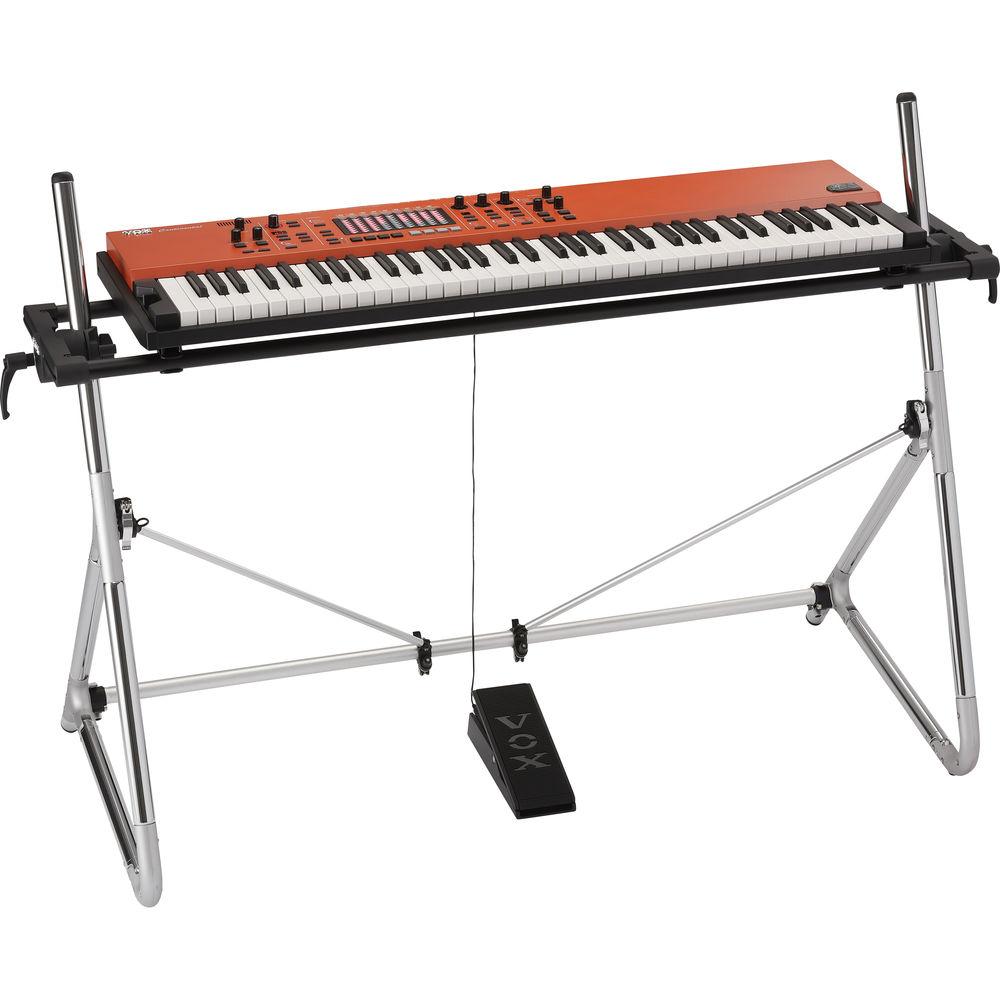
The instrument offers both 1/4" and XLR outputs, which allow it to connect to a variety of equipment including keyboard amplifiers and FOH consoles, without the need for a separate DI. The VOX Continental ships with the V861 volume/expression pedal, the ST-Continental keyboard stand, and a power adapter. -
- Intuitive user interface that emphasizes playability on stage
- Organ part that meticulously models three vintage organs
- High-quality electric piano part with attention paid to every detail
- Rich piano part powered by high-capacity samples
- Key/layer part with a wide range of variations
- Intuitive and powerful effects that are optimized for live use
- Touch sensor that can control a variety of parameters
- 9-band EQ that allows detailed control of your sound
- Real valve-drive sound powered by Nutube, Korg's latest vacuum tube technology
- Newly developed waterfall keyboard provides responsive playability
- Dynamics knob lets you freely customize the playing feel of the keyboard
- Scene memories let you instantly switch between settings
- Lightweight and compact body is built of sturdy sheet metal and aluminum
- Carries on the scarlet color that's traditional for VOX organs
- V861 volume/expression pedal included
- ST-Continental keyboard stand included
In the Box VOX Continental Live Performance Instrument (73-Key) AC Adapter Power Cord V861 Volume/Expression Pedal ST-Continental Keyboard Stand Limited 1-Year Warranty Table of Contents
|
Upload User Manual
Have you got an user manual for the VOX Continental Live Performance Instrument in electronic form? Please send it to us and help us expand our library of instruction manuals.
Thank you, too, on behalf of other users.
To upload the product manual, we first need to check and make sure you are not a robot. After that, your "Submit Link" or "Upload File" will appear.
Technical parametersVOX VOX Continental Live Specs | Keyboard | Semi-weighted waterfall (velocity-sensitive playing is supported; aftertouch is not supported)
73 Keys: E1 to E7 (transposable in the range of [E-1 - C5] - [E3 - E9]), velocity sensitive E1 to E7 | | Maximum Polyphony | Modeling Tonewheel Organ Sound Generator: 128 voices
Modeling Transistor Organ Sound Generator: 100 voices
Modeling Electric Piano Sound Generator: 80 voices
High-Definition Piano Sound Generator: 60 dual stereo notes (equivalent to 240 voices max)
Modeling Analog Synthesizer Sound Generator: 36 voices
PCM Sound Generator: 64 stereo notes (equivalent to 128 voices max)
Actual maximum polyphony will vary depending on oscillator settings such as stereo multi-samples and velocity crossfade | | PCM Memory | Approximately 10.5 GB (in case of 48 kHz, 16-bit Linear PCM converted) | | Organ Section | 3 types (CX-3, VOX, Compact)
Drawbar, percussion on/off, split function, vibrato/chorus on/off, rotary speaker on/off) | | Piano Section | Electric Piano Part: 3 types (Tine, Reed, FM) Piano Part: 3 types (Grand, Upright, Electric Grand) | | Layer/Split | Key/Layer Part: 6 types (Key, Brass, Strings, Lead, Synth, Other) | | Preset | Preset Variations: 150 | | Scene | 16 (4 x 4)
It is possible to save 100 sets to external USB | | Effects | Insert Effects: Chorus, Phaser, Flanger, Comp, Drive, Wah (control via pedal)
Master Effects:
Delay: Delay, Cross, Tape, Mod Delay
Reverb: Hall 1, Hall 2, Room 1, Room 2, Spring
EQ: 9-band stereo input/output
Valve Drive: Vacuum tube Nutube 6P1
Dynamics: Control the amount of change in volume and tone produced by your keyboard-playing dynamics
| | Controllers | Bend Lever:
Organ: Rotary slow/fast
E.PIANO: Tremolo on/off
Key/Layer: Pitch bend
Electrostatic Capacitance Touch Sensors:
Organ: Drawbars
Key/Layer: Sound controls
EQ: 9-band equalizer | | Frequency Characteristics | 20 Hz to 22 kHz, ±1.0 dB, 10 kOhms load | | THD + N | 20 Hz to 22 kHz (0.005%, standard), 10 kOhms load | | Signal-to-Noise Ratio (SNR) | 105 dB (standard) | | Audio Output | Output L/Mono, R
Connector: 1/4" / 6.35 mm monaural phone jack, unbalanced
Output Impedance: 1.1 Ohms (when outputting in stereo), 600 Ohms (L/Mono jack, when outputting in mono)
Maximum Level: +16.0 dBu
Load Impedance: 10 kOhms or more
Output L, R
Connector: XLR 3-pin (balanced) + LIFT - GND switch
Output Impedance: 350 Ohms (when outputting in stereo)
Maximum Level: +16.0 dBu
Load Impedance: 10 kOhms or more
Headphones
Connector: 1/4" / 6.35 mm stereo phone jack
Output Impedance: 50 Ohms
Maximum Level: 150 + 150 mW @ 32 Ohms | | Control Input | Damper: Korg DS-1H damper pedal (supports half-damper), PS-1 and PS-3 pedal switches
Rotor Speed: Korg PS-1 and PS-3 pedal switches
Control: V861 VOL/EXP pedal volume/expression pedalV861 | | MIDI | MIDI: In/Out | | USB | Type-A: Saving/loading scene data
Type-B: MIDI Interfaces: 1 in, 1 out, 16 channels
Complies with USB 2.0 high-speed (up to 480 Mbps)
| | Power | AC adapter connector (15 VDC), power button
Power Consumption: 16 W | | Dimensions (W x D x H) | 43.4 x 13.8 x 3.4" / 1,103.0 x 350.0 x 86.0 mm | | Weight | 18.5 lb / 8.4 kg | | | | Package Weight | 30.65 lb | | Box Dimensions (LxWxH) | 54.25 x 16.5 x 8.5" |
Rating80% users recommend this product to others. And what about you?

This product has already been rated by 32 owners. Add your rating and experience with the product.
Discussion
 Ask our technicians if you have a problem with your settings,
or if anything is unclear in the user manual you have downloaded.
You can make use of our moderated discussion.
The discussion is public and helps other users of our website who may be encountering similar problems.
Ask our technicians if you have a problem with your settings,
or if anything is unclear in the user manual you have downloaded.
You can make use of our moderated discussion.
The discussion is public and helps other users of our website who may be encountering similar problems.
The discussion is empty - enter the first post
Post a new topic / query / comment:
|
|


