User Manual for Wacom 15.6" MobileStudio Pro 16 Graphics Tablet Click to enlarge the picture
 Contents of the user manual for the Wacom 15.6" MobileStudio Pro 16 Graphics
- Product category: iPads & Tablets Wacom
- Brand: Wacom
- Description and content of package
- Technical information and basic settings
- Frequently asked questions – FAQ
- Troubleshooting (does not switch on, does not respond, error message, what do I do if...)
- Authorized service for Wacom iPads & Tablets


 |
User manual for the Wacom 15.6" MobileStudio Pro 16 Graphics contain basic instructions
that need to be followed during installation and operation.
Before starting your appliance, the user manual should be read through carefully.
Follow all the safety instructions and warnings, and be guided by the given recommendations.
User manual is an integral part of any Wacom product,
and if it is sold or transferred, they should be handed over jointly with the product.
Following the instructions for use is an essential prerequisite for protecting
health and property during use, as well as recognition of liability on the part of the manufacturer
for possible defects should you make a warranty claim. Download an official Wacom user manual in which you will find instructions on how to install, use, maintain and service your product.
And do not forget – unsuitable use of a Wacom product will considerably shorten its lifespan!
|
Product description In the Field with the Wacom MobileStudio Pro Read More - An hour with Wacom⿿s Mobile Studio Pro
- Wacom MobileStudio Pro
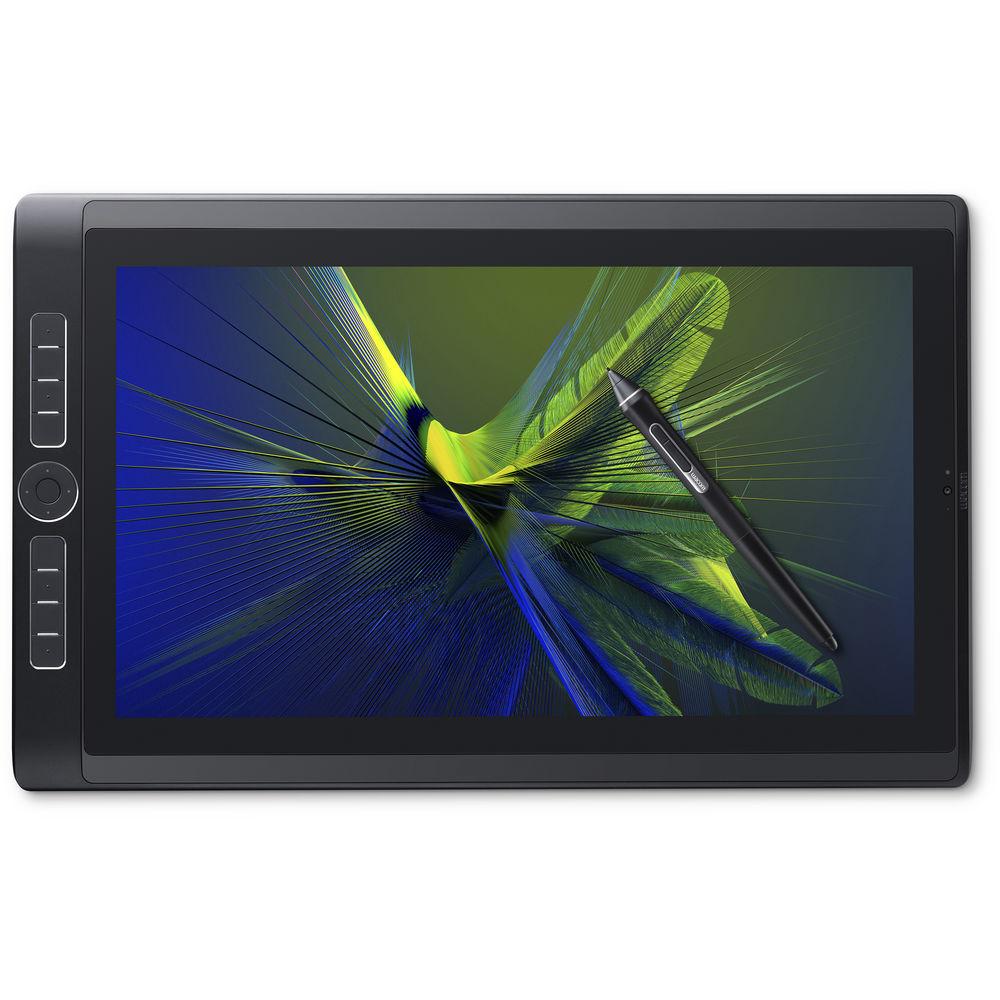
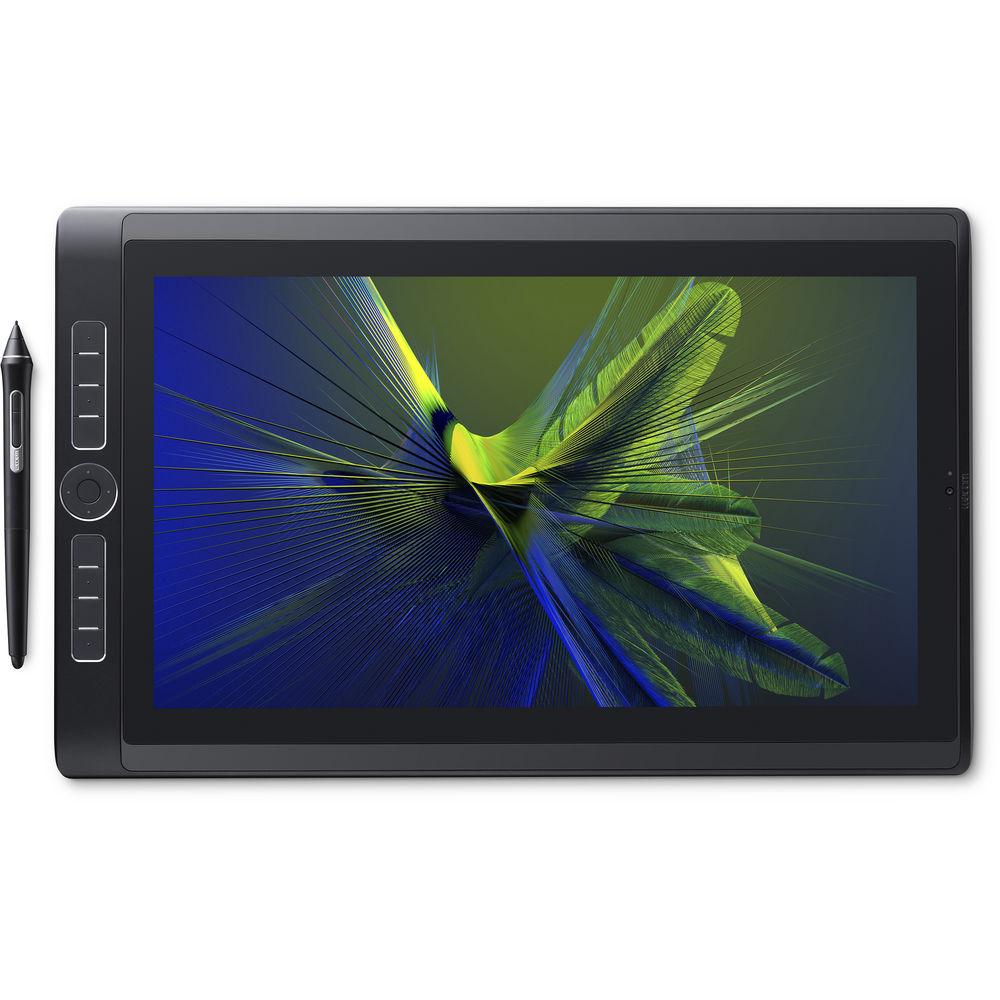
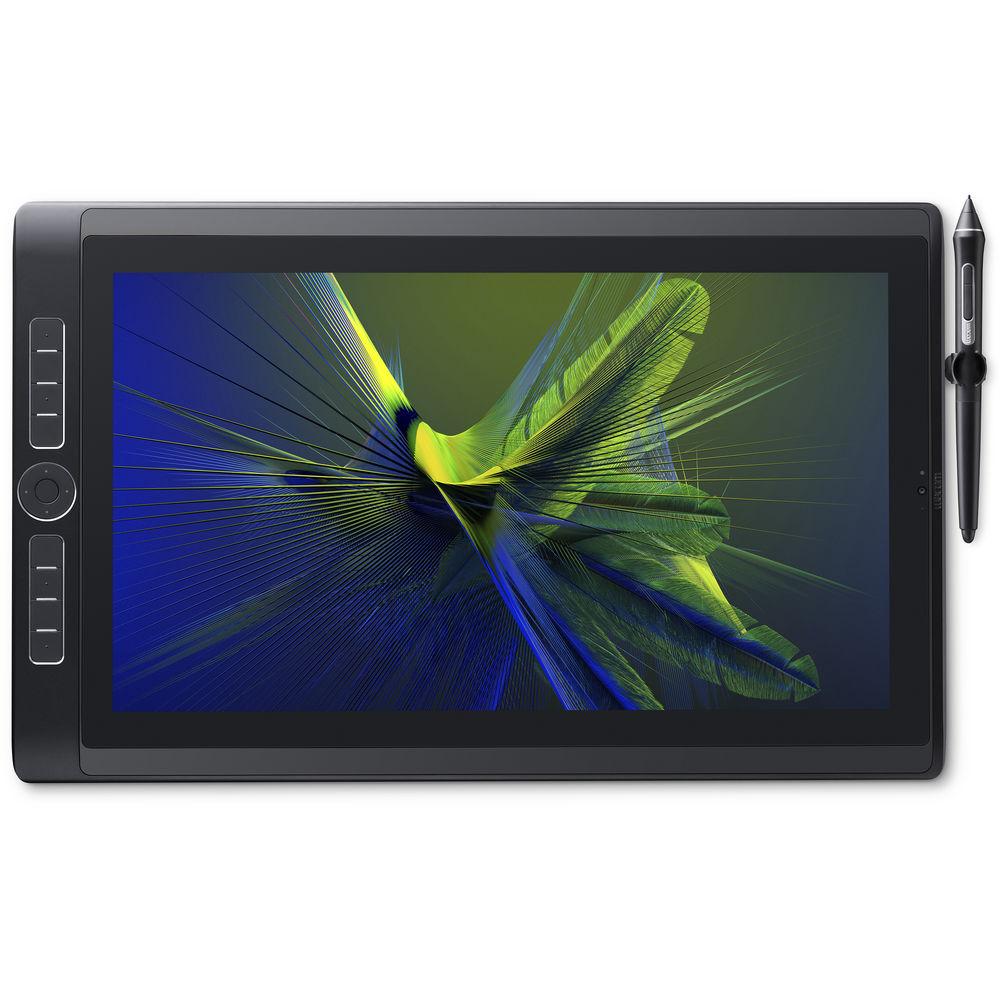
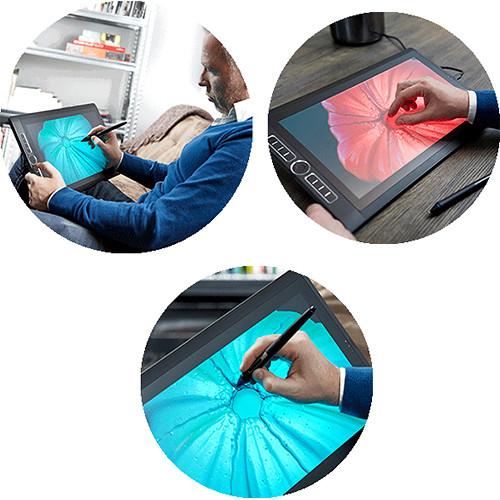
The 15.6" MobileStudio Pro 16 Graphics Tablet from Wacom is not just your standard graphics tablet. Instead, it's a full-fledged Intel-powered tablet running Windows 10 Pro that's made for on-the-go professionals and creative users designing digital content. This tablet features an ultra high-resolution UHD 3840 x 2160 4K display, 94% Adobe RGB coverage, dedicated NVIDIA graphics, and more. The display also has an etched glass surface that simulates the resistance of pen on paper, for a more lifelike feel. Furthermore, you'll be able to utilize touch gestures to easily zoom, rotate, and navigate through menus.
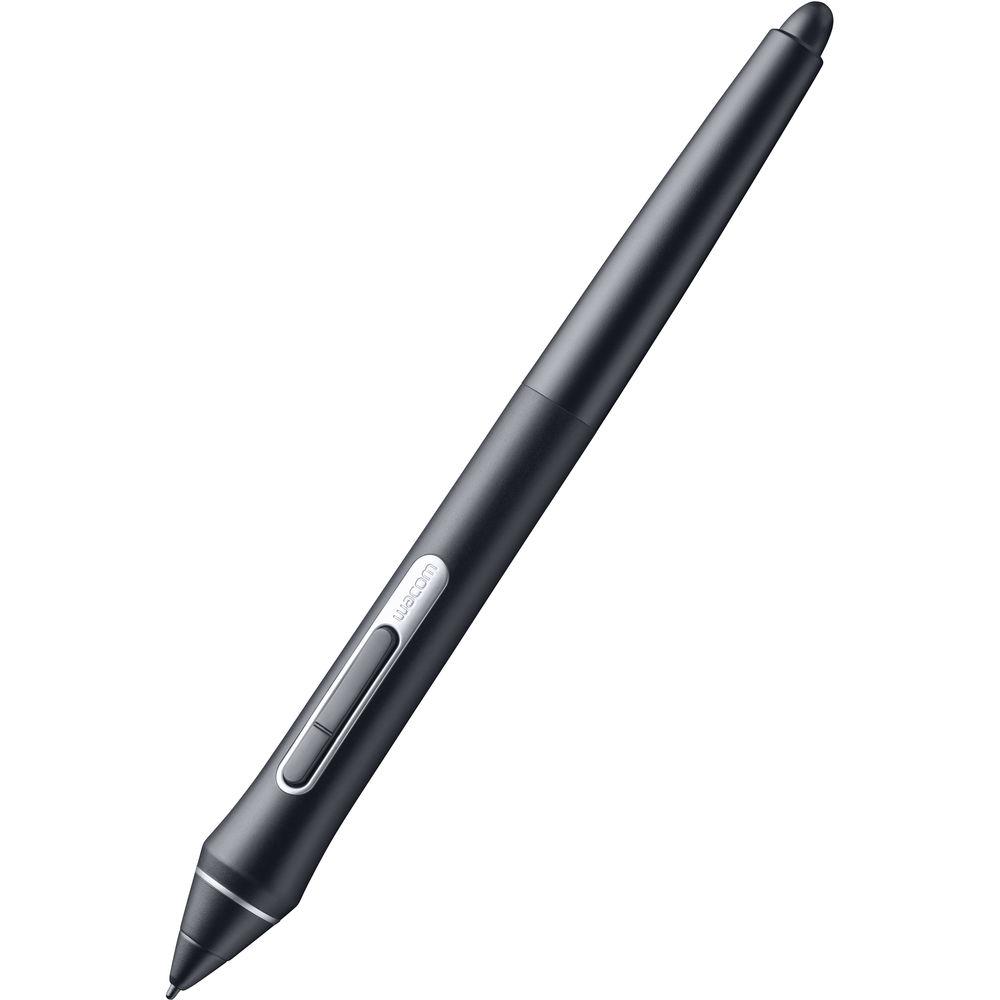
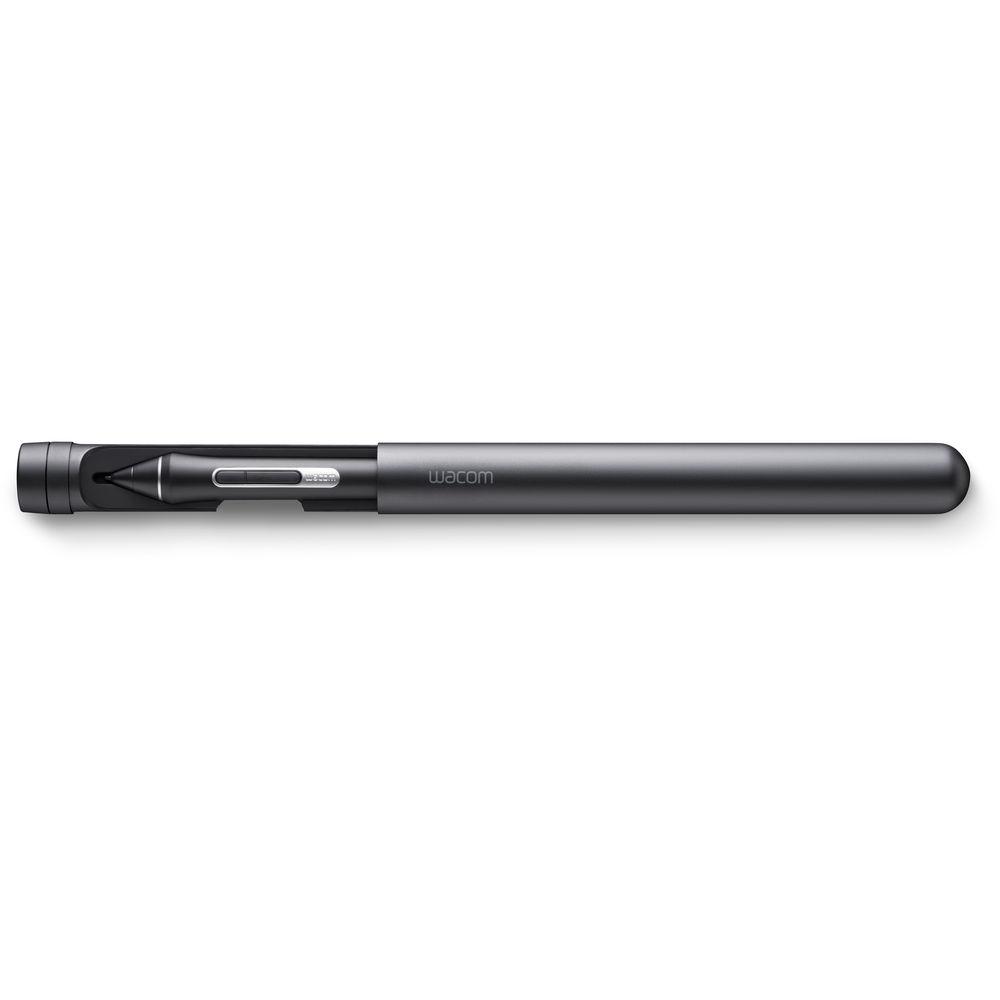
For your convenience, the MobileStudio Pro is equipped with multiple hotkeys and a Touch Ring to assist you with your work. After setting it up, you'll be able to program them as quick one-touch shortcuts to further speed up your workflow. Included with the MobileStudio Pro is the Wacom Pro Pen 2, a redesigned stylus with four times the pressure levels and accuracy of the original Pro Pen. Together, you'll be able to write, draw, and design with the precision and tools you need. - Wacom Pro Pen 2
- The Pro Pen 2 has been designed to be more sensitive, accurate, and responsive. It is four times more pressure sensitive and accurate than its predecessor and features virtually no lag, natural tilt support, no parallax, and doesn't require any batteries or recharging.
- High-Resolution and Immersive Colors
- The MobileStudio Pro 16 has an UHD 3840 x 2160 display and a color accuracy of 94% of Adobe RGB. The etched glass surface also provides the perfect amount of resistance to simulate a pen and paper feel. It also supports multi-touch gestures for zooming and rotating your creations.
UPC: 753218988096 In the Box Wacom 15.6" MobileStudio Pro 16 Graphics Tablet Wacom Pro Pen 2 Pen Carrying Case Pen Holder 3 x Spare Nibs 4 x Color Rings Pen Nib Removal Tool Cleaning Cloth Power Cable & Adapter Limited 1-Year Warranty Microsoft Surface Pro, an Ideal Mobile Video Editing Machine? Shawn C. Steiner 04/04/2019 More info from Wacom Table of Contents
|
Upload User Manual
Have you got an user manual for the Wacom 15.6" MobileStudio Pro 16 Graphics Tablet in electronic form? Please send it to us and help us expand our library of instruction manuals.
Thank you, too, on behalf of other users.
To upload the product manual, we first need to check and make sure you are not a robot. After that, your "Submit Link" or "Upload File" will appear.
Technical parametersWacom DTHW1620M Specs | | | Screen Size | 15.6" (39.62 cm) | | Resolution | UHD 3840 x 2160 | | Active Area | 13.6 x 7.6" (345.6 x 194.4 mm) | | Brightness | 150 cd/m² | | Aspect Ratio | 16:9 | | Number of Pixels | 8,294,400 | | Supported Resolutions | 3840 x 2160, 2560 x 2048, 2560 x 1600, 2560 x 1440, 2048 x 1536, 2048 x 1152, 1920 x 1200, 1920 x 1080, 1680 x 1050, 1600 x 1200, 1600 x 900, 1440 x 900, 1400 x 1050, 1360 x 768, 1280 x 1024, 1280 x 960, 1280 x 800, 1280 x 768, 1280 x 720, 1152 x 864, 1024 x 768, 800 x 600 | | Pixel Pitch (H x V) | 0.09 x 0.09 mm | | Viewing Angle (H/V) | 178° (89°/89°) / (89°/89°) | | Display Colors | 16.7 Million | | Color Gamut | 94% Adobe RGB | | Preset | Adobe RGB, 6500K white point default: DCI, REC 709, SRGB | | Contrast Ratio | 1000:1 | | Response Time | 25 ms | | | | Touch Technology | Projected capacitive | | Multi-Touch | Yes | | Resolution | 0.025 mm/point | | Accuracy | +/- 1 mm (center) | | Report Rate | 100 points/sec max | | | | Operating System | Windows 10 Pro | | Processor | 2.9 GHz Intel Core i5-6267U Dual-Core | | Graphics | NVIDIA Quadro M600M with 2 GB of GDDR5 VRAM | | RAM | 8 GB | | Storage | 256 GB SSD | | Card Reader Slot | SDXC | | USB Ports | 3 x USB Type-C | | Audio & Video Recording | 5 MP Front Camera
8 MP Rear Camera
1 x Audio-Combo
2 x Speakers | | Wireless | 802.11ac Wi-Fi | | Bluetooth | Bluetooth 4.1 | | Sensors | GPS, electronic compass, accelerometer, ambient light, gyro | | Hotkeys | 8 customizable keys for application specific features or shortcuts
4-way Rocker with default functions supporting the Touch Ring and a home button | | | | Type | Lithium-ion polymer (LiPo) | | Capacity | 9260 mAh | | Power | 7.6 V, 70 Wh | | Life Expectancy | Up to 5 hours | | Charge Time | Up to 2.5 hours | | | | Pressure Levels | 8192 levels - pen and eraser | | Type | Pressure-sensitive, cordless, battery-free | | Number of Switches | 2 side switches | | Pen Tilt | +/- 60° / +/- 60° | | Resolution | 5080 lpi | | Technology | Patented electromagnetic resonance technology | | Accuracy | 0 mm from cover plate | | Reading Height | 5 mm or more (center) | | Grip | Latex-free silicone rubber | | | | Input Voltage | 100 to 240 VAC, 50 / 60 Hz | | Output Voltage | 5 V / 3 A (15 W), 20 V / 5 A (100 W) | | Power Consumption | Maximum: 96 W, 0.9 W when asleep, 0.6 W or less when off | | | | Operating Temperature | 41 to 95°F (5 to 35°C) | | Operating Humidity | 20 - 80% RH (non-condensing) | | Storage Temperature | 14 to 140°F (-10 to 60°C)
Maximum storage temperature is 107.6°F (42°C) at a humidity of 90%. | | Storage Humidity | 20-90% RH (non-condensing)
Maximum storage humidity is 38% at a temperature of 140°F (60°C) | | | | Certifications and Compliances | VCCI Class B, FCC Part 15, Subpart B (class B) and C, CE, KC, BSMI, C-tick, CB, CCC, EAC, China RoHS, Korean RoHS, EU RoHS, BIS, SII, NOM, CEL, IC, ENERGY STAR, CEC-BCS, Energy Label Law | | Compatibility | Windows: Stand-alone
Mac: Compatible when plugged in using optional Wacom Link | | System Requirements | With optional Wacom Link: Windows 7 or later, Mac OS X 10.10 or later, USB-C port (or Mini DisplayPort and USB port) | | Security | Kensington Security Slot | | Dimensions (L x W x H) | With Grip Pad: 16.45 x 10.3 x 0.75" (417.95 x 261.6 x 19.15 mm) | | Weight | 4.85 lb (2.2 kg) | | | | Package Weight | 8.3 lb | | Box Dimensions (LxWxH) | 21.3 x 11.4 x 2.5" |
Rating64% users recommend this product to others. And what about you?

This product has already been rated by 01 owners. Add your rating and experience with the product.
Discussion
 Ask our technicians if you have a problem with your settings,
or if anything is unclear in the user manual you have downloaded.
You can make use of our moderated discussion.
The discussion is public and helps other users of our website who may be encountering similar problems.
Ask our technicians if you have a problem with your settings,
or if anything is unclear in the user manual you have downloaded.
You can make use of our moderated discussion.
The discussion is public and helps other users of our website who may be encountering similar problems.
The discussion is empty - enter the first post
Post a new topic / query / comment:
|
|


