User Manual for Waves OneKnob Series - Plug-In Bundle Click to enlarge the picture
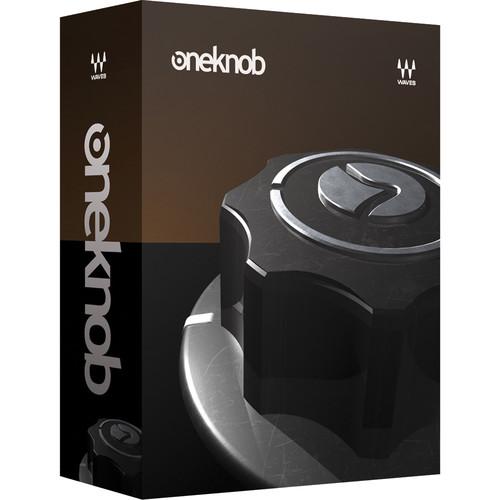 Contents of the user manual for the Waves OneKnob Series - Plug-In Bundle
- Product category: Virtual Processor Plug-Ins Waves
- Brand: Waves
- Description and content of package
- Technical information and basic settings
- Frequently asked questions – FAQ
- Troubleshooting (does not switch on, does not respond, error message, what do I do if...)
- Authorized service for Waves Virtual Processor Plug-Ins
 |
User manual for the Waves OneKnob Series - Plug-In Bundle contain basic instructions
that need to be followed during installation and operation.
Before starting your appliance, the user manual should be read through carefully.
Follow all the safety instructions and warnings, and be guided by the given recommendations.
User manual is an integral part of any Waves product,
and if it is sold or transferred, they should be handed over jointly with the product.
Following the instructions for use is an essential prerequisite for protecting
health and property during use, as well as recognition of liability on the part of the manufacturer
for possible defects should you make a warranty claim. Download an official Waves user manual in which you will find instructions on how to install, use, maintain and service your product.
And do not forget – unsuitable use of a Waves product will considerably shorten its lifespan!
|
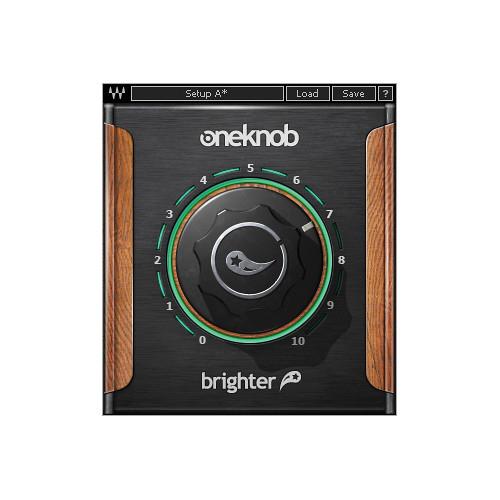
Product description The OneKnob Series from Waves makes mixing easier by featuring a set of eight audio plugins, each of which is controlled by a single knob. The bundle includes both Native and SoundGrid licenses except for OneKnob Pumper which is available as a Native license only. - OneKnob Brighter - Intelligent Treble Booster Plug-In (Native/SoundGrid, Download) The OneKnob Brighter from Waves is a single-knob-operated treble booster plug-in that is designed, as its name implies, to add brightness to tracks from the mid-high range and up. The plug-in includes both Native and SoundGrid licenses.
- Easy-to-use intelligent treble booster plugin
- Adds brightness from the mid-high range on up
- Perfect for making tracks cut through the mix
- Up to 24-bit/96 kHz resolution
- Mono and stereo components
- SoundGrid license compatible with MultiRack Native, StudioRack Native, MultiRack SoundGrid, StudioRack SoundGrid, and eMotion ST Mixer
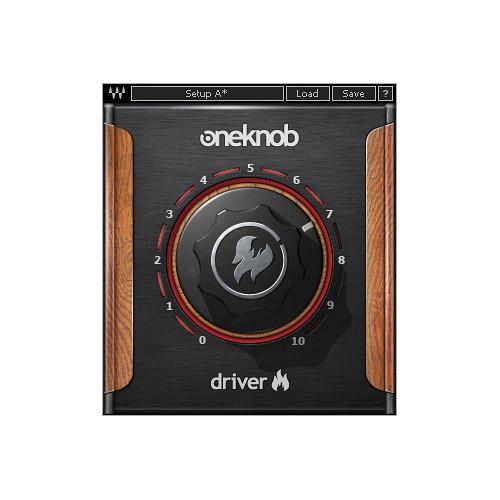
- OneKnob Driver - Overdrive/Distortion Plug-In (Native/SoundGrid, Download) OneKnob Driver from Waves is a single-knob operated overdrive plug-in inspired by famous guitar overdrive pedals. It can produce tones ranging from light overdrive to full distortion. In addition to guitar tracks, the OneKnob Driver can be used on vocals, piano, synths, drums, and bass. The plug-in includes both Native and SoundGrid licenses.
- Easy-to-use distortion plug-in inspired by famous guitar pedals
- From light overdrive to full-on metal crunch
- Ideal for guitars, bass, drums, vocals and more
- Up to 24-bit/96 kHz resolution
- Mono and stereo components
- SoundGrid license compatible with MultiRack Native, StudioRack Native, MultiRack SoundGrid, StudioRack SoundGrid, and eMotion ST Mixer
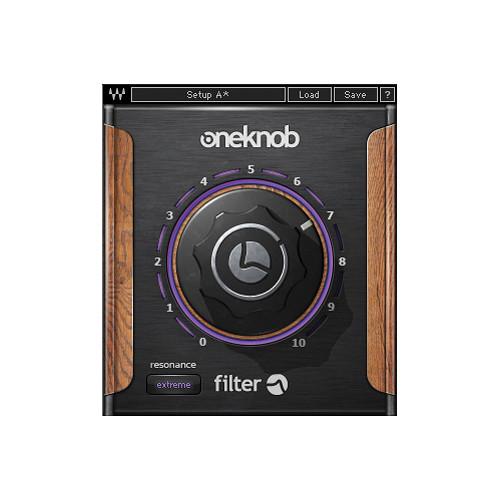
- OneKnob Filter - Sweepable Filter Plug-In (Native/SoundGrid, Download) OneKnob Filter from Waves is a single-knob-operated sweepable filter plug-in with switchable resonance modes. It can be used for live DJ performances, on full mixes, loops, or synthesizer tracks. The plug-in includes both Native and SoundGrid licenses.
- Easy-to-use filter plug-in for electronic music
- Sweepable filter with switchable resonance modes
- Perfect for full mixes, loops, analog synths and more
- Up to 24-bit/96 kHz resolution
- Mono and stereo components
- SoundGrid license compatible with MultiRack Native, StudioRack Native, MultiRack SoundGrid, StudioRack SoundGrid, and eMotion ST Mixer
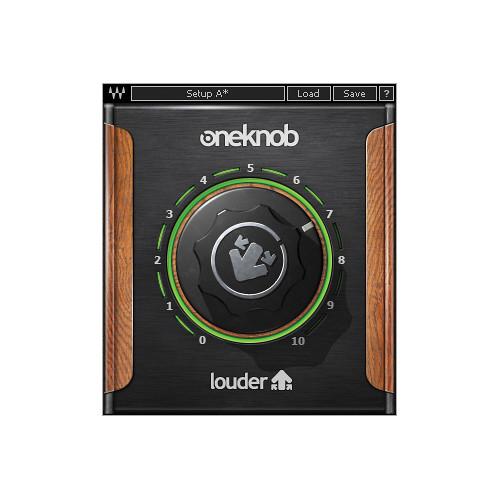
- OneKnob Louder - Dynamics Plug-In (Native/SoundGrid, Download) OneKnob Louder from Waves is a single-knob-operated peak limiter and low-level compressor that has automatic gain makeup. As its name implies, it makes tracks louder and can increase RMS (average loudness) by up to 24 dB. The plug-in includes both Native and SoundGrid licenses.
- Easy-to-use dynamics plugin
- Make tracks louder, up to 24 dB
- Peak limiting and low-level compression with automatic makeup
- Perfect for individual tracks and full mixes alike
- Up to 24-bit/192 kHz resolution
- Mono and stereo components
- SoundGrid license compatible with MultiRack Native, StudioRack Native, MultiRack SoundGrid, StudioRack SoundGrid, and eMotion ST Mixer
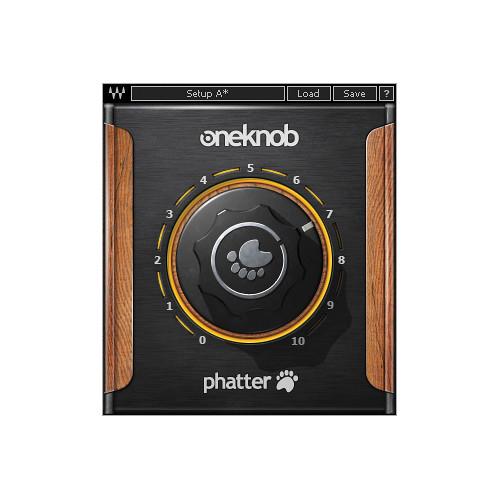
- OneKnob Phatter - Bass Enhancement Plug-In (Native/SoundGrid, Download) OneKnob Phatter from Waves is a single-knob-operated bass-boost plug-in that can be used on bass, keys, kicks drums, and vocals to add weight. The plug-in includes both Native and SoundGrid licenses.
- Easy-to-use bass enhancement plug-in
- Add bottom, weight and body
- Perfect for kick drums, bass guitar and synth bass
- Up to 24-bit/96 kHz resolution
- Mono and stereo components
- SoundGrid license compatible with MultiRack Native, StudioRack Native, MultiRack SoundGrid, StudioRack SoundGrid, and eMotion ST Mixer
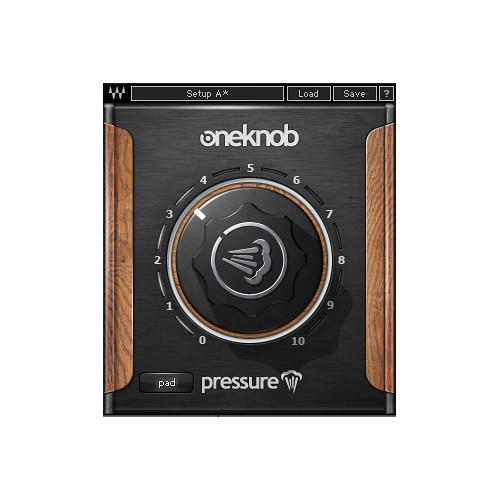
- OneKnob Pressure - Dynamics Plug-In (Native/SoundGrid, Download) OneKnob Pressure from Waves is a single-knob-operated dynamics plug-in that provides everything from light parallel-style compression to heavy squashing. It is designed for percussive sources such as loops and drum busses. The plug-in includes both Native and SoundGrid licenses.
- Easy-to-use dynamic processor
- From parallel-style compression to squashing
- Ideal for loops and drum busses
- Up to 24-bit/192 kHz resolution
- Mono and stereo components
- SoundGrid license compatible with MultiRack Native, StudioRack Native, MultiRack SoundGrid, StudioRack SoundGrid, and eMotion ST Mixer
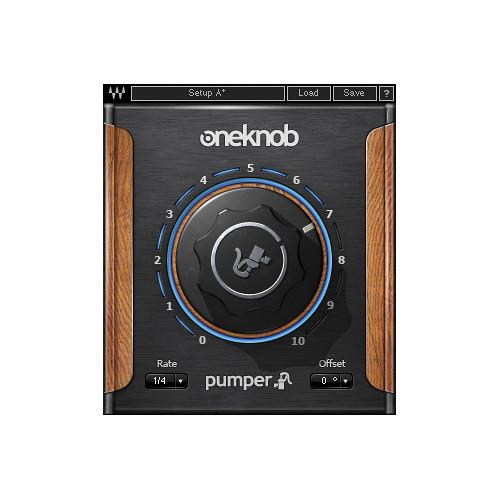
- OneKnob Pumper - Instant Ducking Effect Plug-In (Native, Download) The OneKnob Pumper from Waves is a single-knob-operated sidechain compression simulator, designed to achieve an instant ducking effect. This easy-to-use plug-in is ideal for making either an entire mix or individual tracks pump with the beat, and saves having to route the kick track to the sidechain input of a compressor. The plug-in includes only the Native license for use in most audio hosts.
- Instant ducking effect (auto-sidechaining)
- Perfect for making space for four-on-the-floor kicks
- Up to 24-bit/192 kHz resolution
- Mono and stereo components
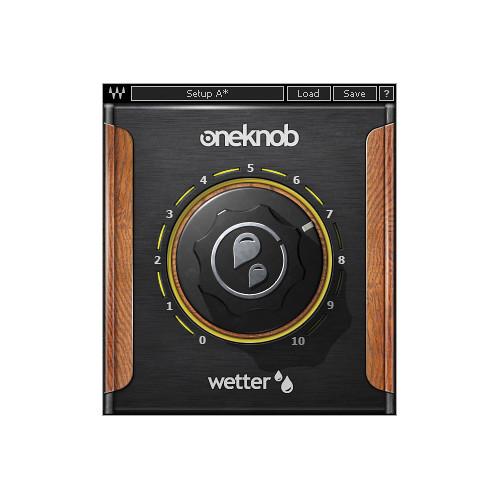
- OneKnob Wetter - Reverb Plug-In (Native/SoundGrid, Download) OneKnob Wetter from Waves is a simple-to-operate reverb plug-in that applies ambiances ranging from short, bright spaces that are felt rather than heard, to longer darker ones. The software adds instant depth to any track, dialed in using a single knob. The plug-in includes both Native and SoundGrid licenses.
- Easy-to-use reverb plug-in
- From short ambiences to cavernous spaces
- Up to 24-bit/96 kHz resolution
- Mono, stereo and mono-to-stereo components
- SoundGrid license compatible with MultiRack Native, StudioRack Native, MultiRack SoundGrid, StudioRack SoundGrid, and eMotion ST Mixer
In the Box Bundle Items OneKnob Brighter - Intelligent Treble Booster Plug-In (Native/SoundGrid, Download) xaxyysstsxbwruvwceytqrexyfxbydqrc OneKnob Driver - Overdrive/Distortion Plug-In (Native/SoundGrid, Download) OneKnob Filter - Sweepable Filter Plug-In (Native/SoundGrid, Download) OneKnob Louder - Dynamics Plug-In (Native/SoundGrid, Download) OneKnob Phatter - Bass Enhancement Plug-In (Native/SoundGrid, Download) OneKnob Pressure - Dynamics Plug-In (Native/SoundGrid, Download) OneKnob Pumper - Instant Ducking Effect Plug-In (Native, Download) OneKnob Wetter - Reverb Plug-In (Native/SoundGrid, Download) Table of Contents
|
Upload User Manual
Have you got an user manual for the Waves OneKnob Series - Plug-In Bundle in electronic form? Please send it to us and help us expand our library of instruction manuals.
Thank you, too, on behalf of other users.
To upload the product manual, we first need to check and make sure you are not a robot. After that, your "Submit Link" or "Upload File" will appear.
Technical parameters - OneKnob Brighter - Intelligent Treble Booster Plug-In (Native/SoundGrid, Download)
| System Requirements | Mac
Core Duo 2.3 GHz
OS X 10.7 to 10.10.2
4 GB RAM
1024 x 768 screen resolution
For Native plug-in use, host software that supports AAX Native, Audio Units, RTAS/AudioSuite, or VST formats
PC
Intel Core 2 Duo 2GHz
Windows 7 SP1, Windows 8, Windows 8.1
4 GB RAM
1024 x 768 32-bit screen resolution
For Native plug-in use, host software that supports AAX Native, RTAS/AudioSuite, or VST formats | - OneKnob Driver - Overdrive/Distortion Plug-In (Native/SoundGrid, Download)
| System Requirements | Mac
Core Duo 2.3 GHz
OS X 10.7 to 10.10.2
4 GB RAM
1024 x 768 screen resolution
For Native plug-in use, host software that supports AAX Native, Audio Units, RTAS/AudioSuite, or VST formats
PC
Intel Core 2 Duo 2GHz
Windows 7 SP1, Windows 8, Windows 8.1
4 GB RAM
1024 x 768 32-bit screen resolution
For Native plug-in use, host software that supports AAX Native, RTAS/AudioSuite, or VST formats | - OneKnob Filter - Sweepable Filter Plug-In (Native/SoundGrid, Download)
| System Requirements | Mac
Core Duo 2.3 GHz
OS X 10.7 to 10.10.2
4 GB RAM
1024 x 768 screen resolution
For Native plug-in use, host software that supports AAX Native, Audio Units, RTAS/AudioSuite, or VST formats
PC
Intel Core 2 Duo 2GHz
Windows 7 SP1, Windows 8, Windows 8.1
4 GB RAM
1024 x 768 32-bit screen resolution
For Native plug-in use, host software that supports AAX Native, RTAS/AudioSuite, or VST formats | - OneKnob Louder - Dynamics Plug-In (Native/SoundGrid, Download)
| System Requirements | Mac
Core Duo 2.3 GHz
OS X 10.7 to 10.10.2
4 GB RAM
1024 x 768 screen resolution
For Native plug-in use, host software that supports AAX Native, Audio Units, RTAS/AudioSuite, or VST formats
PC
Intel Core 2 Duo 2GHz
Windows 7 SP1, Windows 8, Windows 8.1
4 GB RAM
1024 x 768 32-bit screen resolution
For Native plug-in use, host software that supports AAX Native, RTAS/AudioSuite, or VST formats | - OneKnob Phatter - Bass Enhancement Plug-In (Native/SoundGrid, Download)
| System Requirements | Mac
Core Duo 2.3 GHz
OS X 10.7 to 10.10.2
4 GB RAM
1024 x 768 screen resolution
For Native plug-in use, host software that supports AAX Native, Audio Units, RTAS/AudioSuite, or VST formats
PC
Intel Core 2 Duo 2GHz
Windows 7 SP1, Windows 8, Windows 8.1
4 GB RAM
1024 x 768 32-bit screen resolution
For Native plug-in use, host software that supports AAX Native, RTAS/AudioSuite, or VST formats | - OneKnob Pressure - Dynamics Plug-In (Native/SoundGrid, Download)
| System Requirements | Mac
Core Duo 2.3 GHz
OS X 10.7 to 10.10.2
4 GB RAM
1024 x 768 screen resolution
For Native plug-in use, host software that supports AAX Native, Audio Units, RTAS/AudioSuite, or VST formats
PC
Intel Core 2 Duo 2GHz
Windows 7 SP1, Windows 8, Windows 8.1
4 GB RAM
1024 x 768 32-bit screen resolution
For Native plug-in use, host software that supports AAX Native, RTAS/AudioSuite, or VST formats | - OneKnob Pumper - Instant Ducking Effect Plug-In (Native, Download)
| System Requirements | Mac
Core Duo 2.3 GHz
OS X 10.7 to 10.10.2
4 GB RAM
1024 x 768 screen resolution
For Native plug-in use, host software that supports AAX Native, Audio Units, RTAS/AudioSuite, or VST formats
PC
Intel Core 2 Duo 2GHz
Windows 7 SP1, Windows 8, Windows 8.1
4 GB RAM
1024 x 768 32-bit screen resolution
For Native plug-in use, host software that supports AAX Native, RTAS/AudioSuite, or VST formats | - OneKnob Wetter - Reverb Plug-In (Native/SoundGrid, Download)
| System Requirements | Mac
Core Duo 2.3 GHz
OS X 10.7 to 10.10.2
4 GB RAM
1024 x 768 screen resolution
For Native plug-in use, host software that supports AAX Native, Audio Units, RTAS/AudioSuite, or VST formats
PC
Intel Core 2 Duo 2GHz
Windows 7 SP1, Windows 8, Windows 8.1
4 GB RAM
1024 x 768 32-bit screen resolution
For Native plug-in use, host software that supports AAX Native, RTAS/AudioSuite, or VST formats |
Rating60% users recommend this product to others. And what about you?

This product has already been rated by 39 owners. Add your rating and experience with the product.
Discussion
 Ask our technicians if you have a problem with your settings,
or if anything is unclear in the user manual you have downloaded.
You can make use of our moderated discussion.
The discussion is public and helps other users of our website who may be encountering similar problems.
Ask our technicians if you have a problem with your settings,
or if anything is unclear in the user manual you have downloaded.
You can make use of our moderated discussion.
The discussion is public and helps other users of our website who may be encountering similar problems.
The discussion is empty - enter the first post
Post a new topic / query / comment:
|
|


