User Manual for WD My Cloud Home Duo 20TB 2-Bay Personal Cloud NAS Server Click to enlarge the picture
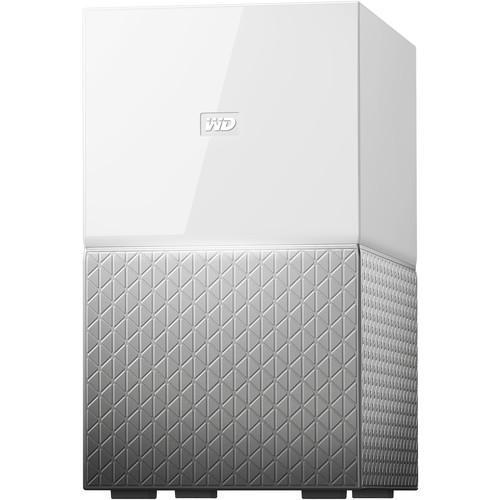 Contents of the user manual for the WD My Cloud Home Duo 20TB
- Product category: Network Attached Storage Drives WD
- Brand: WD
- Description and content of package
- Technical information and basic settings
- Frequently asked questions – FAQ
- Troubleshooting (does not switch on, does not respond, error message, what do I do if...)
- Authorized service for WD Network Attached Storage Drives
 |
User manual for the WD My Cloud Home Duo 20TB contain basic instructions
that need to be followed during installation and operation.
Before starting your appliance, the user manual should be read through carefully.
Follow all the safety instructions and warnings, and be guided by the given recommendations.
User manual is an integral part of any WD product,
and if it is sold or transferred, they should be handed over jointly with the product.
Following the instructions for use is an essential prerequisite for protecting
health and property during use, as well as recognition of liability on the part of the manufacturer
for possible defects should you make a warranty claim. Download an official WD user manual in which you will find instructions on how to install, use, maintain and service your product.
And do not forget – unsuitable use of a WD product will considerably shorten its lifespan!
|
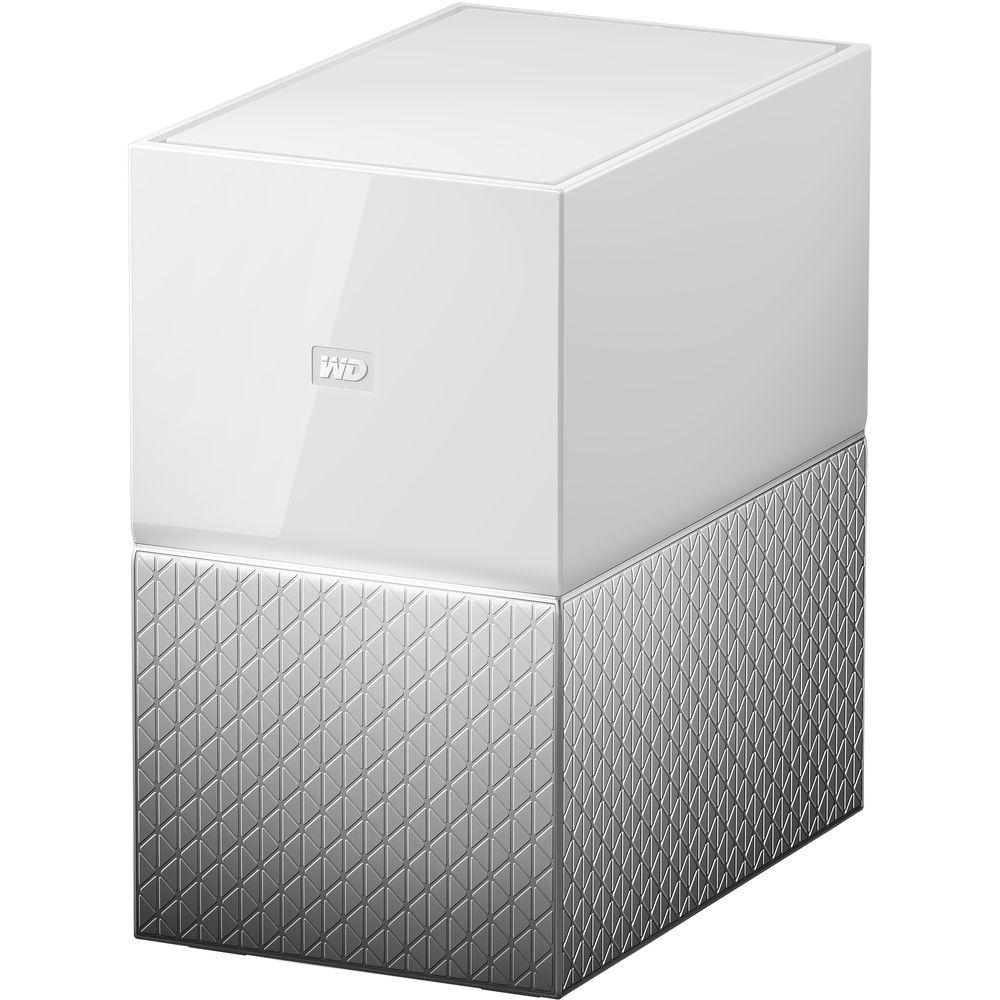
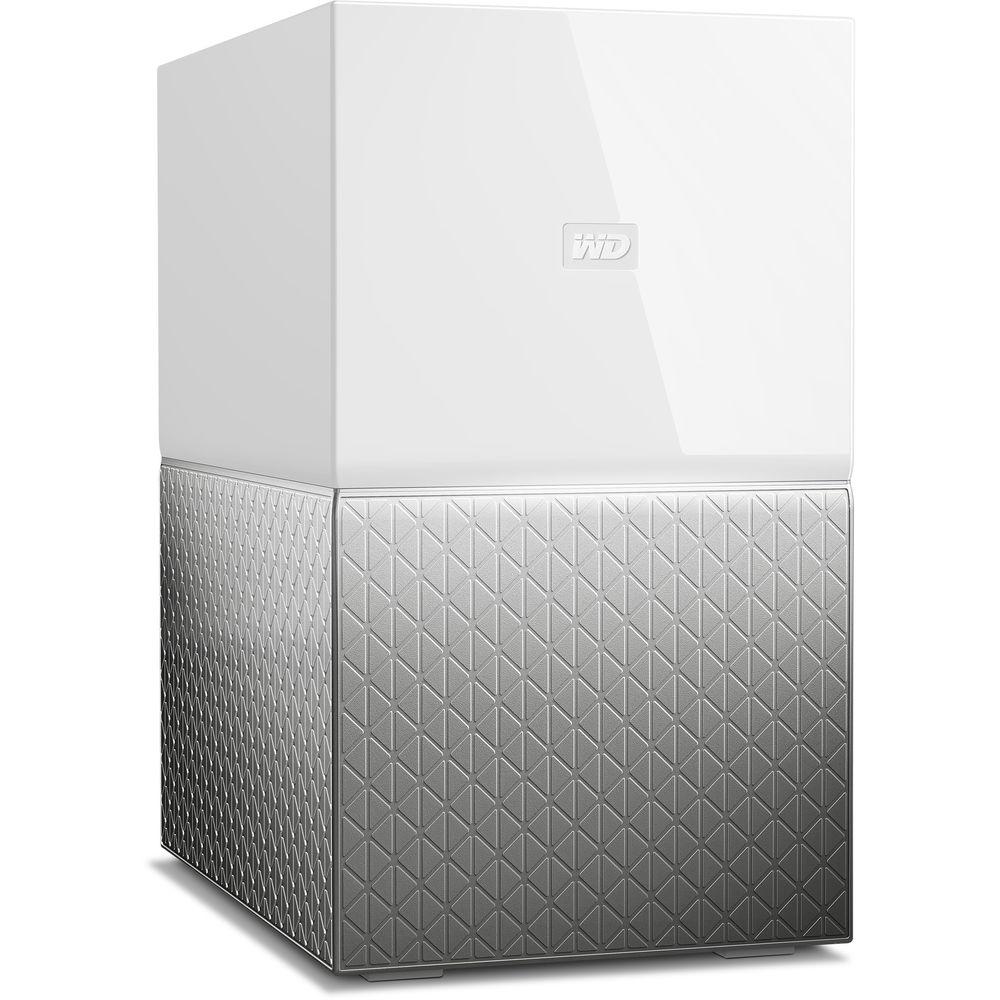
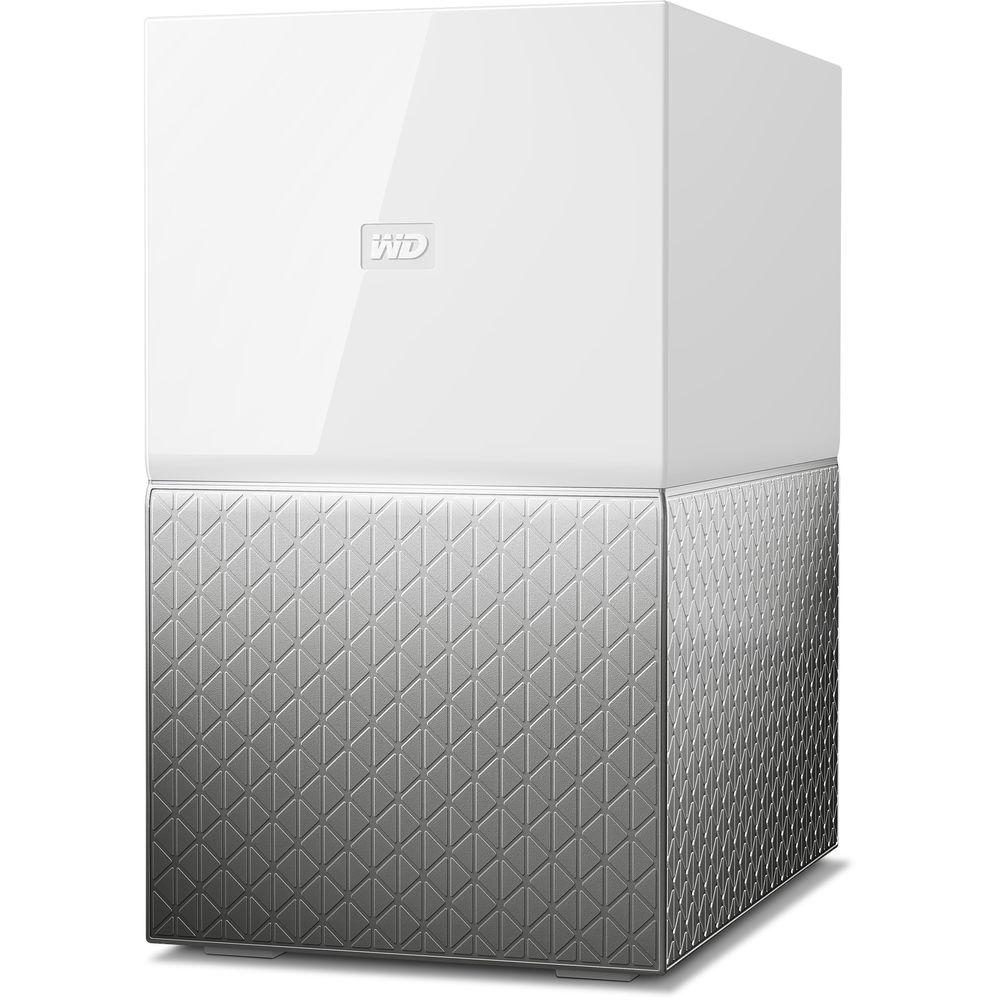
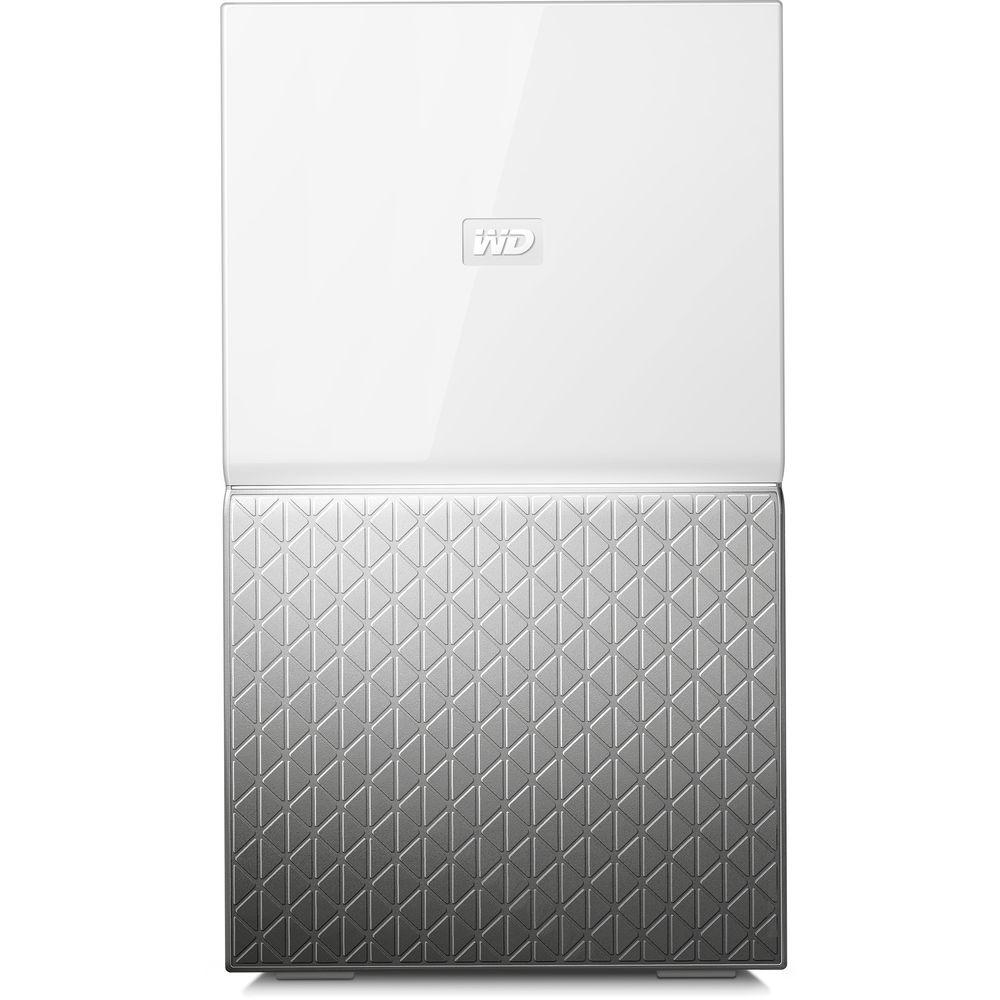
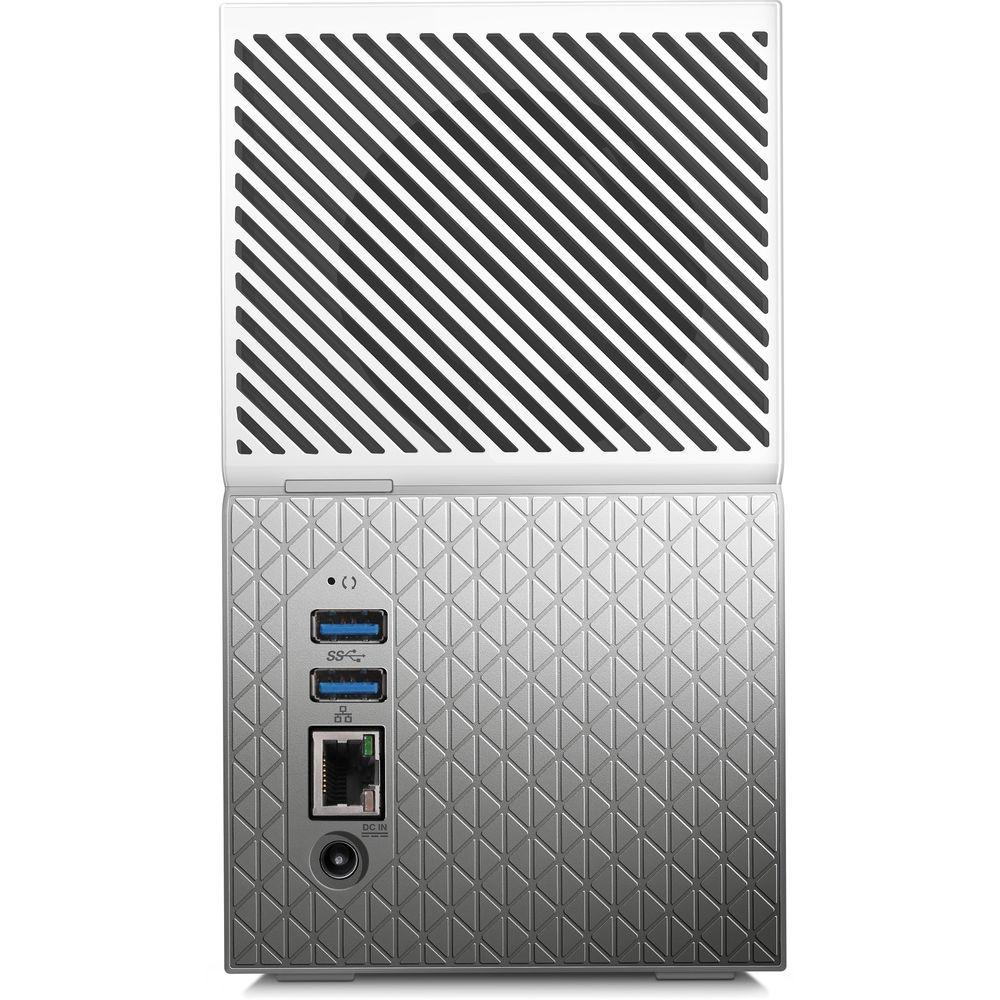
Product description The New WD My Cloud Home: Wireless Cloud Connectivity Read More Add 20TB of USB 3.0 cloud storage to your Windows, Mac, iOS, or Android device in a 2 x 10TB configuration with the My Cloud Home Duo 20TB 2-Bay Personal Cloud NAS Server from WD. The My Cloud Home Duo provides a one-stop solution for saving digital content, backing up photos and videos on your phone, and wirelessly backing up and syncing your Windows and Mac computers with cloud accounts. This personal storage device plugs directly into your Wi-Fi router using its Gigabit Ethernet port so you can access, upload, and share photos and videos using the My Cloud Home apps for mobile, desktop, and web platforms, as well as stream videos using Plex Media Server. Using the two USB 3.0 Type-A ports, you'll be able to import photos, videos, music, documents, and more from other devices, such as USB flash drives and external hard drives.
This NAS supports RAID functionality. It comes pre-configured in RAID 1, which mirrors the data on one drive to the other for 1:1 data redundancy, but at the cost of performance. It may also be configured as RAID 0, which provides performance gains, but no data redundancy.
The My Cloud Home Duo is powered by a 1.4 GHz Realtek RTD1295PB-CG A53 Quad-Core processor and 1GB of DDR3L RAM. It operates on 90-260 VAC at 47-63 Hz and includes an Ethernet cable and an AC adapter. It is compatible with Windows 10, 8.1, 8, and 7, macOS Sierra (10.12), El Capitan (10.11), Yosemite (10.10), iOS 9 and 10, and Android KitKat (4.4), Lollipop (5.x), Marshmallow (6.0), and Nougat (7.x). General Features - One Central Place to Store and Organize Everything
- My Cloud Home storage is home to all your content. With enough space to keep all your photos, videos, and files in one place at home, you can organize it your way and access from almost anywhere with an Internet connection.
- Quick and Simple Setup
- Set up your My Cloud Home device quickly. Just plug it into your Wi-Fi router. Then, use your mobile device to set up your account and start backing up, accessing, and sharing. No computer is necessary and no monthly fee is required.
- Mobile, On-the-Go Access
- Use the My Cloud Home mobile app, desktop app, or MyCloud's site to upload, access, and share your favorite memories and stream videos saved on your My Cloud Home device.
- Auto Backup for Photos and Videos on Your Phone
- Automatically back up photos and videos on your phone to the My Cloud Home device so you can make room for more.
- USB 3.0 Type-A Port to Import Photos and Videos from Your Devices
- Quickly import photos and videos from different devices scattered around your house, like USB flash drives and external hard drives, using the USB 3.0 Type-A port on the back of your My Cloud Home. Keep all your favorite moments, action shots, and adventures stored in one central, organized place.
- File Search to Find Content Easily
- Quickly find photos, videos, movies, and docs using a user-friendly search with the My Cloud Home mobile or desktop app, or on MyCloud's site.
- Individual Private Spaces for Each User
- Invite family and friends to create individual accounts. Each invited person can set up their own private space that only they have access to on the device. They can manage, access, and share their content as they want.
- Third-Party Applications to Customize Your Way
- Tailor your My Cloud Home device to fit your personal needs and preferences using downloadable services, including Plex Media Server, Dropbox, Google Drive, and more. Cloud services may be modified and vary by country.
- Cloud Account Download to Keep Everything in One Place
- Store everything in one place, even content in your favorite cloud accounts. Photos, videos, and files from your cloud accounts are automatically downloaded to your My Cloud Home device, including Dropbox, Box, Google Drive, Facebook, and many more.
- Auto Backup for all PCs and Mac Computers
- The My Cloud Home device has a 20TB capacity and plugs into your network to wirelessly back up computers at home to one central place. It works seamlessly with Windows Backup and Time Machine software.
- Smooth Video Playback
- Stream your personal videos virtually anywhere, on almost any device, using the My Cloud Home mobile and desktop app or MyCloud's site.
- Quick and Easy Sharing
- Collect all your favorite memories and moments in one place. With just a few clicks, share photos, videos, documents, or entire folders with friends and family, so nobody misses a thing.
UPC: 718037855691 In the Box WD My Cloud Home Duo 20TB 2-Bay Personal Cloud NAS Server (2 x 10TB) Ethernet Cable Power Supply and Cable Limited 2-Year Warranty Table of Contents
|
Upload User Manual
Have you got an user manual for the WD My Cloud Home Duo 20TB 2-Bay Personal Cloud NAS Server in electronic form? Please send it to us and help us expand our library of instruction manuals.
Thank you, too, on behalf of other users.
To upload the product manual, we first need to check and make sure you are not a robot. After that, your "Submit Link" or "Upload File" will appear.
Technical parametersWD My Cloud Home Duo Specs | | | CPU | 1.4 GHz Realtek RTD1295PB-CG A53 Quad-Core | | Total Installed Memory | 1 GB DDR3L | | | | Total Raw Capacity | 20 TB | | Included Drives | 2 x 10 TB 3.5" HDD | | Initial RAID Configuration | RAID 1 | | Interface | SATA | | | | Number of Bays | 2 x 3.5" | | Connections | 2 x USB Type-A (USB 3.1 Gen 1 (5 Gb/s))
1 x RJ45 (Gigabit Ethernet) | | Compatible Drive Interface | SATA (Unspecified Version) | | Form Factor | Desktop | | RAID Modes | RAID 0, 1 | | | | AC Input Power | 100 to 240 VAC, 50 / 60 Hz | | | | Operating Temperature | 41 to 95°F / 5 to 35°C | | Storage Temperature | -4 to 149°F / -20 to 65°C | | Certifications | NRCAN, RoHS, as per Manufacturer | | | | Dimensions | 6.3 x 4.0 x 7.1" / 16.0 x 10.2 x 17.9 cm | | Weight | 5.3 lb / 2.4 kg with Drives | | | | Package Weight | 7.1 lb | | Box Dimensions (LxWxH) | 11.2 x 9.0 x 6.3" |
Rating50% users recommend this product to others. And what about you?

This product has already been rated by 70 owners. Add your rating and experience with the product.
Discussion
 Ask our technicians if you have a problem with your settings,
or if anything is unclear in the user manual you have downloaded.
You can make use of our moderated discussion.
The discussion is public and helps other users of our website who may be encountering similar problems.
Ask our technicians if you have a problem with your settings,
or if anything is unclear in the user manual you have downloaded.
You can make use of our moderated discussion.
The discussion is public and helps other users of our website who may be encountering similar problems.
The discussion is empty - enter the first post
Post a new topic / query / comment:
|
|


