User Manual for Wi Digital AudioLink Ui Digital Wireless System for iPad, iPhone, Mac, PC and Skype Click to enlarge the picture
 Contents of the user manual for the Wi Digital AudioLink Ui Digital Wireless
- Product category: Microphone Accessories Wi Digital
- Brand: Wi Digital
- Description and content of package
- Technical information and basic settings
- Frequently asked questions – FAQ
- Troubleshooting (does not switch on, does not respond, error message, what do I do if...)
- Authorized service for Wi Digital Microphone Accessories
 |
User manual for the Wi Digital AudioLink Ui Digital Wireless contain basic instructions
that need to be followed during installation and operation.
Before starting your appliance, the user manual should be read through carefully.
Follow all the safety instructions and warnings, and be guided by the given recommendations.
User manual is an integral part of any Wi Digital product,
and if it is sold or transferred, they should be handed over jointly with the product.
Following the instructions for use is an essential prerequisite for protecting
health and property during use, as well as recognition of liability on the part of the manufacturer
for possible defects should you make a warranty claim. Download an official Wi Digital user manual in which you will find instructions on how to install, use, maintain and service your product.
And do not forget – unsuitable use of a Wi Digital product will considerably shorten its lifespan!
|
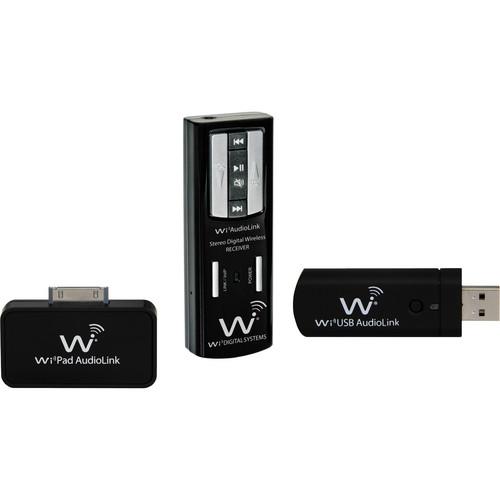
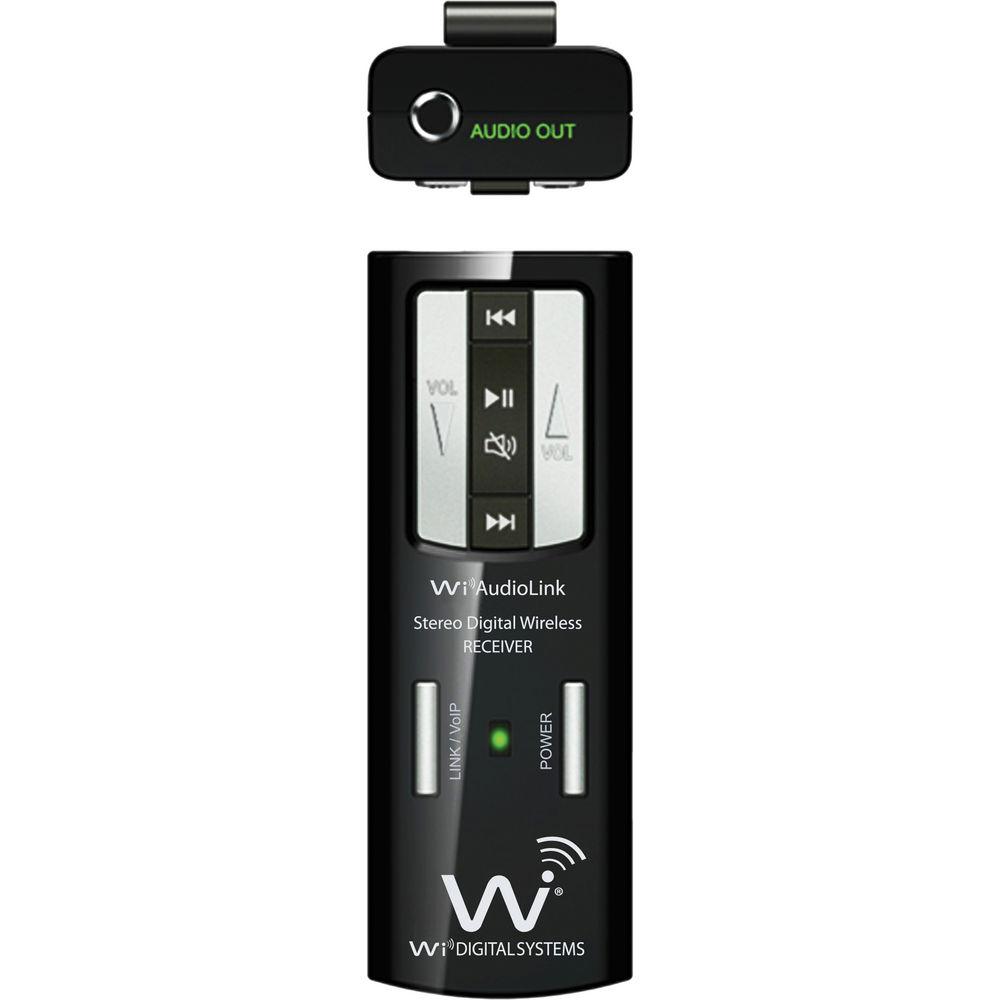
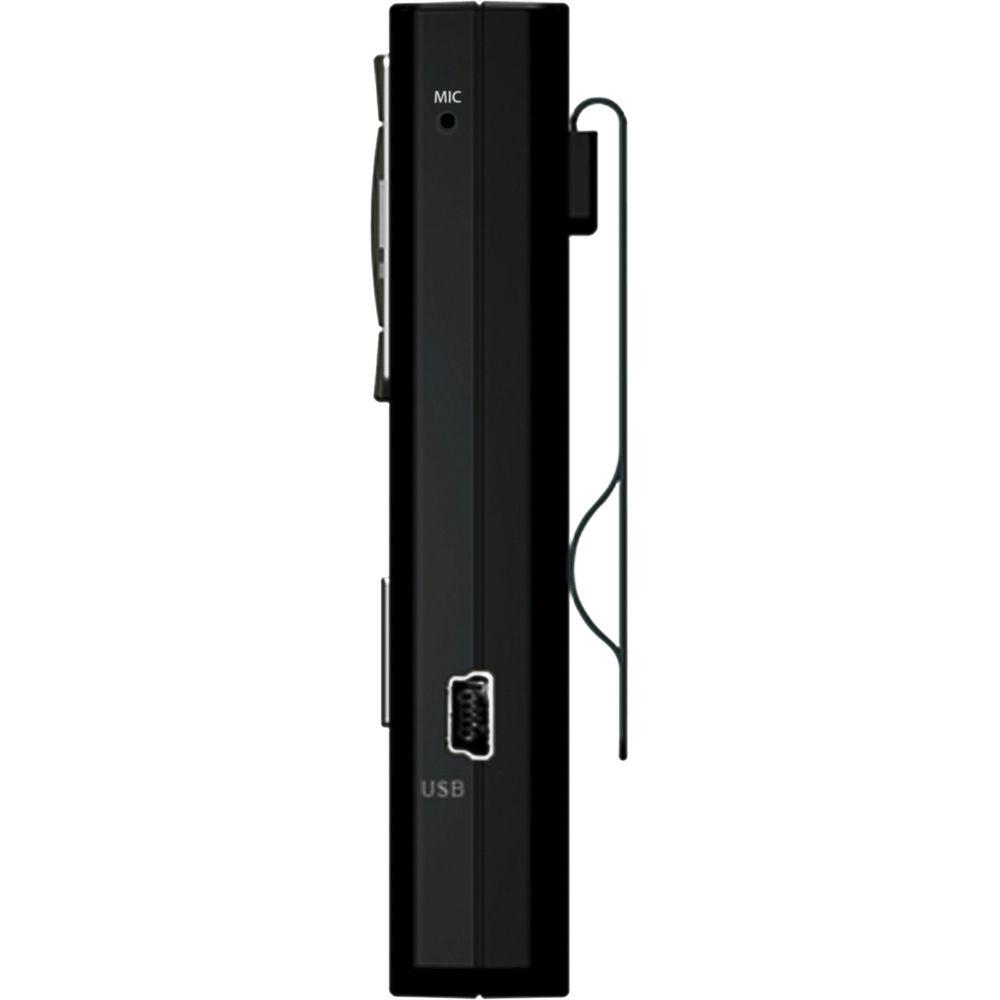
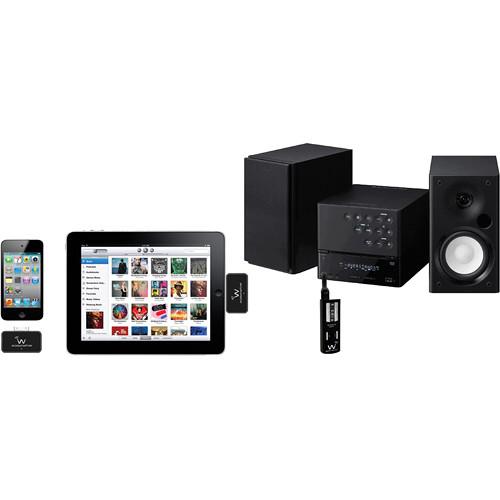
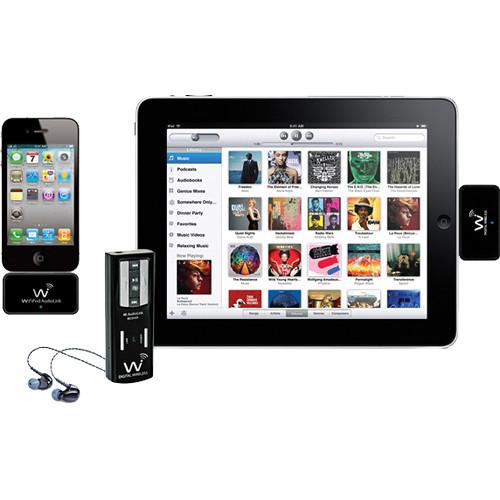
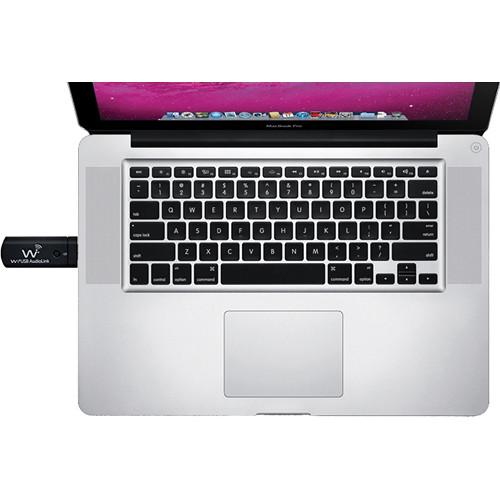
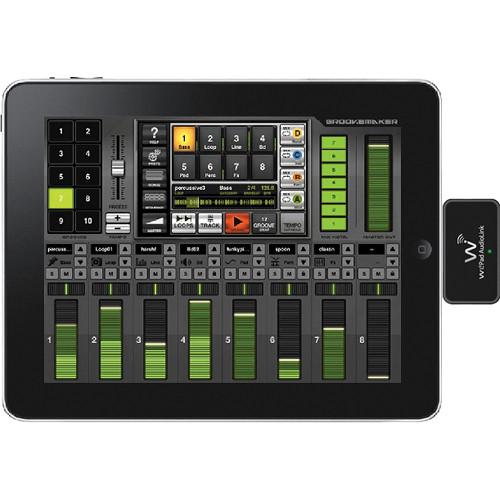
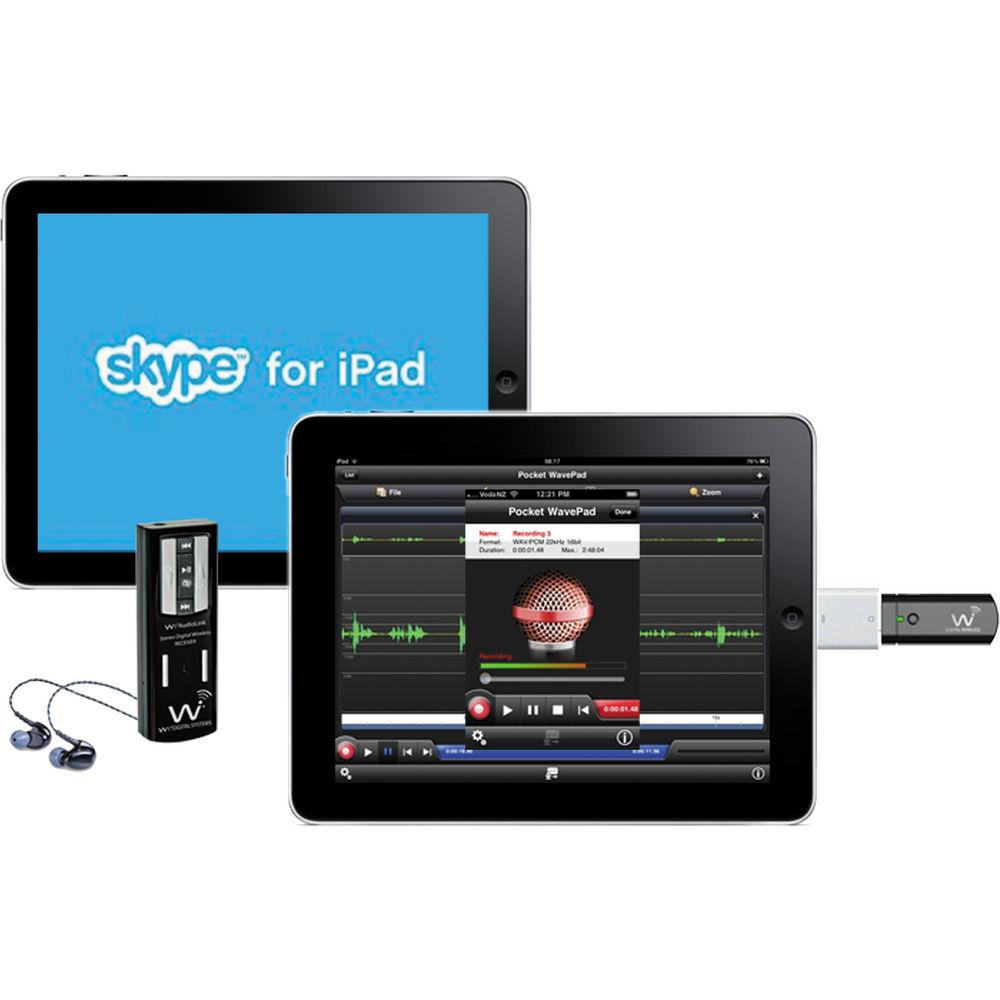
Product description The Wi Digital AudioLink Ui Digital Wireless System for iPad, iPhone, Mac, PC and Skype is for capturing audio. It is used with various devices for applications to capture audio such as for DJ's, videographers, virtual instruments, wireless studio audio sets, and more. It is small and compact, and weighs only 1.08oz. It features plug-and-play Wi Pad AudioLink and Wi AudioLink USB stereo digital wireless audio transmitters designed to wirelessly integrate to iPod, iPad, iPhone Mac, PC and tablet PC. This system offers intuitive function buttons and easy-to-read LEDs that display operation mode, power, and battery life status. It also features dual internal antennas, frequency diversity, and operates without radio frequency interference inherent in UHF and VHF systems. It provides up to 100' of 16-bit, 48kHz CD quality wireless audio connectivity in the 2.4GHz frequency band. The frequency response is 15Hz to 20kHz. The audio controls include volume, mute, and track control. The AudioLink receiver features a built-in microphone that allows you to conduct wireless Skype calls or podcasting from you Mac, PC or iPad with a headset or in-ear monitor. Audio controls include volume up and down, play, pause, mute and track control. A hardshell carrying case is included. - Compatibility List
- iPod touch (1st and 2nd generation)
iPod Multi-Touch (2nd generation)
iPod nano (1st, 2nd, 3rd, and 4th generation)
iPod mini (1st and 2nd generation)
iPod classic
iPod with video
iPad1, iPad2
iPhone 3G, 4, and 4S
Mac, PC
Tablet PC - Stereo digital wireless audio docking station for iPod, iPad, iPhone, Mac, PC, TabletPC for customized audio signal routings, on-stage, studio and home setups
- Remote access of all of your iPod, iPad, iPhone, Mac, PC, TabletPC, and Skype essential audio controls including volume, mute and audio track control with the Wi AudioLink receiver.
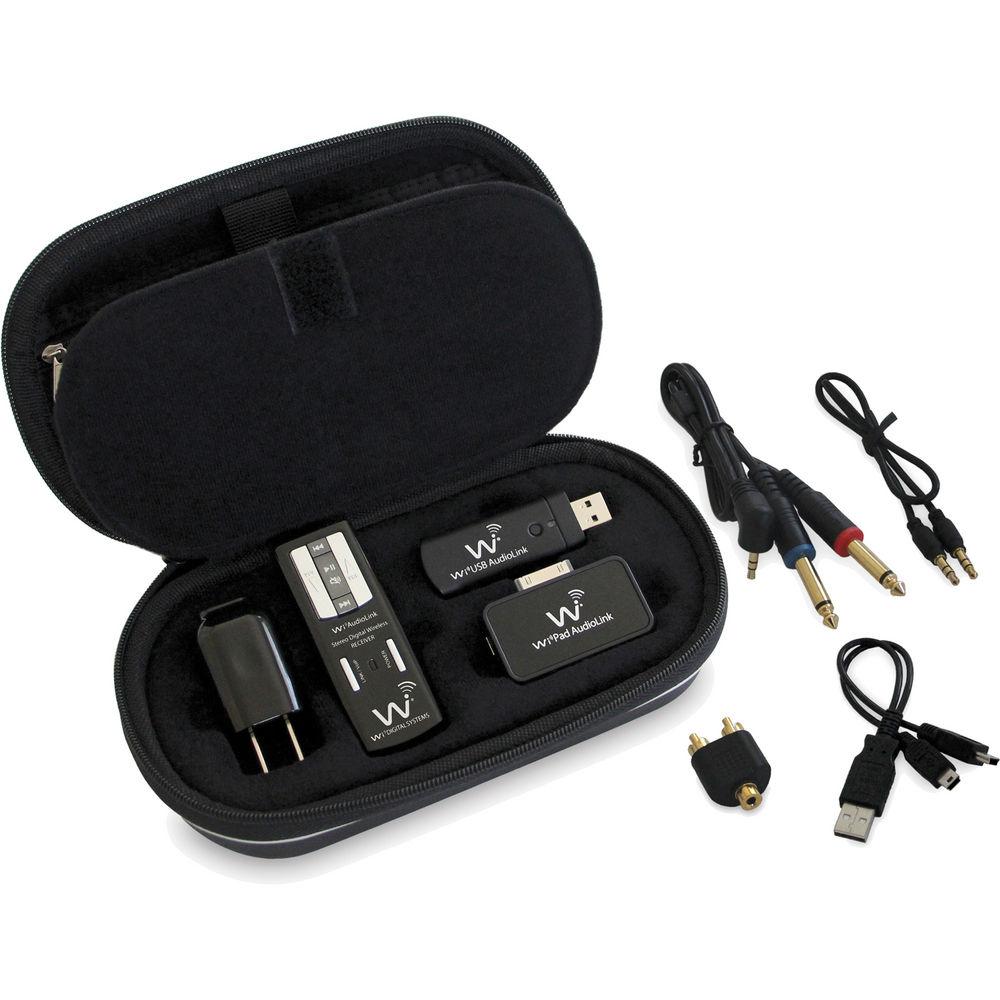
UPC: 899358002329 In the Box Wi Digital AudioLink Ui Digital Wireless System for iPad, iPhone, Mac, PC and Skype JM-IPT01 Wi Pad AudioLink Transmitter for iPod / iPad / iPhone WI USB 2.0 Audio Transmitter for PC/MAC Wi AudioLink Receiver 1/8" to 1/4" TRS Y-Split Stereo Cable 1/8" to Stereo RCA Male (L/R) Adapter 1/8" to 1/8" TRS Stereo Cable USB Power Cable Universal USB Power Adapter Hardshell Carrying Case Limited 1-Year Warranty Table of Contents
|
Upload User Manual
Have you got an user manual for the Wi Digital AudioLink Ui Digital Wireless System for iPad, iPhone, Mac, PC and Skype in electronic form? Please send it to us and help us expand our library of instruction manuals.
Thank you, too, on behalf of other users.
To upload the product manual, we first need to check and make sure you are not a robot. After that, your "Submit Link" or "Upload File" will appear.
Technical parametersWi Digital JM-WALUI Specs | Transmission Format | 2.4 GHz digital wireless | | Bit Rate | 16-bit, 48 kHz stereo quality (uncompressed audio) | | Frequency Response | 15 to 20,000 Hz | | Frequency Selection | Auto | | Output Impedance | <10 Ω | | Connectors | 1/8" (3.5 mm) TRS Stereo | | Input Impedance | 1 MΩ | | Input Level | Max: 3 V RMS | | Output Impedance | <10 Ω | | Maximum Output Level | 700 mV RMS | | SNR | >89 dB | | Distortion | 0.12% THD | | Antenna | Two internal antennas | | Wireless Range | >100' | | Rechargeable Battery Life | 4 to 6 Hours (10-13 hours with optional AA battery power booster) | | Power Input | 5 VDC, 500 mA (USB Bus Power) | | Maximum | Units Operating At Same Time: 8 | | Wi-Fi | Safe: Yes | | iPod/iPhone/iPad Compatibility | Yes (with included Wi Pad AudioLink transmitter model JM-IPT01) | | Mac & PC Compatible | iPod, iPad & iPhone Support: Yes (with included Wi USB AudioLink transmitter model JM-IPT01) | | Mounting | Metal belt clip | | Dimensions | 1.20 x 0.60 x 3.34" (3.05 x 1.52 x 8.48 cm) | | Weight | 1.08 oz (30.6 g) |
Rating70% users recommend this product to others. And what about you?

This product has already been rated by 21 owners. Add your rating and experience with the product.
Discussion
 Ask our technicians if you have a problem with your settings,
or if anything is unclear in the user manual you have downloaded.
You can make use of our moderated discussion.
The discussion is public and helps other users of our website who may be encountering similar problems.
Ask our technicians if you have a problem with your settings,
or if anything is unclear in the user manual you have downloaded.
You can make use of our moderated discussion.
The discussion is public and helps other users of our website who may be encountering similar problems.
The discussion is empty - enter the first post
Post a new topic / query / comment:
|
|


