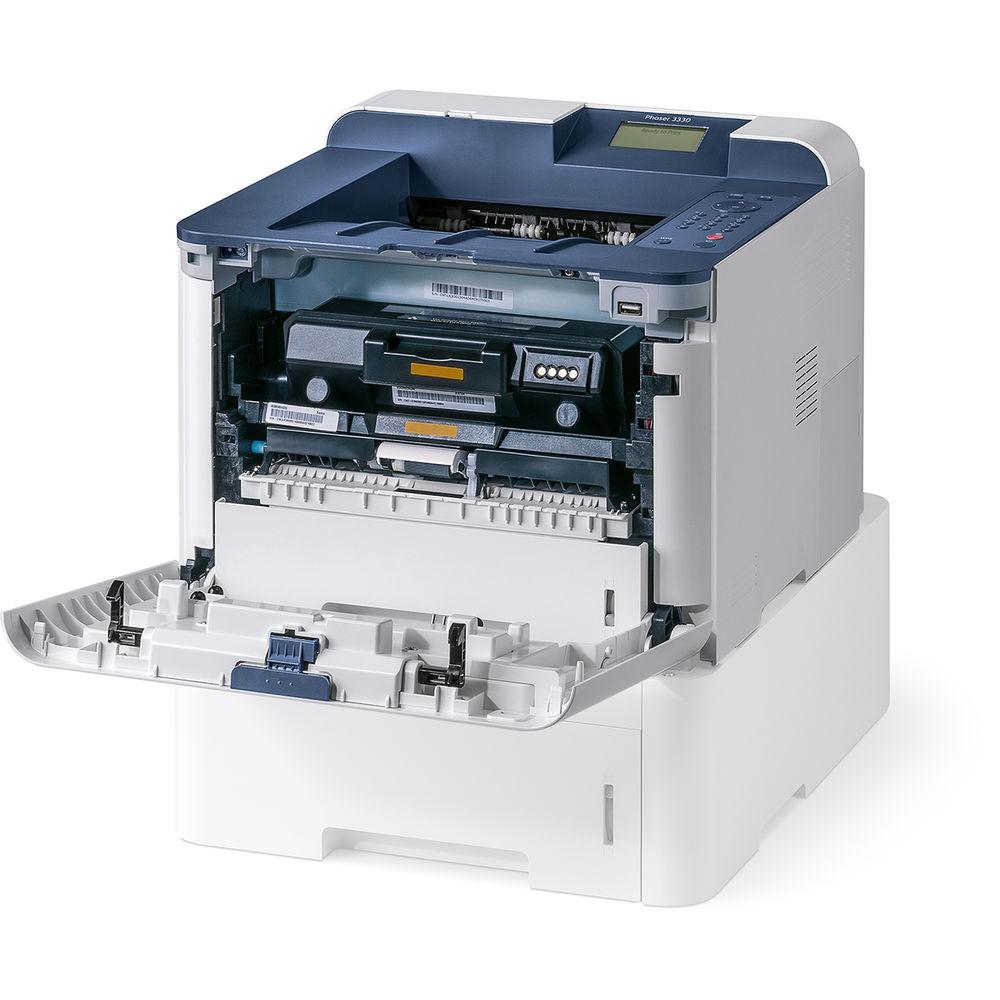
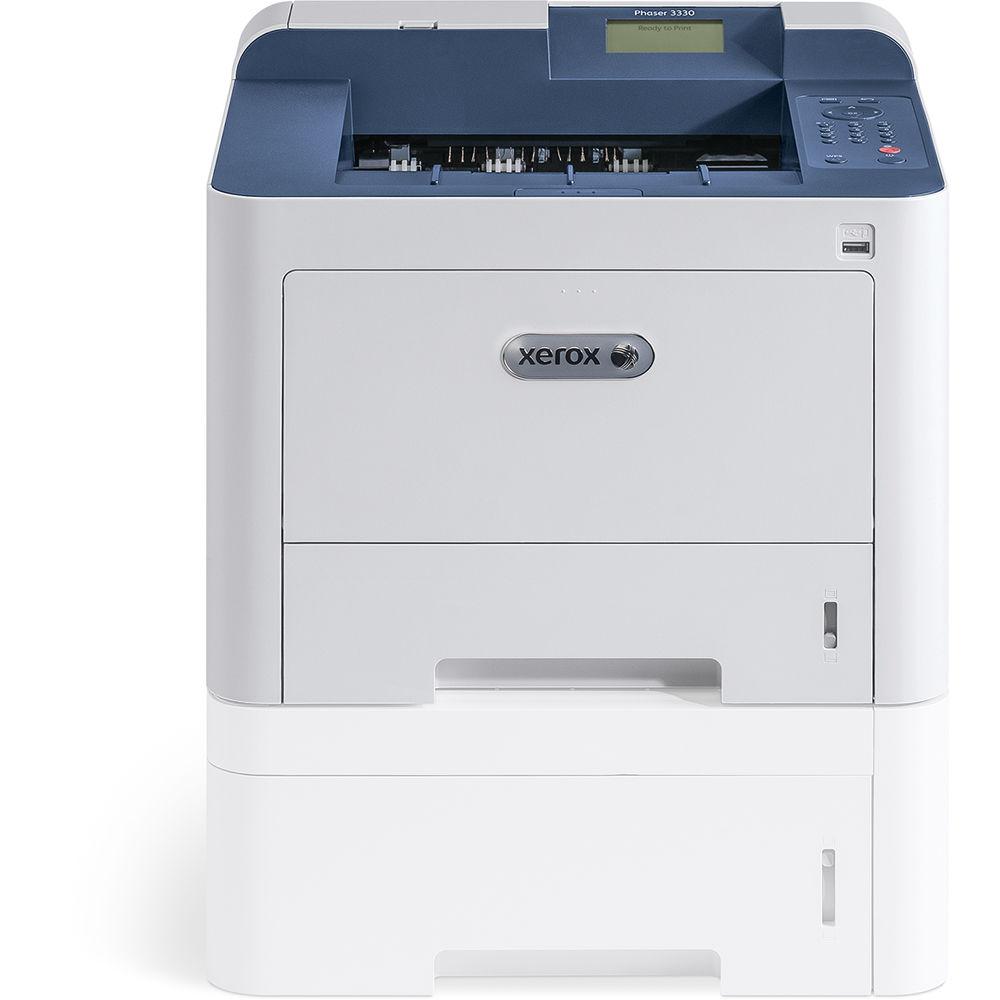
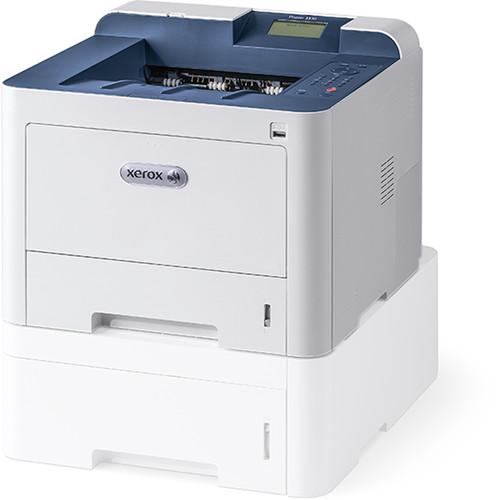
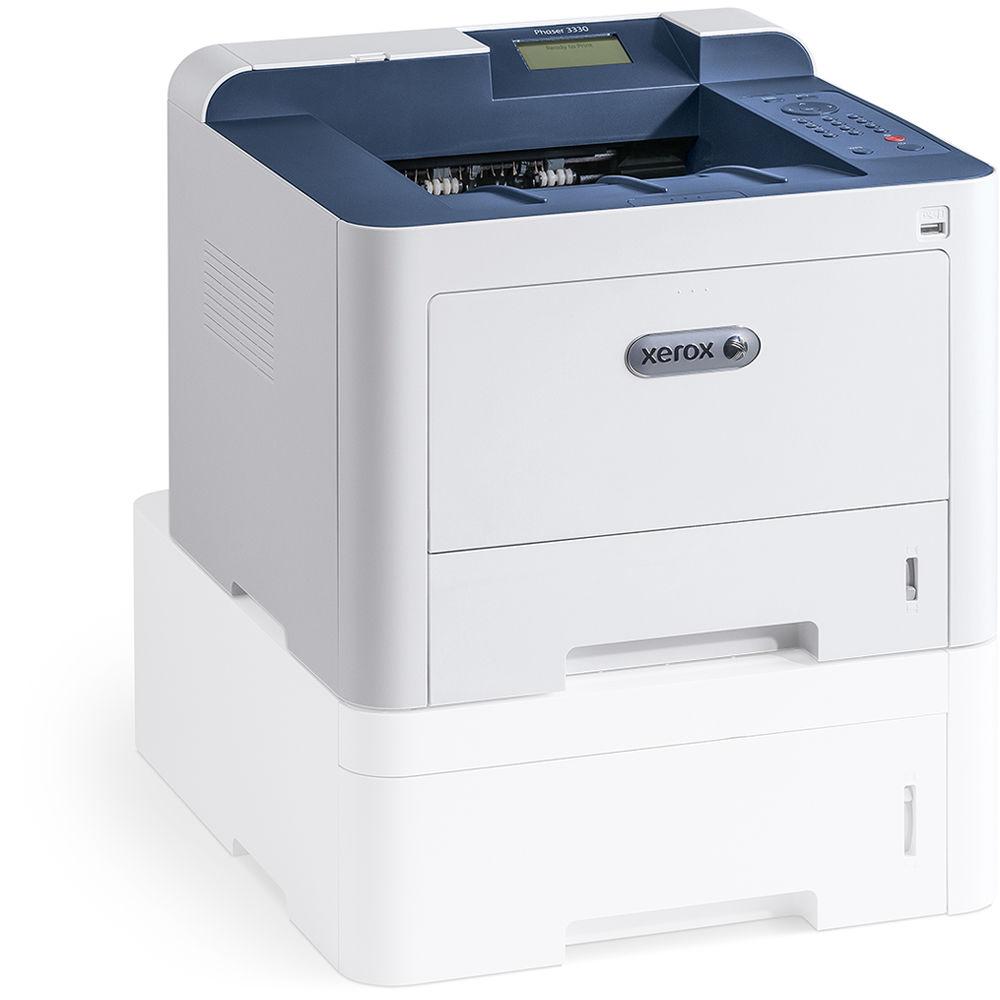
User Manual for Xerox Phaser 3330 DNI Monochrome Laser Printer Click to enlarge the picture
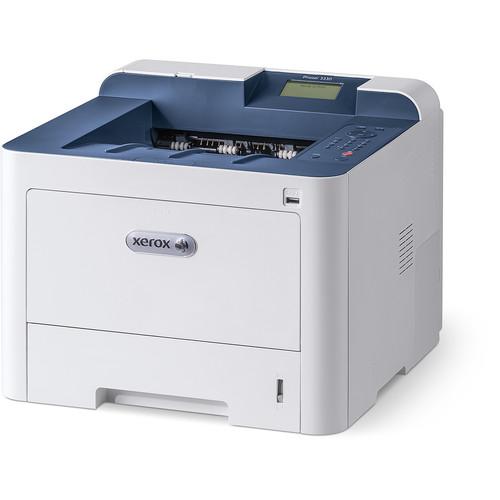 Contents of the user manual for the Xerox Phaser 3330 DNI Monochrome Laser
- Product category: Laser Printers Xerox
- Brand: Xerox
- Description and content of package
- Technical information and basic settings
- Frequently asked questions – FAQ
- Troubleshooting (does not switch on, does not respond, error message, what do I do if...)
- Authorized service for Xerox Laser Printers
 |
User manual for the Xerox Phaser 3330 DNI Monochrome Laser contain basic instructions
that need to be followed during installation and operation.
Before starting your appliance, the user manual should be read through carefully.
Follow all the safety instructions and warnings, and be guided by the given recommendations.
User manual is an integral part of any Xerox product,
and if it is sold or transferred, they should be handed over jointly with the product.
Following the instructions for use is an essential prerequisite for protecting
health and property during use, as well as recognition of liability on the part of the manufacturer
for possible defects should you make a warranty claim. Download an official Xerox user manual in which you will find instructions on how to install, use, maintain and service your product.
And do not forget – unsuitable use of a Xerox product will considerably shorten its lifespan!
|
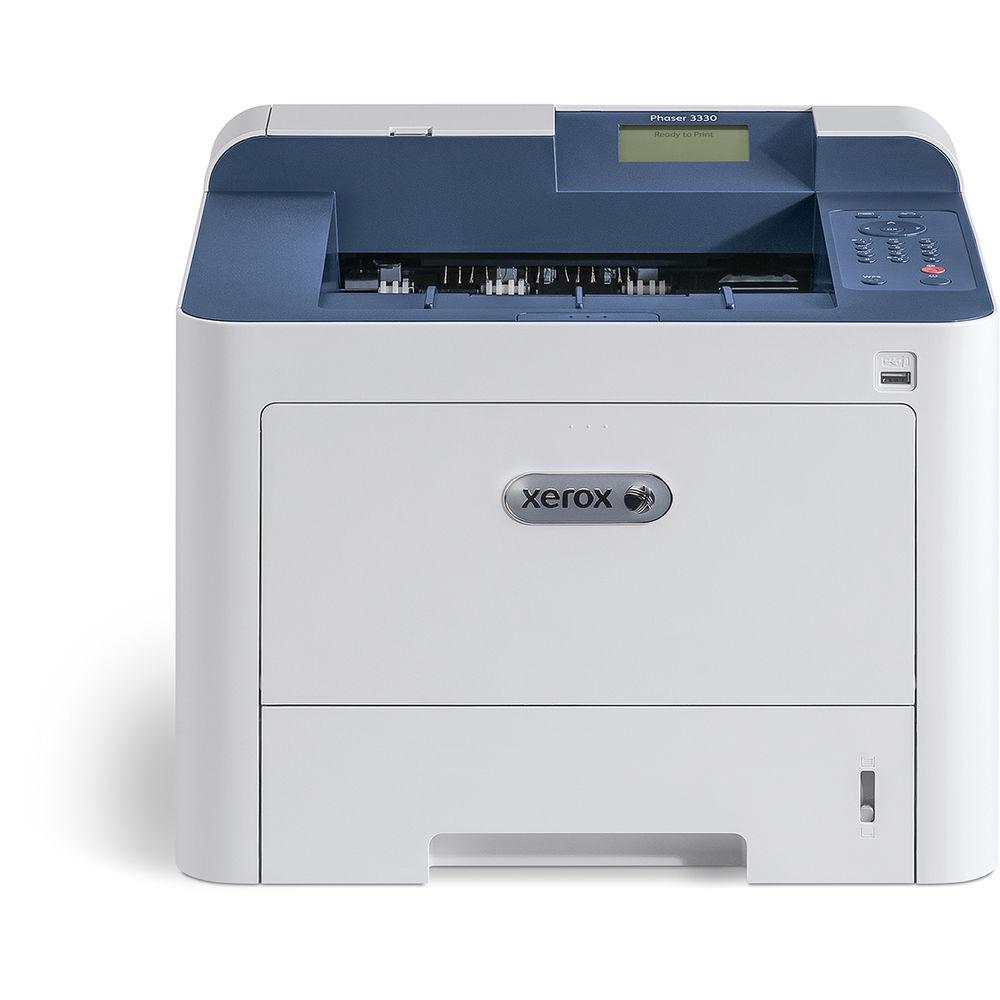
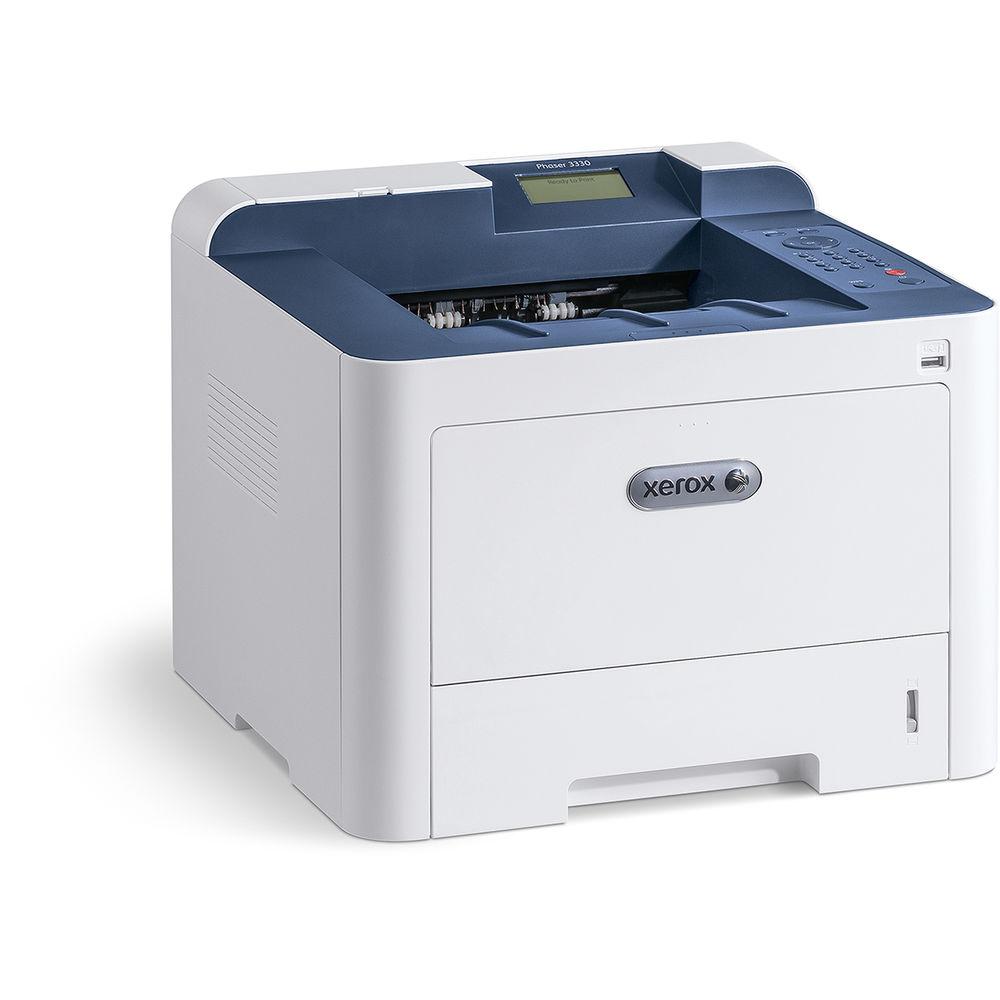
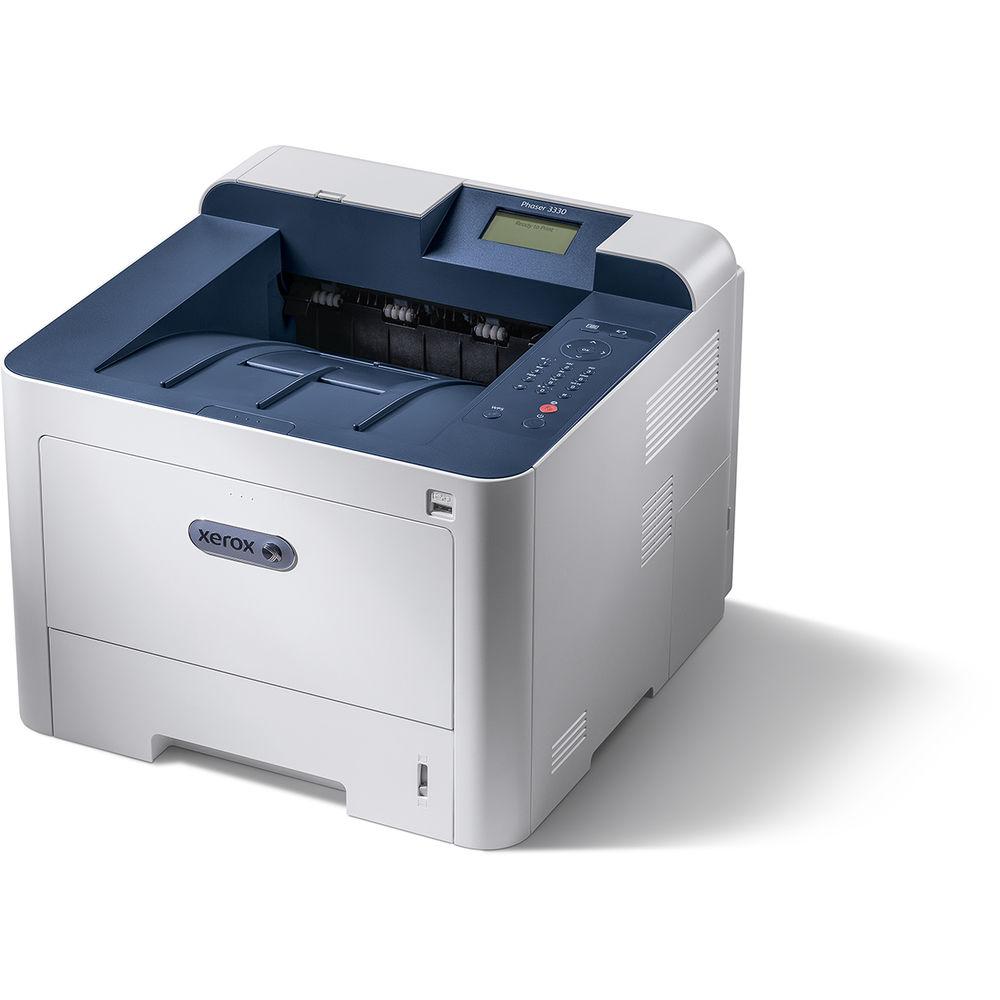
Product description Create documents quickly and easily with the Wi-Fi equipped Phaser 3330/DNI Monochrome Laser Printer from Xerox. Able to produce about 42 ppm and have the first print out in about 6.5 seconds, the Phaser 3300 will dramatically improve productivity when printing large documents. A print resolution of 1200 x 1200 dpi will also ensure sharp, crisp text while automatic duplexing at 21 ppm will help conserve media by printing on both sides. Also, it can work with media ranging in size from 3 x 5" up to 8.5 x 14" and features both a 50-sheet bypass tray and a 250-sheet standard input tray. The printer offers multiple methods of direct printing as well, including a front USB port and various mobile printing protocols when the computer is connected to a network. Additionally, it has a rated monthly duty cycle of 80,000 pages and features USB 2.0 and Ethernet in addition to Wi-Fi. - First print out in just 6.5 seconds.
- Easy-access USB permits direct printing from a portable device with PDF, JPEG, TIFF, TXT, PS, XPS, and PCL formats.
- There are 136 PostScript, 111 scalable PCL, and one bitmap PCL font included in the printer.
- When connected to a network, this printer has access to wireless protocols, including Apple AirPrint, Google Cloud Print, Xerox Print Service Plug-In for Android, and Mopria.
- Additional printer features include watermarks, collation, N-up printing, poster, booklet print, custom page size, fit to page, scaling, draft mode, Earth Smart mode, print from USB, job scheduling, print from local drive, save, save and print.
- Media types supported include plain, archive, bond, card stock, custom, envelopes, heavyweight, labels, lightweight, preprinted, recycled, and transparencies.
- An optional input tray is available to expand the total capacity of the printer to 850 sheets.
- When using the optional NFC Enablement Kit, Tap-to-Pair functionality will become available, enabling a rapid connection with your mobile device.
- Standard security features: 802.1x, Secure HTTPS (SSL/TLS), Secure IPP, Secure Print, SSL, IP Filtering, IPv6, SNMP v3, WEP (64-/128-bit), WPA2-PSK (AES), WPA / WPA2-Personal, and WPA / WPA2-Enterprise. Wi-Fi security includes authentication methods including Open, WPA PSKWPA PSK, WPA PSK / WPA2 PSK, WPA Enterprise, WPA Enterprise / WPA2 Enterprise, and WPA Enterprise Authentication Method options (PEAPVO MS-CHAPV2, EAP-TLS, EAP-TTLS PAP, EAP-TTLS CHAP) as well as encryption options of WEP (64/128-bit ASCII / HEX), TKIP, and AES.
- Xerox Standard Accounting (Print) for up to 1000 user account, 500 general accounts, and 500 group accounts.
- Card reader bay allows for easy installation of optional USB card readers.
- Certifications: FCC Part 15 Class A, FCC Part 68, CE Mark applicable to Directives 2006/95/EC, 2004/108/EC and 1999/5/EC, UL 60950-1/CSA 60950-1-07, 2nd Edition, Section 508, NOM, GS Mark, EAC, RoHS Directive 2011/65/EU, WEEE Directive 2012/19/EU, Citrix Certified, Cerner (undergoing evaluation), Apple AirPrint, Google Cloud Print 2.0, Mopria certified, Wi-Fi Alliance Certified, Blue Angel, MEDITECH, ENERGY STAR, ECOLOGO, EPEAT (United States).
UPC: 095205838930 In the Box Xerox Phaser 3330/DNI Monochrome Laser Printer 106R03620 Standard-Capacity Black Toner Cartridge 101R00555 30K Drum Cartridge Power Cord Software and Documentation CD-ROM Limited 1-Year Warranty More info from Xerox Table of Contents
|
Upload User Manual
Have you got an user manual for the Xerox Phaser 3330 DNI Monochrome Laser Printer in electronic form? Please send it to us and help us expand our library of instruction manuals.
Thank you, too, on behalf of other users.
To upload the product manual, we first need to check and make sure you are not a robot. After that, your "Submit Link" or "Upload File" will appear.
Technical parametersXerox 3330/DNI Specs | | | Printing Technology | Laser | | Maximum Resolution | 1200 x 1200 dpi | | Print Speed | Simplex: 42 ppm
Duplex: 21 ppm | | First Print Out Speed | 6.5 seconds | | Duplex Printing | Yes | | Ink Palette | Black | | Ink Cartridge Configuration | 1 individual cartridge | | Duty Cycle | Monthly: 80,000 pages
Recommended Monthly Volume: Up to 6,000 pages | | Printer Language | PCL 5e
PCL 6
PDF Direct
TIFF
JPEG
Adobe PostScript 3 | | | | Paper Handling | Input Tray 1
Bypass Tray
Output Tray | | Paper Sizes | Input Tray 1: 3.9 x 5.8" to 8.5 x 14" / 9.9 x 14.7 cm to 21.6 x 35.6 cm
Bypass Tray: 3 x 5" to 8.5 x 14" / 7.6 x 12.7 cm to 21.6 x 35.6 cm | | Paper Weight | Input Tray 1: 16 lb bond to 43 lb bond / 60 to 163 gsm
Bypass Tray: 16 lb bond to 58 lb cover / 60 to 220 gsm | | Paper Capacity | Input Tray 1: 250 sheets
Bypass Tray: 50 sheets
Output Tray: 150 sheets | | | | Interface | USB 2.0
Ethernet
Wi-Fi | | Direct Printing | USB port
Apple AirPrint
Google Cloud Print
Xerox Print Service Plug-In for Android
Mopria | | Processor | 1 GHz | | Memory | 512 MB | | Fonts | PostScript: 136
Scalable PCL: 111
Bitmap PCL: 1 | | Compatible Operating Systems | Windows
Mac OS X, macOS
Linux
UNIX | | | | Control Panel | Monochrome LCD
Buttons | | Warm-Up Time | 35 seconds | | Acoustic Noise | Pressure Emissions
Printing: <54 db(a)
Standby: <26 db(a)
Power Emissions
Printing: <54 db(a)
Standby: <26 dB(A) | | Power Requirements | 110-127 VAC, 50/60 Hz, 7 A | | Power Consumption | Maximum: 700 W
Standby: 50 W
Sleep: 3.5 W
Power Off: 0.1 W | | Operating Conditions | Temperature: 50 to 90°F / 10 to 32°C
Humidity: 20 to 80% | | Storage Conditions | Temperature: 32 to 104°F / 0 to 40°C
Humidity: 20 to 80% | | Dimensions (WxDxH) | 14.4 x 14.4 x 11.4" / 36.6 x 36.6 x 29.0 cm | | Weight | 23.4 lb / 10.6 kg | | | | Package Weight | 28.5 lb | | Box Dimensions (LxWxH) | 18.0 x 17.5 x 15.5" |
Rating76% users recommend this product to others. And what about you?

This product has already been rated by 90 owners. Add your rating and experience with the product.
Discussion
 Ask our technicians if you have a problem with your settings,
or if anything is unclear in the user manual you have downloaded.
You can make use of our moderated discussion.
The discussion is public and helps other users of our website who may be encountering similar problems.
Ask our technicians if you have a problem with your settings,
or if anything is unclear in the user manual you have downloaded.
You can make use of our moderated discussion.
The discussion is public and helps other users of our website who may be encountering similar problems.
The discussion is empty - enter the first post
Post a new topic / query / comment:
|
|


