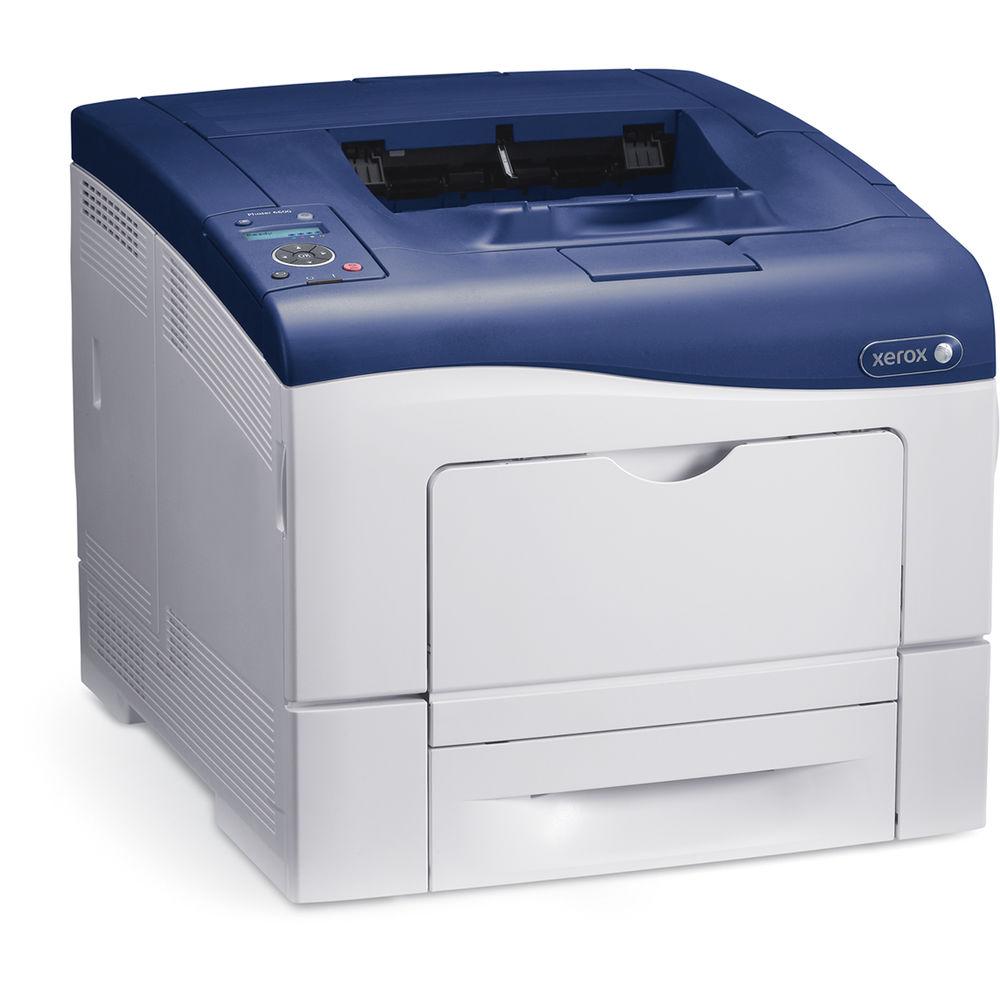
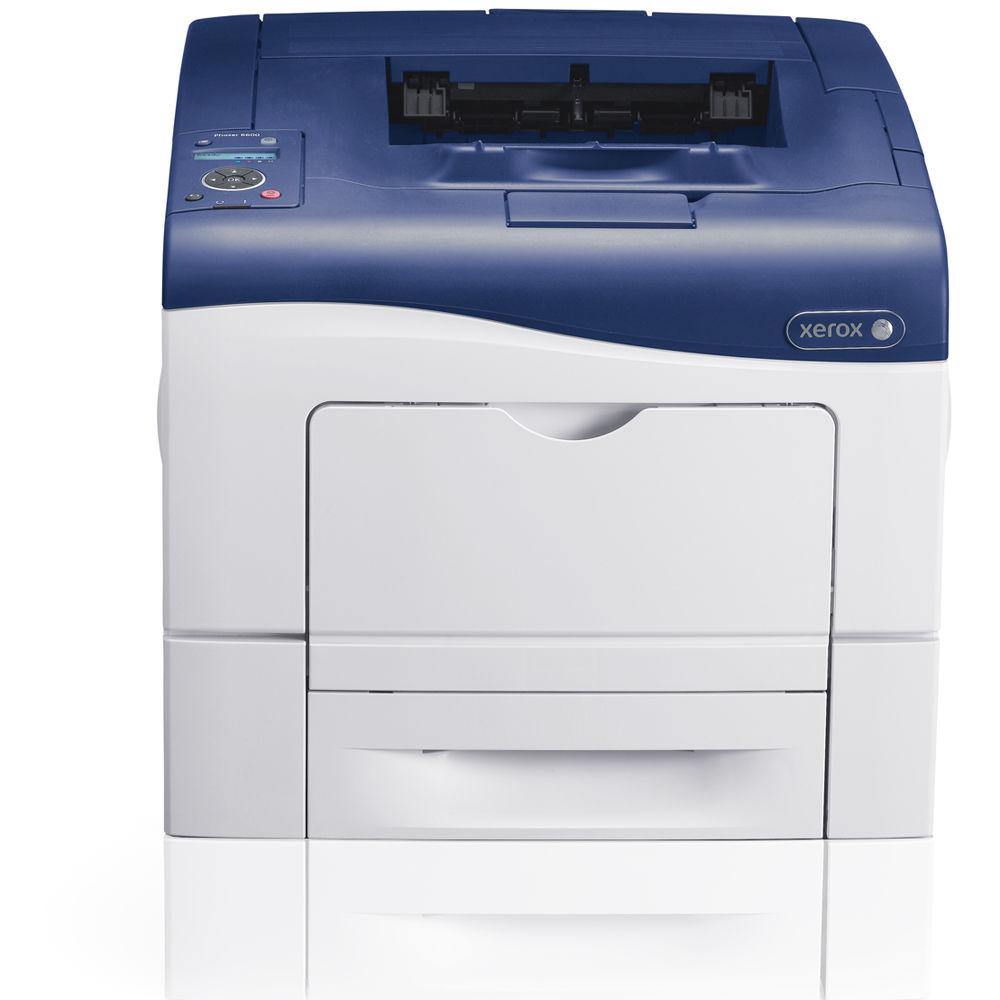
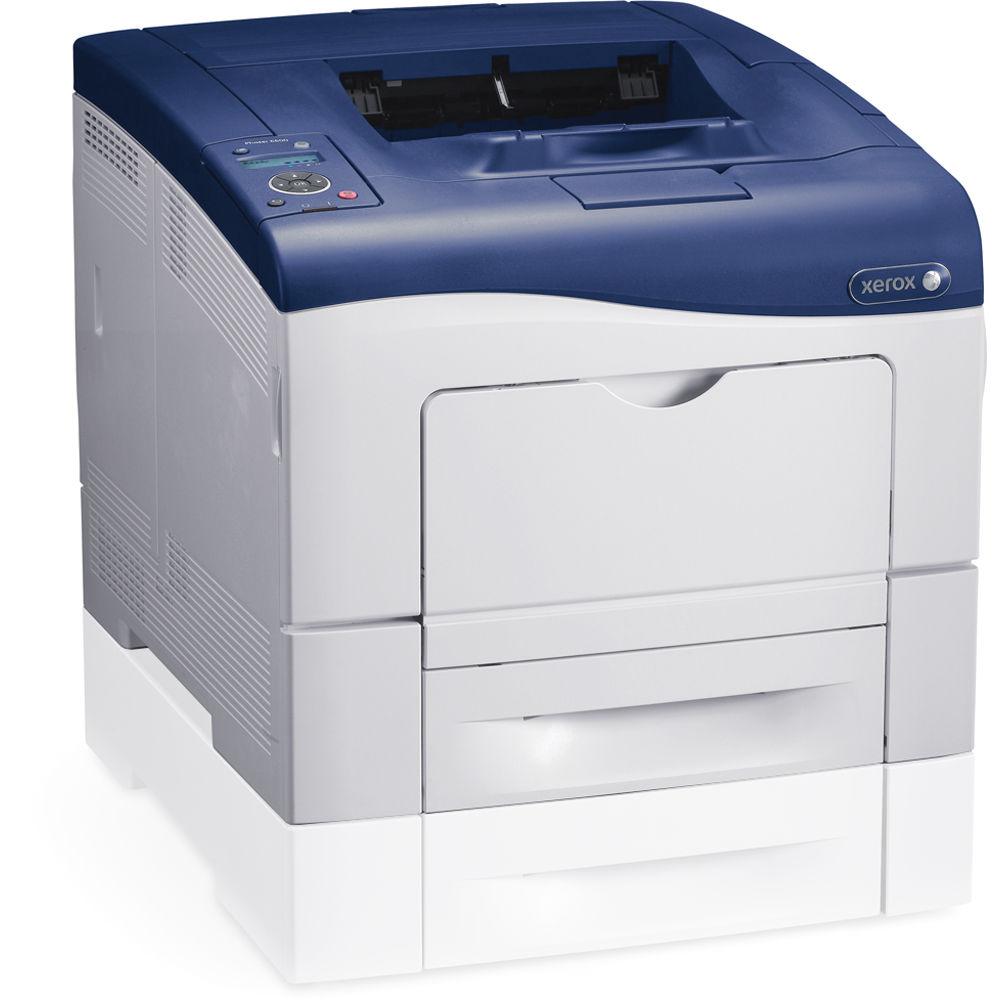
User Manual for Xerox Phaser 6600 N Network Color Laser Printer Click to enlarge the picture
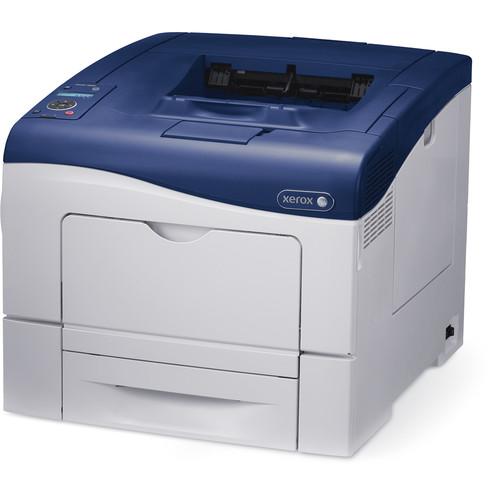 Contents of the user manual for the Xerox Phaser 6600 N Network Color
- Product category: Laser Printers Xerox
- Brand: Xerox
- Description and content of package
- Technical information and basic settings
- Frequently asked questions – FAQ
- Troubleshooting (does not switch on, does not respond, error message, what do I do if...)
- Authorized service for Xerox Laser Printers
 |
User manual for the Xerox Phaser 6600 N Network Color contain basic instructions
that need to be followed during installation and operation.
Before starting your appliance, the user manual should be read through carefully.
Follow all the safety instructions and warnings, and be guided by the given recommendations.
User manual is an integral part of any Xerox product,
and if it is sold or transferred, they should be handed over jointly with the product.
Following the instructions for use is an essential prerequisite for protecting
health and property during use, as well as recognition of liability on the part of the manufacturer
for possible defects should you make a warranty claim. Download an official Xerox user manual in which you will find instructions on how to install, use, maintain and service your product.
And do not forget – unsuitable use of a Xerox product will considerably shorten its lifespan!
|
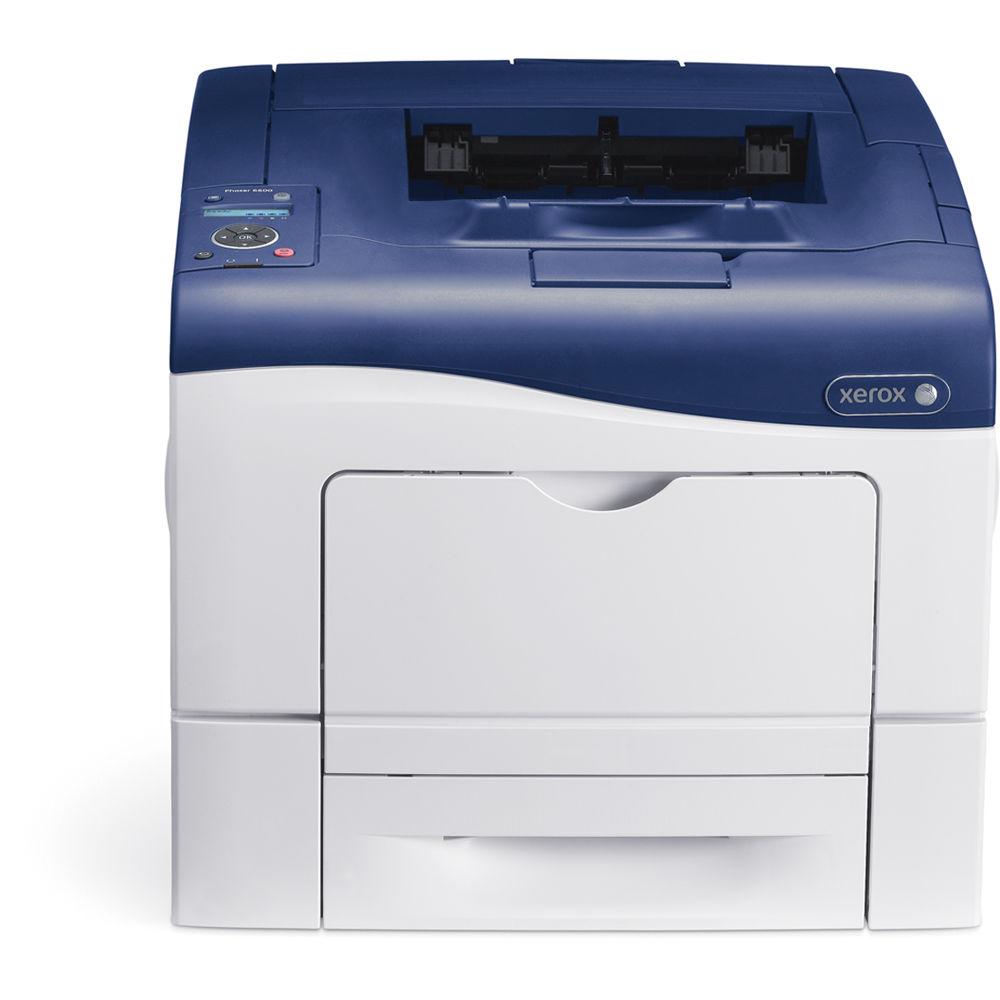
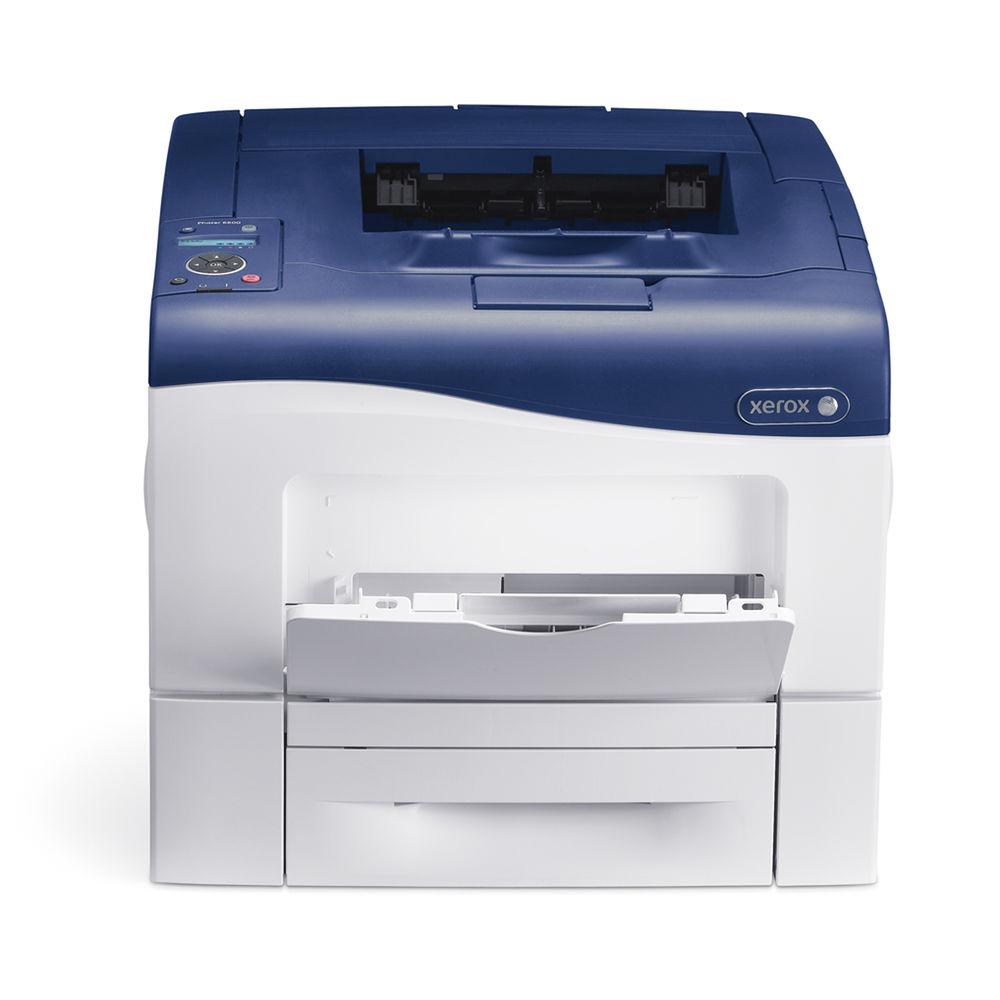
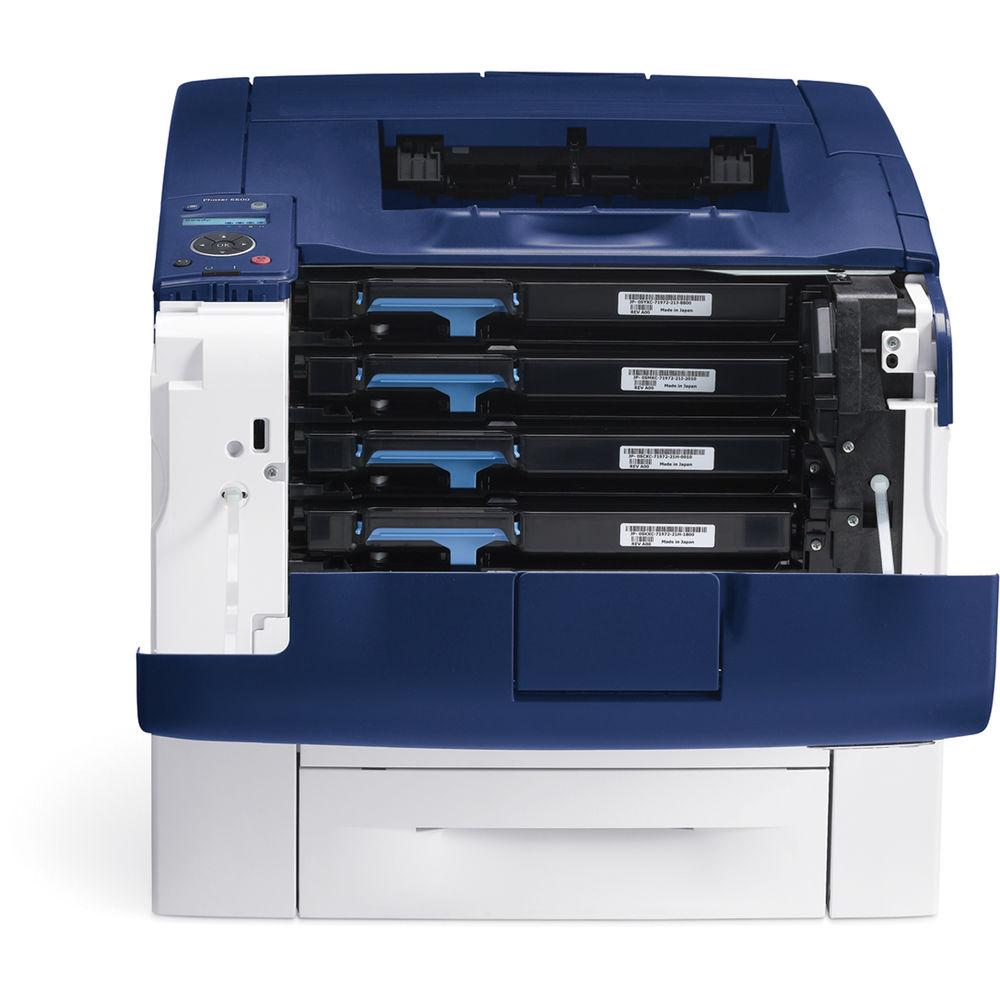
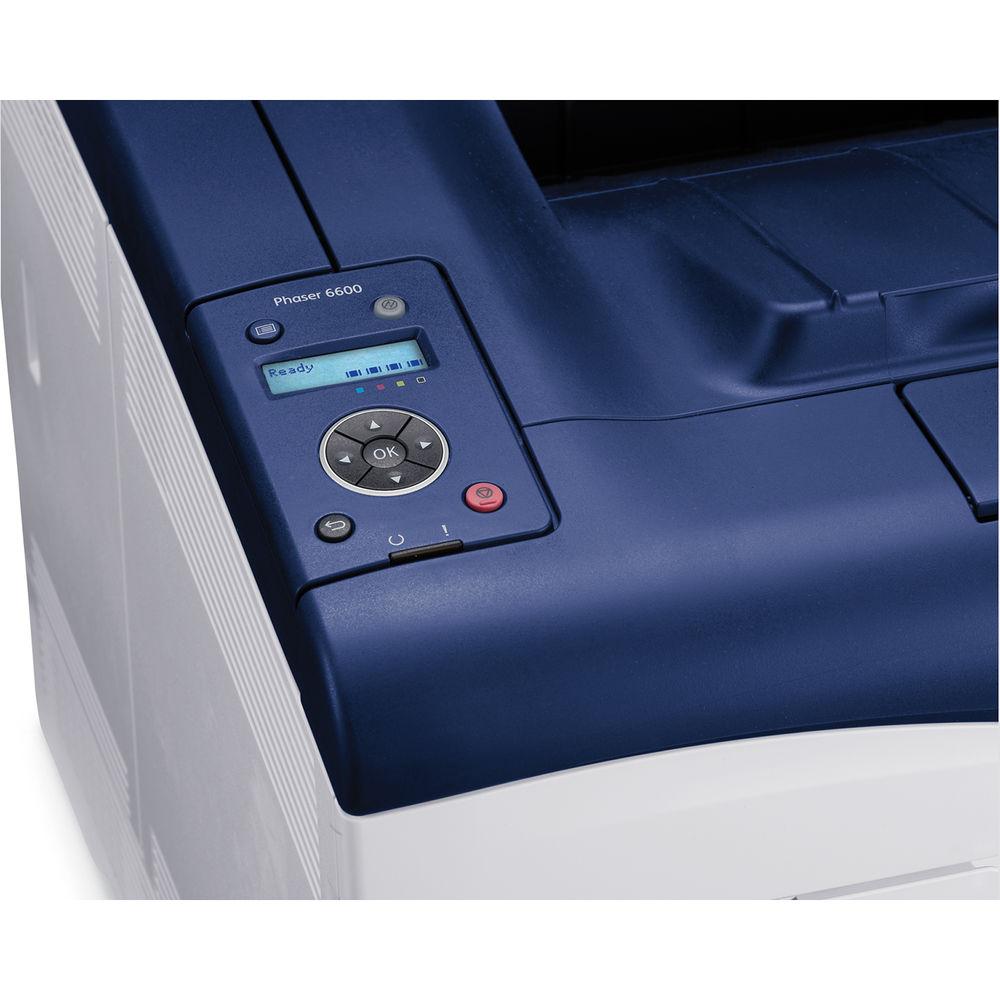
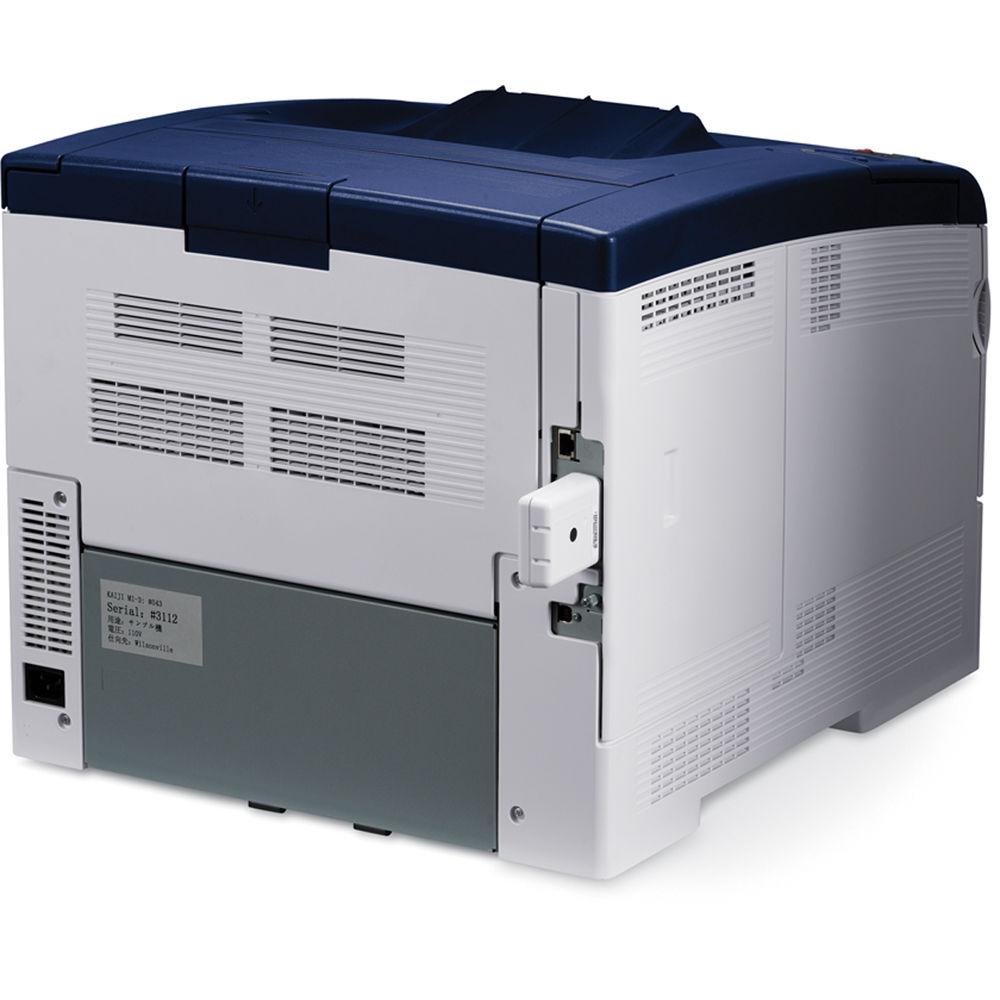
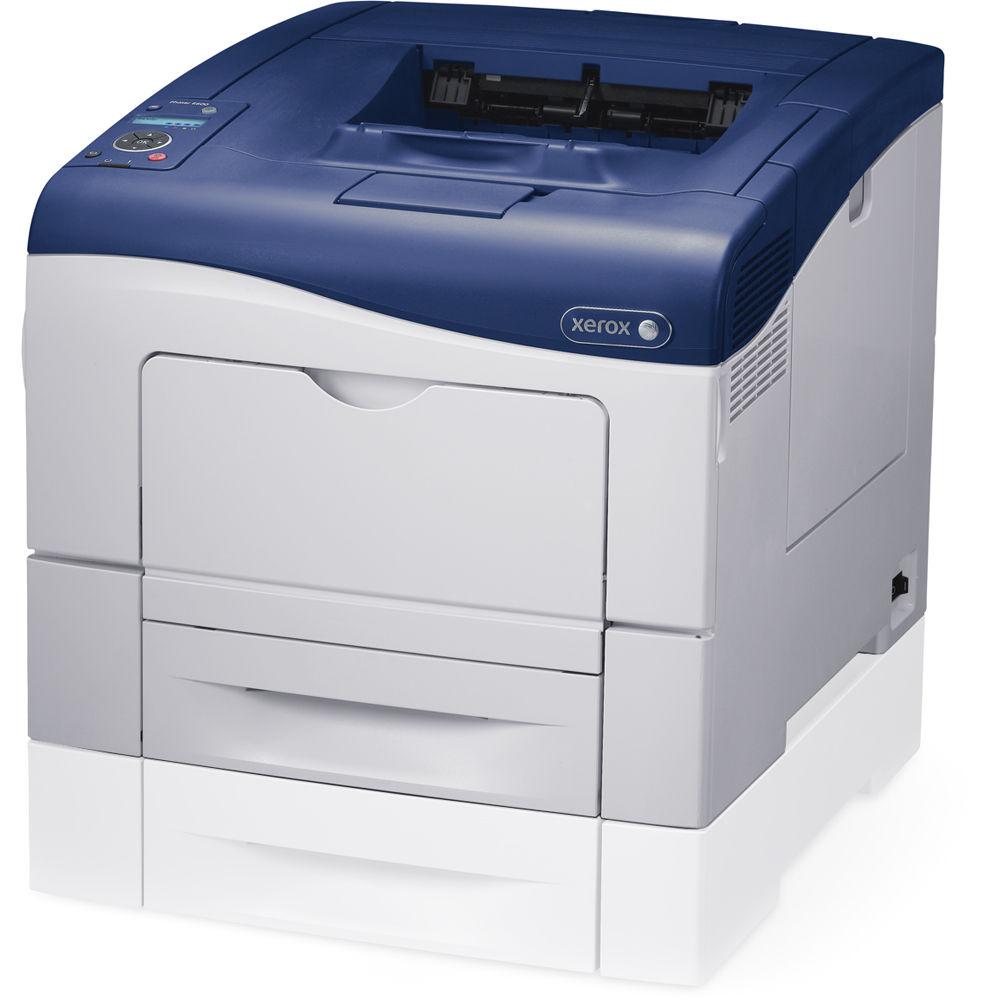
Product description The Phaser 6600/N Network Color Laser Printer from Xerox prints at 36 pages/minute in both black and color. The printer's input capacity includes a 550-sheet standard tray, a 150-sheet multipurpose tray, and an optional 2nd 550-sheet input tray so large print jobs can be executed without reloading paper. Additionally, the 250-sheet output tray contains a sensor that alerts you when the tray is full. In addition to standard USB connectivity, the printer can be shared over a wired Ethernet network and includes built-in security options to keep your data safe. Color Printing - Print Resolution
- Color and black print resolutions of up to 600 x 600 x 4 dpi (1200 x 1200 enhanced image quality)
- Photo Mode
- Photo Mode produces accurate color
- Xerox EA Toner
- Fuses at a lower temperature and reduces power consumption by up to 20% and CO2 emissions by up to 35%. The toner is oil-free and delivers glossy prints on both ordinary and recycled paper
- Color Accuracy
- Pantone Color calibrated solid-color simulations and Xerox color correction technology ensure accurate color results
- True PostScript
- True Adobe PostScript 3 ensures print jobs are accurate
Capabilities - Optional Wireless
- Add the optional wireless module and print wirelessly from anywhere in the office
- High-Capacity Toner
- High capacity toner cartridges allow for longer periods of uninterrupted productivity and help reduce the total cost of operation over time
- Security
- Keep sensitive documents away from unintended recipients with secure print. Protect access to device features with front-panel PIN code authentication
Productivity - Print Speed
- Color and black-and-white print speeds of up to 36 ppm
- Load Paper Less Often
- The main 550-sheet paper tray holds a full ream of paper while the multipurpose tray holds an additional 150 sheets for a 700-page total input capacity. An optional 2nd tray increases total capacity up to 1250 sheets for executing larger print jobs uninterrupted
- Xerox CentreWare IS
- Xerox CentreWare IS handles remote device administration from any networked computer's browser
- Mobile Printing
- Print directly from Apple iOS-based devices via Apple AirPrint
- Xerox eConcierge
- Order supplies for all of your eligible equipment (Xerox, HP, Samsung, Lexmark, Brother) with just a few clicks. As long as you continue ordering supplies through Xerox eConcierge, Xerox will provide free service coverage for the life of your Xerox hardware
UPC: 095205964677 In the Box Xerox Phaser 6600/N Network Color Laser Printer Introductory 3000-Page Black Toner Cartridge Introductory 2000-Page Cyan Toner Cartridge Introductory 2000-Page Magenta Toner Cartridge Introductory 2000-Page Yellow Toner Cartridge Limited 1-Year Warranty Table of Contents
|
Upload User Manual
Have you got an user manual for the Xerox Phaser 6600 N Network Color Laser Printer in electronic form? Please send it to us and help us expand our library of instruction manuals.
Thank you, too, on behalf of other users.
To upload the product manual, we first need to check and make sure you are not a robot. After that, your "Submit Link" or "Upload File" will appear.
Technical parametersXerox 6600/N Specs | Printing Technology | Color laser | | Print Color | Cyan, magenta, yellow, black | | Maximum Resolution | Standard: 600 x 600 x 4 dpi
Enhanced: 1200 x 1200 dpi | | Print Speed | Up to 36 ppm | | First Print Out Speed | Black: As fast as 9 seconds
Color: As fast as 10 seconds | | Toner Cartridge Compatibility | 106R02244 Standard Capacity Black
106R02241 Standard Capacity Cyan
106R02242 Standard Capacity Magenta
106R02243 Standard Capacity Yellow
106R02228 High-Capacity Black Cartridge
106R02225 High-Capacity Cyan Cartridge
106R02226 High-Capacity Magenta Cartridge
106R02227 High-Capacity Yellow Cartridge | | Printer Duty Cycle | Maximum: 80,000 pages/month
Recommended: Up to 5000 pages/month | | Margins | 0.16" (4.10 mm) from all edges | | Duplex Printing | n/a | | Printer Language | PCL 5, PCL 6, PDF emulation, True Adobe PostScript 3, XPS | | Fonts | 176 PostScript fonts
88 PCL fonts | | Print Drivers | Windows XP and later
Mac OS X 10.5 and later
Xerox Global Print Driver
Xerox Mobile Express Driver
Linux and Unix distributions | | Print Features | PANTONE Color Calibrated Solid-Color Simulations, Saved Settings, Earth Smart Settings, Color Corrections, N-up, Booklet Layout, Watermark, Photo Mode, Collation, Secure Print, Saved Print, Font/Form/Macro Storage, Apple AirPrint | | | | Paper Capacity | Multipurpose Tray: 150 sheets
Tray 1: 550 sheets
Optional Tray 2: 550 sheets
Output Tray: 250 sheets | | Paper Types | Plain, hole punched, letterhead, colored, lightweight cardstock, lightweight glossy cardstock, heavyweight cardstock, heavyweight glossy cardstock
Labels and Envelopes: Multipurpose tray only | | Paper Sizes | Multipurpose Tray: 3.0 x 5.0 to 8.5 x 14.0" (7.62 x 12.7 to 21.59 x 35.56 cm)
Tray 1: 5.8 x 8.3 to 8.5 x 14.0" (14.7 x 21.1 to 21.59 x 35.56 cm)
Optional Tray 2: 5.8 x 8.3 to 8.5 x 14.0" (14.7 x 21.1 to 21.59 x 35.56 cm) | | Media Weight | 16 lb bond to 80 lb cover (60 to 216 g/m2) | | | | Interfaces | USB 2.0
Ethernet
Wi-Fi (Optional) | | OS Compatibility | Windows 7, Vista, XP SP1, Server 2008, Server 2003
Mac OS X 10.5 and later
Select Linux and Unix distributions, including IBM AIX 5, HP-UX 11i v2, Open SUSE 11, Red Hat Fedora Core 11-14, Ubuntu | | Network Standards | Ethernet: 10/100/1000BaseTX
Wi-Fi: 802.11 b/g/n | | Memory | Standard: 256 MB
Maximum: 768 MB | | Processor | 533 MHz | | Security | Standard: Secure Fax Receive, Secure Print, 256-bit Disk Encryption and Overwrite, Secure HTTPS (SSL, Secure LDAP), IPSec, 802.1X Authentication, IPv6, SNMPv3, Audit Log, IP Filtering
Wi-Fi: Open, WPA PSK, WPA2 PSK, WEP 64/128 ASCII/HEX, TKIP, AES | | Device Management | Xerox CentreWare Internet Services, Xerox CentreWare Web, Xerox PrintBack, Xerox Mobile Solutions | | | | Power Requirements | 110 to 127 VAC, 50/60 Hz, 10 A | | Power Consumption | Printing: 540 W
Standby: 65 W
Power Save: 3.3 W | | Warm-Up Time | From Sleep: As fast as 21 seconds
From Power On: As fast as 40 seconds | | Certifications | FCC Part 15 Class B, RoHS Directive 2002/95/EC, WEEE Directive 2002/96/EC, Low Voltage Directive 2006/95/EC, EN 60950-1, EN 60825-1 - Class 1 Laser Product, EMC Directive 2004/108/EC, EN 55022, Class B, EN 55024, Listed to UL/ CSA 60950-1, FDA 21 CFR Part 1010, 1040 - Class 1 Laser Product, CB Report, IEC 60950-1, IEC 60825-1 - Class 1 Laser Product, Section 508 ADA, Microsoft WHQL, Adobe PostScript, PANTONE, ECMA 370 Declaration (Nordic), GOST/NOM, GS Mark, Environmental Choice, Xerox Green World Alliance, USB 2.0 Hi-Speed, Wi-Fi Alliance (option), WLAN certified (option), Apple Bonjour, IPv6 Ready logo, Citrix Ready, SAP | | Acoustic Noise | Sound Pressure - Print: 53 dB(A)
Sound Pressure - Standby: 29 dB(A)
Sound Power - Print: 6.9 B
Sound Power - Standby: 4.5 B | | Temperature / Humidity | Operating Temperature: 50 to 90°F (10 to 32°C)
Storage Temperature: 32 to 95°F (0 to 35°C)
Operating Humidity: 10 to 85%
Storage Humidity: 5 to 85% | | Operating Altitude | Up to 10,170.6' (3100.0 m) | | Dimensions (WxDxH) | 16.9 x 19.2 x 15.1" (42.9 x 48.8 x 38.4 cm) | | Weight | 56.2 lb (25.5 kg) | | | | Package Weight | 66.5 lb | | Box Dimensions (LxWxH) | 26.7 x 22.5 x 20.5" |
Rating80% users recommend this product to others. And what about you?

This product has already been rated by 04 owners. Add your rating and experience with the product.
Discussion
 Ask our technicians if you have a problem with your settings,
or if anything is unclear in the user manual you have downloaded.
You can make use of our moderated discussion.
The discussion is public and helps other users of our website who may be encountering similar problems.
Ask our technicians if you have a problem with your settings,
or if anything is unclear in the user manual you have downloaded.
You can make use of our moderated discussion.
The discussion is public and helps other users of our website who may be encountering similar problems.
The discussion is empty - enter the first post
Post a new topic / query / comment:
|
|


