User Manual for Xerox WorkCentre 6027 All-in-One Color LED Printer Click to enlarge the picture
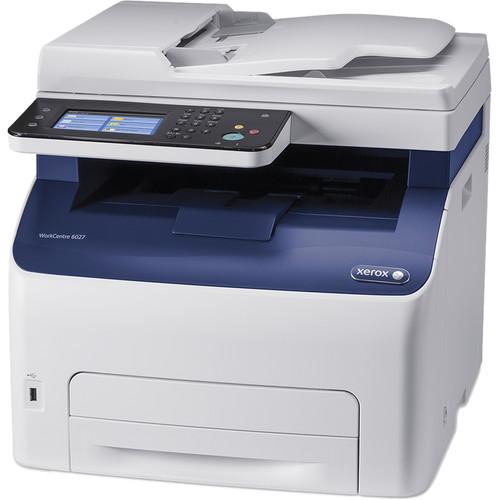 Contents of the user manual for the Xerox WorkCentre 6027 All-in-One Color LED
- Product category: Laser Printers Xerox
- Brand: Xerox
- Description and content of package
- Technical information and basic settings
- Frequently asked questions – FAQ
- Troubleshooting (does not switch on, does not respond, error message, what do I do if...)
- Authorized service for Xerox Laser Printers
 |
User manual for the Xerox WorkCentre 6027 All-in-One Color LED contain basic instructions
that need to be followed during installation and operation.
Before starting your appliance, the user manual should be read through carefully.
Follow all the safety instructions and warnings, and be guided by the given recommendations.
User manual is an integral part of any Xerox product,
and if it is sold or transferred, they should be handed over jointly with the product.
Following the instructions for use is an essential prerequisite for protecting
health and property during use, as well as recognition of liability on the part of the manufacturer
for possible defects should you make a warranty claim. Download an official Xerox user manual in which you will find instructions on how to install, use, maintain and service your product.
And do not forget – unsuitable use of a Xerox product will considerably shorten its lifespan!
|
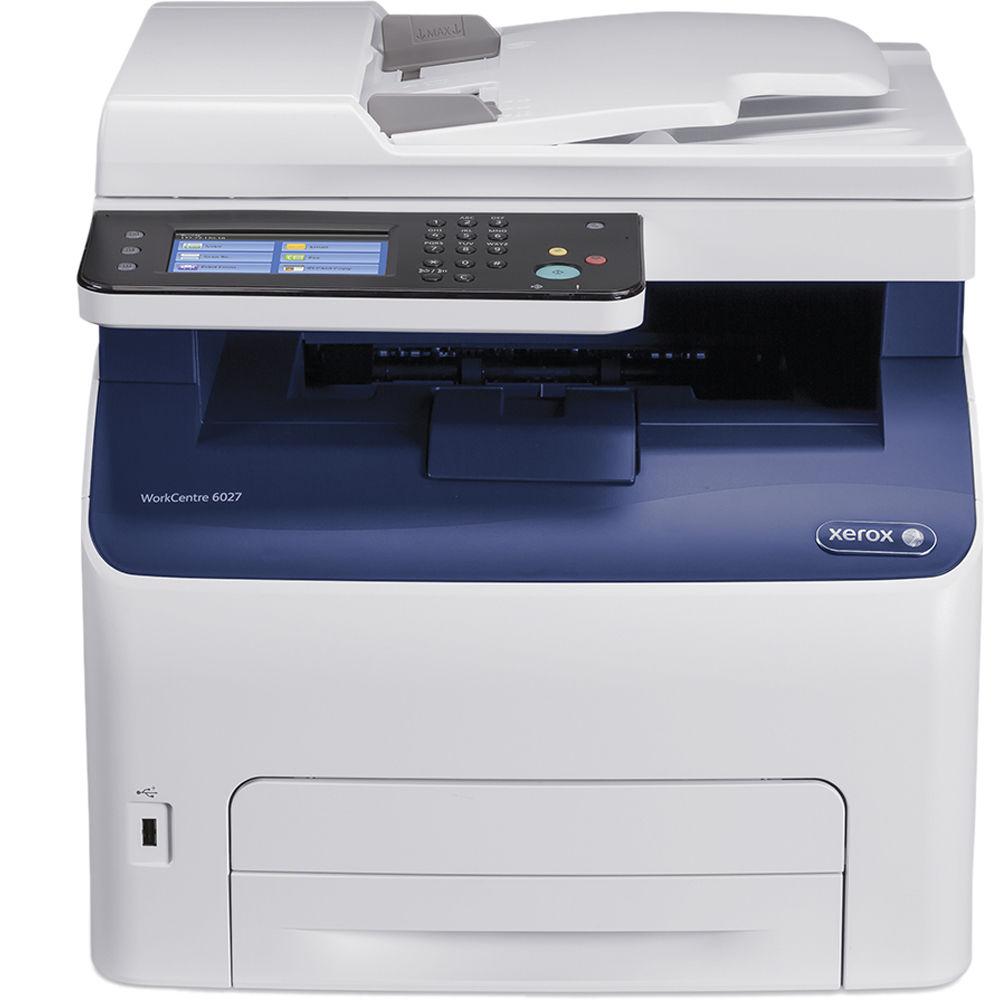
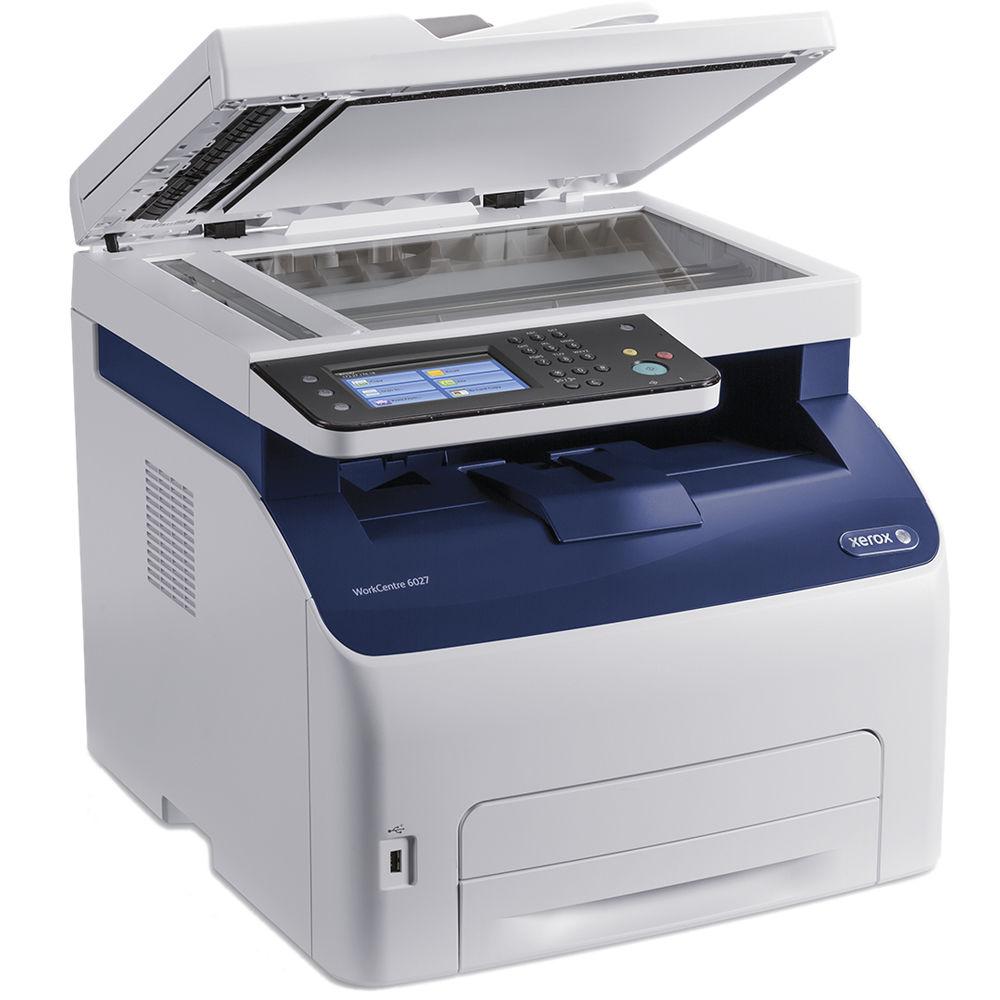
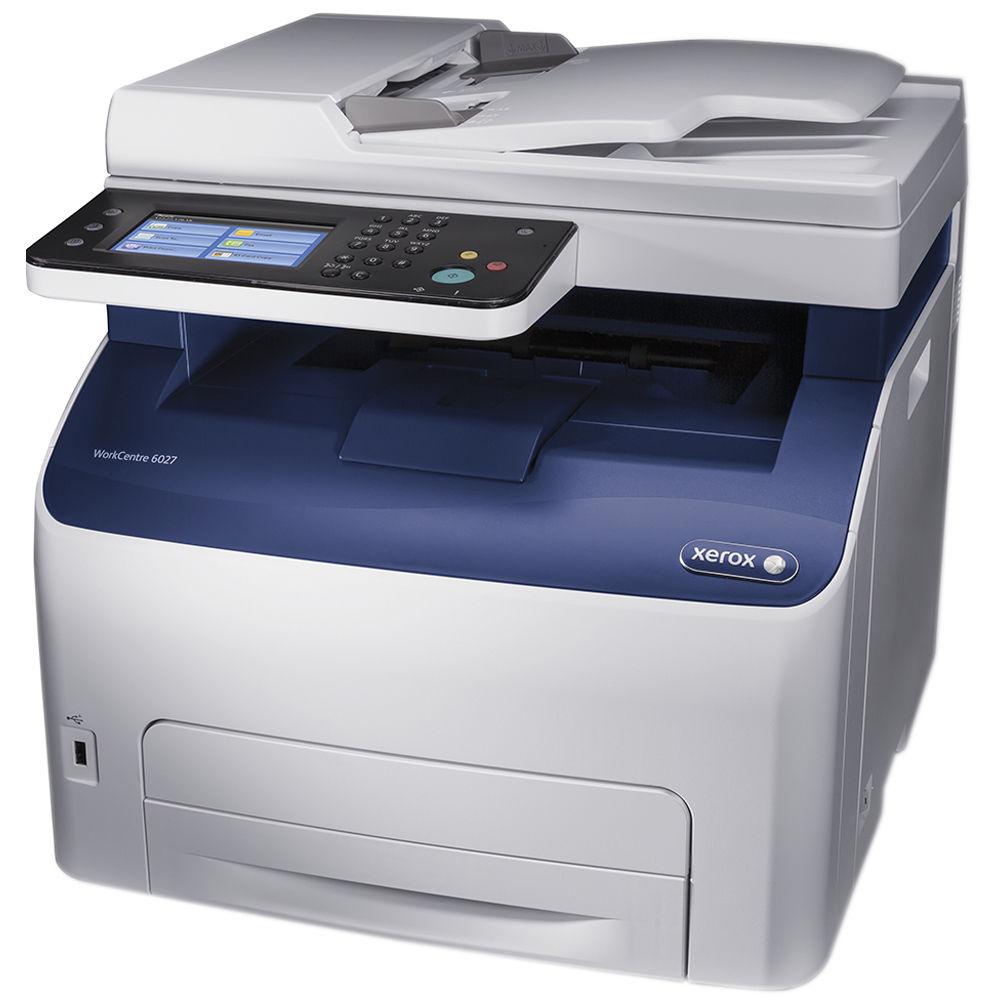
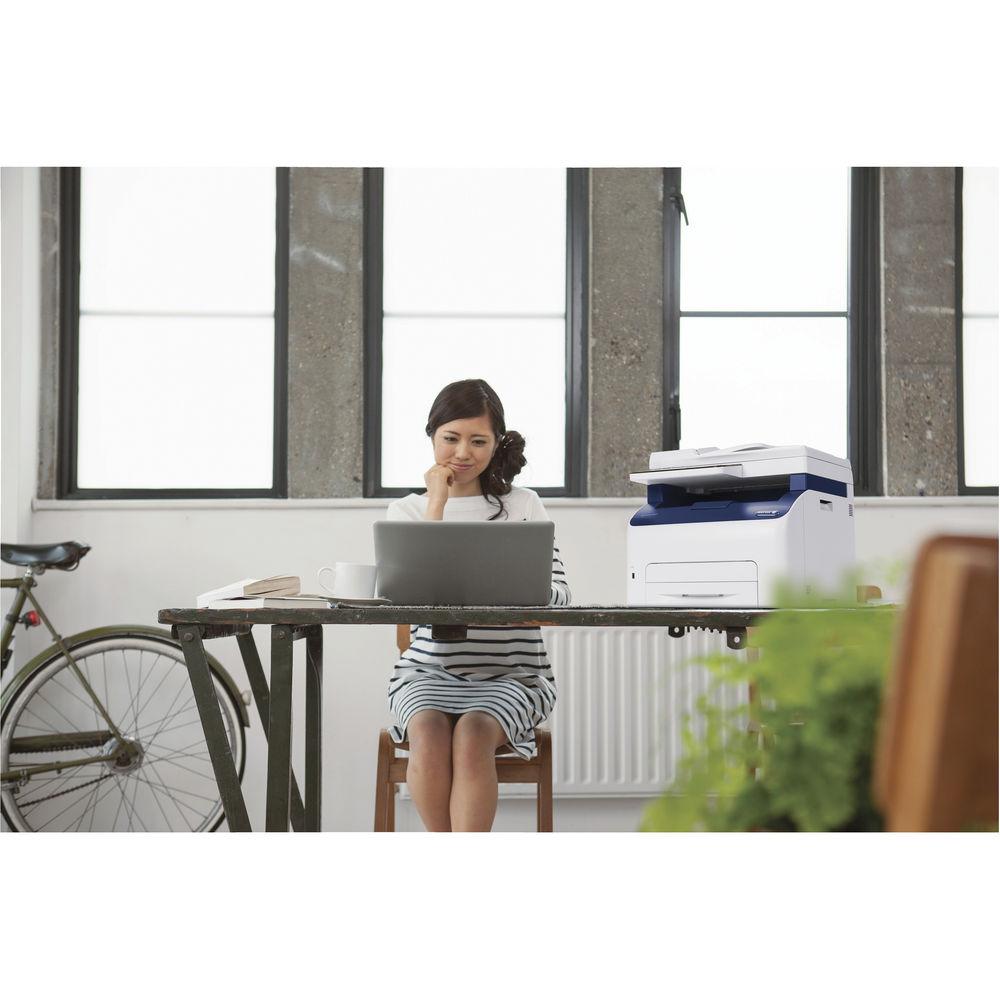
Product description For demanding small offices looking for a single machine to help complete their daily tasks, the speed and functionality of the WorkCentre 6027 All-in-One Color LED Printer from Xerox can be the right tool for the job. It offers full color printing, copying, scanning, and faxing with a relatively compact design. First and foremost, the printing aspect is very capable with a rated speed of 18 ppm and a max enhanced resolution of 1200 x 2400 dpi. It also offers Wi-Fi connectivity for printing directly from a mobile device or for setting it up wherever you see fit. Also, with a 150-sheet input tray capable of holding legal-size documents up to 8.5 x 14", most of your work can be created with ease.
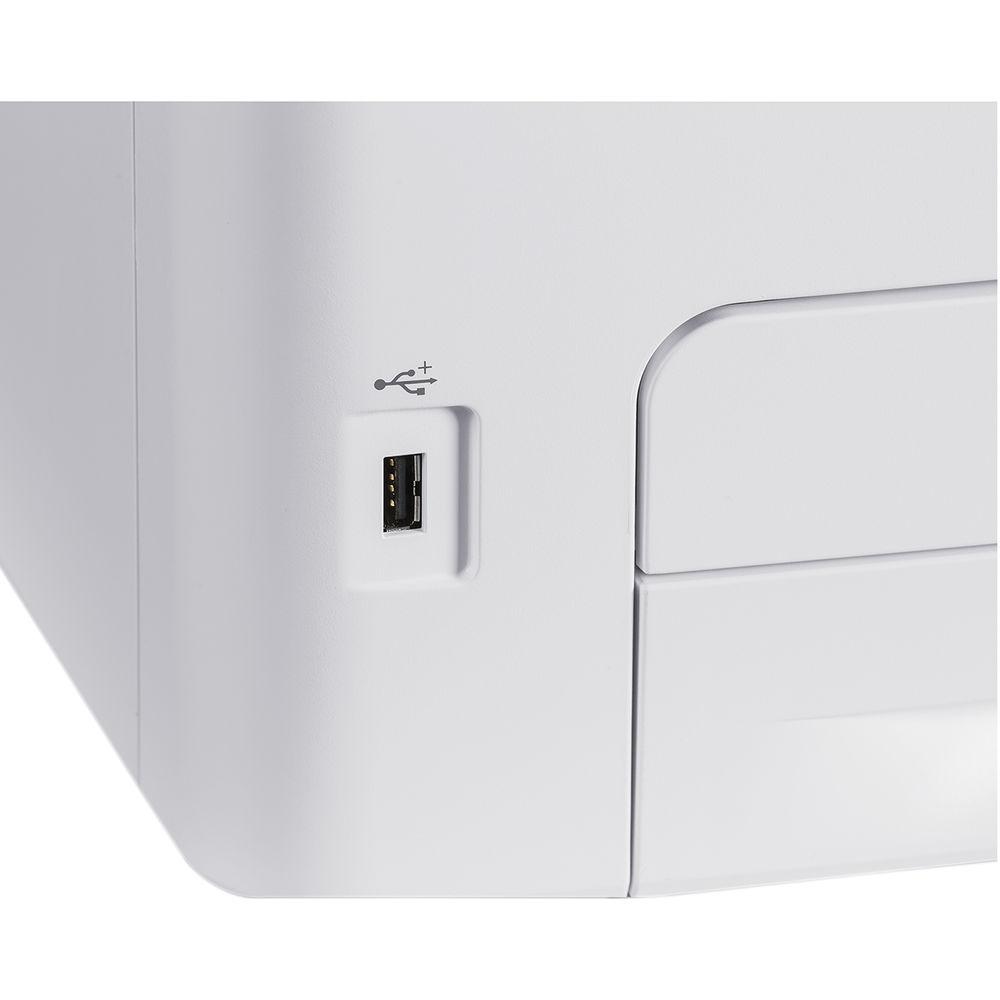
In terms of scanning, users will have access to a 15-sheet ADF that can work with 8.5 x 14" documents. Using TWAIN drivers, the scanner can reach a maximum resolution of 1200 dpi for finely detailed imagery. Also, if the unit is networked or a USB device is plugged into the front easy-access port, users can scan directly to network folders, devices, email, and more.
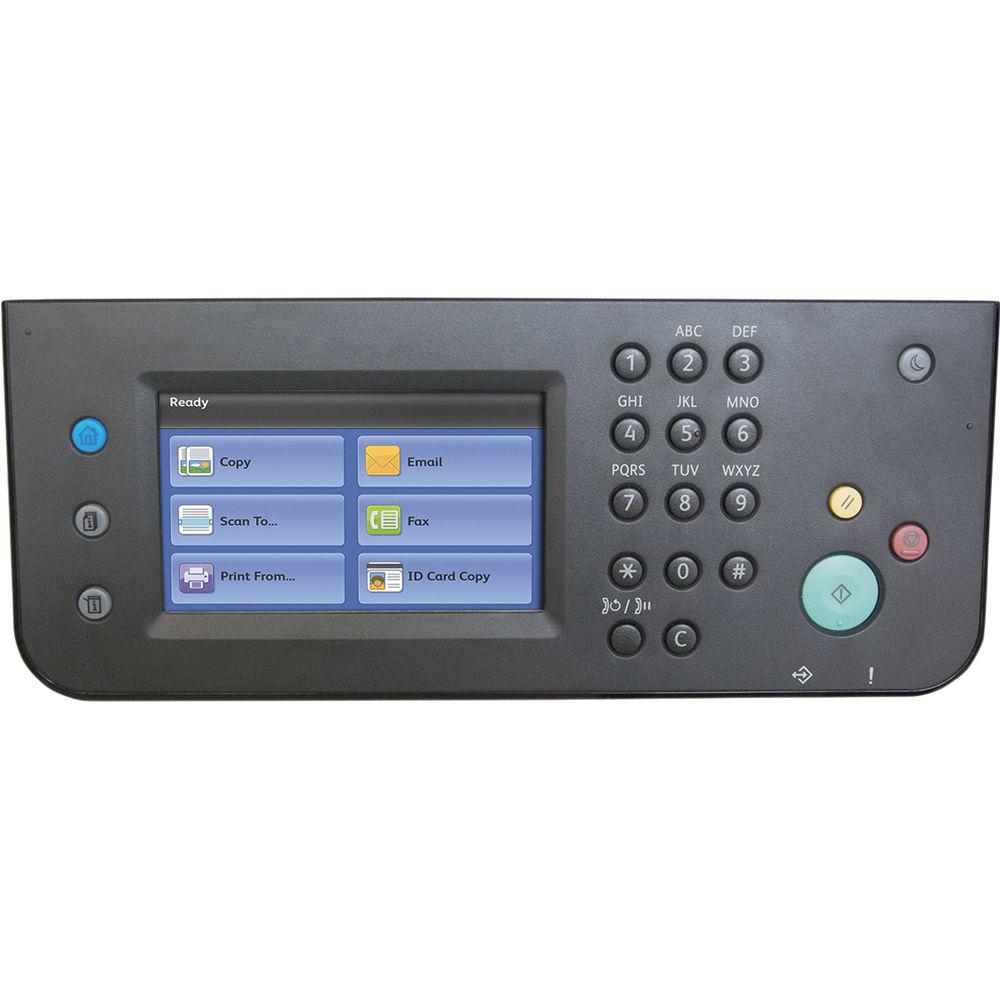
Operation is fast and intuitive thanks to a 4.3" color touchscreen on the front control panel. Durability is also not an issue with a rated duty cycle of 30,000 pages. Additionally, for those looking for a wired connection, the WorkCentre 6027 offers USB 2.0 and Ethernet in addition to Wi-Fi. - Copy resolution of 600 x 600 dpi and a speed of up to 18 ppm
- Copy features include ID card copy, lighten/darken, collation, background suppression, and more
- Fax modem speed of 33.6 kbps
- Adobe PostScript 3 support
- PANTONE color-calibrated solid-color simulations
UPC: 095205867961 In the Box Xerox WorkCentre 6027 All-in-One Color LED Printer Starter Toner Cartridges (~500 Pages) USB Cable Fax Cable Power Cord Software and Documentation CD Limited 1-Year Warranty More info from Xerox ebzyxzeabesqbcbsudvwvcftzfxfyrwb Table of Contents
|
Upload User Manual
Have you got an user manual for the Xerox WorkCentre 6027 All-in-One Color LED Printer in electronic form? Please send it to us and help us expand our library of instruction manuals.
Thank you, too, on behalf of other users.
To upload the product manual, we first need to check and make sure you are not a robot. After that, your "Submit Link" or "Upload File" will appear.
Technical parametersXerox 6027 Specs | Functions | Print, scan, copy, fax | | | | Printing Technology | Hi-Q LED | | Maximum Resolution | 1200 x 2400 dpi enhanced | | Print Speed | 18 ppm | | First Print Out Speed | Black & White: 12 seconds
Color: 13 seconds | | Print Color | CMYK | | Duplex Printing | No | | Printer Duty Cycle | Monthly: 30,000 pages
Recommended Monthly Volume: 1,500 pages | | Print Features | Image Options (Standard, Photos, Presentation, Design, POP), Color Balance Adjust, PANTONE Color Calibrated Solid-color Simulations, Auto Screening (Standard, Fineness, Gradation), N-up, Watermark, Custom Page Sizes, Fit to Page, Scaling, Reduce/Enlarge, Draft Mode, Collation, Bidirectional Print Drivers, Job Monitoring | | | | Paper Handling | Input tray
Automatic document feeder
Output tray | | Paper Types | Plain, Bond, Lightweight Cardstock, Lightweight Glossy Card Stock, Envelopes, Labels, Recycled, Plain-Reloaded, Bond-Reloaded, Lightweight Card Stock Reloaded, Lightweight Glossy Card Stock Reloaded, Recycled-Reloaded | | Paper Sizes | Input Tray: 3 x 5" to 8.5 x 14" / 7.6 x 12.7 cm to 21.6 x 35.6 cm
ADF: 5.8 x 8.3" to 8.5 x 14" / 14.8 x 21 cm to 21.6 x 35.6 cm | | Media Weight | Input Tray: 16 lb bond to 60 lb cover / 60 to 163 gsm
ADF: 16 to 28 lb bond / 60 to 105 gsm | | Paper Capacity | Input Tray: 150 sheets
ADF: 15 sheets
Output Tray: 100 sheets | | | | Scan Resolution | 1200 dpi (TWAIN)
600 dpi
400 dpi
300 dpi
200 dpi | | Scan Speed | Black & White: 14 ipm
Color: 9 ipm | | Bit Depth | Color: 24-bit
Grayscale: 8-bit
Lineart: 1-bit | | Maximum Scan Area | ADF: 8.5 x 14" / 21.6 x 35.6 cm | | File Formats | PDF (image-only)
TIFF
JPEG | | Scanner Features | Network Filing Protocols: FTP, SMB/SMB2, SMTP/POP3
Supported Scan Destinations: Scan to Network Computer (SMB/ FTP), Scan to Email (SMTP/POP3), WSD, Application (TWAIN USB/Network), WIA (USB/WSD Scan), Mac 10.6 or later (USB/Network/Mac ICA), USB | | | | Copy Resolution | 600 x 600 dpi | | Copy Speed | 18 ppm | | First Copy-Out Time | Black & White: 20 seconds
Color: 30 seconds | | Number of Copies | 1-99 | | Reduction/Enlargement | 25-400% | | Copy Features | Lighter/Darker, Sharpness, Color Balance, Auto Exposure, ID Card Copy, Edge Erase, Collate | | | | Modem Speed | 33.6 kb/s | | Resolution | Super-High Image Quality: 406 x 392 dpi
Super Fine: 203 x 392 dpi
High Quality: 203 x 196 dpi
Standard: 203 x 98 dpi | | Compression | MH/MR/MMR/JBIG/1-bit compression | | Memory | 2 MB | | Fax Features | Auto Redial, Auto Resend, Auto Reduction, One-touch Dial (Up to 8), Address Book (Up to 99 address entries), Group faxing (Up to 6), Delayed Start, Cover page, Junk Fax Filter, Fax Forward (Forward, Print & Forward, Email, Email and Print, Forward to Server, Forward to Server and Print) | | | | Interface | USB 2.0
Ethernet
Wi-Fi | | Direct Print Capable | USB port | | Mobile Printing Features | Apple AirPrint, Google Cloud Print, Mopria Print Service Plug-In, Wi-Fi Direct | | OS Compatibility | Windows 8/8.1, 7, Vista, XP (v3 only), Server 2003, Server 2008 (32-/64-bit)
Server 2012 R2, Server 2012, Server 2008 R2 (64-bit) Mac OS X 10.5.8-10.9.x
Red Hat Enterprise Linux 6 Desktop (32-/64-bit)
SUSE Linux Enterprise Desktop 11 (32-/64-bit)
Ubuntu 12.04 (32-/64-bit) | | Processor | 525 MHz | | Memory | 512 MB | | Printer Language | Adobe Postscript 3
PCL 5c
PCL 6
Adobe PDF Direct
TIFF
JPEG | | Fonts | 81 PostScript
81 PCL
16 PDF | | Security | Secure HTTPS (SSL/TLS)
Secure IPP
SSL
IP Filtering
IPv6
SNMP v3
IPsec
WEP(64-/128-bit)
WPA2-PSK (AES) and WPA/WPA2-PSK (Mixed Mode)
Network Address Book Authentication (LDAP, Windows Kerberos)
Wi-Fi:
WEP(64-/128-bit)
WPA2-PSK (AES)
WPA/WPA2-PSK (Mixed Mode) | | | | Display | 4.3" / 10.9 cm color touchscreen | | Warm-Up Time | From Power Save: < 35 seconds | | Power Requirements | 110-127 VAC, 50/60 Hz, 7 A | | Power Consumption | Printing: 330 W
Standby: 45 W
Power Save: 10 W
Sleep: 3.5 W | | Certifications | UL 60950-1/CSA 60950-1-07, 2nd Edition
FCC Part 15 Class B
FCC Part 68
CE marked
Low Voltage Directive 2006/95/EC; EN 60950-1, 2nd Edition
EMC Directive 2004/108/EC; EN 55022, Class B; EN 55024
REACH Directive 1907/2006
R&TTE Directive 1999/5/EC
RoHS Directive 2011/65/EU
WEEE Directive 2012/19/EU
Section 508 ADA
EU Commission Regulation 1275/2008 as amended by (EU) No 801/2013 (ErP Lot 26)
FCC part 15.247 / 15.407 (U.S. Wi-Fi)
RSS 210 (Canadian Wi-Fi)
EN 300328 / 301893 (European Wi-Fi)
ENERGY STAR
EPEAT Bronze (United States)
Microsoft WHQL
Nordic ECO Declaration
EAC/NOM
Blue Angel (meet spec, not certified)
GS Mark
PANTONE
ECOLOGO
Xerox Green World Alliance
USB 2.0 Hi-Speed
Wi-Fi Certified
Apple AirPrint
Apple Universal Binaries
Apple Bonjour
Google Cloud Print
IPv6 Ready
Mopria certified | | Acoustic Noise | Sound Pressure
Printing: 49.1 dB(A)
Standby: 21.9 dB(A) | | Operating Conditions | Temperature: 50 to 90°F / 10 to 32°C
Humidity: 10 to 85% | | Dimensions | 16.2 x 17.2 x 15.3" / 41 x 43.9 x 38.8 cm | | Weight | 37.3 lb / 16.9 kg | | | | Package Weight | 47.0 lb | | Box Dimensions (LxWxH) | 22.0 x 21.3 x 20.2" |
Rating88% users recommend this product to others. And what about you?

This product has already been rated by 96 owners. Add your rating and experience with the product.
Discussion
 Ask our technicians if you have a problem with your settings,
or if anything is unclear in the user manual you have downloaded.
You can make use of our moderated discussion.
The discussion is public and helps other users of our website who may be encountering similar problems.
Ask our technicians if you have a problem with your settings,
or if anything is unclear in the user manual you have downloaded.
You can make use of our moderated discussion.
The discussion is public and helps other users of our website who may be encountering similar problems.
The discussion is empty - enter the first post
Post a new topic / query / comment:
|
|


