User Manual for Yamaha CP88 Stage Piano Click to enlarge the picture
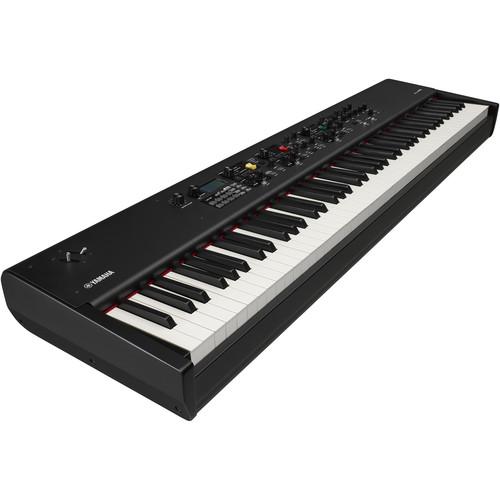 Contents of the user manual for the Yamaha CP88 Stage Piano
- Product category: Stage Pianos & Organs Yamaha
- Brand: Yamaha
- Description and content of package
- Technical information and basic settings
- Frequently asked questions – FAQ
- Troubleshooting (does not switch on, does not respond, error message, what do I do if...)
- Authorized service for Yamaha Stage Pianos & Organs
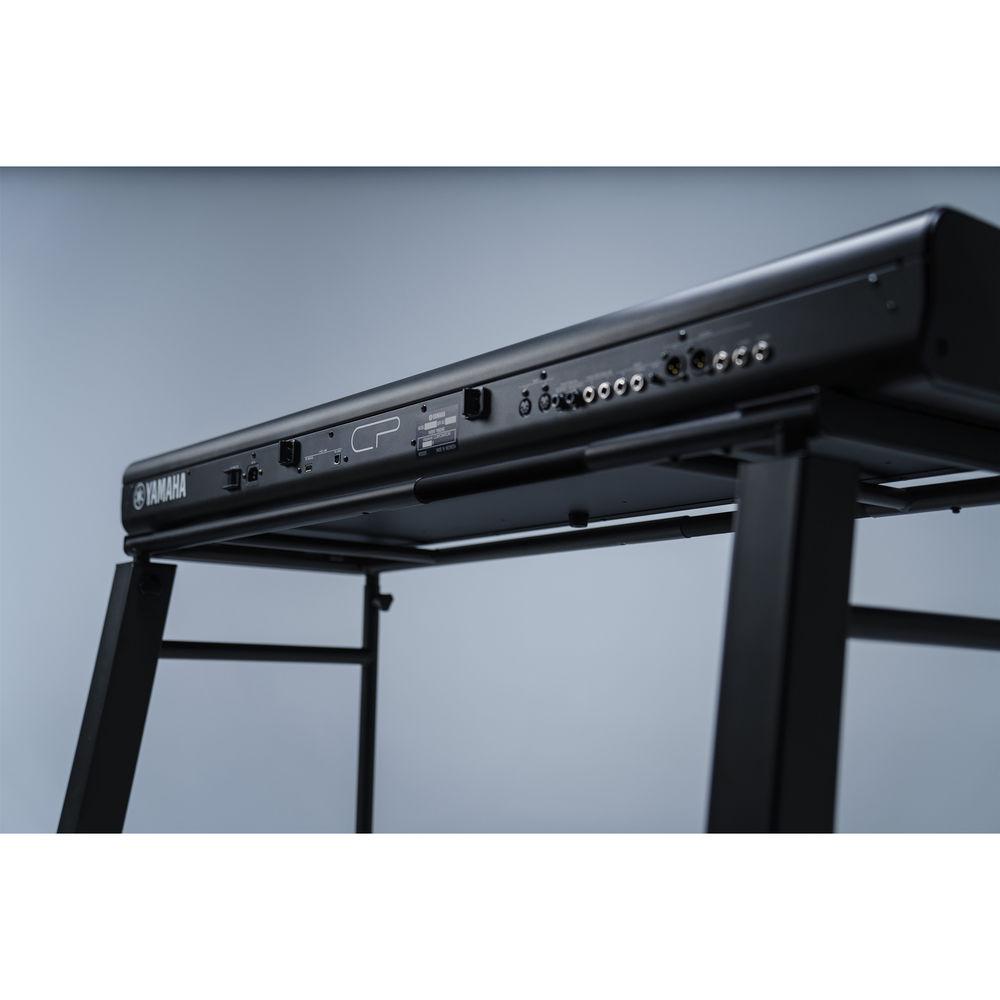
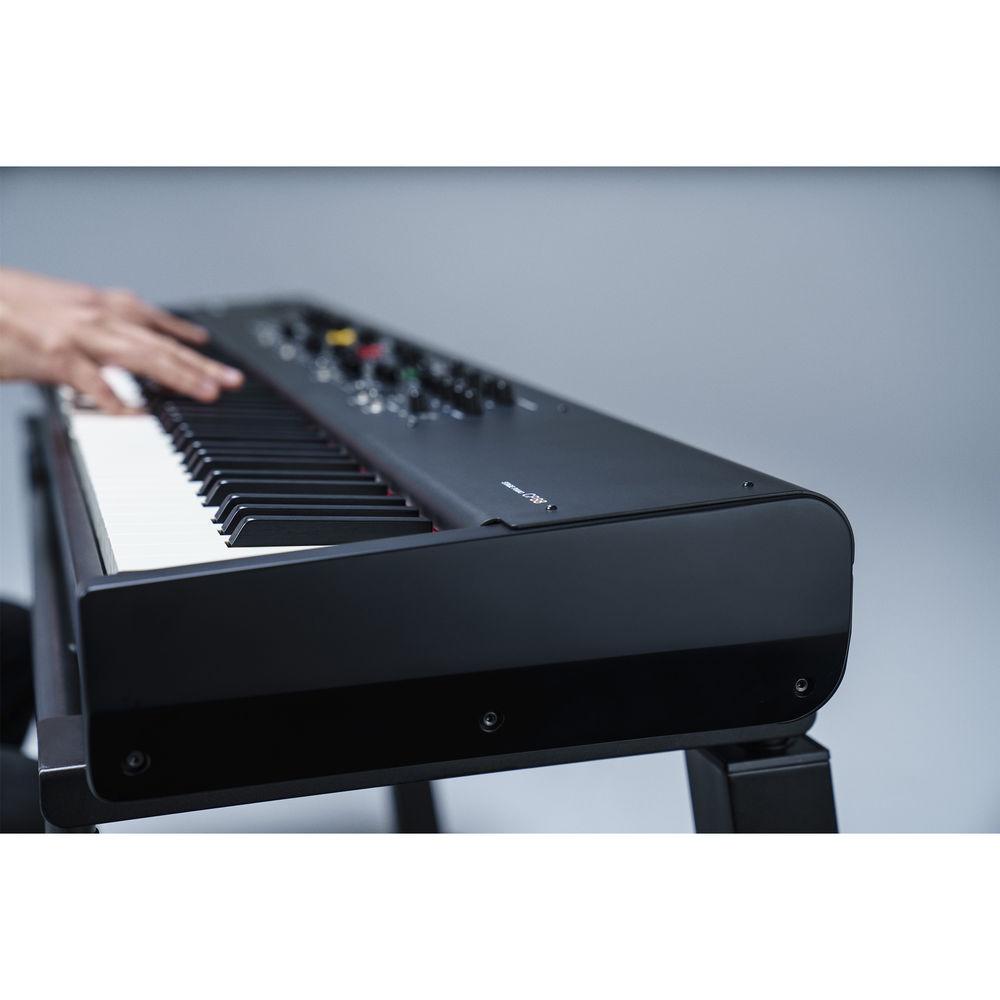 |
User manual for the Yamaha CP88 Stage Piano contain basic instructions
that need to be followed during installation and operation.
Before starting your appliance, the user manual should be read through carefully.
Follow all the safety instructions and warnings, and be guided by the given recommendations.
User manual is an integral part of any Yamaha product,
and if it is sold or transferred, they should be handed over jointly with the product.
Following the instructions for use is an essential prerequisite for protecting
health and property during use, as well as recognition of liability on the part of the manufacturer
for possible defects should you make a warranty claim. Download an official Yamaha user manual in which you will find instructions on how to install, use, maintain and service your product.
And do not forget – unsuitable use of a Yamaha product will considerably shorten its lifespan!
|
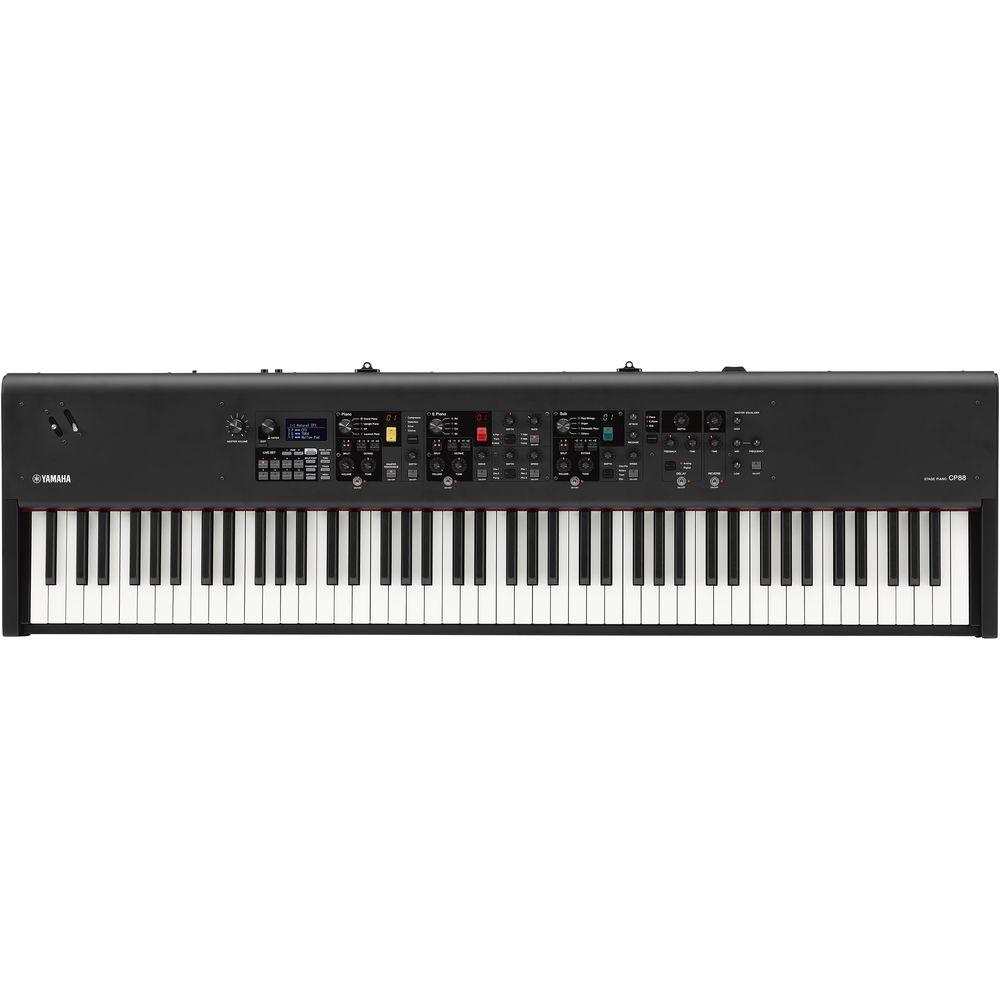
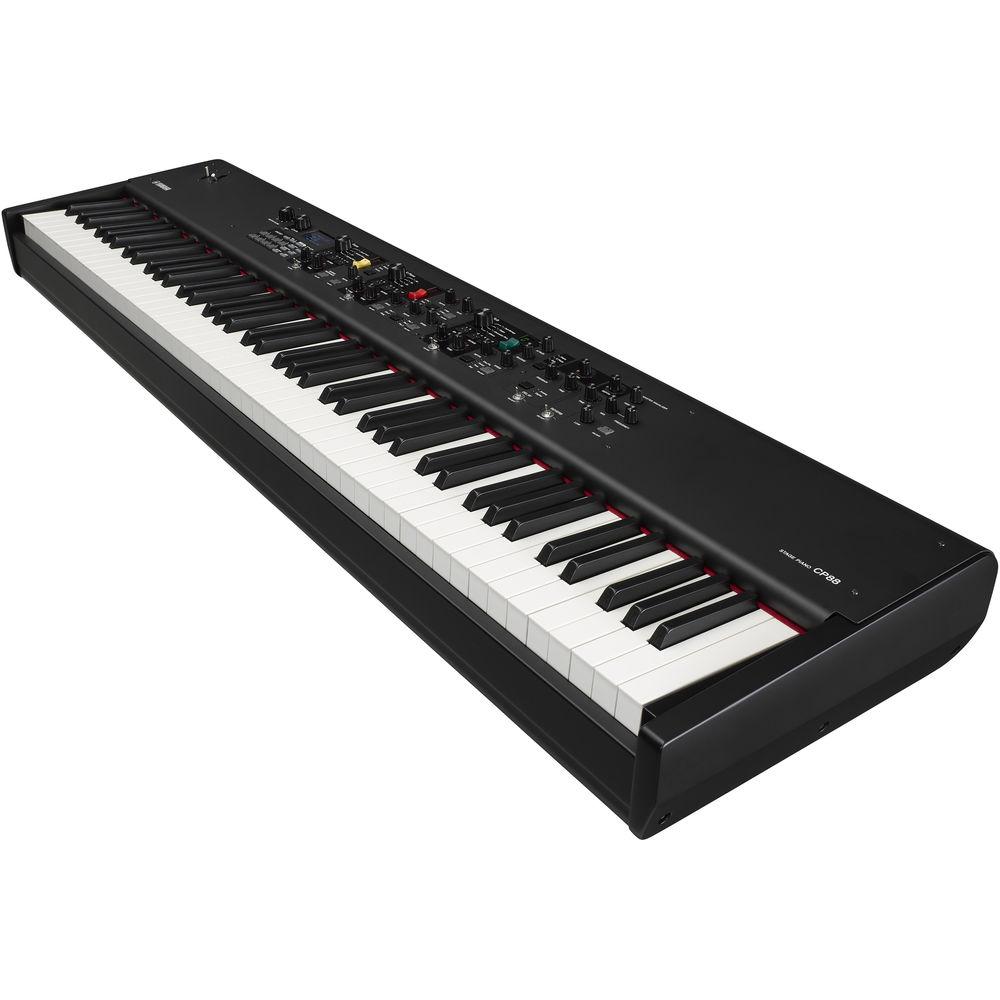
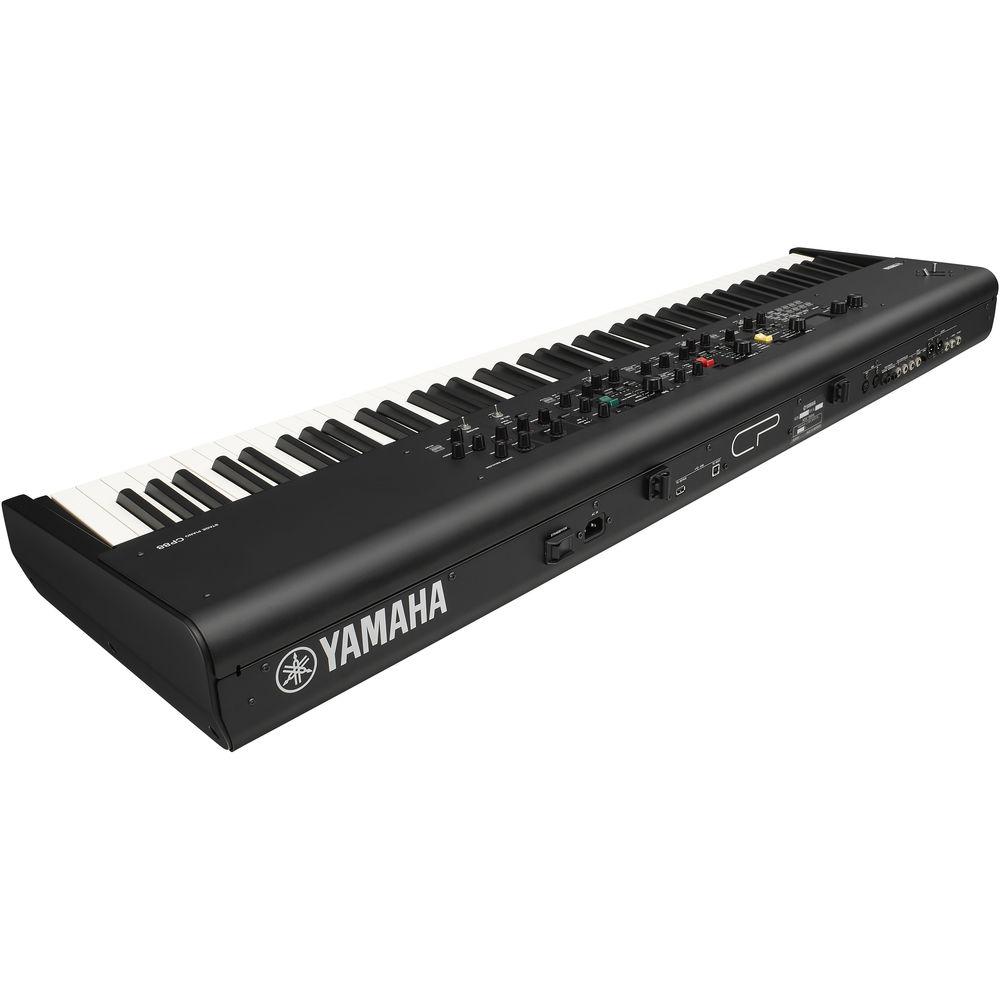
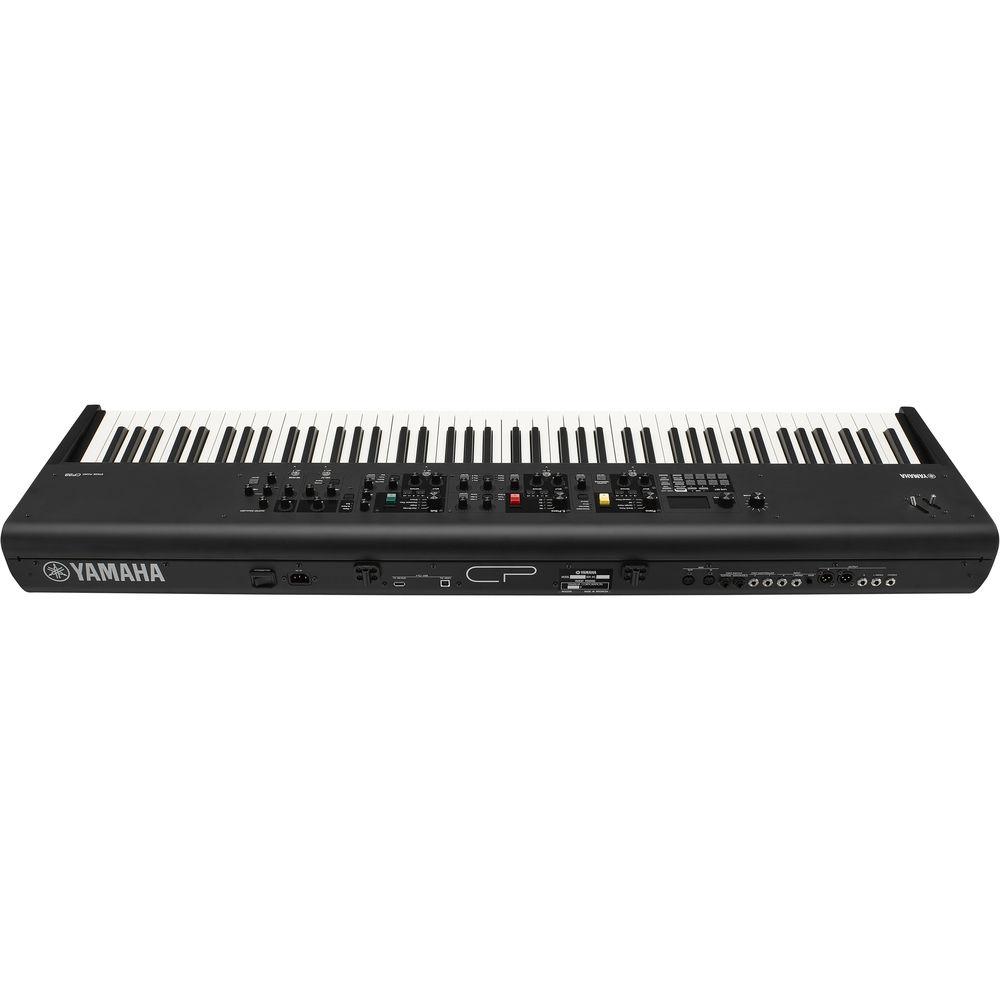
Product description The CP88 Stage Piano from Yamaha features three premium concert grand pianos: the Yamaha CFX, Yamaha S700, and the Bösendorfer Imperial 290. Featuring vintage electric pianos, strings, organs, clavi, and effects, this compact and lightweight 88-key graded hammer-action keyboard can be used to provide full-dynamic expression and nuance for stage or studio performance.The CP88 stage piano offers 128-note polyphony, and the one-to-one interface gives you direct, immediate, and total control of your sound. There's no programming, menu-driving, or web searching with the keyboard. The interface allows fast and easy splits, layers, and sound-shaping directly from the front panel. This instrument connects and integrates into your home studio or live rig with onboard USB MIDI, balanced XLR outputs, headphones, or 1/4" connectors. A power cord and foot pedal are included. - Premium Acoustic Grand Pianos
- The CP88 features three premium concert grand pianos: the Yamaha CFX, Yamaha S700 and the Bösendorfer Imperial 290. They provide full dynamic expression and nuance through meticulous recording and voicing. In addition, the U1 is a popular upright piano with a vibe and sound of an authentic upright piano.
- Electric Pianos and Keyboards
- The CP80 and CP70 electric grand pianos give musicians a great piano sound that will cut through a live band. The 76 Rd, 75 Rd, and 73 Rd offer electric pianos with a wide dynamic range, while the Wr reed electric piano voice offers vintage and modern versions with natural sound.
- Organs, Clavi, and Keyboards
- The CP88 features other keyboard sounds including tone-wheel, transistor, and pipe organs plus clavi, FM pianos, and more to cover any playing situation.
- Synths, Strings, and More
- This keyboard is equipped with synth sounds for covering any gig or session. Split, layer, or solo warm pads, lush strings, deep synth basses, synth leads, brass, and more. Also, the one to one CP control interface allows real-time interaction for instant sound creation.
- Effects
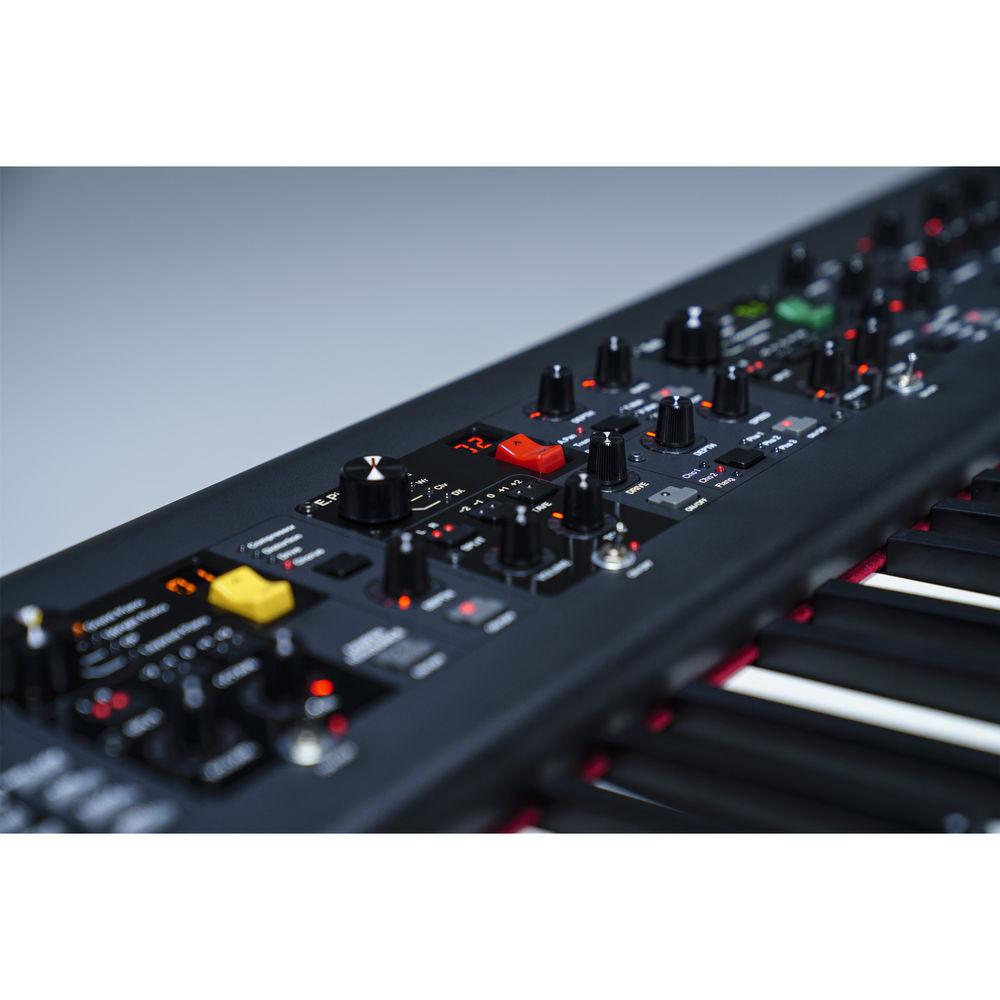
- The CP88 offers an extensive, integrated effects section for creating your own unique sound. Each of the three sections—Piano, Electric Piano, and Sub—features dedicated effects. There are also delay, reverb, and EQ master effects with dedicated controls for easy, real-time tweaking.
- VCM (Virtual Circuitry Modeling) Effects
- Virtual Circuitry Modeling recreates the sound and behavior of vintage effects and high-end studio signal processors by modeling the circuits down to the original analog component level.
- Touch
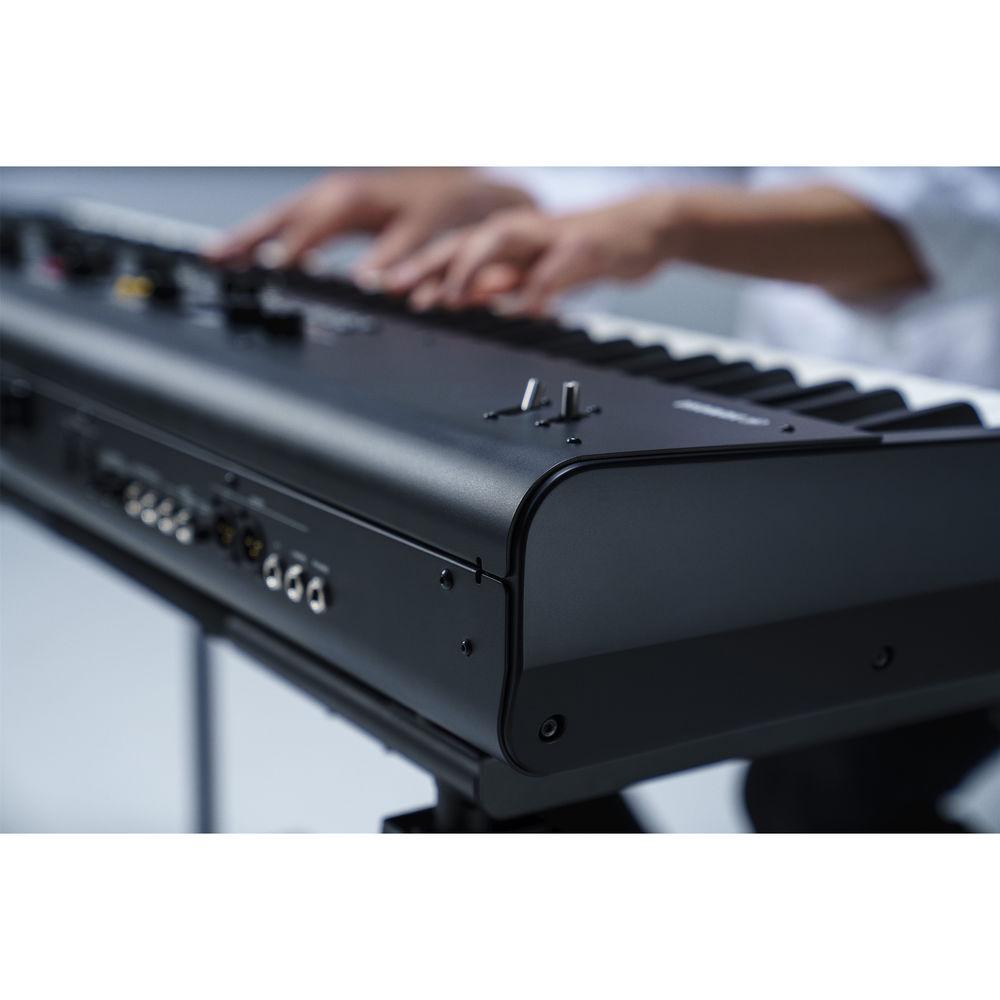
- CP88 features an 88-key Natural Wood, Graded Hammer, triple sensor (NW-GH) keyboard with Synthetic Ebony and Ivory Key Tops. Natural Wood keys offer the weight and response that piano players expect. Adding different weight or "grading," the keyboard reproduces the feel of a piano's hammers: heavy in the low end and light in the high end. Synthetic Ebony and Ivory Key Tops are lightly porous which adds grip to the keys. This maintains accuracy during long performances or practice sessions. Additionally, a third sensor allows grand piano-like key repetition where notes can be re-articulated without a complete release. This makes it easier to play fast repeated notes.
- Direct, Immediate, and Total Sound Control
- With its one-to-one interface, the CP88 gives you direct, immediate, and total control of your sound during stage or studio performance. There's no programming, menu-diving or web searching with the CP88. The intuitive interface allows fast and easy splits, layers and sound-shaping directly from the front panel.
- Connectivity
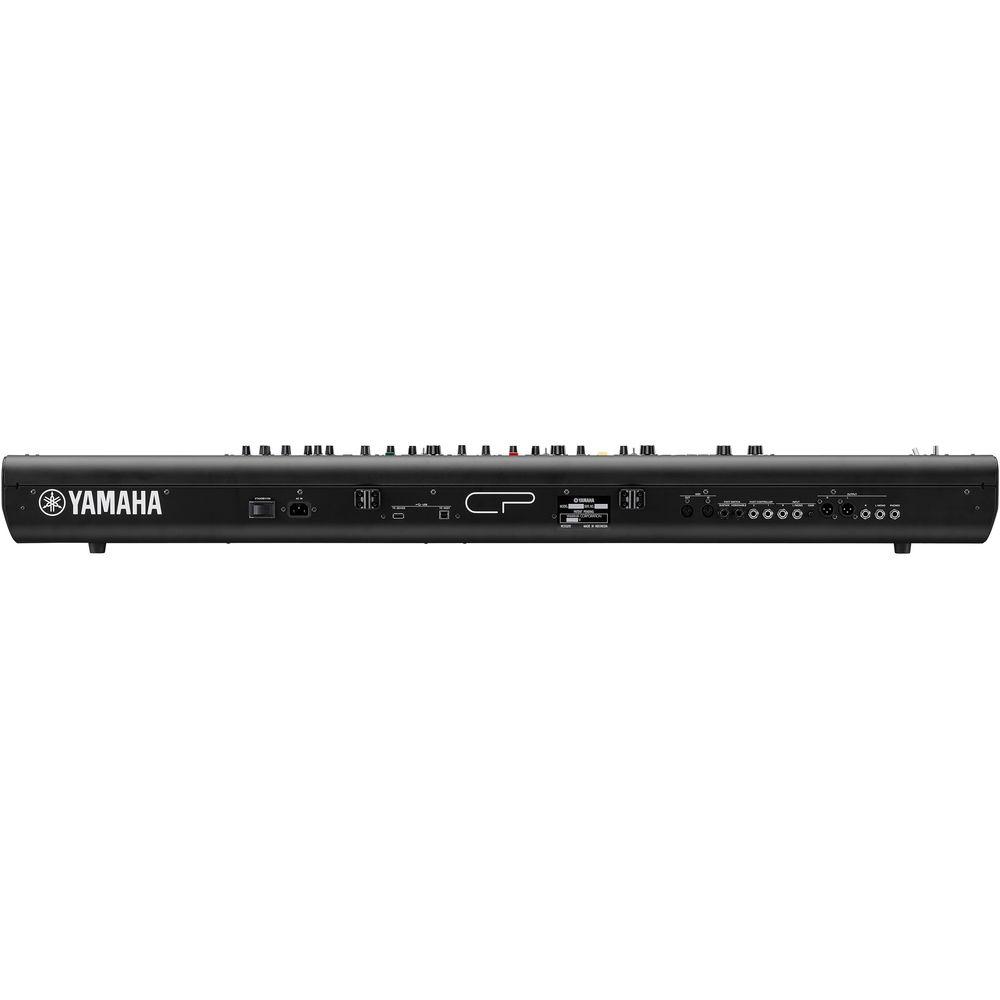
- The CP88 connects and integrates into your home studio or live rig with onboard USB MIDI and audio connectivity.
- Mobility
- This keyboard is a lightweight and compact instrument.
UPC: 889025115643 In the Box Yamaha CP88 Stage Piano Power Cord FC3A Foot Pedal Limited 3-Year Warranty Table of Contents
|
Upload User Manual
Have you got an user manual for the Yamaha CP88 Stage Piano in electronic form? Please send it to us and help us expand our library of instruction manuals.
Thank you, too, on behalf of other users.
To upload the product manual, we first need to check and make sure you are not a robot. After that, your "Submit Link" or "Upload File" will appear.
Technical parametersYamaha CP88 Specs | Keyboard | 88-key NW-GH (Natural Wood Graded Hammer) Keyboard: Synthetic Ebony and Ivory Keytops | | Tone Generation | AWM2 | | Polyphony | 128 Maximum | | Voices | Number of Live Set Sounds: 160 (Preset Live Set Sounds: 80)
Number of Voices: 57 (Piano: 10 Voices; E. Piano: 14 Voices; Sub: 33 Voices) | | Effects | Insertion Effects:
Piano: 2 Systems (1: Damper Resonance; 2: Compressor, Distortion, Drive, Chorus)
E. Piano: 3 Systems (1: Drive; 2: Auto Pan, Tremolo, Ring Modulator, Touch Wah, Pedal Wah, Compressor; 3: Chorus1, Chorus2, Flanger, Phaser1, Phaser2, Phaser3)
Sub: 1 System (Chorus/Flanger, Rotary Speaker, Tremolo, Distortion)
Delay: 2 Types (Analog, Digital)
Reverb
3-Band EQ (with Sweepable Mid) | | Display | Full Dot LCD (128 x 64 Dots) | | | | Outputs | L/Mono/R 1/4" / 6.3 mm Standard Phone Jacks Unbalanced
L/R XLR Jacks Balanced | | Headphones | 1/4" / 6.3 mm Standard Stereo Phone Jack | | Inputs | L/Mono/R 1/4" / 6.3 mm Standard Phone Jacks
AC | | Foot Controllers | 2 x Controller | | Foot Switch | Sustain/ Assignable | | USB | To Host/To Device | | MIDI | In/Out | | Dimensions (W x D x H) | 51.1 x 14.3 x 5.6" / 129.8 x 36.4 x 14.1 cm | | Weight | 41.0 lb / 18.6 kg | | | | Package Weight | 57.0 lb | | Box Dimensions (LxWxH) | 60.5 x 20.5 x 11.0" |
Rating80% users recommend this product to others. And what about you?

This product has already been rated by 27 owners. Add your rating and experience with the product.
Discussion
 Ask our technicians if you have a problem with your settings,
or if anything is unclear in the user manual you have downloaded.
You can make use of our moderated discussion.
The discussion is public and helps other users of our website who may be encountering similar problems.
Ask our technicians if you have a problem with your settings,
or if anything is unclear in the user manual you have downloaded.
You can make use of our moderated discussion.
The discussion is public and helps other users of our website who may be encountering similar problems.
The discussion is empty - enter the first post
Post a new topic / query / comment:
|
|


