|
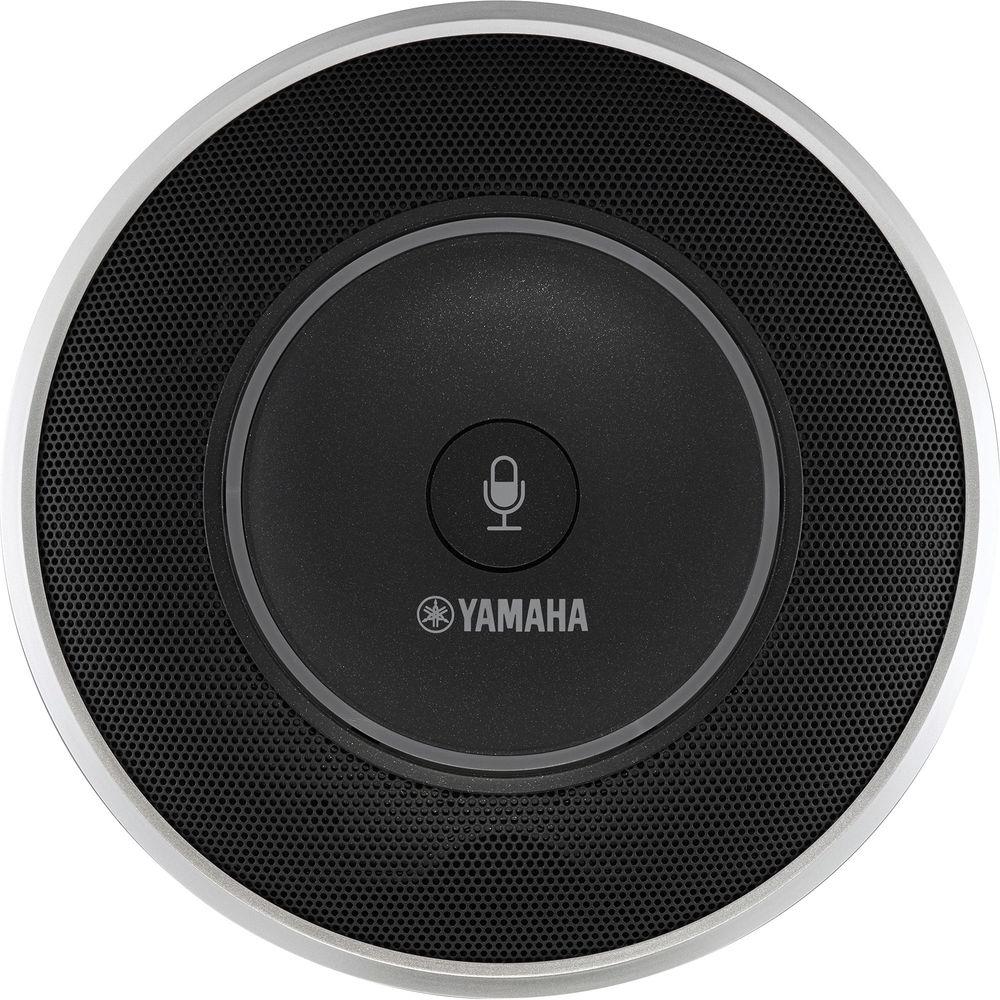
User Manual for Yamaha YVC-1000 Unified Communications Microphone and Speaker System Click to enlarge the picture
 Contents of the user manual for the Yamaha YVC-1000 Unified Communications Microphone and
- Product category: Telephones Yamaha
- Brand: Yamaha
- Description and content of package
- Technical information and basic settings
- Frequently asked questions – FAQ
- Troubleshooting (does not switch on, does not respond, error message, what do I do if...)
- Authorized service for Yamaha Telephones
 |
User manual for the Yamaha YVC-1000 Unified Communications Microphone and contain basic instructions
that need to be followed during installation and operation.
Before starting your appliance, the user manual should be read through carefully.
Follow all the safety instructions and warnings, and be guided by the given recommendations.
User manual is an integral part of any Yamaha product,
and if it is sold or transferred, they should be handed over jointly with the product.
Following the instructions for use is an essential prerequisite for protecting
health and property during use, as well as recognition of liability on the part of the manufacturer
for possible defects should you make a warranty claim. Download an official Yamaha user manual in which you will find instructions on how to install, use, maintain and service your product.
And do not forget – unsuitable use of a Yamaha product will considerably shorten its lifespan!
|
Product description Who Knew Audio Conferencing Systems Could Be Cool? Yamaha Did. Read More - Yamaha Unified Communications Microphone and Speaker System
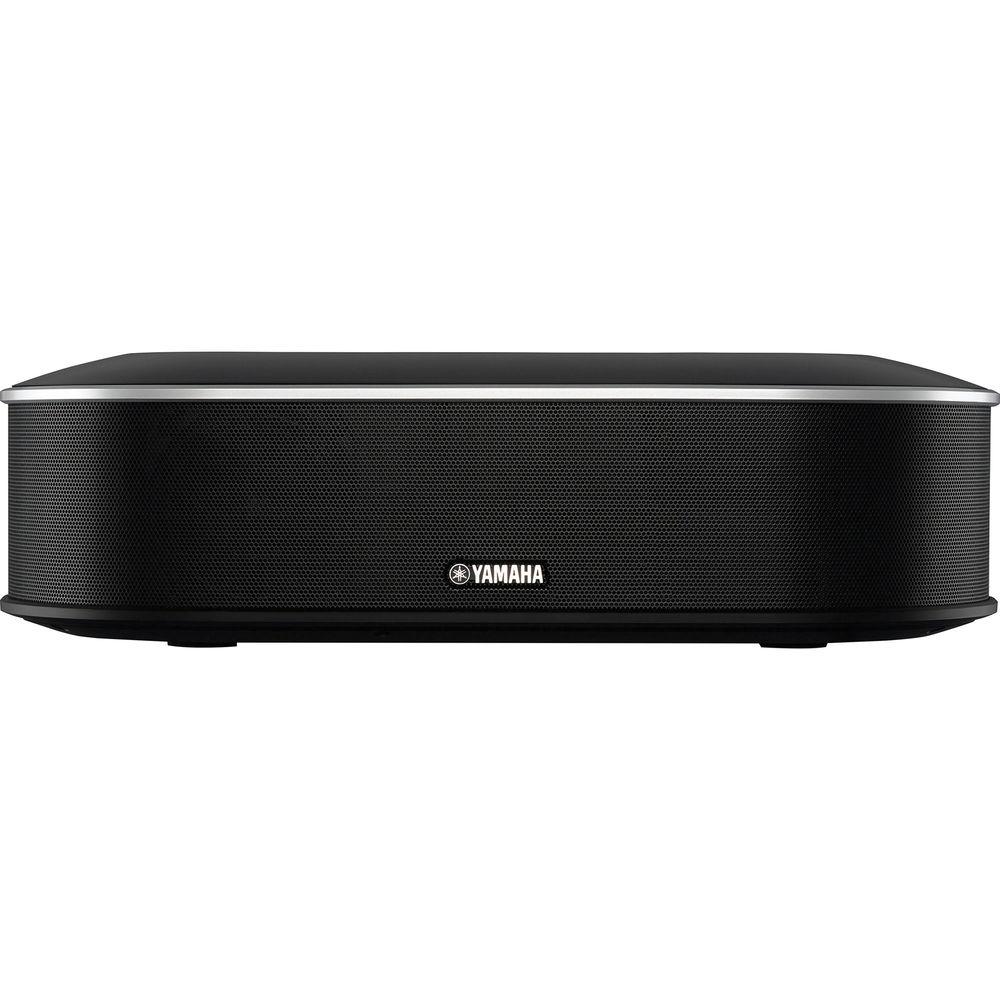
You can connect to the Yamaha YVC-1000-NA Unified Communications Microphone and Speaker System via USB, Bluetooth, or the audio terminals of a conferencing system to provide high quality audio for meetings in academic and professional applications. The range of connection options allows you to quickly adapt to a variety of situations where conferencing might otherwise be difficult due to the lack of a landline or Internet connection.
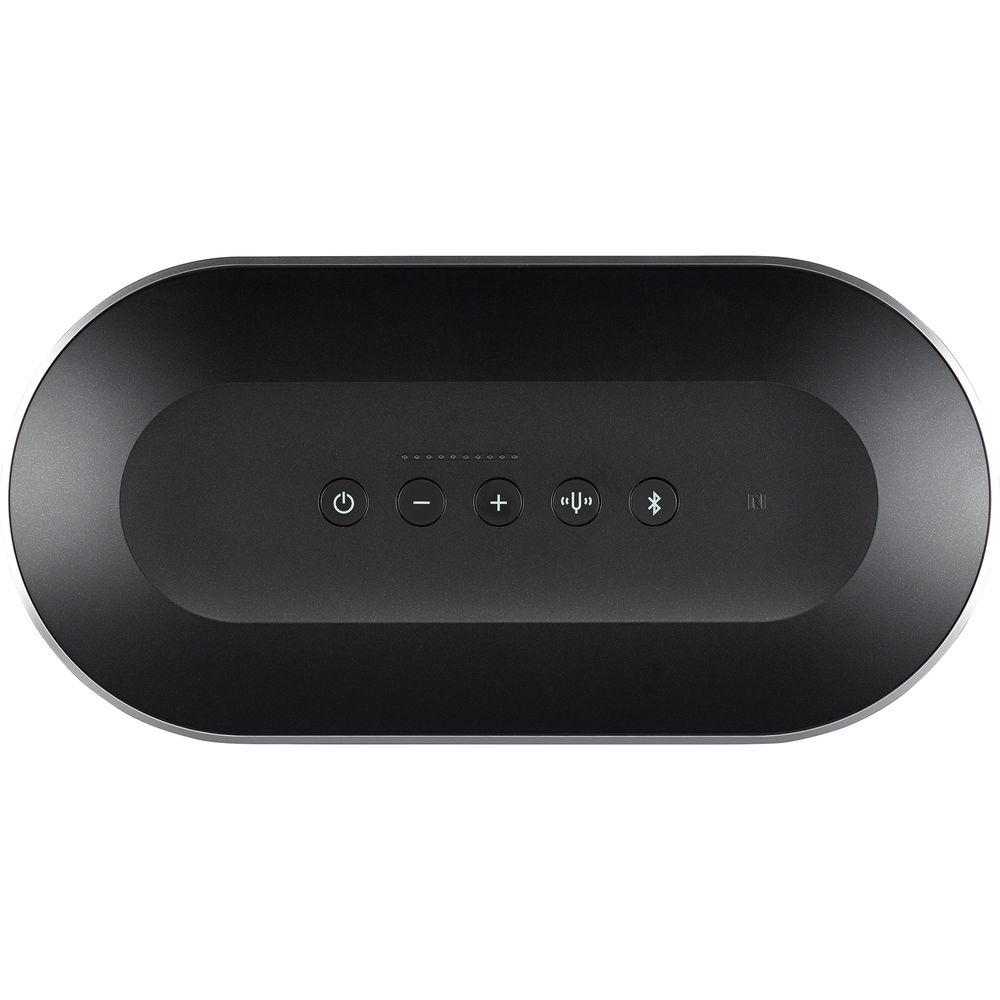
With integrated Near Field Communication (NFC), you can connect to the device by simply placing a NFC-compatible smartphone or tablet over the NFC logo on the top of the control unit while the Bluetooth button is blinking.
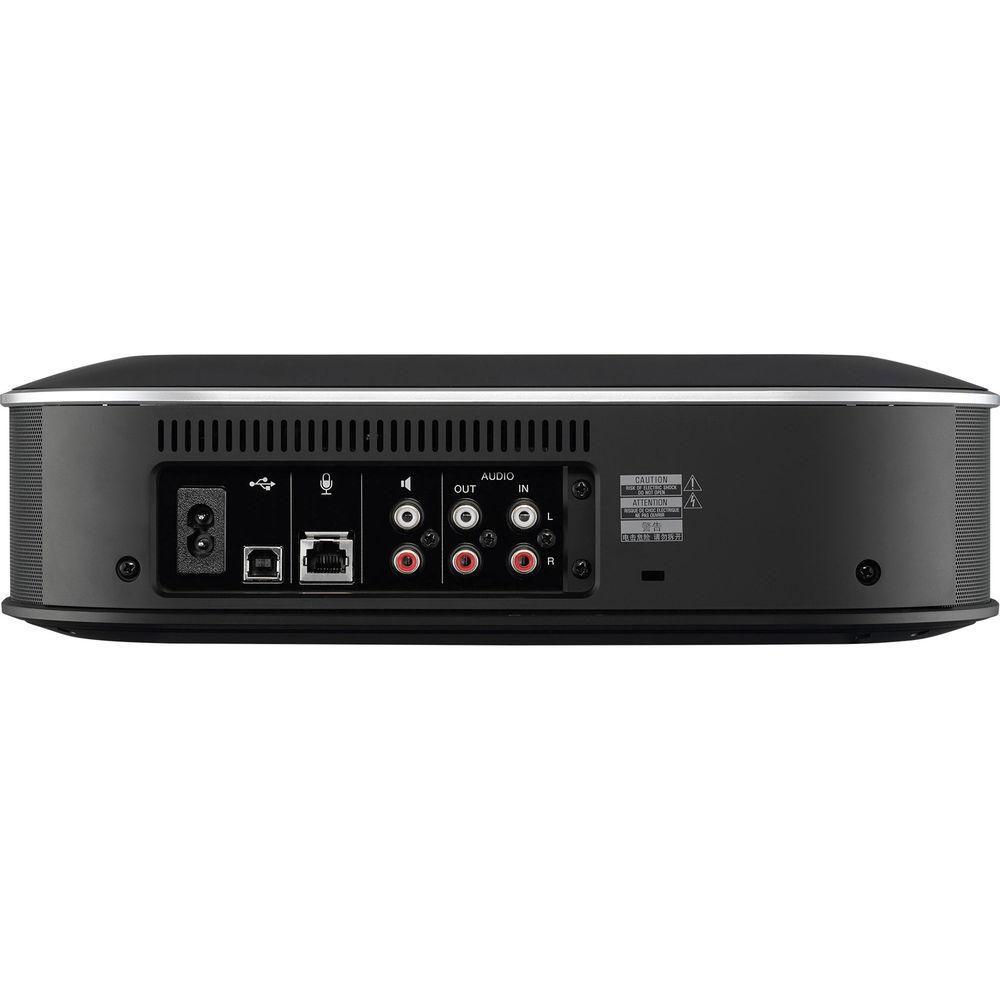
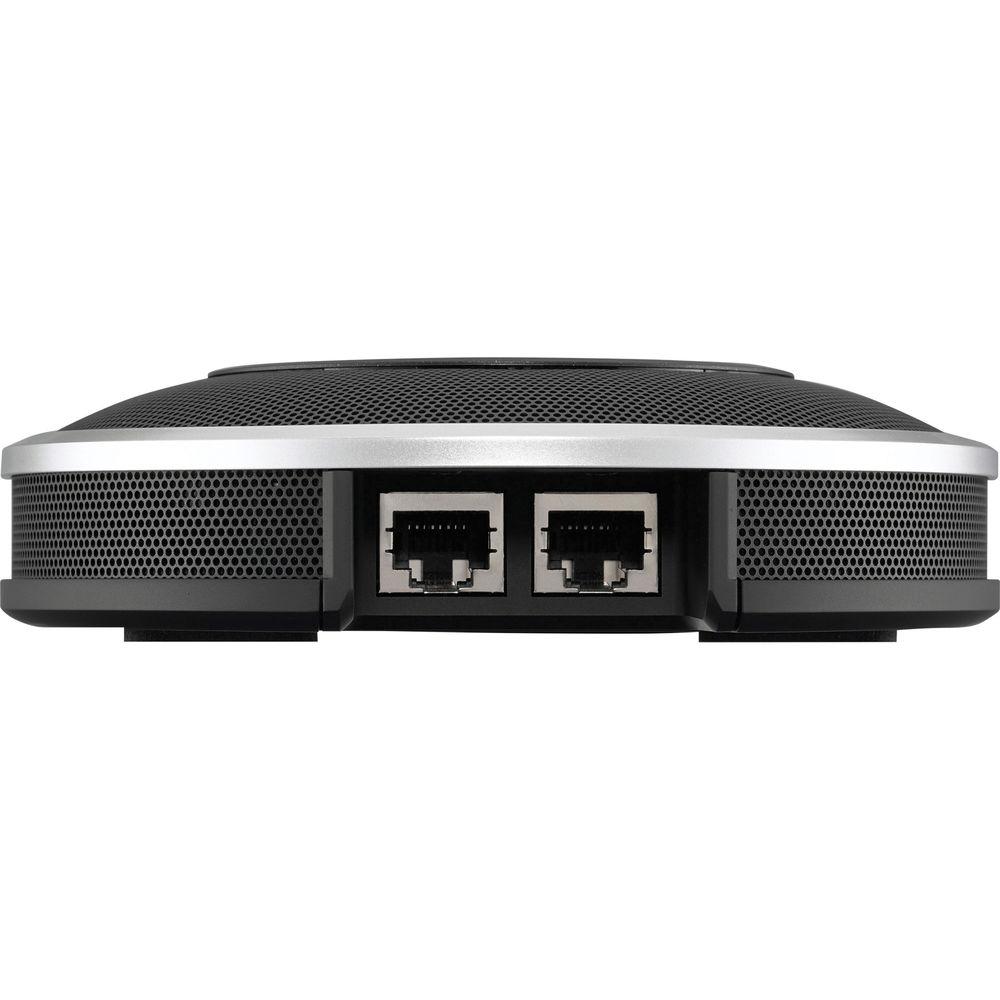
The rear panel features a pair of RCA audio inputs, a pair of RCA audio outputs, a second pair of RCA audio outputs for connecting to external speakers, a USB type B port for connection to a computer, and a port for connecting to the external tabletop microphone. Up to four additional microphones can be added to the system to cover a wider area and accommodate more conference participants. - Communicate With Various Sources Simultaneously
- Mixes multiple voice input sources connected to each interface (USB, Bluetooth, and audio input/output) allowing simultaneous communication over different lines. For example, while connected to a web conference via USB, you can also include more participants via smartphone using a Bluetooth connection by using the audio mixing function to combine the audio sources.
- Acoustic Optimization
- Optimizes acoustic settings by learning about the acoustic environment of a room as it operates. If any acoustic problems are detected, the tuning fork button lights up orange to warn the user. Details on acoustic problems can be accessed through the audio guidance function
- Adaptive Echo Canceller
- Intelligently eliminates the echoes generated when microphones pick up sounds from speakers in environments with varying reflective properties. Adaptive echo canceller processes sound of up to 20,000 Hz to facilitate clear effective conversation
- Automatic Tracking
- Utilizes an Automatic tracking function that allows it to detect and track the location of a person's voice in order to provide clear sound. The ability to distinguish human voices from random background noise is particularly useful in conferences held in noisy environments with a large number of participants
- Automatic Gain Control
- Automatically boosts or attenuates the gain for individual voices depending on their level and distance from the microphone. Automatic gain control utilizes HVAD technology to ensure that only human voices are amplified, providing clear and concise communications even in noisy environments
- Noise Reduction
- Suppresses or eliminates unwanted sounds emitted from sources such as projectors and air conditioners. Continuous noise is removed from ambient sound picked up by the microphones in order to ensure that listeners hear only clear intelligible voices
- Dereverberation
- Naturally occurring reverberation can often wreak havoc on sound quality in remote conferencing situations. Offering excellent vocal clarity even in spaces subject to excessive natural reverb. The unit suppresses the reverberation caused by the varying sonic characteristics of different environments
- Automatic Room EQ
- Optimizes speaker output in real time to match the dimensions and acoustic properties of any room. Audio quality is adjusted automatically based on the audio signal of the current call to provide a more listenable tone and even reduce unwanted echoing
- Connect to an External Microphone
- Features an external microphone input for applications such as remote classes or seminars where a handheld microphone may be preferable
- Tested Microphones
- Wired Microphone
- Yamaha DM-105
- Audio-Technica: PRO41
- Shure: SM58
Wireless Microphone - Line 6: XD-V35 Handheld
- Revolabs HD Single/Dual (HD wearable microphones and HD XLR microphone wireless adapter +handheld microphone)
UPC: 086792992594 In the Box Yamaha YVC-1000 Unified Communications Microphone and Speaker System 9.8' (3.0 m) Power Cable 16.4' (5.0 m) USB Cable 16.4' (5.0 m) Microphone Cable Limited 1-Year Warranty More from Manufacturer Table of Contents
|
Upload User Manual
Have you got an user manual for the Yamaha YVC-1000 Unified Communications Microphone and Speaker System in electronic form? Please send it to us and help us expand our library of instruction manuals.
Thank you, too, on behalf of other users.
To upload the product manual, we first need to check and make sure you are not a robot. After that, your "Submit Link" or "Upload File" will appear.
Technical parametersYamaha 10-YVC1000-NA Specs | | | Microphone Input | 3x unidirectional | | Speaker | 1x full range | | Volume | 95 dB at 1.6' (0.5 m) | | Frequency Bandwidth | For sound pickup: 100 to 20,000 Hz
For playback: 100 to 20,000 Hz | | Signal Processing | Adaptive echo canceller
Noise reduction
Automatic tracking
Automatic gain control
Automatic room EQ
Dereverberation
Automatic audio tuning | | | | Interface | Control Unit: USB 2.0 high speed, Bluetooth, NFC (Near Field Communication)
Audio Input terminal: stereo RCA pin, Audio Output terminal (stereo RCA pin)
External speaker terminal: 2x RCA pin, power terminal, microphone terminal
Microphone: input and output terminals | | Power Consumption | 20 W (one connected microphone)
35 W (five microphones connected) | | Anti-Radio-Interference | FCC (Part 15B) Class A, ICES-003 | | Power Source | 120 V (60 Hz) | | Operating Environment | Temperature: 32 to 104°F (0 to 40°C)
Humidity: 20 to 85% (no condensation) | | Storage Environment | Temperature: -4 to 122°F (-20 to +50°C)
Humidity: 10 to 90% (no condensation) | | Supported OS | OS: 32-bit or 64-bit Windows 8.1, 32-bit or 64-bit Windows 8, 32-bit or 64-bit, Windows 7, Mac OS X 10.9, Mac OS X 10.8
USB: USB 2.0 or later | | Bluetooth | Bluetooth specification version: 2.1 + EDR
Supported profile: HFP (1.6), A2DP
Supported Codec: SBC, mSBC
Wireless output: Class 2
Maximum communication distance: 32.8'(10 m) | | NFC | NFC-compatible Android devices, versions 4.1, 4.2, 4.3, and 4.4 | | Voice Guidance | English, Japanese, Chinese, Korean, French, Spanish, German | | Firmware | Firmware update (transfer from PC through USB) | | Dimensions (W x H x D) | Control Unit: 13.1 x 3.74 x 6.38" (33.20 x 9.50 x 16.20 cm)
Microphone: 5.35 x 1.42 x 5.35" (13.60 x 3.60 x 13.6 cm) | | Weight | Control Unit: 4.0 lb (1.8 kg)
Microphone: 0.9 lb (0.4 kg) | | | | Package Weight | 8.3 lb | | Box Dimensions (LxWxH) | 15.5 x 9.9 x 9.6" |
Rating100% users recommend this product to others. And what about you?

This product has already been rated by 93 owners. Add your rating and experience with the product.
Discussion
 Ask our technicians if you have a problem with your settings,
or if anything is unclear in the user manual you have downloaded.
You can make use of our moderated discussion.
The discussion is public and helps other users of our website who may be encountering similar problems.
Ask our technicians if you have a problem with your settings,
or if anything is unclear in the user manual you have downloaded.
You can make use of our moderated discussion.
The discussion is public and helps other users of our website who may be encountering similar problems.
The discussion is empty - enter the first post
Post a new topic / query / comment:
|
|
|
| Request for user manual |
You can’t find the operation manual you are looking for? Let us know and we will try to add the missing manual:
I’m looking for a manual / Request for manual
Current requests for instruction manuals:
Call Of Duty World War Two For Xbox...
controller stratus XL...
stratus XL...
smart whatch serie S11 42mm...
Allen & Heath SQ-6 manual...
|
| Discussion |
Latest contributions to the discussion:
AEW R 4100
Name: MAURICIO ANGARITA
Audio-Technica AEW-R4100 UHF Diversity Receiver for
AEW R 4100 has the mute function blocked and does not allow audio to pass. I tried several times to turn off the mute from the transmitter but it does nothing, the mute stays on. Solution?
Thank you...
Instructions for assembling the 2015 Forecast Image Master Consoles GC3-A
Name: mike elam
Forecast Consoles GC3-A ImageMaster Editing Console
Looking for instructions for assembling this console. ...
EMPTY TONER ERROR MESSAGE AFTER REPLACING TONER
Name: LINDA BAD YELLOW EYES
Brother TN223BK Standard-Yield Toner
I HAD TO CHANGE OUT ALL THREE TONERS DUE TO LEAKS IN THE YELLOW AND CYAN. AFTER I REPLACED THEM, THE MACHINE KEEPS GIVING ME AN EMPTY TONER ERROR MESSAGE. HELP!!...
PS480D 20/24 pin Switching 480W Power Supply
Name: swkargo
Logisys 480W Power Supply
This item states in can run -5vdc .It is NOT listed on the board or I beleive is r4 is missing the resitior. Any body have thid issue. Shawn
...
Help needed
Name: Ann Carter
SanDisk 1TB Extreme Portable USB 3.1
When I click the link to download the user manual for my Sandisk Extreme external hard drive, it gives me the manual for the LG Cricket. Can you please change the link so I can download the Sandisk manual and begin using this drive? Thank you....
|
|


