User Manual for Ziv TRS-10 Timer Remote with Video Control for Sony Cameras Click to enlarge the picture
 Contents of the user manual for the Ziv TRS-10 Timer Remote with Video
- Product category: Shutter Releases Ziv
- Brand: Ziv
- Description and content of package
- Technical information and basic settings
- Frequently asked questions – FAQ
- Troubleshooting (does not switch on, does not respond, error message, what do I do if...)
- Authorized service for Ziv Shutter Releases
 |
User manual for the Ziv TRS-10 Timer Remote with Video contain basic instructions
that need to be followed during installation and operation.
Before starting your appliance, the user manual should be read through carefully.
Follow all the safety instructions and warnings, and be guided by the given recommendations.
User manual is an integral part of any Ziv product,
and if it is sold or transferred, they should be handed over jointly with the product.
Following the instructions for use is an essential prerequisite for protecting
health and property during use, as well as recognition of liability on the part of the manufacturer
for possible defects should you make a warranty claim. Download an official Ziv user manual in which you will find instructions on how to install, use, maintain and service your product.
And do not forget – unsuitable use of a Ziv product will considerably shorten its lifespan!
|
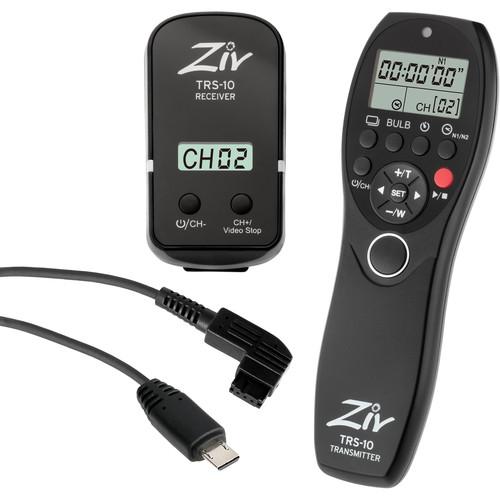
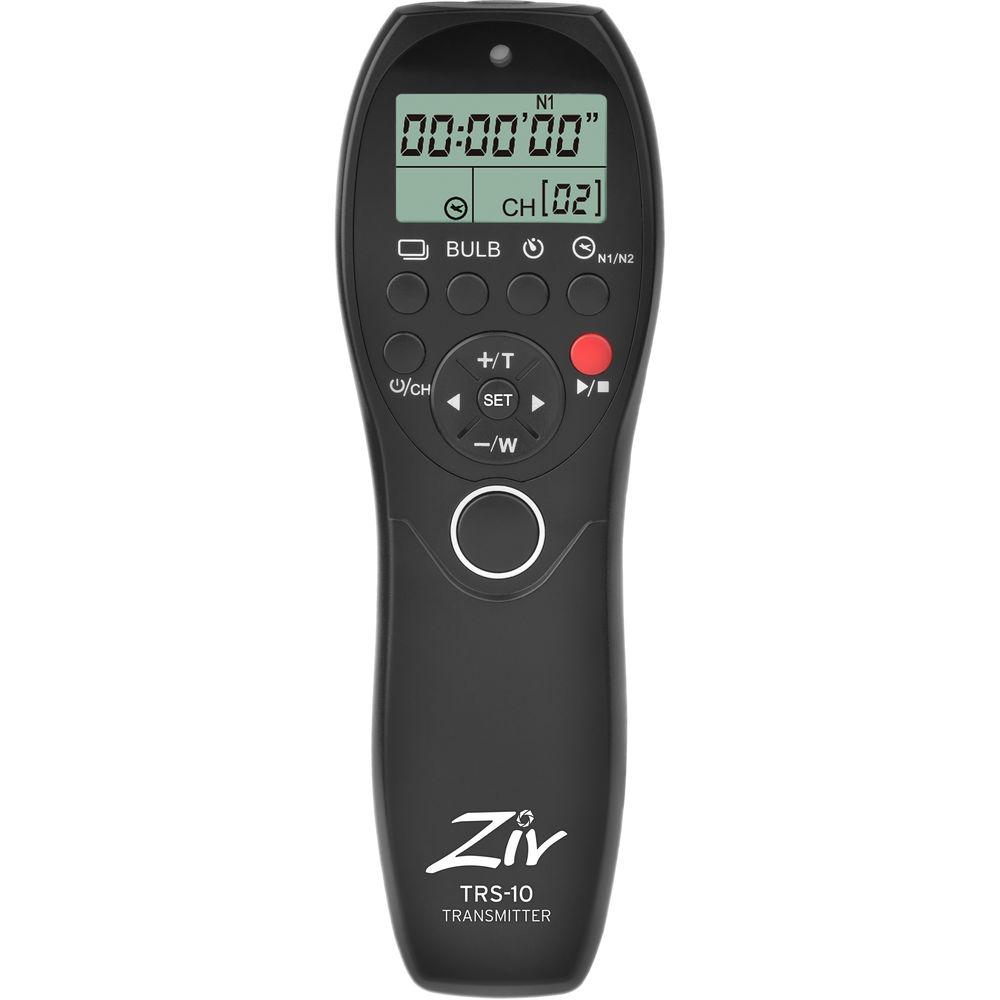
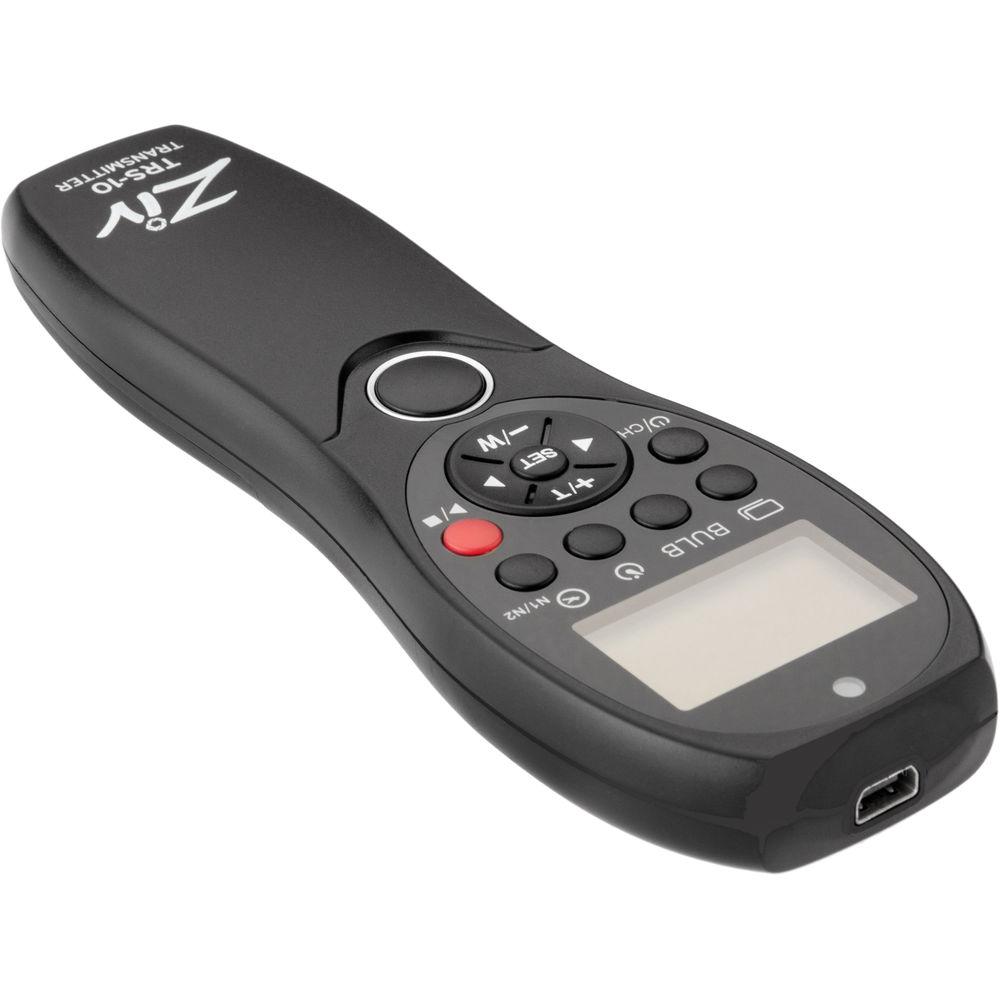
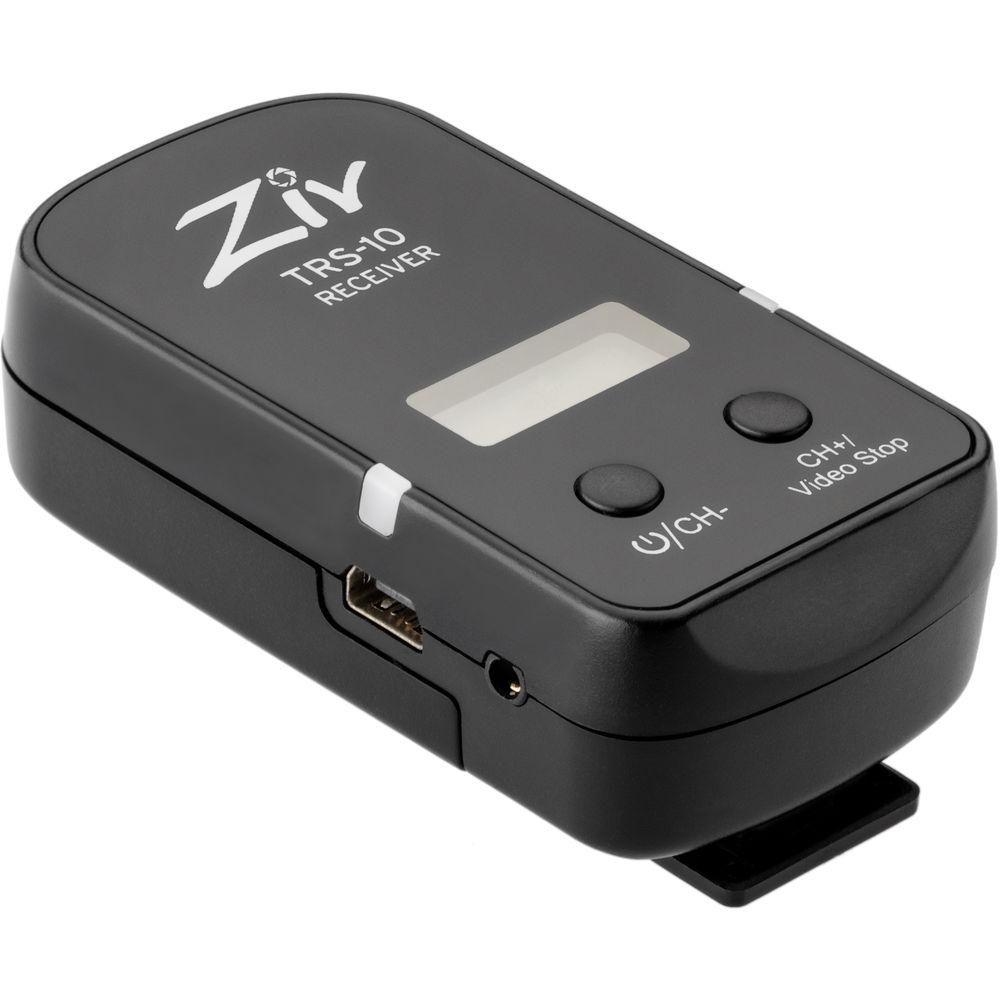
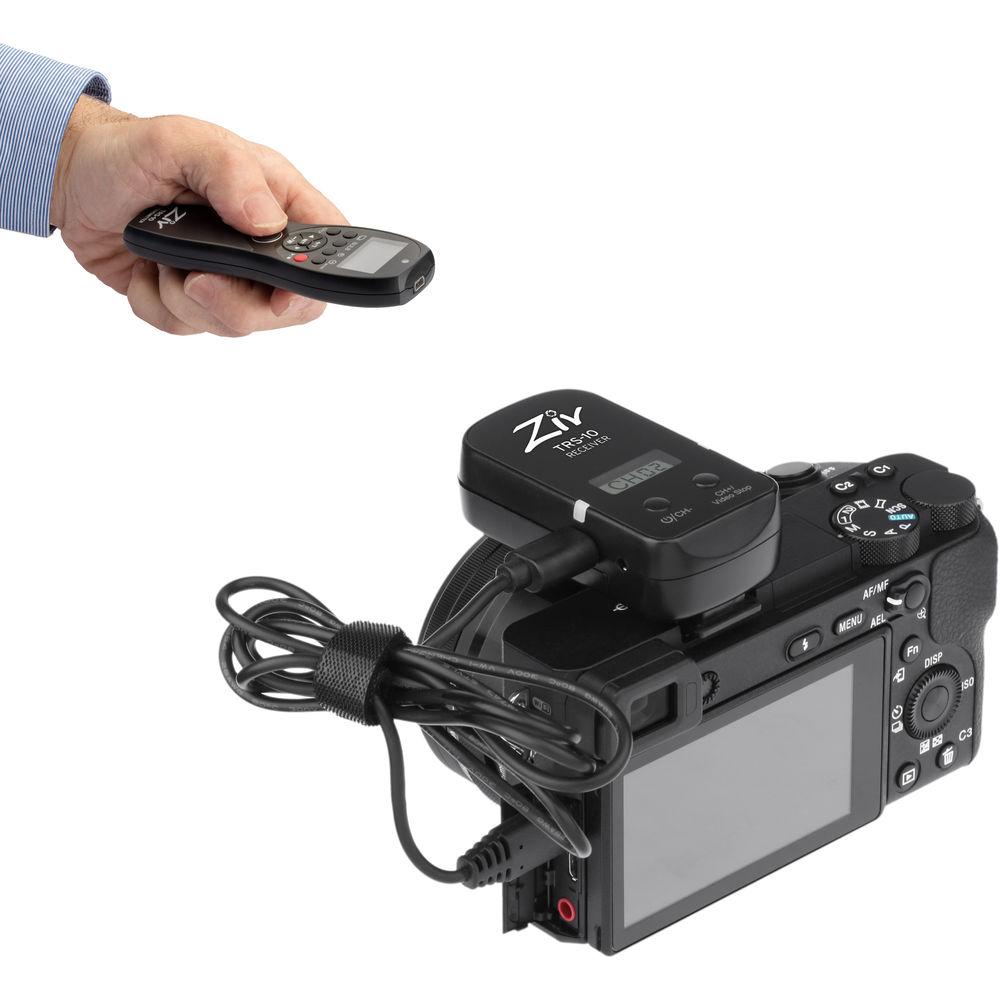
Product description Time-Lapse Tips and Tools Read More Remotely trigger your Sony camera with the TRS-10 Timer Remote with Video Control from Ziv. Featuring a transmitter and receiver, which can function at distances of up to 328' as well as operate within multiple programmable modes, this remote will help you create photographs as well as start/stop video with Sony Multi-Terminal cameras. Able to be set up in single, continuous, and bulb modes, as well as set up a delay, users can easily program the remote for their specific needs. It also features an intervalometer function that will help with shooting time-lapses. Other capabilities of this remote include control over power zoom lenses or a camera's digital zoom function. Additionally, users can remotely trigger older Sony/Minolta cameras with a 3-pin connection using the included cable. Compatibility - Sony Multi-Terminal Cameras:
-
- Timed, Delay, Bulb, Single, and Continuous Shooting
- Power Zoom and digital zoom control
- Start/stop video recording
- Alpha: a9, a7, a7 II, a7 III, a7R, a7R II, a7R III, a7S, a7S II, a6500, a6300, a6000, a5100, a5000, a3000, a99 II, a77 II, a68, a58
- Cyber-shot: RX1R II, RX10 IV, RX10 III, RX10 II, RX10, RX100 VI, RX100 VA, RX100 V, RX100 IV, RX100 III, RX100 II, HX90V, HX50V, HX400V, HX400, HX300
- Handycam: FDR-AX33, FDR-AX53, FDR-AX-100, FDR-AX100E, FDR-AX700, HDR-CX220, HDR-CX230, HDR-CX290, HDR-CX380, HDR-CX405, HDR-CX430V, HDR-CX440, HDR-CX455, HDR-CX675, HDR-CX900, HDR-CX900E, HDR-PJ230, HDR-PJ380, HDR-PJ430V, HDR-PJ650V, HDR-PJ790V
- Sony 3-Pin Cameras
-
- Timed, Delay, Bulb, Single, and Continuous Shooting
- For older Sony/Minolta cameras
- Alpha: a100, a200, a300, a350, a500, a550, a560, a580, a700, a850, a900, a33, a35, a37, a55, a57, a65, a77, a99
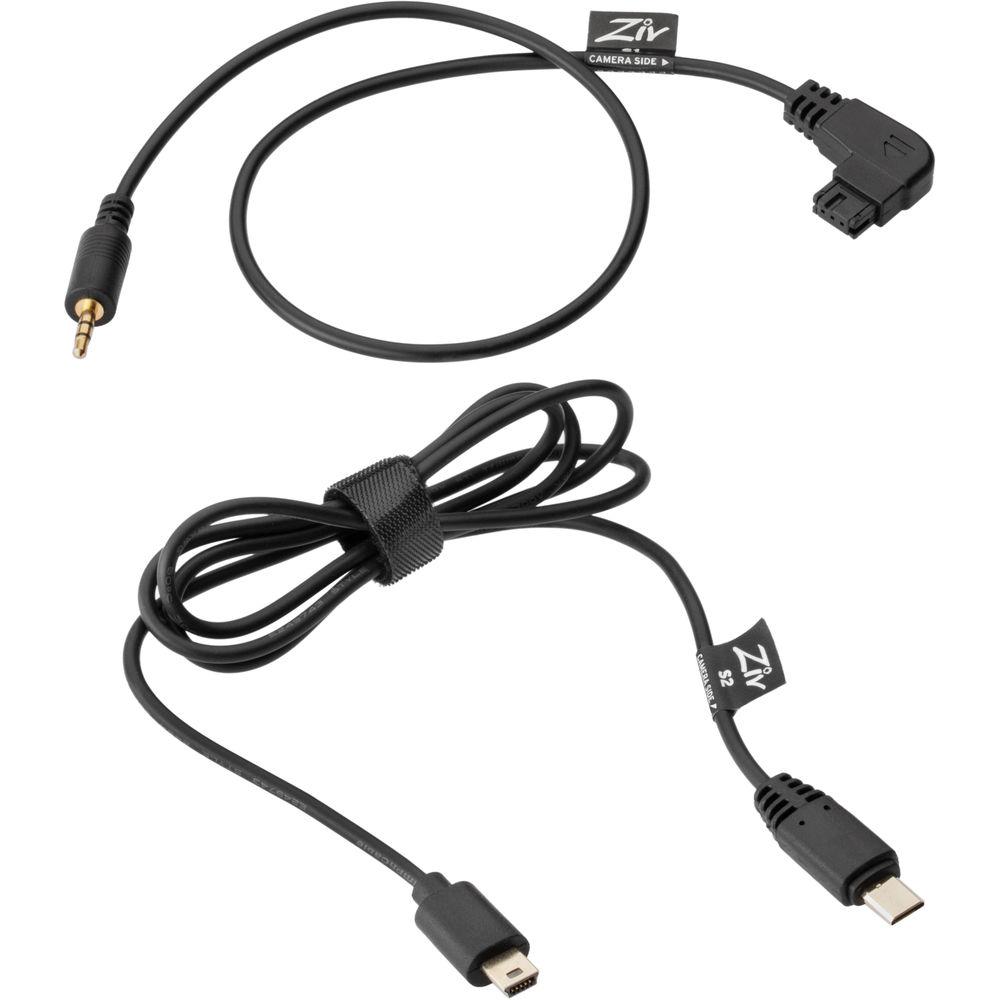
UPC: 847628000483 In the Box Ziv TRS-10 Timer Remote with Video Control for Sony Cameras - Sony Multi-Terminal Camera Cable
- Sony 3-Pin Camera Cable
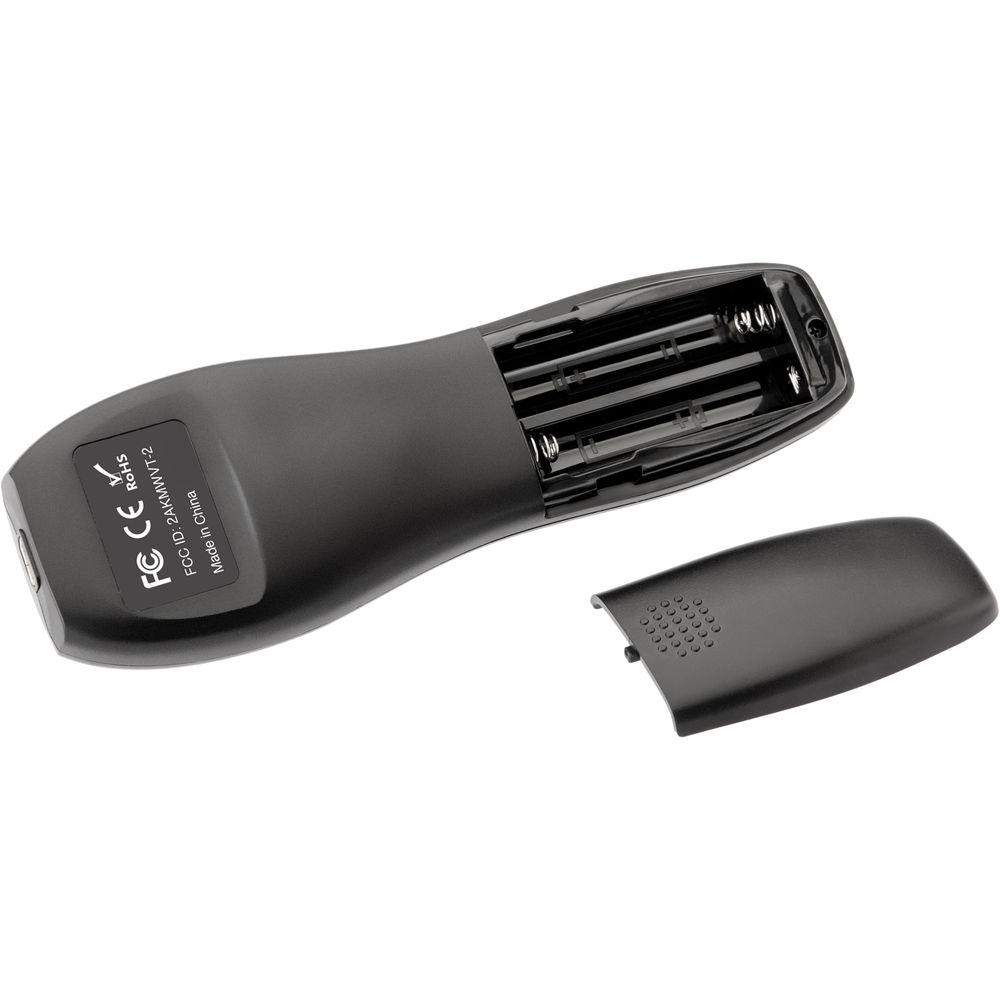
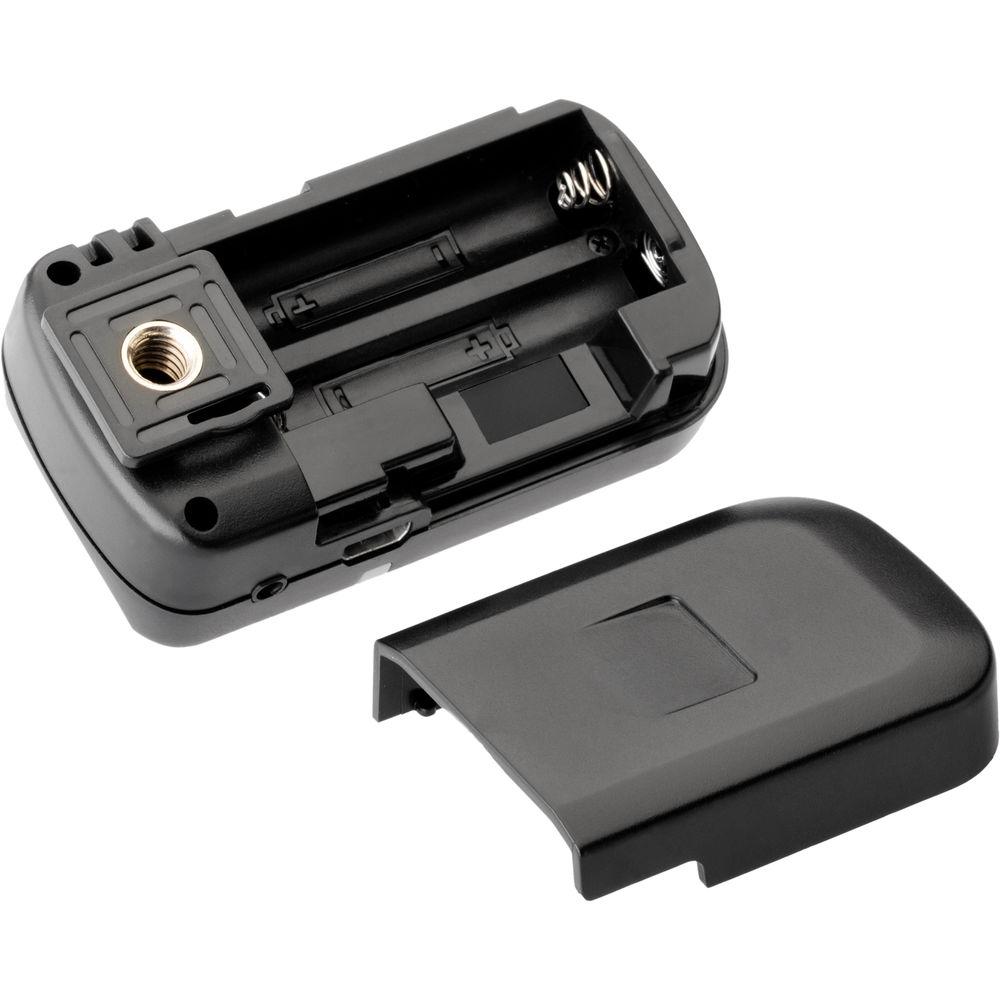
- 4 x AAA Batteries
- Limited 1-Year Warranty
User Manual PDF 154.2kb Table of Contents
|
Upload User Manual
Have you got an user manual for the Ziv TRS-10 Timer Remote with Video Control for Sony Cameras in electronic form? Please send it to us and help us expand our library of instruction manuals.
Thank you, too, on behalf of other users.
To upload the product manual, we first need to check and make sure you are not a robot. After that, your "Submit Link" or "Upload File" will appear.
Technical parametersZiv TRS-10 Specs | Release Type | Wireless: RF (Radio Frequency) | | Camera Connection | Sony Multi-Terminal, Sony/Minolta | | Channels | 32 | | Interval Timer/Programmable | Yes | | Live View | None | | Shutter Modes | Bulb, Continuous, Single Shot | | Wireless Range | 328.08' / 100 m | | Receiver Dimensions | 2.8 x 1.5 x 1.0" / 70.0 x 38.0 x 25.0 mm | | Receiver Power Source | Battery | | Receiver Battery Requirements | 2 x AAA | | Receiver Weight | 1.20 oz / 34 g | | Transmitter Power Source | Battery | | Transmitter Battery Requirements | 2 x AAA | | Transmitter Dimensions | 5.4 x 1.8 x 0.7" / 135.9 x 45.7 x 16.8 mm | | Transmitter Weight | 1.60 oz / 45.4 g | | | | Package Weight | 0.5 lb | | Box Dimensions (LxWxH) | 6.5 x 4.3 x 1.6" |
Rating86% users recommend this product to others. And what about you?

This product has already been rated by 36 owners. Add your rating and experience with the product.
Discussion
 Ask our technicians if you have a problem with your settings,
or if anything is unclear in the user manual you have downloaded.
You can make use of our moderated discussion.
The discussion is public and helps other users of our website who may be encountering similar problems.
Ask our technicians if you have a problem with your settings,
or if anything is unclear in the user manual you have downloaded.
You can make use of our moderated discussion.
The discussion is public and helps other users of our website who may be encountering similar problems.
The discussion is empty - enter the first post
Post a new topic / query / comment:
|
|


