User Manual for Zoom LiveTrak L-20 - 20-Input Digital Mixer & Multitrack Recorder
Click to enlarge the picture Contents of the user manual for the Zoom LiveTrak L-20 - 20-Input Digital
Product category: Digital Recorders & Players Zoom
Brand: Zoom
Description and content of package
Technical information and basic settings
Frequently asked questions – FAQ
Troubleshooting (does not switch on, does not respond, error message, what do I do if...)
Authorized service for Zoom Digital Recorders & Players
User manual for the Zoom LiveTrak L-20 - 20-Input Digital contain basic instructions
that need to be followed during installation and operation.
Before starting your appliance, the user manual should be read through carefully.
Follow all the safety instructions and warnings, and be guided by the given recommendations.
User manual is an integral part of any Zoom product,
and if it is sold or transferred, they should be handed over jointly with the product.
Following the instructions for use is an essential prerequisite for protecting
health and property during use, as well as recognition of liability on the part of the manufacturer
for possible defects should you make a warranty claim. Download an official Zoom user manual in which you will find instructions on how to install, use, maintain and service your product.
And do not forget – unsuitable use of a Zoom product will considerably shorten its lifespan!
Product description
Record, Mix, and More with the Zoom LiveTrak L-20 Digital Mixer Read More rrfbwcazdrvszwdrv
L 20 Full Length
L 20 Overview
L 20 Overdubbing
LiveTrak L-20: Audio Interface Mode
Zoom LiveTrak L-20: Updating the Firmware
Zoom LiveTrak L20: Skype For Podcasting (Mix Minus)
Zoom LiveTrak L-20: Control App for iPad
Zoom LiveTrak L-20: Saving Scenes
Zoom LiveTrak L-20: Custom Output Mixes
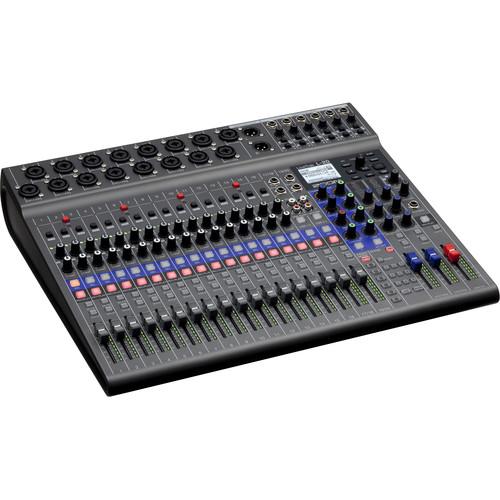
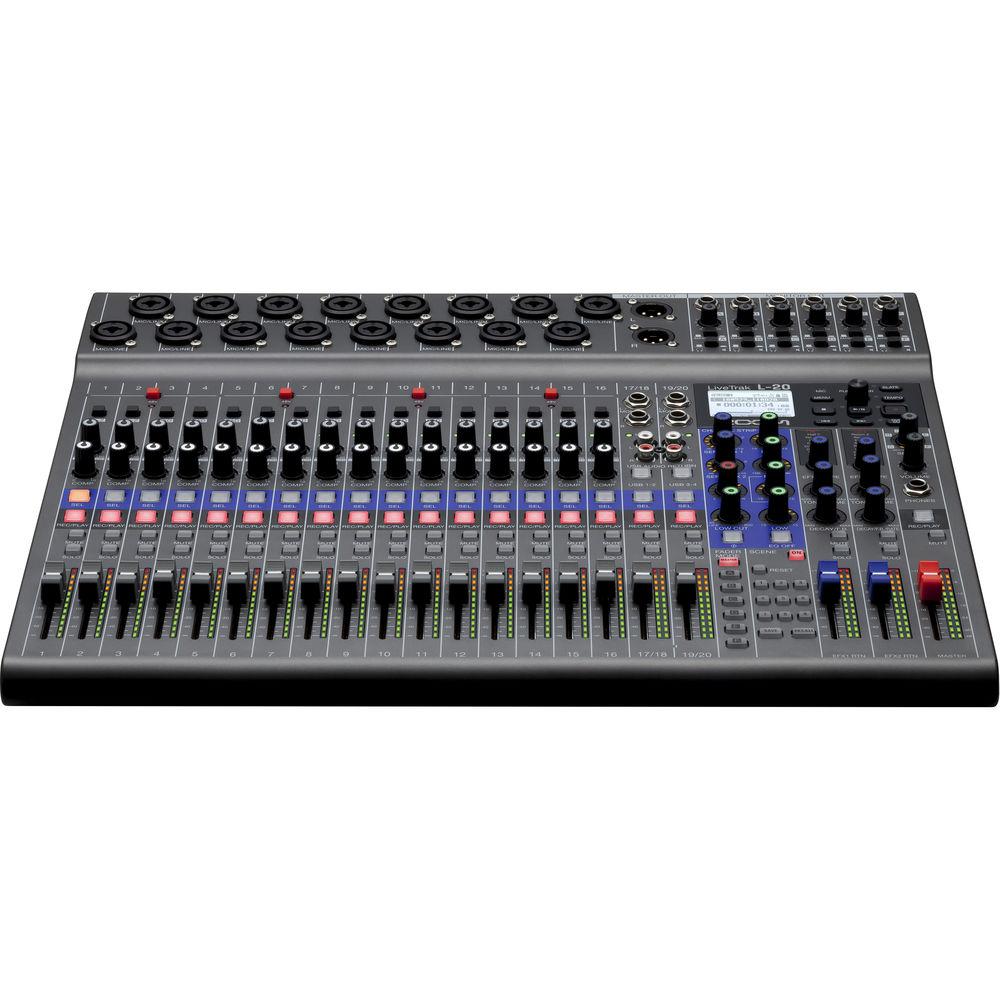
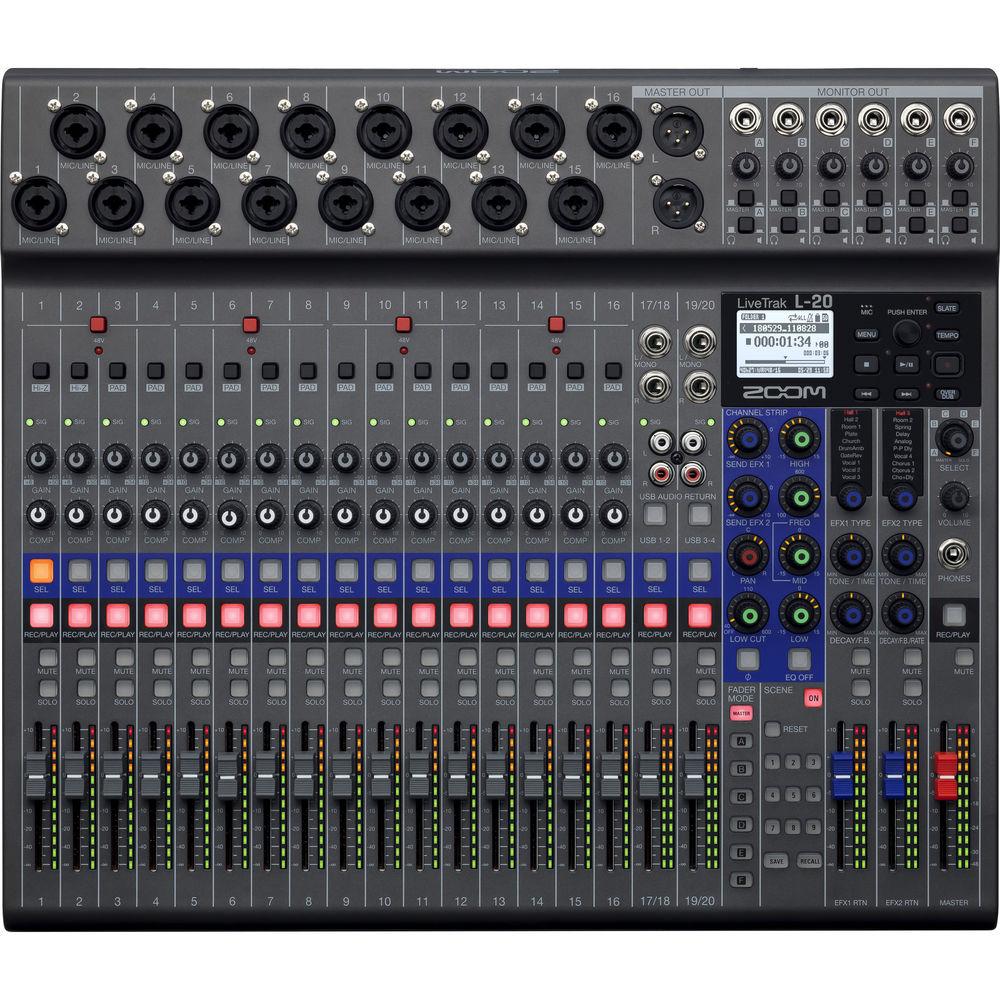
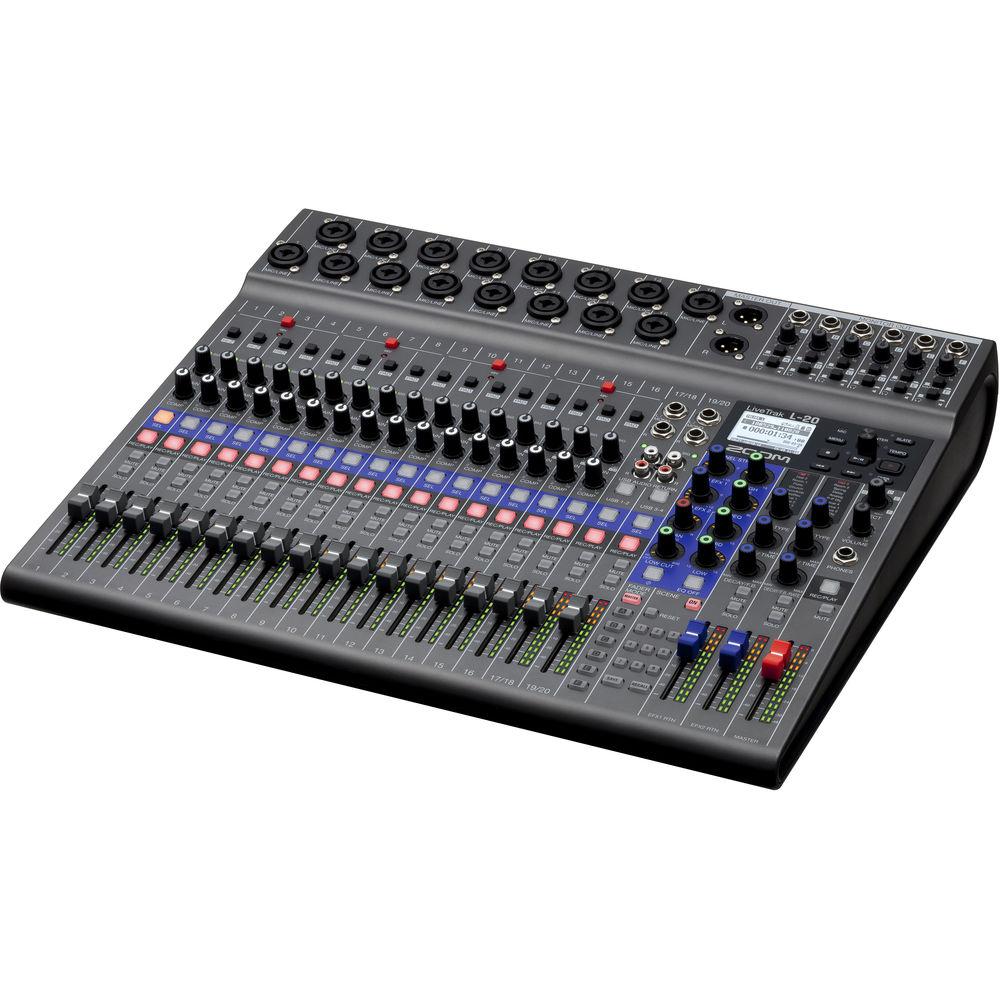
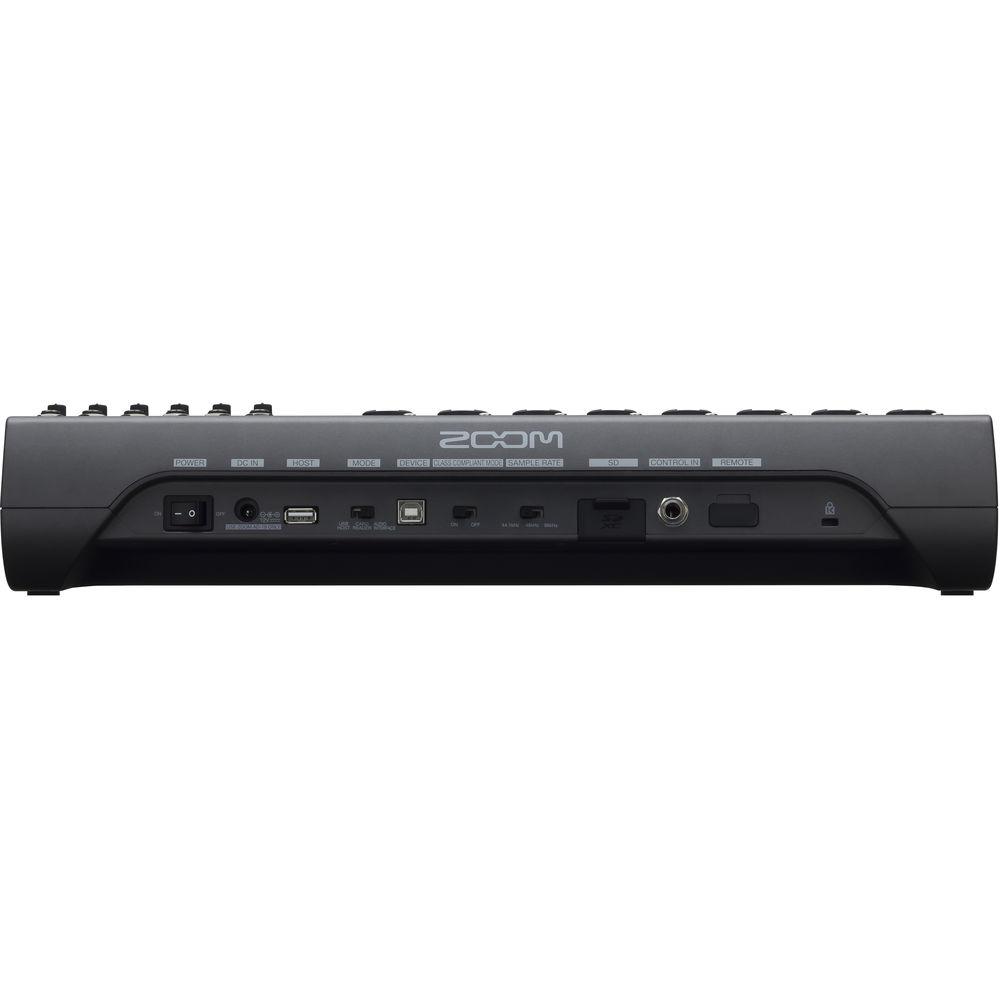
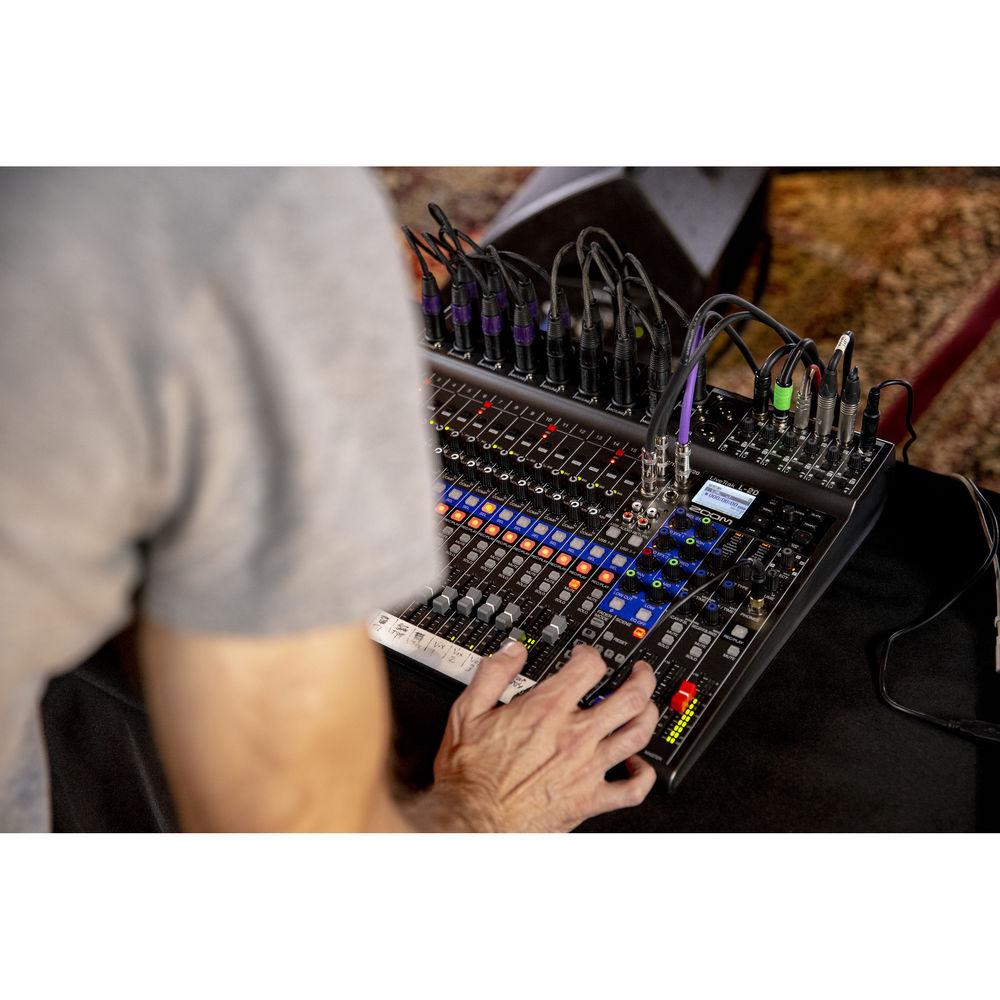
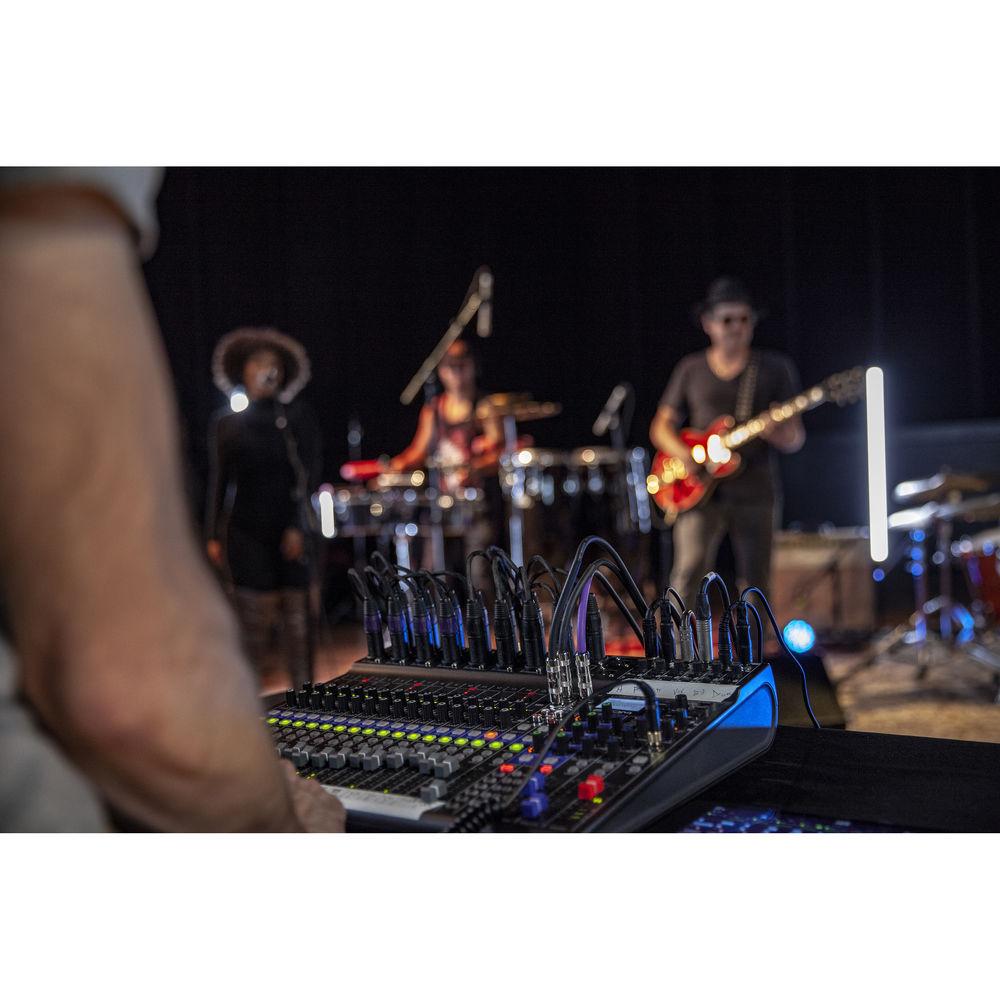
The highly flexible Zoom LiveTrak L-20 is a 20-input digital mixer and multi-track recorder, well suited for live performances, studio recording, band rehearsals, podcasts, and more. The mixer features 16 mono channels, each with combo mic/line XLR-1/4" inputs with high gain, low-noise microphone preamps, +48V phantom power, and a single compression knob, while the two stereo inputs offer dual 1/4" and RCA inputs. Channels 1-2 also offer Hi-Z inputs for connecting guitars and basses. All channels work with the on-board channel strip, which provides a low-cut filter, a 3-band EQ, a pan control, and two send FX for sending signals to the 20 built-in high-quality effects processor with two dedicated EFX Return channels.
The LiveTrak L-20 features balanced XLR main outputs, while the six monitor outputs utilize balanced TRS 1/4" connectors, each with the ability to set up customized mixes. Simply connect your headphones or a stage monitor and adjust the levels to taste. There are nine snap-shot presets, which allow you instant recall of different setups and sessions.
The built-in SD recorder can simultaneously record every channel and the master fader stereo signal output for a total of 22 tracks at resolutions up to 24-bit/ 96 kHz. Files can easily be copied to a computer and used in a DAW. In addition, overdubbing and punching in/out can be done as expected when using the unit as a multi-track recorder. The L-20 can also function as a 22-in/4-out USB audio interface, allowing you to record directly to your favorite software DAW or to iOS devices. Other notable features include 12-segment LED meters on all channels, a built-in metronome, and a built-in slate mic for identifying takes. The Zoom LiveTrak L-20 ships with a power cord and a USB cable.
20 discrete channels (16 mono plus 2 stereo) with XLR or 1/4-inch connectivity
Main outputs plus six customizable monitor outputs
Dedicated headphone output for sound engineer
Scene saving function, up to 9 scenes saved at a time
20 built-in chorus, delay and reverb effects with adjustable parameters
Two effect busses
Built-in slate mic
Class-compliant mode (for iOS compatibility)
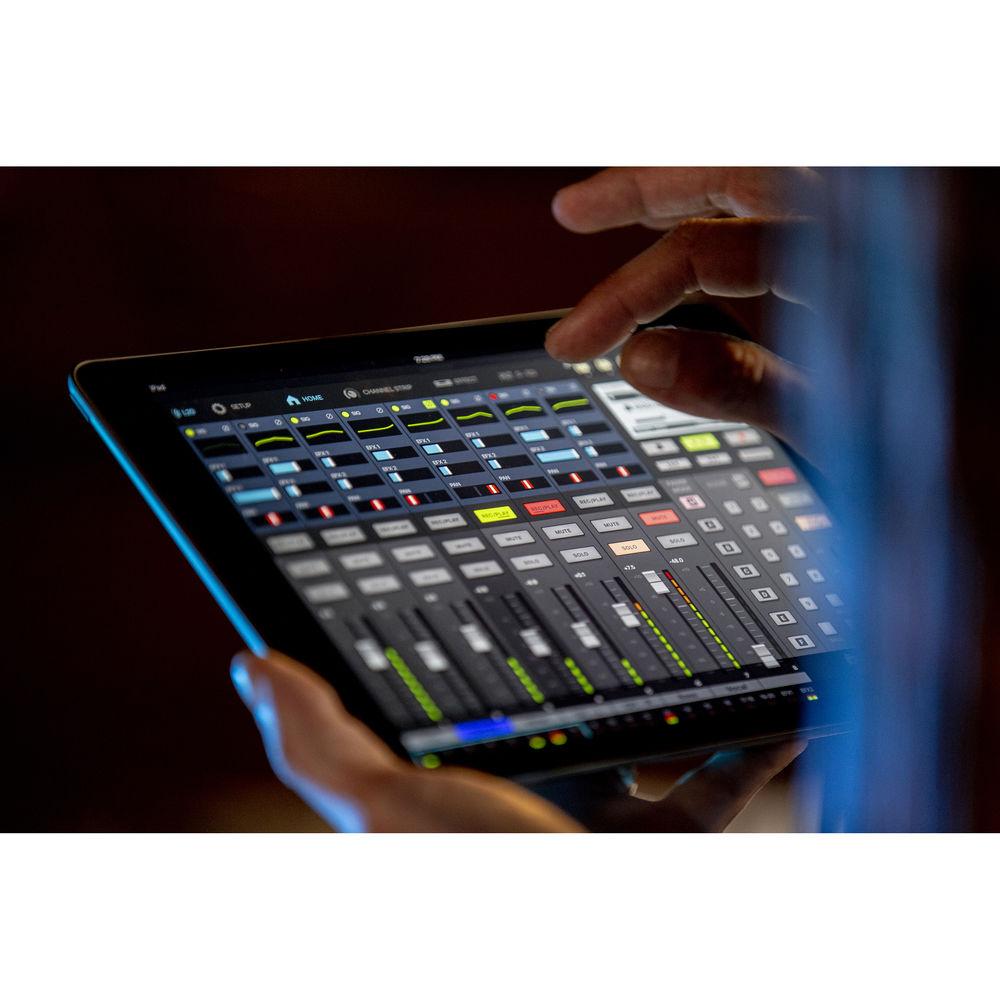
Compatible with Remote Mixer app for iPad
Automatic recording starting/stopping capability
Pre-record function
Import/export projects with USB 2.0 host port
Compatible functions for Zoom FS01 footswitch
Automatic power-save function
UPC: 884354019846 In the Box Zoom LiveTrak L-20 - 20-Input Digital Mixer & Multitrack Recorder
Power Adapter
USB 2.0 Cable
Limited 1-Year Warranty
Guides & Manuals rrfbwcazdrvszwdrv Table of Contents
Upload User Manual
Have you got an user manual for the Zoom LiveTrak L-20 - 20-Input Digital Mixer & Multitrack Recorder in electronic form? Please send it to us and help us expand our library of instruction manuals.
Thank you, too, on behalf of other users.
To upload the product manual, we first need to check and make sure you are not a robot. After that, your "Submit Link" or "Upload File" will appear.
Download User Manual
The user manual for the Zoom LiveTrak L-20 - 20-Input Digital Mixer & Multitrack Recorder can be downloaded in PDF format at the link stated below.
Actual Measurements: 128 dB EIN (IHF-A) with +60 dB/150 Ohms input
Display
LCD with backlight (128×64 resolution)
Power Supply
AD-19 AC Adapter: 12 VDC / 2 A
Power Consumption
24 W maximum
Dimensions (W x D x H)
17.5 x 15.3 x 3.3" / 445.0 x 388.4 x 82.6 mm
Weight
8.2 lb / 3.7 kg
Package Weight
11.4 lb
Box Dimensions (LxWxH)
21.2 x 18.0 x 5.8"
Rating
100% users recommend this product to others. And what about you?
This product has already been rated by 98 owners. Add your rating and experience with the product.
Discussion
Ask our technicians if you have a problem with your settings,
or if anything is unclear in the user manual you have downloaded.
You can make use of our moderated discussion.
The discussion is public and helps other users of our website who may be encountering similar problems.
Keep getting a meesage when i turn this on that says: Check! mode SW and restart! Any idea what how to fix this? i even updated the firmware but did not clear it.
My zoom LiveTrak L-20 suddenly doesn't get any signal on the master track. I've checked all the volumes and mute buttons, can't seem to find an explanation.
Call Of Duty World War Two For Xbox...controller stratus XL...stratus XL...smart whatch serie S11 42mm...Allen & Heath SQ-6 manual...
Discussion
Latest contributions to the discussion:
AEW R 4100 Name: MAURICIO ANGARITA Audio-Technica AEW-R4100 UHF Diversity Receiver for AEW R 4100 has the mute function blocked and does not allow audio to pass. I tried several times to turn off the mute from the transmitter but it does nothing, the mute stays on. Solution?
Thank you...Instructions for assembling the 2015 Forecast Image Master Consoles GC3-A Name: mike elam Forecast Consoles GC3-A ImageMaster Editing Console Looking for instructions for assembling this console. ...EMPTY TONER ERROR MESSAGE AFTER REPLACING TONER Name: LINDA BAD YELLOW EYES Brother TN223BK Standard-Yield Toner I HAD TO CHANGE OUT ALL THREE TONERS DUE TO LEAKS IN THE YELLOW AND CYAN. AFTER I REPLACED THEM, THE MACHINE KEEPS GIVING ME AN EMPTY TONER ERROR MESSAGE. HELP!!...PS480D 20/24 pin Switching 480W Power Supply Name: swkargo Logisys 480W Power Supply This item states in can run -5vdc .It is NOT listed on the board or I beleive is r4 is missing the resitior. Any body have thid issue. Shawn
...Help needed Name: Ann Carter SanDisk 1TB Extreme Portable USB 3.1 When I click the link to download the user manual for my Sandisk Extreme external hard drive, it gives me the manual for the LG Cricket. Can you please change the link so I can download the Sandisk manual and begin using this drive? Thank you....
PDF User Manuals
We regularly supplement and update our library. Latest instruction manuals added for download:
Peter Morgan: "Thanks for this website! With help from your instructions I’ve got my dishwasher working again."
Nick Jackson: "Your site’s been a massive help because the user manual didn’t come with the product. Thanks a lot."
Leslie Scott: "I finally found the user's guide with you that I couldn’t find anywhere else! Totally happy!"
Take a look through our user manuals in our on-line library, with instruction manuals and service handbooks downloadable in PDF format. Our instructions database is constantly updated and supplemented with new products. Looking for instruction manuals? Ask us!
SEARCH-MANUAL.com Sitemap.xml






 Ask our technicians if you have a problem with your settings,
or if anything is unclear in the user manual you have downloaded.
You can make use of our moderated discussion.
The discussion is public and helps other users of our website who may be encountering similar problems.
Ask our technicians if you have a problem with your settings,
or if anything is unclear in the user manual you have downloaded.
You can make use of our moderated discussion.
The discussion is public and helps other users of our website who may be encountering similar problems.