User Manual for Zoom MS-50G MultiStomp Guitar Pedal Click to enlarge the picture
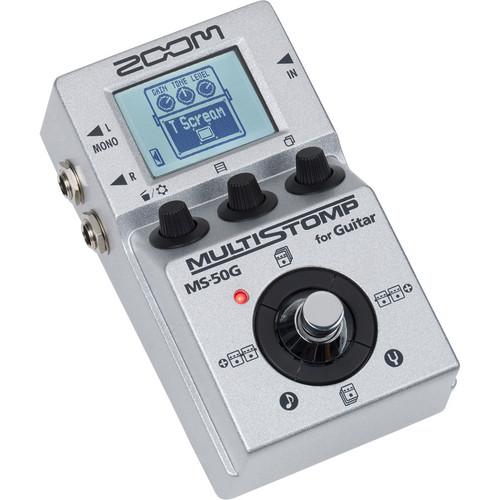 Contents of the user manual for the Zoom MS-50G MultiStomp Guitar Pedal
- Product category: Effects Pedals Zoom
- Brand: Zoom
- Description and content of package
- Technical information and basic settings
- Frequently asked questions – FAQ
- Troubleshooting (does not switch on, does not respond, error message, what do I do if...)
- Authorized service for Zoom Effects Pedals
 |
User manual for the Zoom MS-50G MultiStomp Guitar Pedal contain basic instructions
that need to be followed during installation and operation.
Before starting your appliance, the user manual should be read through carefully.
Follow all the safety instructions and warnings, and be guided by the given recommendations.
User manual is an integral part of any Zoom product,
and if it is sold or transferred, they should be handed over jointly with the product.
Following the instructions for use is an essential prerequisite for protecting
health and property during use, as well as recognition of liability on the part of the manufacturer
for possible defects should you make a warranty claim. Download an official Zoom user manual in which you will find instructions on how to install, use, maintain and service your product.
And do not forget – unsuitable use of a Zoom product will considerably shorten its lifespan!
|
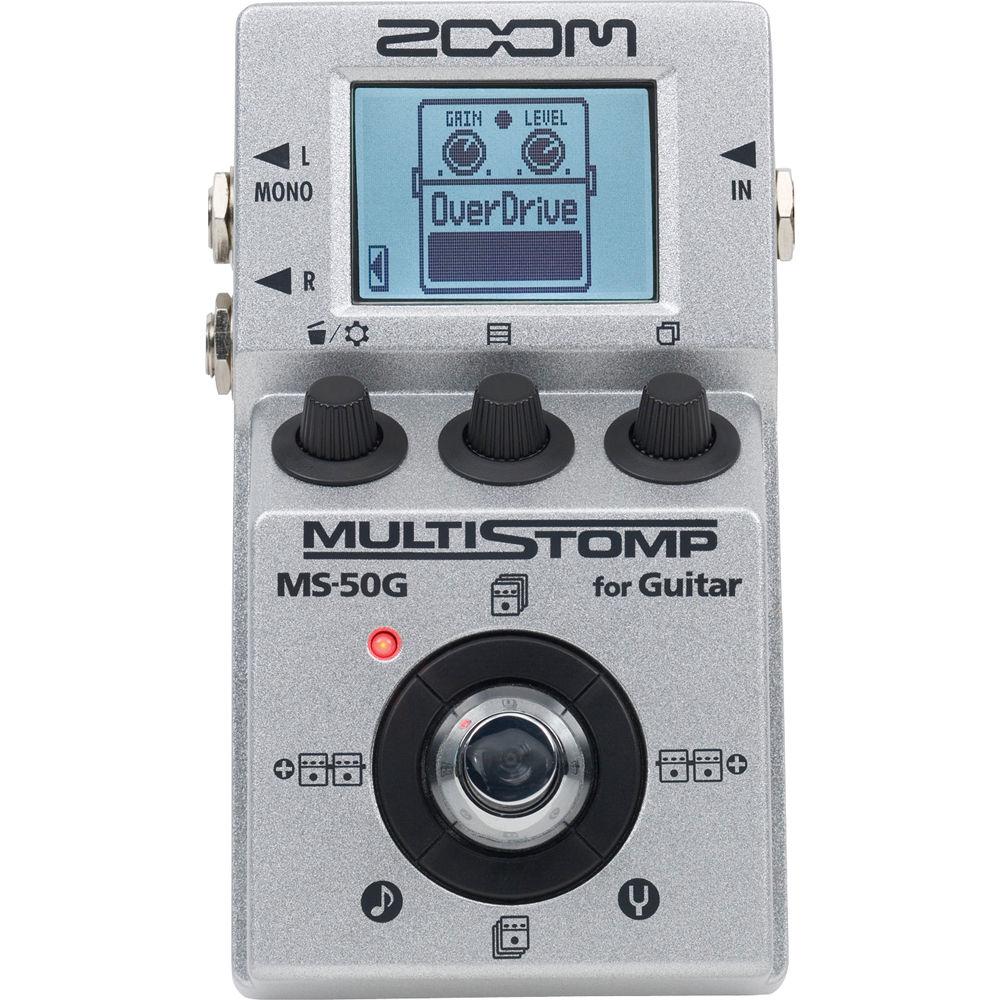
Product description Designed to provide a multitude of guitar tones and axe-effects at the tap of your toe, the MS-50G MultiStomp Guitar Pedal from Zoom is a stompbox sporting distortion, modulation effects, dynamics processing, amp emulation, delay, chorus, reverb, and more. This pedal allows you to combine any six effects in any order. To store your custom-tailored effects, there are 50 on-board patch-memory slots. Furthermore, an Auto Save function will make sure that any edit you make to any preset you've created will, as the name suggests, be saved automatically.
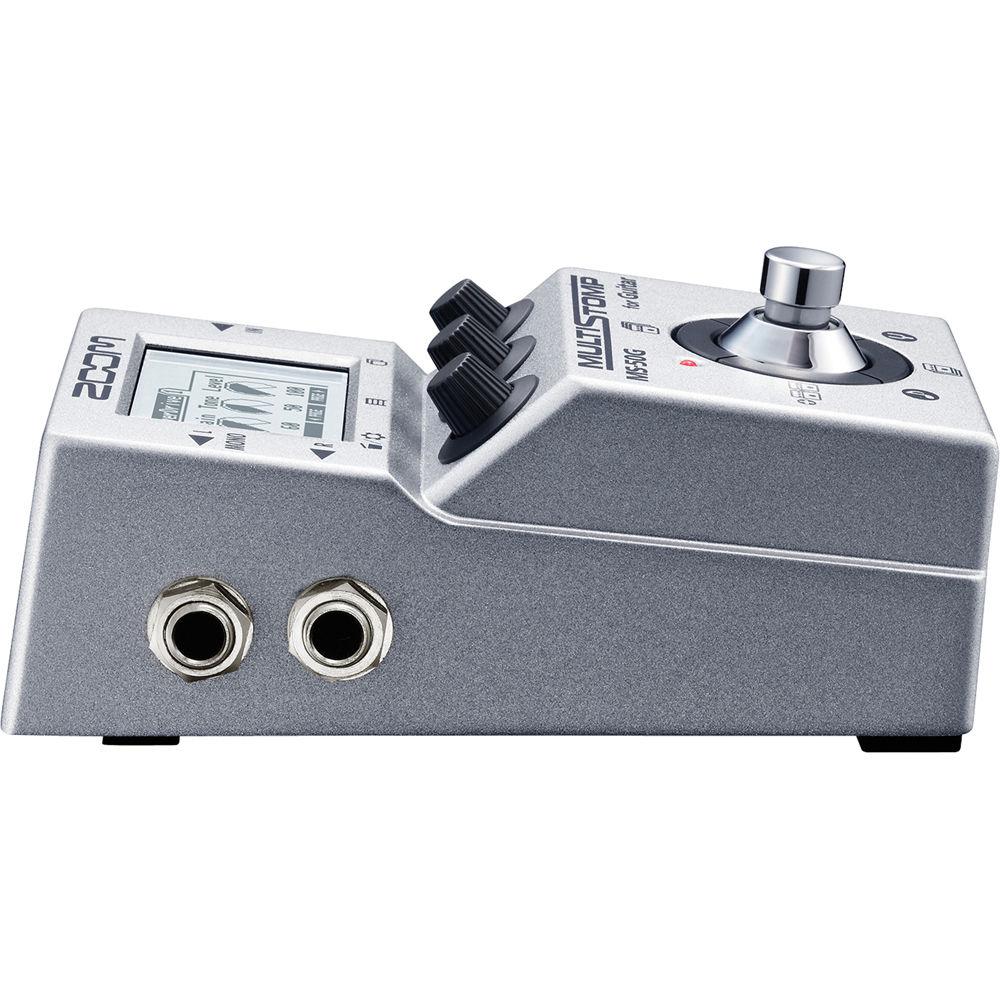
You can cycle through 26 patches in any order you choose, thus satisfying your inevitable wish—if you've ever interfaced with a giant pedal board—to simply single-stomp your way through an entire set-list. A single 1/4" input handles both active and passive instruments, though the device sports dual output jacks to facilitate true stereo, either live or in recording. An on-board chromatic tuner and tap-tempo feature are also provided. - An Overview of Features
-
- 100 guitar effects and amp models, including modulation, equalization, delay, and reverb
- Up to 6 effects can be used simultaneously, in any order
- 50 memory locations for the storage of user-created patches
- 30 preset patches
- Patch cycling
- Onboard chromatic tuner supports all standard guitar tunings, including open and drop tunings
- Tap Tempo for synchronization of delay times or modulation rates
- Auto Save function for automatic saving of all patch parameters
- 1 x 1/4” input jack (both active and passive instruments supported)
- 2 x 1/4" output jacks
- Backlit LCD with contrast control for easy viewing in low-light environments
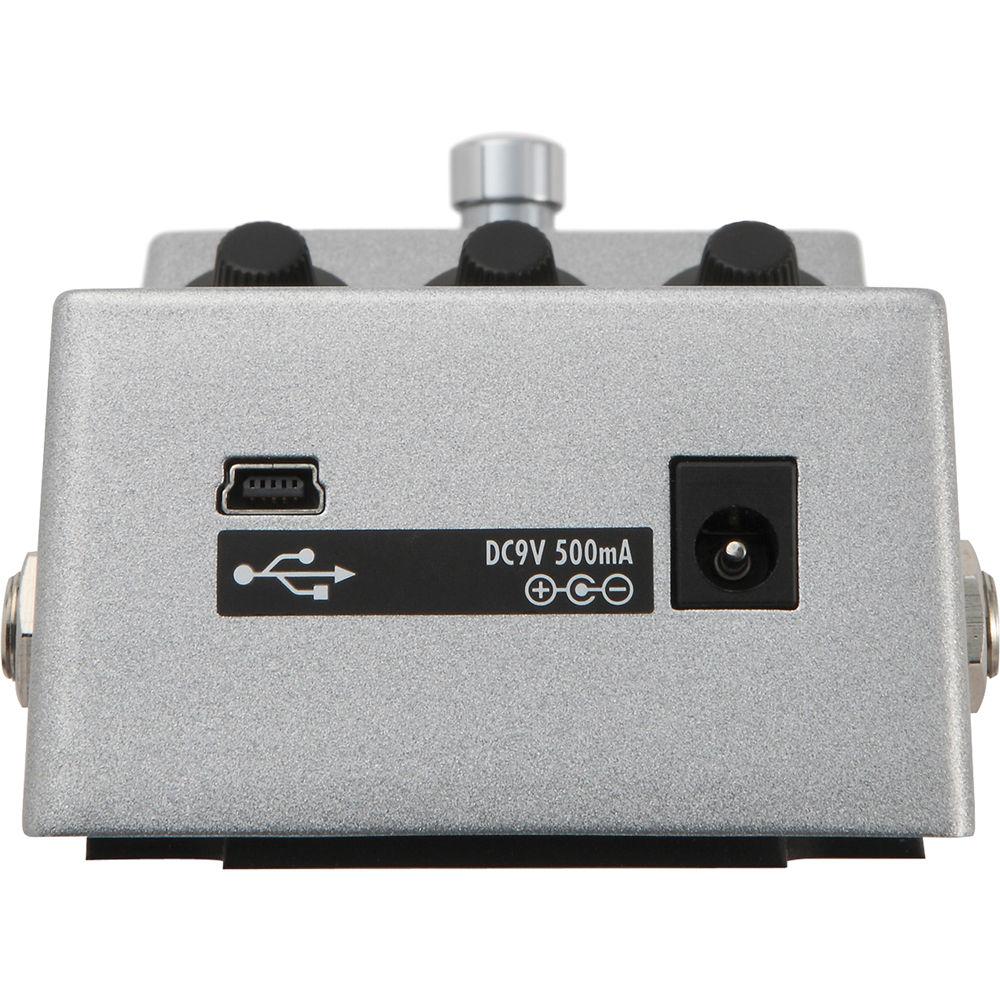
- USB port for power and firmware updates
- Lightweight and small enough to fit in your gig bag
- Easily integrated into any existing pedalboard
- Runs on 2 AA batteries, with alkaline battery life of up to 7 hours
Specific Effects - Dynamics / Filter
- 12 modules, including compressors, equalizers, filters, a ZNR noise suppressor, and emulations of the MXR Dyna Comp, Moog MF-101, and Z. Vex Seek-Wah
- Overdrive and Distortion
- 12 boosters, overdrives, and fuzz tones including simulations of the BOSS OD-1, DS-1, and Metal Zone, as well as the Ibanez TS808, MXR Distortion+, Matchless Hot Box, Electro-Harmonix Big Muff, and Pro Co Rat
- Amp Simulations
- 8 amp models, including emulations of Fender, Marshall, Vox, Two Rock, Diezel, and ENGL, each with their own cabinet modeling; pair any amp to any cabinet, and match output to actual setup you're playing through (options include Line, Combo Front, Stack Front, Combo Power Amp, and Stock Power Amp)
- Modulation and Special Effects
- 13 modulation and special effects including phasing, flanging, chorusing, tremolo, vibrato, detuning, octave dividing, pitch shifting, harmonizer and simulations of the Boss CH-1 Super Chorus and ADA flanger
- Delays and Reverbs
- A 32-bit floating-point microchip enables 10 naturalistic reverbs and delays, including reverse, modulated, and self-oscillating
UPC: 884354010980 In the Box Zoom MS-50G MultiStomp Guitar Pedal 2 x AA Batteries 1-Year Limited Warranty Table of Contents
|
Upload User Manual
Have you got an user manual for the Zoom MS-50G MultiStomp Guitar Pedal in electronic form? Please send it to us and help us expand our library of instruction manuals.
Thank you, too, on behalf of other users.
To upload the product manual, we first need to check and make sure you are not a robot. After that, your "Submit Link" or "Upload File" will appear.
Technical parametersZoom ZMS-50G Specs | Effects | 100 | | Simultaneous Effects | 6 maximum | | Patch Memory Banks | 50 | | Presets | 30 | | Sampling Frequency | 44.1 kHz | | AD/DA Conversion | 24-bit, 128x over-sampling | | Signal Processing | 32-bit floating point and 32-bit fixed point | | Frequency Response | 20 Hz to 20 kHz (+1 dB / -3 dB into 10 kOhms load) | | Display | LCD | | Input | 1 x 1/4" mono jack | | Rated Input | -20 dBm | | Input Impedance | 1 MOhm | | Output | 2 x 1/4" mono jacks | | Maximum Output Level | +5 dBm | | Output Impedance | 10 kOhms or more | | Battery Type | 2 x AA (LR6), alkaline | | Continuous Battery Life | 7 hours typical | | Power Supply | 9 VDC, 500 mA with center-pin negative | | USB | 1 x mini-USB Type-B, firmware updates and bus-powering | | Dimensions (D x W x H) | 5.1 x 3.1 x 2.3" / 13.0 x 7.8 x 5.9 cm | | Weight | 12.3 oz / 350.0 g (without batteries) | | | | Package Weight | 1.25 lb | | Box Dimensions (LxWxH) | 6.4 x 3.8 x 3.1" |
Rating100% users recommend this product to others. And what about you?

This product has already been rated by 84 owners. Add your rating and experience with the product.
Discussion
 Ask our technicians if you have a problem with your settings,
or if anything is unclear in the user manual you have downloaded.
You can make use of our moderated discussion.
The discussion is public and helps other users of our website who may be encountering similar problems.
Ask our technicians if you have a problem with your settings,
or if anything is unclear in the user manual you have downloaded.
You can make use of our moderated discussion.
The discussion is public and helps other users of our website who may be encountering similar problems.
The discussion is empty - enter the first post
Post a new topic / query / comment:
|
|


