User Manual for ZyXEL NWA1123-ACV2 802.11ac Dual-Radio Ceiling Mount PoE Access Point Click to enlarge the picture
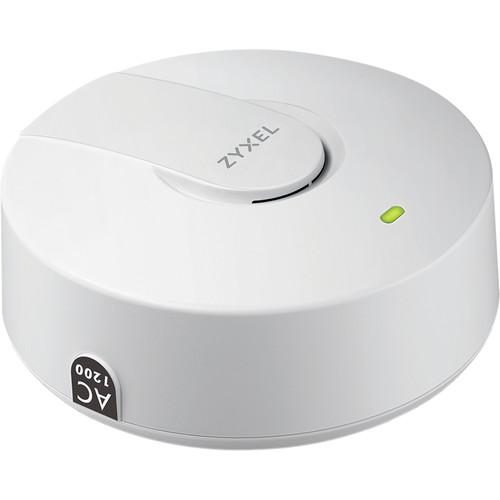 Contents of the user manual for the ZyXEL NWA1123-ACV2 802.11ac Dual-Radio Ceiling Mount
- Product category: Wireless Access Points ZyXEL
- Brand: ZyXEL
- Description and content of package
- Technical information and basic settings
- Frequently asked questions – FAQ
- Troubleshooting (does not switch on, does not respond, error message, what do I do if...)
- Authorized service for ZyXEL Wireless Access Points
 |
User manual for the ZyXEL NWA1123-ACV2 802.11ac Dual-Radio Ceiling Mount contain basic instructions
that need to be followed during installation and operation.
Before starting your appliance, the user manual should be read through carefully.
Follow all the safety instructions and warnings, and be guided by the given recommendations.
User manual is an integral part of any ZyXEL product,
and if it is sold or transferred, they should be handed over jointly with the product.
Following the instructions for use is an essential prerequisite for protecting
health and property during use, as well as recognition of liability on the part of the manufacturer
for possible defects should you make a warranty claim. Download an official ZyXEL user manual in which you will find instructions on how to install, use, maintain and service your product.
And do not forget – unsuitable use of a ZyXEL product will considerably shorten its lifespan!
|
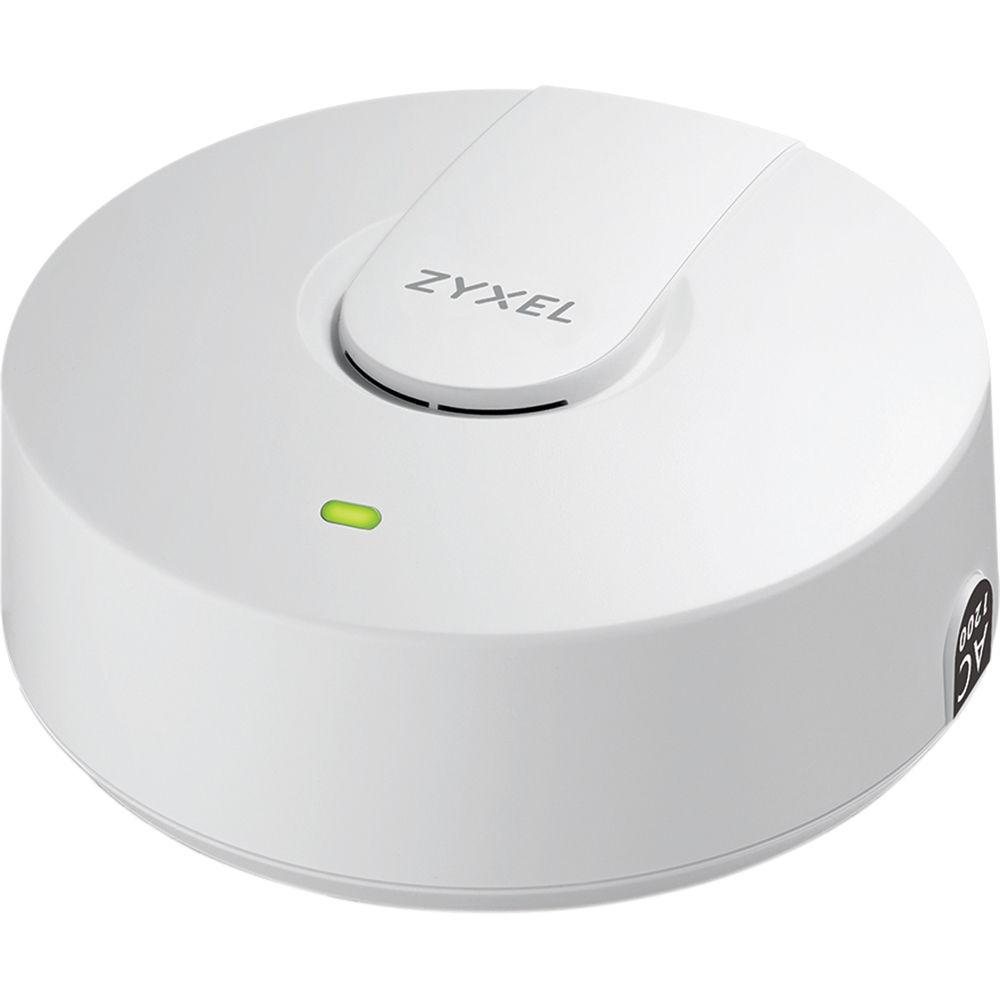
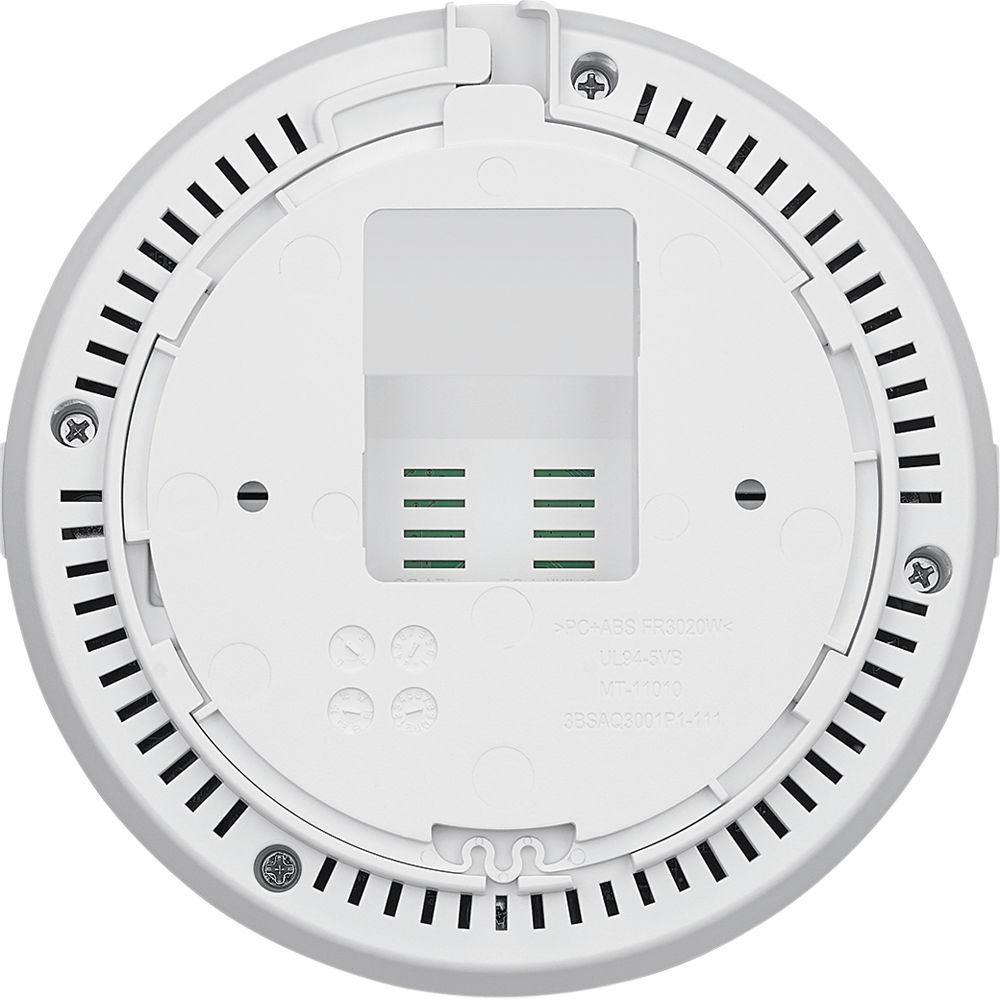
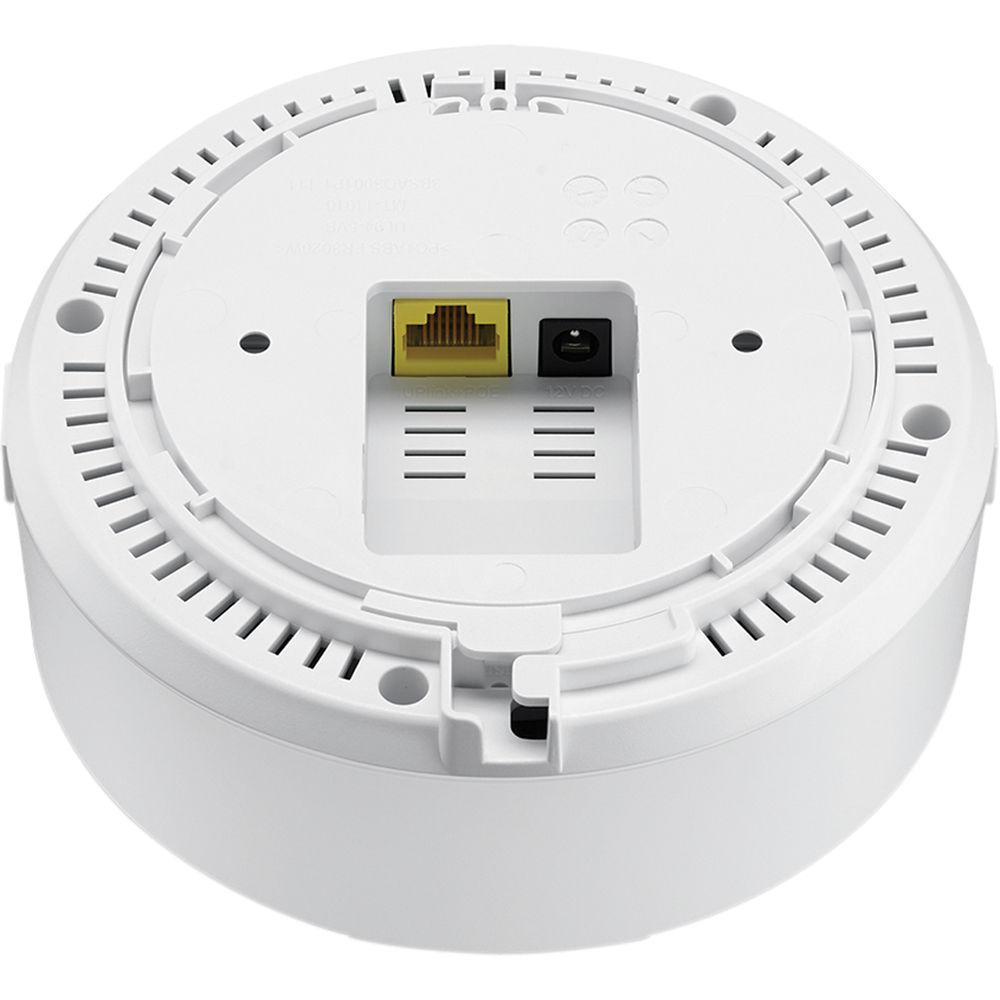
Product description The NWA1123-ACV2 802.11ac Dual-Radio Ceiling Mount PoE Access Point from ZyXEL offers a streamlined control-less deployment for a trouble-free wireless LAN experience. Install the AP wherever desired and the device will automatically acquire its IP address. The ZAC will take over the multiple-AP configuration and help to complete firmware upgrades and profile backups when needed in three easy steps. After the completion of the configuration, the administrator can easily monitor the status using any available SNMP tool. The smoke detector-style form factor with embedded antenna module and optimized radiation pattern makes this access point suitable for indoor ceiling-mount installation, providing smooth Wi-Fi service without detracting from interior design aesthetics. This access point supports repeater operating mode and features multiple SSID and Wi-Fi security provided by WPA2 Enterprise and Layer-2 isolation, making it suitable for small businesses, hotels, and school environments.
Constructed from non-toxic casing materials, the NWA1123-ACv2 is safe to install in plenum areas, as it won't release hazardous vapor emissions in the event of a fire.The Zyxel Smart Connect allows Zyxel networking equipment to be aware and recognize each other, facilitating the network maintenance via one-click remote functions such as factory reset or power cycling. Featuring dynamic channel selection (DCS) and load balancing, it avoids interference from co-channel and channel overlapping at initialization. The load balancing allows administrators to easily limit the number of clients associated with each AP.The NWA1123-ACv2 PoE access point also provides repeater/root-AP mode compatibility with Zyxel's Unified Pro Series and Unified Series APs. This feature allows users to extend wireless connectivity to challenging locations. - Maximal ratio combining (MRC)
- 20-MHz, 40-MHz, and 80-MHz channels
- PHY data rates total up to 300 Mb/s (11n) + 866 Mb/s (11ac)
- Packet aggregation: A-MPDU (Tx/Rx), A-MSDU (Tx/Rx)
- Supports Cyclic Delay diversity (CSD), Maximum Likelihood Demodulation (MLD), and Low Density Parity Check (LDPC)
- 2 x 2 multiple-input multiple-output (MIMO) with two spatial streams
- Eliminates dead spots with same output power by using reflector to optimize pattern for better coverage
- All-solid capacitor design
- Compact ceiling-mount design with optimized RF performance
- Enterprise class 2x2 802.11ac AP supports combined data rates of up to 1200 Mb/s
- Flexible operating modes (stand-alone, root-AP/repeater mode)
- Reliable software and robust hardware design
Table of Contents
|
Upload User Manual
Have you got an user manual for the ZyXEL NWA1123-ACV2 802.11ac Dual-Radio Ceiling Mount PoE Access Point in electronic form? Please send it to us and help us expand our library of instruction manuals.
Thank you, too, on behalf of other users.
To upload the product manual, we first need to check and make sure you are not a robot. After that, your "Submit Link" or "Upload File" will appear.
Technical parametersZyXEL NWA1123-ACV2 Specs | Wireless Frequency | 2.4 GHz and 5 GHz | | Radio | 2 | | Frequency Band | 2.4 GHz (11 g/n):
2.4 GHz (IEEE 802.11 b/g/n)
USA (FCC): 2.412 to 2.462 GHz
Europe (ETSI): 2.412 to 2.472 GHz
5 GHz (IEEE 802.11 a/n/ac)
USA (FCC): 5.15 to 5.35 GHz; 5.725 to 5.850 GHz
Europe (ETSI): 5.15 to 5.35 GHz; 5.470 to 5.725 GHz | | Max Transmit Power | US (FCC) 2.4 GHz: 23 dBm, 2 antennas
US (FCC) 5 GHz: 26 dBm, 2 antennas
EU (ETSI) 2.4 GHz: 20 dBm, 2 antennas
EU (ETSI) 5 GHz: 26 dBm, 2 antennas | | Number of Antennas | 2T2R MIMO | | Antenna Gain | 2.4 GHz: 3 dBi
5 GHz: 4 dBi | | Data Rates Supported | 802.11a/g: 1, 2, 5.5, 6, 9, 11, 12, 18, 24, 36, 48, and 54 Mb/s
802.11n: Up to 300 Mb/s in MCS15 (40 MHz, GI=400 ns)
802.11ac: Up to 866 Mb/s in MCS9 (80 MHz, 2 spatial Streams; GI=400 ns) | | Receive Sensitivity | 2.4 GHz:
802.11b/g, minimum up to -99 dBm
802.11n/20 MHz, minimum up to -93 dBm
802.11n/40 MHz, minimum up to -88 dBm
5 GHz
802.11a, minimum up to -95 dBm
802.11n/20 MHz, minimum up to -94 dBm
802.11n/40 MHz, minimum up to -92 dBm
802.11ac/80 MHz, minimum up to -89 dBm | | LAN | Number of 10/100/1000 Mb/s LAN ports: 1
PoE available
PoE power draw: 9 W | | WLAN security | WEP
WPA/WPA2-PSK
WPA/WPA2-Enterprise
EAP-TLS, EAP-TTLS, EAP-PEAP, EAP-FAST, EAP-AKA and EAP-SIM
Wi-Fi compliant
IEEE 802.1X
16 multiple SSID
MAC filtering
L2 Isolation (multiple profile)
RADIUS authentication | | Network | IPv6 support
VLANs
DHCP client | | Utility | ZON utility
Discover ZyXEL switches, APs, and gateways
Centralized and Batch configuration: IP configuration, IP renew, Device reboot, Device locating, Web GUI access, Firmware upgrade, Password configuration, One-click quick association with ZyXEL AP Configurator (ZAC) | | Management | ZAC
Batch AP configuration
Batch AP firmware upgrade
Batch AP profile backup
CLI, SSH
SNMP | | Standalone | Standalone AP Mode: Yes | | Plenum Rated | Yes | | MTBF | Per hour: 1,727,244 | | Standard Compliance | Ethernet: IEEE 802.3, IEEE 802.3u, IEEE802.11ac, IEEE 802.3az, IEEE 802.3af
WLAN:
802.11b: DBPSK, DQPSK, CCK
802.11g: BPSK, QPSK, 16-QAM, 64-QAM
802.11a: BPSK, QPSK, 16-QAM, 64-QAM
802.11n: BPSK, QPSK, 16-QAM, 64-QAM
802.11ac: BPSK, QPSK, 64-QAM, 256-QAM | | Power Supply | Input: 100 to 240 VAC, 50/60 Hz 0.3 A
Output: 12 VDC, 1 A | | Operating Environment | Temperature: 32 to 122°F / 0 to 50°C
Humidity: 10 to 90% non-condensing | | Storage Environment | Temperature: -22 to 158°F / -30 to 70°C
Humidity: 10 to 90% | | Dimensions | 5.1 x 5.1 x 2.2" / 130 x 130 x 54.7 mm | | Weight | 0.67 lb / 0.3 kg |
Rating80% users recommend this product to others. And what about you?

This product has already been rated by 02 owners. Add your rating and experience with the product.
Discussion
 Ask our technicians if you have a problem with your settings,
or if anything is unclear in the user manual you have downloaded.
You can make use of our moderated discussion.
The discussion is public and helps other users of our website who may be encountering similar problems.
Ask our technicians if you have a problem with your settings,
or if anything is unclear in the user manual you have downloaded.
You can make use of our moderated discussion.
The discussion is public and helps other users of our website who may be encountering similar problems.
The discussion is empty - enter the first post
Post a new topic / query / comment:
|
|


