|
User Manual for ZyXEL NWA5123-AC 802.11ac Dual-Radio Unified Access Point Click to enlarge the picture
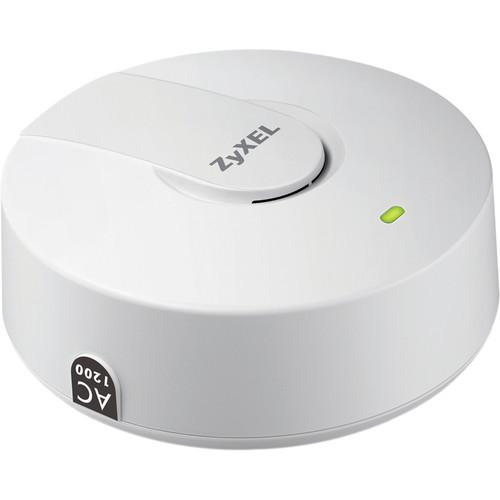 Contents of the user manual for the ZyXEL NWA5123-AC 802.11ac Dual-Radio Unified Access
- Product category: Wireless Access Points ZyXEL
- Brand: ZyXEL
- Description and content of package
- Technical information and basic settings
- Frequently asked questions – FAQ
- Troubleshooting (does not switch on, does not respond, error message, what do I do if...)
- Authorized service for ZyXEL Wireless Access Points
 |
User manual for the ZyXEL NWA5123-AC 802.11ac Dual-Radio Unified Access contain basic instructions
that need to be followed during installation and operation.
Before starting your appliance, the user manual should be read through carefully.
Follow all the safety instructions and warnings, and be guided by the given recommendations.
User manual is an integral part of any ZyXEL product,
and if it is sold or transferred, they should be handed over jointly with the product.
Following the instructions for use is an essential prerequisite for protecting
health and property during use, as well as recognition of liability on the part of the manufacturer
for possible defects should you make a warranty claim. Download an official ZyXEL user manual in which you will find instructions on how to install, use, maintain and service your product.
And do not forget – unsuitable use of a ZyXEL product will considerably shorten its lifespan!
|
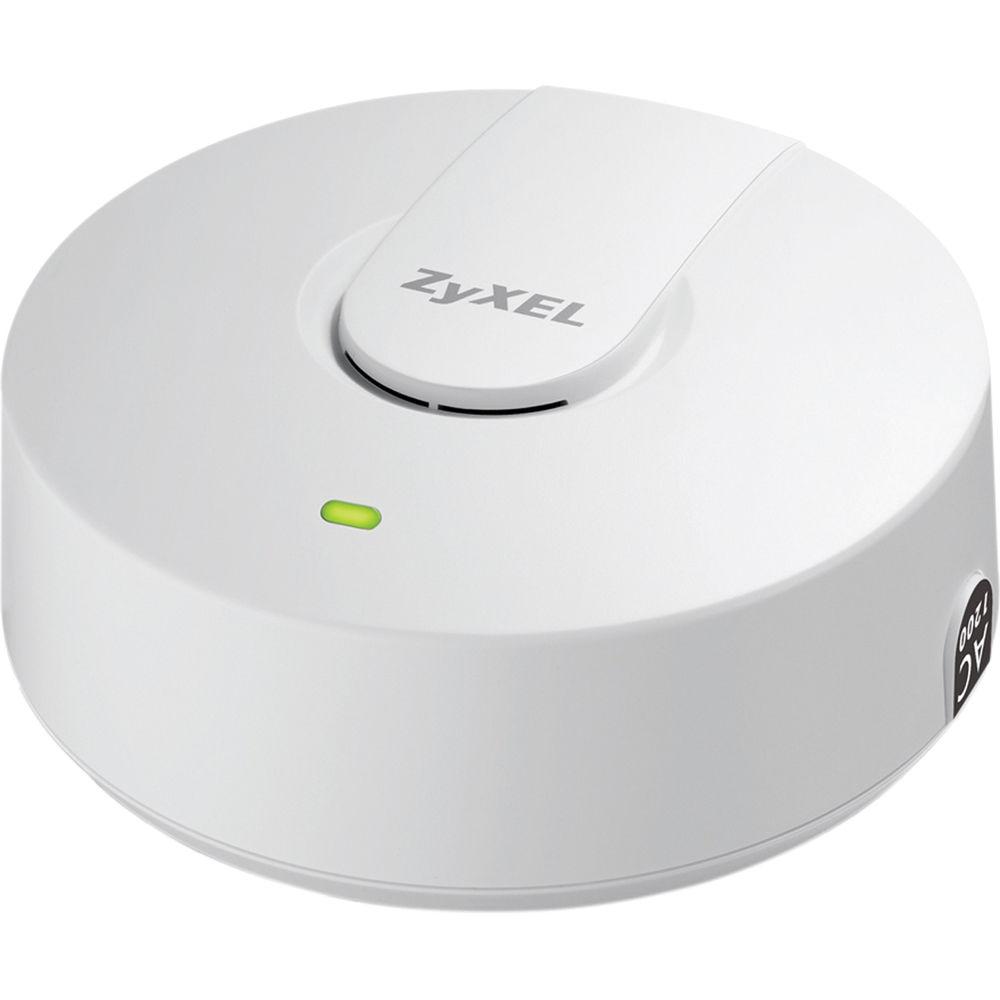
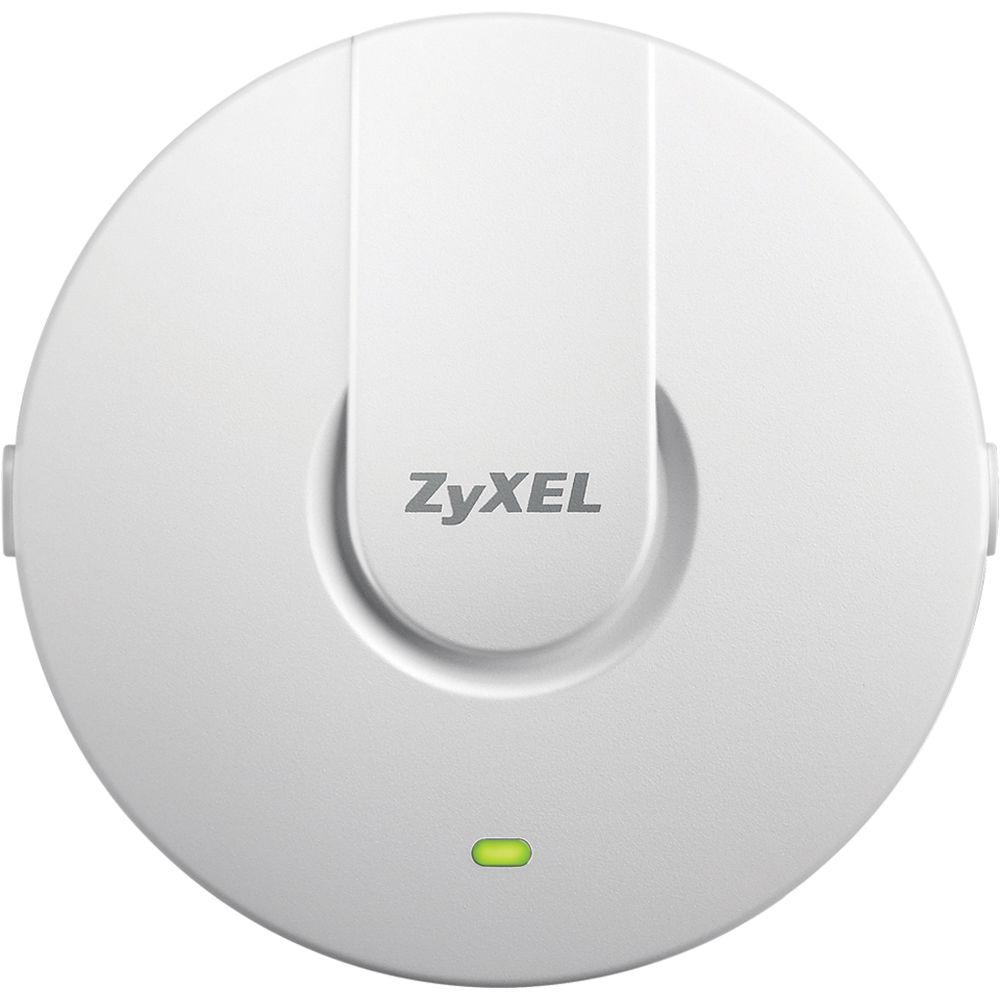
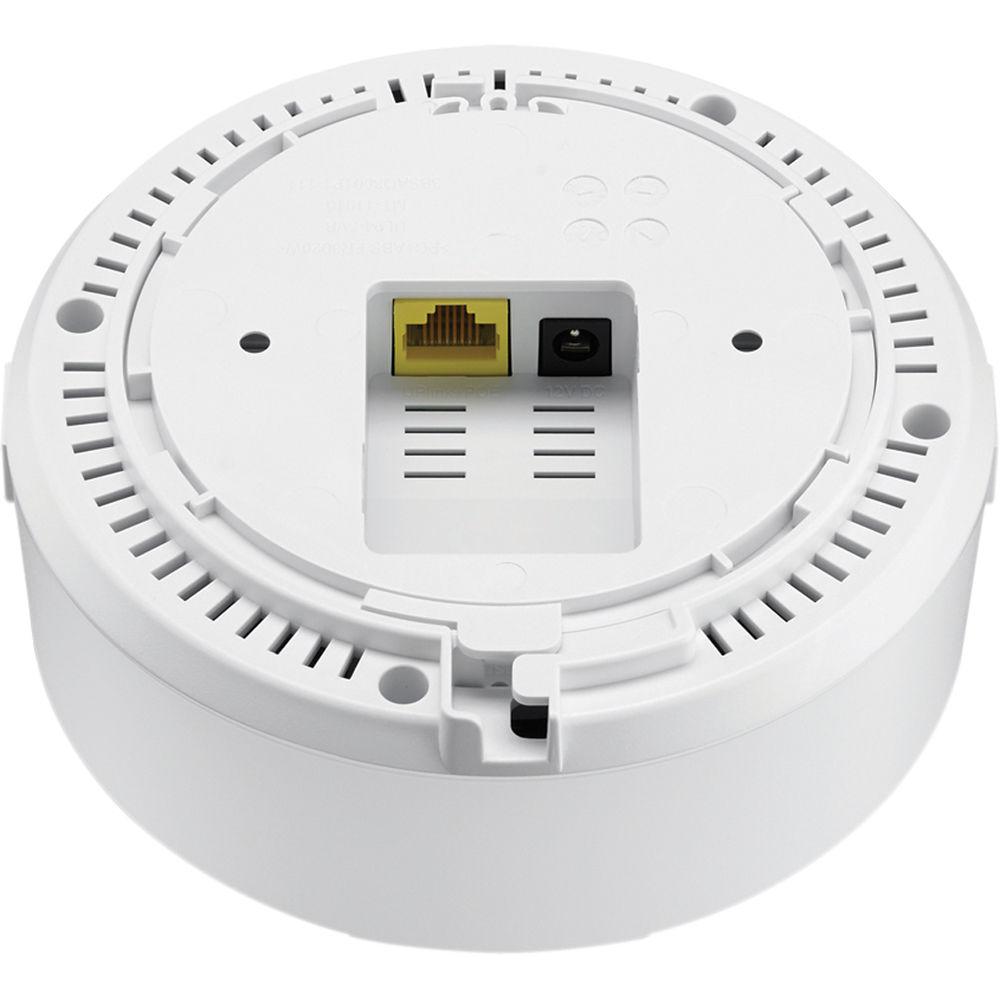
Product description The pack of three, NWA5123-AC 802.11ac Dual-Radio Unified Access Points from ZyXEL feature a “smoke detector” ceiling-mount design that provides better coverage and performance. Each unit features a 2-in-1 standalone/managed Access Points (AP) design that enables users to initially use it as a standalone AP, and convert it to a controller-managed AP when Wi-Fi demand grows. The embedded antennas and signal output are fine-tuned to provide easy RF planning and maximum signal coverage. It also supports such features as dynamic channel selection, load balancing, and pre-authentication for improved Wi-Fi experience.The NWA5120-AC are a PoE AP with a multifunction design that offers internal as well as external antennas to enhance wireless performance and to eliminate coverage dead spots. Moreover, the signal outputs have been fine-tuned to provide easy RF planning and improved signal coverage especially for hospitality and education environments. The access points has been designed with plenum rating and made of non-toxic materials without hazardous emission, making it suitable for public indoor wireless deployments.To streamline the management process, the NWA5120-AC access points come with the ZyXEL One Network (ZON) utility, allowing administrators to assign IP addresses to multiple APs through just one platform. Administrators can avoid the hassle logging into each AP to change the default IP addresses before physical installation.
The ZyXEL One Network is designed to simplify the configuration, management, and troubleshooting, allowing our customers to focus on the business priorities. The One Network comes with the ZyXEL One Network Utility (ZON Utility) for speedy network setup. The Smart Connect allows ZyXEL networking equipment to be aware and recognize each other and further facilitating the network maintenance via one-click remote functions such as factory reset or power cycling. The One Network redefines the network integration across multiple networking products from switch to Wi-Fi AP and to gateway.The NWA5120-AC Unified AP can be configured as a fully functional standalone AP. It is also capable of working with wireless LAN controller to form a controller-based WLAN solution with centralized management when Wi-Fi demand grows, as well as auto AP provisioning over both LAN and WAN connections. After being installed and powered on, the AP automatically looks for the wireless LAN controller and establishes connections. Utilizing the CAPWAP protocol, connections can be established between the controller and AP without needing to change the existing LAN infrastructure.Featuring the 802.11ac standard, the NWA5123-AC access points not only provides data rates of up to 1200 Mb/s, but also optimizes signal with its antenna design to offer improved user experience through a higher number of parallel video data streams for minimized latency on the network. Additionally, the concurrent dual-band support enables NWA5123-AC to satisfy clients using both 2.4 GHz and 5 GHz at the same time and is suitable for high-density applications such as hospitality, education, and business.The NWA5120-AC access points feature APFlex to simplify managed/standalone AP mode configuration to integrate with network environments automatically and to eliminate the need for pre-installed preparations. To deliver optimized wireless experience for users, the access point features DCS (Dynamic Channel Selection), Load Balancing, and Smart Client Steering.The DCS (Dynamic Channel Selection) avoids interference from co-channel and channel overlapping at initialization, while Load Balancing enables administrators to set limits on the number of clients associated with each AP. Furthermore, Smart Client steering features Band Select, Signal Threshold, and Band Balancing for stable, reliable wireless connections. Band Select and Signal Threshold monitor the capabilities of each wireless client and steer them to the less-congested band and the AP with better signal. Band Balancing detects dual-radio clients and distributes clients across 2.4 GHz and 5 GHz bands on AP. - Ceiling and wall mountable
- Two-in-one standalone/managed AP design
- CAPWAP management supported
- Enterprise class 2x2 802.11ac AP supports combined data rates of up to 1200 Mb/s
- APFlex and ZyXEL One Network utilities make deployment simple and fast
WPA2 Enterprise - The NWA5120-AC access points feature a WPA2 enterprise protection and supports a wide range of Extensible Authentication Protocol (EAP) types. It can be seamlessly integrated with deployed corporate RADIUS servers.
ZyMesh - The Wireless Mesh is an array of access points automatically forming dynamic wireless links. Built on this foundation of mesh networking, ZyMesh is ZyXEL's proprietary protocol for creating wireless mesh links for easy configuration, optimized management, and enhanced reliability.
Wireless Layer-2 Isolation - The Layer-2 isolation protects private networks among client users, allowing users to access their shared devices without entering the rest of a private network for enhanced security. In addition, the intra-BSS blocking prevents different Wi-Fi clients associated with the same AP from seeing each other and each other's data.
ZyXEL AP Configurator - While deploying a number of APs, repetitive configuration of each unit takes time and effort. The ZyXEL AP Configurator (ZAC) builds templates that allow users to copy one profile to several APs, allowing batch firmware upgrades and profile backups in three easy steps to significantly reduce configuration time and effort.
ZyXEL APFlex - ZyXEL APFlex includes Zero-touch AP mode changing and Automatic IP configuration functions. The Zero-touch AP mode setting detects if there is an existing ZyXEL controller and to choose stand-alone or managed mode accordingly. The Automatic IP configuration removes manual configuration and allows the AP to set itself to fixed or dynamic IP address automatically. With these two features, IT administrators can skip the two critical settings that had to be handled manually on legacy products and focus to more critical configuration tasks instead.
ZyXEL Wireless Optimizer - The ZyXEL Wireless Optimizer (ZWO) provides a powerful tool for centralized management covering initial planning, adjustment during deployment and after-sale maintenance of an AP network. Architects can simulate AP deployment on a map displaying the number of APs needed. During deployment, ZWO will also map actual signal coverage for architects to adjust their AP locations or configurations. After-sale, network administrators can access key performance details from ZWO, including channel in use, transmit retry rate and frame error rate, as well as the devices on the environment map. ZWO's user-friendly presentation saves time and facilitates quick response to the network problems.
Table of Contents
|
Upload User Manual
Have you got an user manual for the ZyXEL NWA5123-AC 802.11ac Dual-Radio Unified Access Point in electronic form? Please send it to us and help us expand our library of instruction manuals.
Thank you, too, on behalf of other users.
To upload the product manual, we first need to check and make sure you are not a robot. After that, your "Submit Link" or "Upload File" will appear.
Technical parametersZyXEL NWA5123AC3PACK Specs | Wireless Frequency | 2.4 GHz and 5 GHz | | Radio | 2 | | Antenna | Embedded 2x2 3 dBi/4 dBi antenna | | Frequency Band | 2.4 GHz (11 g/n):
2.4 GHz (IEEE 802.11 b/g/n)
USA (FCC): 2.412 to 2.462 GHz
Europe (ETSI): 2.412 to 2.472 GHz
Taiwan (TW): 2.412 to 2.462 GHz
5 GHz (IEEE 802.11 a/n/ac)
USA (FCC): 5.15 to 5.35 GHz; 5.725 to 5.850 GHz
Europe (ETSI): 5.15 to 5.35 GHz; 5.470 to 5.725 GHz
Taiwan (TW): 5.15 to 5.35 GHz; 5.725 to 5.850 GHz | | Max Transmit Power | US (FCC) 2.4 GHz: 20 dBm, 2 antennas
US (FCC) 2.4 GHz: 26 dBm, 2 antennas
â¿¿EU (ETSI) 2.4 GHz: 20 dBm, 2 antennas
EU (ETSI) 5 GHz: 26 dBm, 2 antennas | | Receive Sensitivity | 2.4 GHz:
802.11b/g, min. up to -99 dBm
802.11n/20 MHz, min. up to -93 dBm
802.11n/40 MHz, min. up to -88 dBm
5 GHz
802.11a, min. up to -95 dBm
802.11n/20 MHz, min. up to -94 dBm
802.11n/40 MHz, min. up to -92 dBm
802.11ac/40 MHz, min. up to -92 dBm
802.11ac/80 MHz, min. up to -89 dBm
| | LAN | Number of 10/100/1000 Mb/s LAN ports: 1
PoE available
PoE power draw: 9 W | | WLAN security | Support data rate:
802.11 a/g: 1, 2, 5.5, 6, 9, 11, 12, 18, 24,36, 48, and 54 Mb/s
802.11n: up to 300 Mb/s in MCS15 (40 MHz; GI=400 ns)802.11ac: up to 866 Mb/s in MCS9(80 MHz; 2 spatial streams; GI = 400 ns)
WMM (Wi-Fi certified), WEP, WPA/WPA2-PSK, WPA2 (Wi-Fi certified), WPA/WPA2-Enterprise available
IEEE 802.1X
Number of Multiple SSID: 16
MAC filtering
RADIUS authentication
EAP types: TLS, TTLS, PEAP, FAST, AKA and SIM
Rogue AP detection | | Network | VLANs and DHCP client available | | QoS | WMM, WMM power saving | | Utility | ZON utility
Discover ZyXEL switches, APs and gateways
Centralized and Batch configuration: IP configuration, IP renew, Device reboot, Device factory reset, Device locating, Web GUI access, Firmware upgrade, Password configuration, One-click quick association with ZyXEL AP Configurator (ZAC) | | Smart Select | Discover neighboring devices
One-click remote management access to the neighboring ZyXEL devices | | Management | ZAC
Batch AP configuration
Batch AP firmware upgrade
Batch AP profile backup
CLI | | Plenum Rated | Yes | | MTBF | Per hour: 1,727,244 | | Standard Compliance | Ethernet: IEEE 802.3, IEEE 802.3u
PoE: IEE 802.3af
Radio Modulation:
IEEE 802.11a/g(OFDM/DSSS): 48/54 Mb/s, (QAM-64), 24/36 Mb/s, QAM-16, 12/18 Mb/s (QPSK), 6/9 Mb/s (BPSK)
IEEE 802.11b(DSSS): 5.5/11 Mb/s (CCK), 2 Mb/s (DQPSK), 1 Mb/s (DBPSK)
IEEE 802.11n (OFDM/DSSS): QAM-64, QAM-16, QPSK, BPSK
IEEE 802.11ac (OFDM/DSSS): 256-QAM, 64-QAM, QPSK, BPSK | | Certifications & Approvals | Radio: ETSI EN 300 328, V1.7.1 : 11-2006, EN 301 893 V1.5.1, FCC Part 15.247, FCC Part 15E, LP0002, EN 60601-1-2 : 2007
EMC: EN 301 489-1 V1.8.1: 11-2008, EN 301 489-17 V2.1.1: 05-2009, EN55022:2010, EN55024:2010, EN61000-3-2/-3, FCC Part 15.107, BSMI CNS13438.99, CNS14336:99
Safety: EN 60950-1: 2006 + A11: 2009 + A1: 2010 + A12: 2011, IEC 60950-1: 2005, BSMI | | Power Requirement | 12 VDC, 1 A | | Operating Environment | Temperature: 32 to 122°F / 0 to 50°C
Humidity: 10 to 90% non-condensing | | Storage Environment | Temperature: -22 to 158°F / -30 to 70°C
Humidity: 10 to 90% | | Dimensions | 5.1 x 5.1 x 2.1" / 130 x 130 x 54.5 mm | | Weight | 0.67 lb / 0.3 kg |
Rating70% users recommend this product to others. And what about you?

This product has already been rated by 98 owners. Add your rating and experience with the product.
Discussion
 Ask our technicians if you have a problem with your settings,
or if anything is unclear in the user manual you have downloaded.
You can make use of our moderated discussion.
The discussion is public and helps other users of our website who may be encountering similar problems.
Ask our technicians if you have a problem with your settings,
or if anything is unclear in the user manual you have downloaded.
You can make use of our moderated discussion.
The discussion is public and helps other users of our website who may be encountering similar problems.
The discussion is empty - enter the first post
Post a new topic / query / comment:
|
|
|
| Request for user manual |
You can’t find the operation manual you are looking for? Let us know and we will try to add the missing manual:
I’m looking for a manual / Request for manual
Current requests for instruction manuals:
Call Of Duty World War Two For Xbox...
controller stratus XL...
stratus XL...
smart whatch serie S11 42mm...
Allen & Heath SQ-6 manual...
|
| Discussion |
Latest contributions to the discussion:
AEW R 4100
Name: MAURICIO ANGARITA
Audio-Technica AEW-R4100 UHF Diversity Receiver for
AEW R 4100 has the mute function blocked and does not allow audio to pass. I tried several times to turn off the mute from the transmitter but it does nothing, the mute stays on. Solution?
Thank you...
Instructions for assembling the 2015 Forecast Image Master Consoles GC3-A
Name: mike elam
Forecast Consoles GC3-A ImageMaster Editing Console
Looking for instructions for assembling this console. ...
EMPTY TONER ERROR MESSAGE AFTER REPLACING TONER
Name: LINDA BAD YELLOW EYES
Brother TN223BK Standard-Yield Toner
I HAD TO CHANGE OUT ALL THREE TONERS DUE TO LEAKS IN THE YELLOW AND CYAN. AFTER I REPLACED THEM, THE MACHINE KEEPS GIVING ME AN EMPTY TONER ERROR MESSAGE. HELP!!...
PS480D 20/24 pin Switching 480W Power Supply
Name: swkargo
Logisys 480W Power Supply
This item states in can run -5vdc .It is NOT listed on the board or I beleive is r4 is missing the resitior. Any body have thid issue. Shawn
...
Help needed
Name: Ann Carter
SanDisk 1TB Extreme Portable USB 3.1
When I click the link to download the user manual for my Sandisk Extreme external hard drive, it gives me the manual for the LG Cricket. Can you please change the link so I can download the Sandisk manual and begin using this drive? Thank you....
|
|


