|
User Manuals for Computer PeripheralsYou have selected the product series Computers - Computer Peripherals. Now choose the brand, model or product code you are looking for. If it is not available, you can request it from customer support.
Sub-categories – select a sub-category:
Keyboards & Accessories - KVM - Mice & Pointing devices - Speakers, Headsets, Mics & Webcams
| Showing: 2501-2510 products | Total: 3561 products | | 1 ... 249 | 250 | 251 | 252 | 253 ... 357 |
|
3M WR340LE Gel Wrist Rest for |

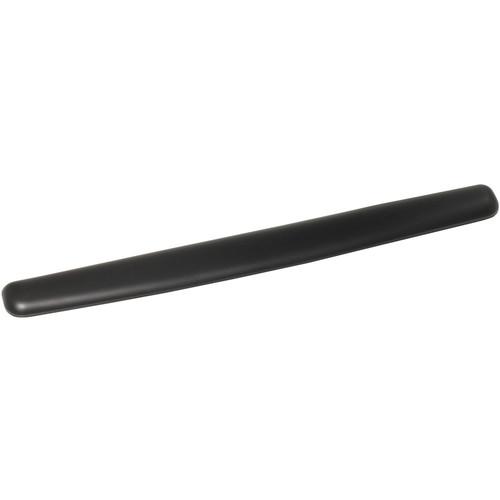 The leatherette, black WR340LE Gel Wrist Rest for Keyboard & Mouse from 3M is a gel wrist rest with antimicrobial product protection. It can be used as a replacement wrist rest on keyboard trays featuring the KP100LE standard platform or the KD90, KD85CG, or KD95CG keyboard drawers. Anti-microbial product protection inhibits the growth of microorg...
|
|
3M WR309LE Gel Wrist Rest for |

 The leatherette, black WR309LE Gel Wrist Rest for Keyboard from 3M is a gel wrist rest with antimicrobial product protection. It can be used as a replacement wrist rest on the KD45 keyboard drawer. Anti-microbial product protection inhibits the growth of microorganisms, such as bacteria, on the product surface. This prevents stains, odors, and pro...
|
|
Microsoft LifeCam Studio for Business |
 The gray LifeCam Studio for Business from Microsoft is a high definition webcam with a resolution of 1920 x 1080 allowing for video recordings of up to 1080p. For conducting video calls, the LifeCam Studio supports resolutions of up to 720p, using a compatible video conferencing service. It features CMOS sensor technology for better picture qualit...
|
|
X-keys 4-Key Stick for KVM Control |

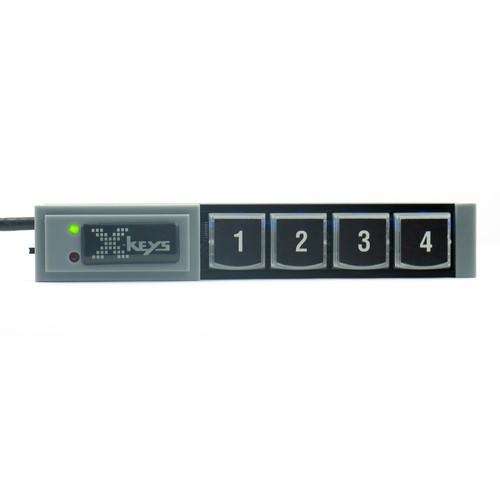 The X-Keys 4-Key Stick for KVM Control is optimized for controlling a KVM, and can send any key combination or string of keystrokes, reducing instances of operator error. Anything an operator can do on a keyboard can be replicated and assigned to one clearly labeled key. Dedicated keys maximize efficiency and lower operator training time. Includ...
|
|
X-keys USB Twelve-Switch Interface with Footswitch |
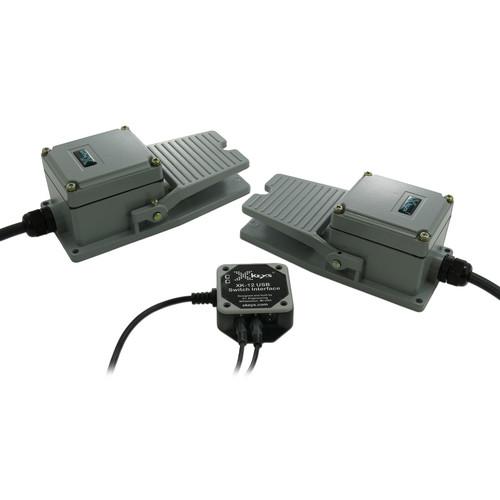 The X Keys USB Switch Interface with Footwitches includes the XK-1202-UHS12-R USB twelve-switch interface with with two industrial footswitches without a guard.. This allows you to efficiently set-up and customize your system to your needs. Save money by purchasing a bundle Select styles and colors to fit your requirements Option to add ...
|
|
X-keys 16-Key Stick for KVM Control |
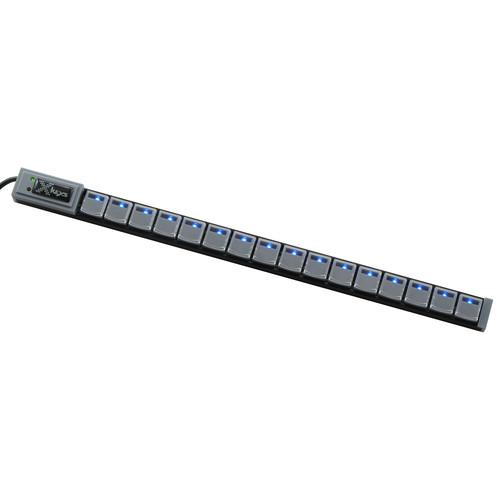 The X-Keys 16-Key Stick for KVM Control is optimized for controlling a KVM, and can send any key combination or string of keystrokes, reducing instances of operator error. Anything an operator can do on a keyboard can be replicated and assigned to one clearly labeled key. Dedicated keys maximize efficiency and lower operator training time. Inclu...
|
|
X-keys Orby Switch Controller |
 The green XK-A-1221-R Orby Switch Controller from X-keys can control any computer-based application and works with either the X-keys USB 3 or 12 Switch Interfaces. It is designed for assistive technology or industrial applications, such as assistive touch, transcription, and prompting, and can be triggered with fingers, toes, knees or elbows. The ...
|
|
X-keys Orby Switch Controller |
 The blue XK-A-1220-R Orby Switch Controller from X-keys can control any computer-based application and works with either the X-keys USB 3 or 12 Switch Interfaces. It is designed for assistive technology or industrial applications, such as assistive touch, transcription, and prompting, and can be triggered with fingers, toes, knees or elbows. The O...
|
|
X-keys Industrial Foot Switch without Guard |

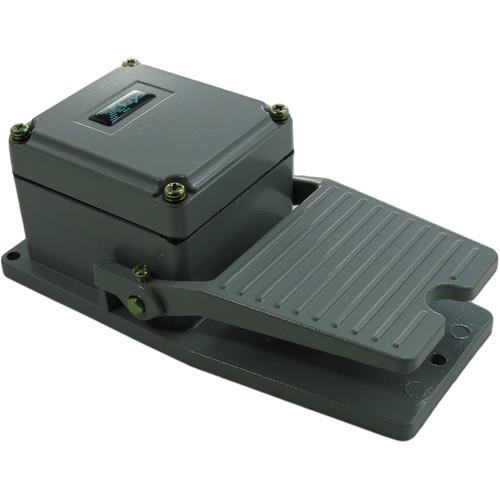 The XK-A-1167-SJC1NG-R Industrial Foot Switch without Guard from X-keys is designed to be a rugged foot switch which works with the X-keys USB 12 and USB 2 Switch Interfaces. Additionally, this footswitch can control any computer-based application, such as; CuePrompter, Windows, Dragon Naturally Speaking and DocWrite. Examples of this working in s...
|
|
X-keys Double Light Pipe Spacer |

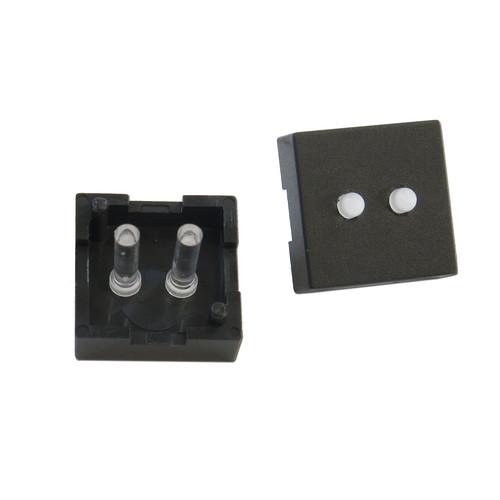 The XK-A-1332-LP2-R Double Light Pipe Spacer, Set of 10, from X-keys is suitable for use by developers or serious techie X-keys users. Replace any key on an X-keys with these to turn the backlight LED into a bright indicator. With the Double Light Pipe Spacer, both the red and blue LEDs will light as indicators. Additionally, the light-intensity ...
|
|
| 1 ... 249 | 250 | 251 | 252 | 253 ... 357 | | Showing: 2501-2510 products | Total: 3561 products |
|
|
| Request for user manual |
You can’t find the operation manual you are looking for? Let us know and we will try to add the missing manual:
I’m looking for a manual / Request for manual
Current requests for instruction manuals:
Call Of Duty World War Two For Xbox...
controller stratus XL...
stratus XL...
smart whatch serie S11 42mm...
Allen & Heath SQ-6 manual...
|
| Discussion |
Latest contributions to the discussion:
AEW R 4100
Name: MAURICIO ANGARITA
Audio-Technica AEW-R4100 UHF Diversity Receiver for
AEW R 4100 has the mute function blocked and does not allow audio to pass. I tried several times to turn off the mute from the transmitter but it does nothing, the mute stays on. Solution?
Thank you...
Instructions for assembling the 2015 Forecast Image Master Consoles GC3-A
Name: mike elam
Forecast Consoles GC3-A ImageMaster Editing Console
Looking for instructions for assembling this console. ...
EMPTY TONER ERROR MESSAGE AFTER REPLACING TONER
Name: LINDA BAD YELLOW EYES
Brother TN223BK Standard-Yield Toner
I HAD TO CHANGE OUT ALL THREE TONERS DUE TO LEAKS IN THE YELLOW AND CYAN. AFTER I REPLACED THEM, THE MACHINE KEEPS GIVING ME AN EMPTY TONER ERROR MESSAGE. HELP!!...
PS480D 20/24 pin Switching 480W Power Supply
Name: swkargo
Logisys 480W Power Supply
This item states in can run -5vdc .It is NOT listed on the board or I beleive is r4 is missing the resitior. Any body have thid issue. Shawn
...
Help needed
Name: Ann Carter
SanDisk 1TB Extreme Portable USB 3.1
When I click the link to download the user manual for my Sandisk Extreme external hard drive, it gives me the manual for the LG Cricket. Can you please change the link so I can download the Sandisk manual and begin using this drive? Thank you....
|
|
