|
User Manuals for Medium & Large Format AccessoriesYou have selected the product series Photography - Medium & Large Format Accessories. Now choose the brand, model or product code you are looking for. If it is not available, you can request it from customer support.
Sub-categories – select a sub-category:
Back Accessories - Camera Backs - Camera Bellows - Format Frames & Function Carriers - Lens Accessories - Monorails & Accessories - Other Accessories - View Camera Bodies - Viewfinders & Accessories
| Showing: 661-670 products | Total: 1193 products | | 1 ... 65 | 66 | 67 | 68 | 69 ... 120 |
|
Cambo C-64 SC Monorail |

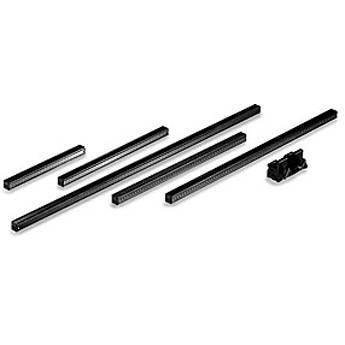 The 30cm Cambo C-64 SC Monorail is a square monorail designed for use with Cambo SC-series large format cameras. It is constructed from metal for durability and its square design promotes smooth focusing performance. It measures 11.8" / 30cm long. Table of Contents ...
|
|
Cambo C-10 SC Monorail |

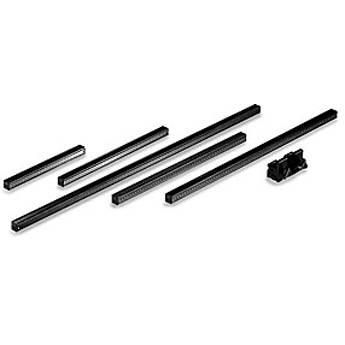 The 44cm Cambo C-10 SC Monorail is a square monorail designed for use with Cambo SC-series large format cameras. It is constructed from metal for durability and its square design promotes smooth focusing performance. It measures 17.3" / 44cm long. Table of Contents ...
|
|
Rodenstock eShutter Electronic Shutter |

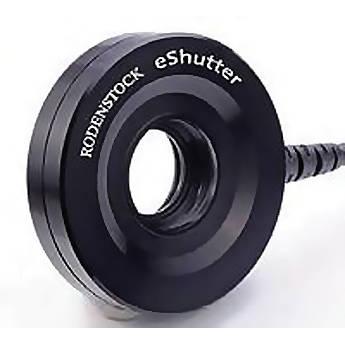 The Rodenstock eShutter Electronic Shutter is an electronically-controlled size 0 shutter for use with old or new lenses on a view camera. The electronic shutter provides a nearly circular aperture and precise, controllable exposure settings for refined and accurate shooting capabilities. Individual pre-setting of exposure bracketing in different ...
|
|
Rodenstock eShutter USB Cable |

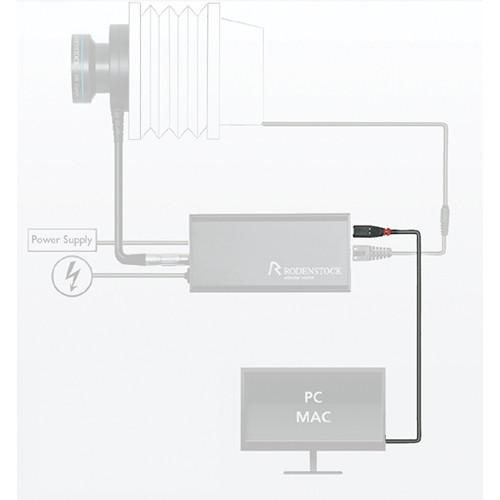 The Rodenstock eShutter USB Cable provides a connection between the eShutter Control Box and a computer's USB port. This connection allows you to remotely control your exposure settings through your computer. The USB connection also provides the necessary power to the eShutter and Control Box for operation. Table of Contents ...
|
|
Rodenstock eShutter X-Adapter Cable |
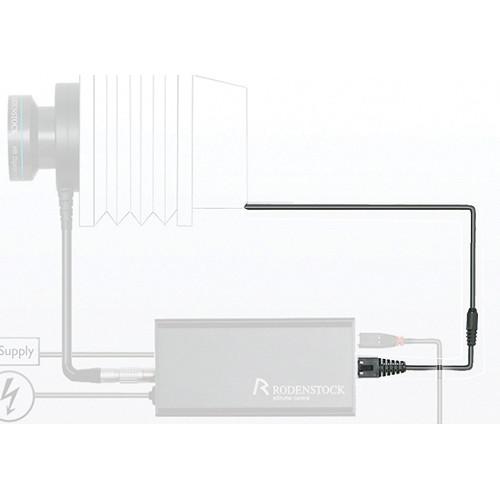 The Rodenstock eShutter X-Adapter Cable connects the eShutter to a digital back. This connection syncs exposure information between the two devices. Note: Does not provide exposure control abilities; that must be done via the Control Box, USB connection, and either a computer or smartphone interface. Table of Contents ...
|
|
Rodenstock eShutter Control Box |

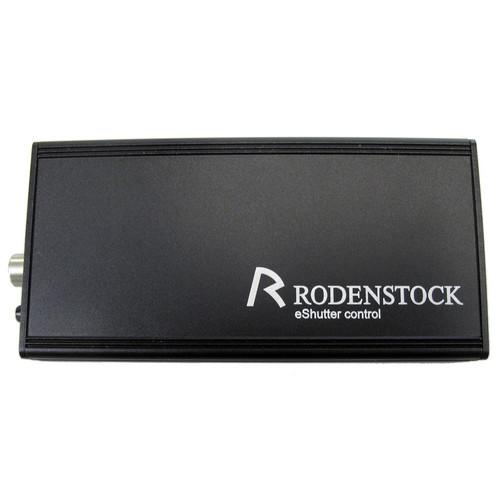 The Rodenstock eShutter Control Box connects to the eShutter via the shutter's hard-wired cable and provides the interface between the shutter and the means of control; either a computer, iPhone, iPod Touch, or iPad. Once the Control Box is connected to the eShutter, a computer can be connected via the eShutter USB Cable to provide power to the eS...
|
|
Mamiya FireWire 800 to 800 Cable |
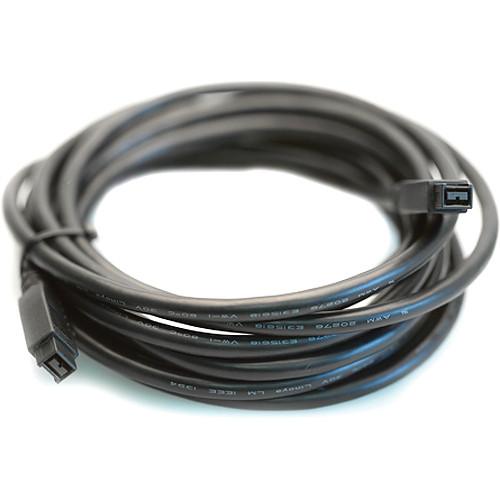 The Mamiya FireWire 800 to 800 Cable (4.5m) for Credo Digital Backs connects your computer to a Credo digital back. This puts you in a tethered configuration mode so images from the digital back are sent to and saved directly on the computer. When connected to a computer with this cable, the Credo battery is also charged in-camera.This cable measu...
|
|
Mamiya USB 3.0 Cable for Credo |
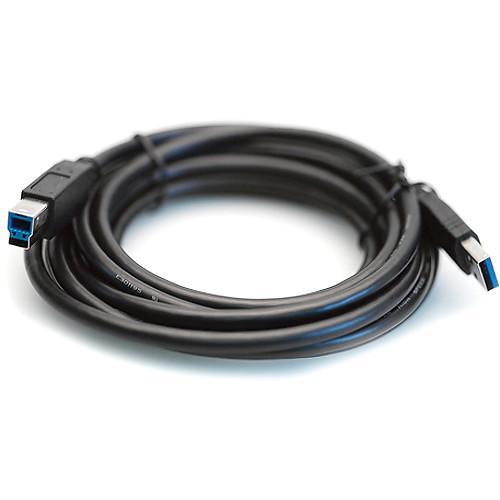 The Mamiya USB 3.0 Cable (3m) for Credo Digital Backs connects your computer to a Credo Digital back. This puts you in a tethered configuration mode so images from the digital back are sent and saved directly on the computer. When connected to a computer with this cable, the Credo battery is also charged in-camera. This cable measures 9.8' / 3m. T...
|
|
Mamiya Dual Charger for Credo Battery |
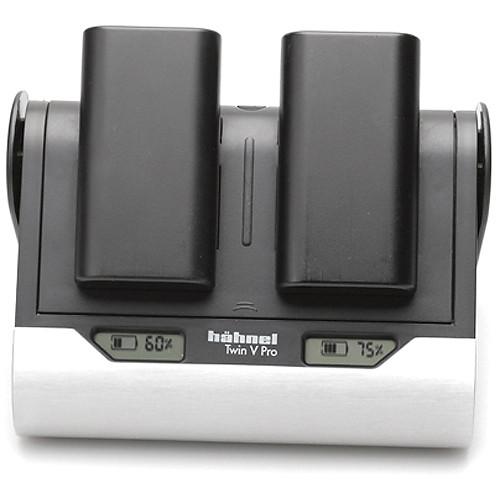 The Mamiya Dual Charger for Credo Battery simultaneously charges two Mamiya Credo batteries. The first battery fast-charges to full power within three hours while the second receives a trickle charge until the first is fully charged. It adapts voltages between 110 and 250V and comes with a set of international power adapters for use around the wor...
|
|
Linhof Compendium Lens Shade Techno |
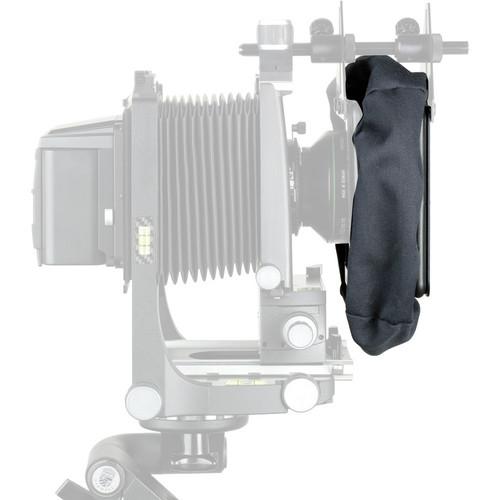 The Linhof Compendium Lens Shade Techno is for use with the Linhof Techno camera. This compendium lens shade attaches to the front standard of the camera and is adjustable depending on the focal length of the lens in use. A compendium shade provides greater protection against stray light and reflections when compared to standard on-the-lens lens h...
|
|
| 1 ... 65 | 66 | 67 | 68 | 69 ... 120 | | Showing: 661-670 products | Total: 1193 products |
|
|
| Request for user manual |
You can’t find the operation manual you are looking for? Let us know and we will try to add the missing manual:
I’m looking for a manual / Request for manual
Current requests for instruction manuals:
Call Of Duty World War Two For Xbox...
controller stratus XL...
stratus XL...
smart whatch serie S11 42mm...
Allen & Heath SQ-6 manual...
|
| Discussion |
Latest contributions to the discussion:
AEW R 4100
Name: MAURICIO ANGARITA
Audio-Technica AEW-R4100 UHF Diversity Receiver for
AEW R 4100 has the mute function blocked and does not allow audio to pass. I tried several times to turn off the mute from the transmitter but it does nothing, the mute stays on. Solution?
Thank you...
Instructions for assembling the 2015 Forecast Image Master Consoles GC3-A
Name: mike elam
Forecast Consoles GC3-A ImageMaster Editing Console
Looking for instructions for assembling this console. ...
EMPTY TONER ERROR MESSAGE AFTER REPLACING TONER
Name: LINDA BAD YELLOW EYES
Brother TN223BK Standard-Yield Toner
I HAD TO CHANGE OUT ALL THREE TONERS DUE TO LEAKS IN THE YELLOW AND CYAN. AFTER I REPLACED THEM, THE MACHINE KEEPS GIVING ME AN EMPTY TONER ERROR MESSAGE. HELP!!...
PS480D 20/24 pin Switching 480W Power Supply
Name: swkargo
Logisys 480W Power Supply
This item states in can run -5vdc .It is NOT listed on the board or I beleive is r4 is missing the resitior. Any body have thid issue. Shawn
...
Help needed
Name: Ann Carter
SanDisk 1TB Extreme Portable USB 3.1
When I click the link to download the user manual for my Sandisk Extreme external hard drive, it gives me the manual for the LG Cricket. Can you please change the link so I can download the Sandisk manual and begin using this drive? Thank you....
|
|
