|
User Manual for DJI Inspire 2 Quadcopter with Apple ProRes License Click to enlarge the picture
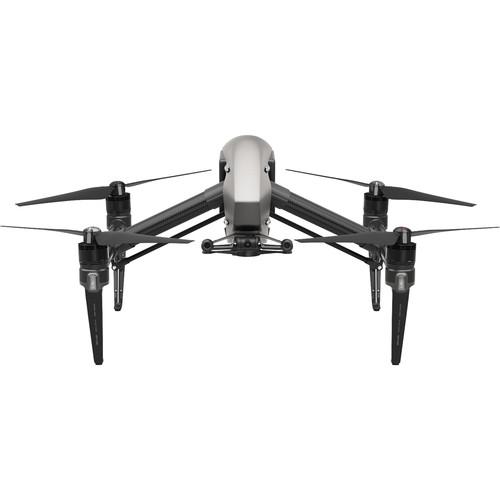 Contents of the user manual for the DJI Inspire 2 Quadcopter with Apple
- Product category: See All Drones DJI
- Brand: DJI
- Description and content of package
- Technical information and basic settings
- Frequently asked questions – FAQ
- Troubleshooting (does not switch on, does not respond, error message, what do I do if...)
- Authorized service for DJI See All Drones
 |
User manual for the DJI Inspire 2 Quadcopter with Apple contain basic instructions
that need to be followed during installation and operation.
Before starting your appliance, the user manual should be read through carefully.
Follow all the safety instructions and warnings, and be guided by the given recommendations.
User manual is an integral part of any DJI product,
and if it is sold or transferred, they should be handed over jointly with the product.
Following the instructions for use is an essential prerequisite for protecting
health and property during use, as well as recognition of liability on the part of the manufacturer
for possible defects should you make a warranty claim. Download an official DJI user manual in which you will find instructions on how to install, use, maintain and service your product.
And do not forget – unsuitable use of a DJI product will considerably shorten its lifespan!
|
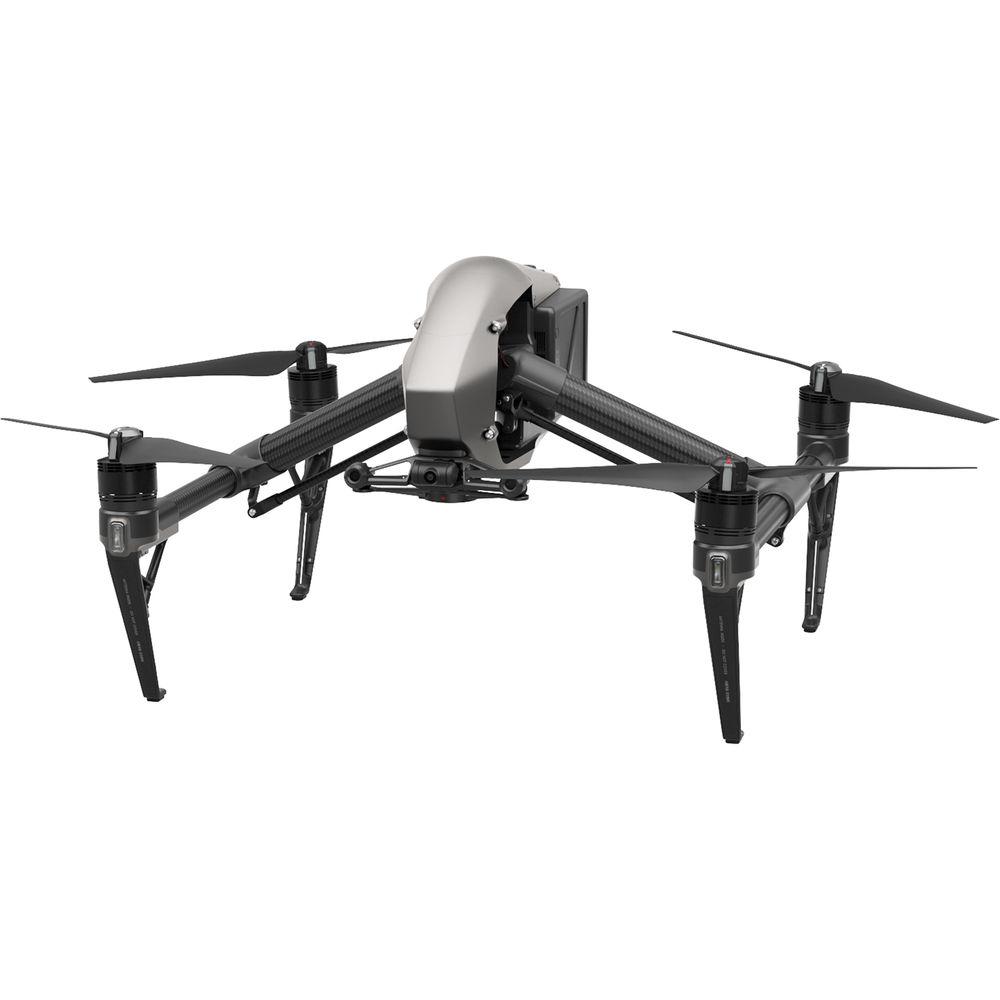
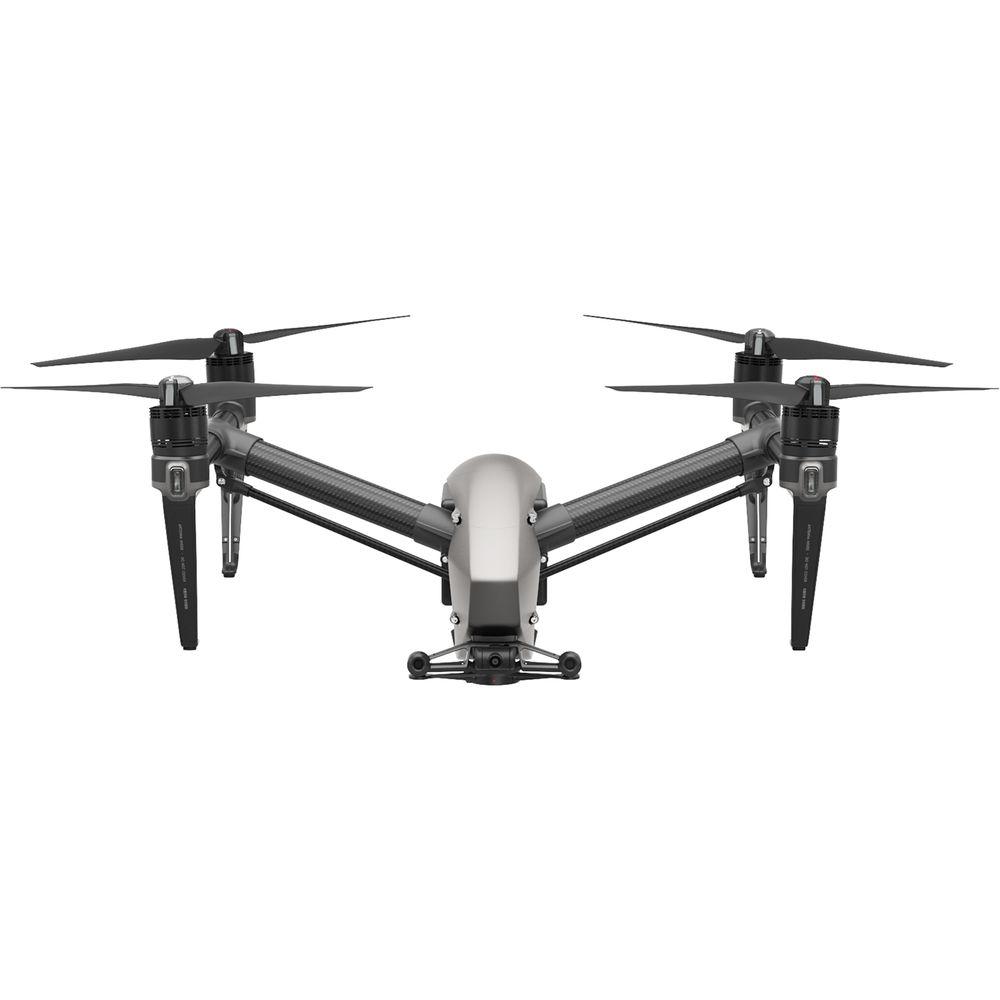
Product description Aerial Photography and Drone Glossary Read More DJI's magnesium-aluminum-clad Inspire 2 Quadcopter is an effective cinematic and photographic tool. Combining the Inspire 2 with the separately available X4S and X5S gimbal cameras yields cinema-grade images, which can be recorded at high bit rates using H.264 and H.265 formats, or, in the case of the X5R, various flavors of Apple ProRes. It can also record CinemaDNG raw using the required license available from DJI. All the recording functionality is processed by the Inspire 2's CineCore 2.0 image processing engine. With ability to accelerate to 50 mph in 4 sec and reach a top speed of 58 mph, the Inspire 2 can follow fast-moving subjects for dramatic sports and action footage. With the two included LiPo batteries onboard, up to 27 minutes of flight time can be acheived on a full charge. The Inspire 2 also supports obstacle avoidance. Built into DJI's FlightAutonomy system, objects in front of, below, and above the quadcopter can be detected and avoided automatically. The Inspire 2 can even remember flight paths in case of an emergency return-to-home without GPS enabled. Using the onboard 2-axis stabilized FPV camera, the pilot can navigate the Inspire 2 without being limited to the gimbal camera's field-of-view.The Inspire 2 package comes with a charger, a transmitter controller, extra propellers, a calibration plate, and a carrying case. Inspire 2 Quadcopter - Advanced Obstacle Sensing
- Forward and downward vision systems enable the Inspire 2 to detect obstacles up to 98.4' ahead, allowing for protected flight at up to 34 mph at a controllable attitude angle of 25°. Upward-facing infrared sensors scan obstacles 16' above, adding protection when flying in enclosed spaces. Obstacle-sensing systems are active during normal flight, RTH, and all Intelligent Flight Modes.
- Spotlight Pro
- Spotlight Pro is a tracking mode that allows even single pilots to capture complex, dramatic images. It uses visual-tracking algorithms to lock onto a subject during flight, regardless of the direction that the Inspire 2 flies, creating shots that would once have required a dedicated camera operator. If the gimbal comes close to reaching its rotation limits, the Inspire 2 itself will rotate in the same direction without affecting flight control or the shot being captured to free up gimbal movement.
Spotlight Pro has two shooting modes: Quick Mode and Composition Mode. In Quick Mode, select an object to begin tracking. In Composition Mode, select the subject and the tracking position. When the subject enters the preset tracking position, press the shortcut to begin tracking. The gimbal can be moved during shooting for composition adjustments. Spotlight Pro is available in all Intelligent Flight Modes including ActiveTrack, TapFly, Waypoint and Point of Interest. - TapFly
- The 2-axis onboard FPV camera separates the flight view from the main camera view, effectively giving the Inspire 2 a dedicated "tap-to-fly" camera. Tap a point onscreen in the FPV view to set a flight route and the Inspire 2 will automatically fly along that route, leaving the pilot to focus on gimbal movement.
- ActiveTrack
- The ActiveTrack Mode allows the Inspire 2 to recognize a range of objects, from people to bikes to cars to boats. Tracking profiles that can be adjusted based on the subject being tracked means improved tracking precision.
- Smart Return Home
- Forward and downward vision systems allow the Inspire 2 to create a real-time map of its flight route as it flies. If the video transmission system signal is lost and Smart Return Home is enabled, it is able to fly home along its original route and change to a straight line when it regains a signal. As it returns, it will use the primary camera to identify obstacles as far as 656' in front, allowing it to plan a safe route home. It is can also reconnect more quickly after losing connection.
- Video Transmission System
- The Inspire 2 features DJI's Lightbridge technology. This iteration has an effective transmission distance of up to 4.3 miles (under ideal conditions) and is capable of delivering both 1080p/720p videos as well as the FPV view to pilot and camera operator. Users can also switch between 2.4 GHz and 5.8 GHz control frequencies to avoid interference for improved signal stability.
Master and Slave setups are also supported. The master controller can transmit a HD video signal to the slave controller up to 300' away without image quality loss. - Broadcast Mode
- Broadcasters can broadcast direct from the Inspire 2 using its dedicated 1080i50 and 720p60 transmission signal. Aerial live-streaming direct to TV is as simple as connecting the Inspire 2 transmitter to a satellite truck.
- Flight Performance
- The propulsion system can thrust the Inspire 2 up to 58 mph and allows for descents at up to 29 ft/sec and ascents at up to 19 ft/s. It can accelerate from 0 to 50 mph in just four seconds and flies at a max attitude angle of 40°. The two controller sticks on the transmitter are tuned for more sensitivity, making delicate maneuvers easier.
- Dual Battery Design
- Dual batteries mean that, if a problem occurs on one battery, the other is able to continue flight long enough for a safe landing. At the same time, the Inspire 2 propulsion system is driven by a PWM signal with serial port signal redundancy so that if PWM signals are lost, transmission will continue through the serial port.
Apple ProRes Activation Key - Record in Apple ProRes 422 HQ and Apple ProRes 4444 XQ (no alpha)
Oversampling captures more detail
Professional workflow support UPC: 190021304635 In the Box DJI Inspire 2 Quadcopter with Apple ProRes License Remote Control (Transmitter) 4 x Propeller Pairs 2 x Intelligent Flight Battery Battery Charger Charging Hub Power Cable USB Cable microSD Card Vision System Calibration Plate 3 x Gimbal Damper Propeller Mounting Plates Carrying Case 4 x Battery Insulation Sticker Apple ProRes Activation Key Limited 1-Year Warranty on Aircraft (Excluding Gimbal, Camera, and Battery) Limited 6-Month / 200-Cycle Warranty on Battery (Whichever Comes First) Camera in the Sky: Using Drones in Wedding Photography and Videos Peter Ward_1 02/29/2016 bqeyxbtccwdrsfuf Some Good News for Photographers and Filmmakers Who Use Drones Peter Ward_1 02/23/2015 Table of Contents
|
Upload User Manual
Have you got an user manual for the DJI Inspire 2 Quadcopter with Apple ProRes License in electronic form? Please send it to us and help us expand our library of instruction manuals.
Thank you, too, on behalf of other users.
To upload the product manual, we first need to check and make sure you are not a robot. After that, your "Submit Link" or "Upload File" will appear.
Technical parametersDJI Inspire 2 Specs | | | Maximum Takeoff Weight | 8.82 lb / 4.00 kg | | Maximum Ascent Speed | 16.4 ft/s / 5 m/s | | Maximum Descent Speed | 13.1 ft/s / 4 m/s | | Maximum Wind Resistance | 58 mph / 94 km/h | | Maximum Flight Time | 27 Minutes With Zenmuse X4S Gimbal Camera. | | Hovering Accuracy | ±1.64' / 0.50 m Vertical with Vision Positioning
±4.92' / 1.50 m Horizontal with Vision Positioning | | | | Vision System | Downward, Forward | | Velocity Range | 32.8 ft/s / 10 m/s at 6.56' / 2 m | | Maximum Altitude | 32' / 9 m | | Operating Range | 0.0 to 32.8' / 0.0 to 10.0 m | | Obstacle Sensory Range | 2.3 to 98.4' / 0.7 to 30.0 m | | Forward Field of View | 60° (Horizontal)
54° (Vertical) | | Operating Environment | Surface with Clear Patterns at >15 lux | | | | Obstacle Sensory Range | 0.0 to 16.4' / 0.0 to 5.0 m | | Field of View | ±5° (Vertical) | | | | Operating Frequency | 2.4 GHz (2.4 - 2.483)
5.8 GHz (5.725 - 5.850) | | Maximum Operating Distance | 22,704' / 6920.18 m at 2.4 G
22,704' / 6920.18 m at 5.8 G | | Transmitter Power | 26 dBm (2.4 G)
28 dBm (5.8 G) | | Output Power | 9 W | | USB Output Power | iOS: 5.2 VDC, 1 A
Android: 5.2 VDC, 1.5 A | | Battery Type | 1 x Built-In | | Battery Chemistry | Lithium-Ion Polymer (LiPo) | | Battery Capacity | 6000 mAh | | | | Battery Chemistry | Lithium-Ion Polymer (LiPo) | | Capacity | 4280 mAh / 97.58 Wh | | Battery Configuration | 6 S / 22.8 V | | Maximum Charging Power | 180 W | | Operating Temperature | 14 to 104°F / -10 to 40°C | | Charging Temperature | 41 to 104°F / 5 to 40°C | | Weight | 1.1 lb / 0.50 kg | | | | Output Voltage | 26 V | | Power Rating | 180 W | | | | Number of Rotors | 4 | | Operating Temperature | 14 to 104°F / -10 to 40°C | | Diagonal Size | 23.8" / 60.45 cm (Without Propellers) | | Weight | 7.2 lb / 3.27 kg (Including Battery) | | | | Package Weight | 26.85 lb | | Box Dimensions (LxWxH) | 26.0 x 25.5 x 12.0" |
Rating80% users recommend this product to others. And what about you?

This product has already been rated by 67 owners. Add your rating and experience with the product.
Discussion
 Ask our technicians if you have a problem with your settings,
or if anything is unclear in the user manual you have downloaded.
You can make use of our moderated discussion.
The discussion is public and helps other users of our website who may be encountering similar problems.
Ask our technicians if you have a problem with your settings,
or if anything is unclear in the user manual you have downloaded.
You can make use of our moderated discussion.
The discussion is public and helps other users of our website who may be encountering similar problems.
The discussion is empty - enter the first post
Post a new topic / query / comment:
|
|
|
| Request for user manual |
You can’t find the operation manual you are looking for? Let us know and we will try to add the missing manual:
I’m looking for a manual / Request for manual
Current requests for instruction manuals:
Call Of Duty World War Two For Xbox...
controller stratus XL...
stratus XL...
smart whatch serie S11 42mm...
Allen & Heath SQ-6 manual...
|
| Discussion |
Latest contributions to the discussion:
AEW R 4100
Name: MAURICIO ANGARITA
Audio-Technica AEW-R4100 UHF Diversity Receiver for
AEW R 4100 has the mute function blocked and does not allow audio to pass. I tried several times to turn off the mute from the transmitter but it does nothing, the mute stays on. Solution?
Thank you...
Instructions for assembling the 2015 Forecast Image Master Consoles GC3-A
Name: mike elam
Forecast Consoles GC3-A ImageMaster Editing Console
Looking for instructions for assembling this console. ...
EMPTY TONER ERROR MESSAGE AFTER REPLACING TONER
Name: LINDA BAD YELLOW EYES
Brother TN223BK Standard-Yield Toner
I HAD TO CHANGE OUT ALL THREE TONERS DUE TO LEAKS IN THE YELLOW AND CYAN. AFTER I REPLACED THEM, THE MACHINE KEEPS GIVING ME AN EMPTY TONER ERROR MESSAGE. HELP!!...
PS480D 20/24 pin Switching 480W Power Supply
Name: swkargo
Logisys 480W Power Supply
This item states in can run -5vdc .It is NOT listed on the board or I beleive is r4 is missing the resitior. Any body have thid issue. Shawn
...
Help needed
Name: Ann Carter
SanDisk 1TB Extreme Portable USB 3.1
When I click the link to download the user manual for my Sandisk Extreme external hard drive, it gives me the manual for the LG Cricket. Can you please change the link so I can download the Sandisk manual and begin using this drive? Thank you....
|
|


