|
User Manual for DJI Phantom 3 Standard with 2.7K Camera and 3-Axis Gimbal Click to enlarge the picture
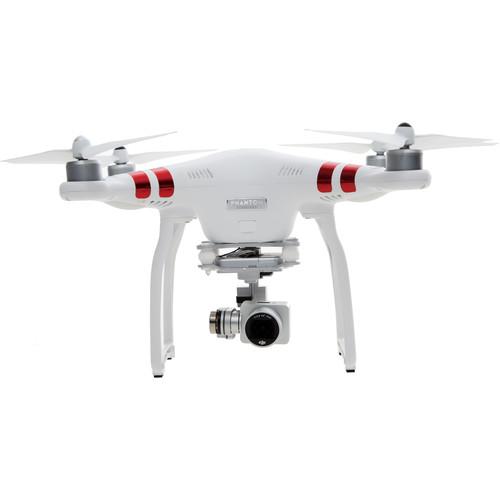 Contents of the user manual for the DJI Phantom 3 Standard with 2.7K
- Product category: See All Drones DJI
- Brand: DJI
- Description and content of package
- Technical information and basic settings
- Frequently asked questions – FAQ
- Troubleshooting (does not switch on, does not respond, error message, what do I do if...)
- Authorized service for DJI See All Drones
 |
User manual for the DJI Phantom 3 Standard with 2.7K contain basic instructions
that need to be followed during installation and operation.
Before starting your appliance, the user manual should be read through carefully.
Follow all the safety instructions and warnings, and be guided by the given recommendations.
User manual is an integral part of any DJI product,
and if it is sold or transferred, they should be handed over jointly with the product.
Following the instructions for use is an essential prerequisite for protecting
health and property during use, as well as recognition of liability on the part of the manufacturer
for possible defects should you make a warranty claim. Download an official DJI user manual in which you will find instructions on how to install, use, maintain and service your product.
And do not forget – unsuitable use of a DJI product will considerably shorten its lifespan!
|
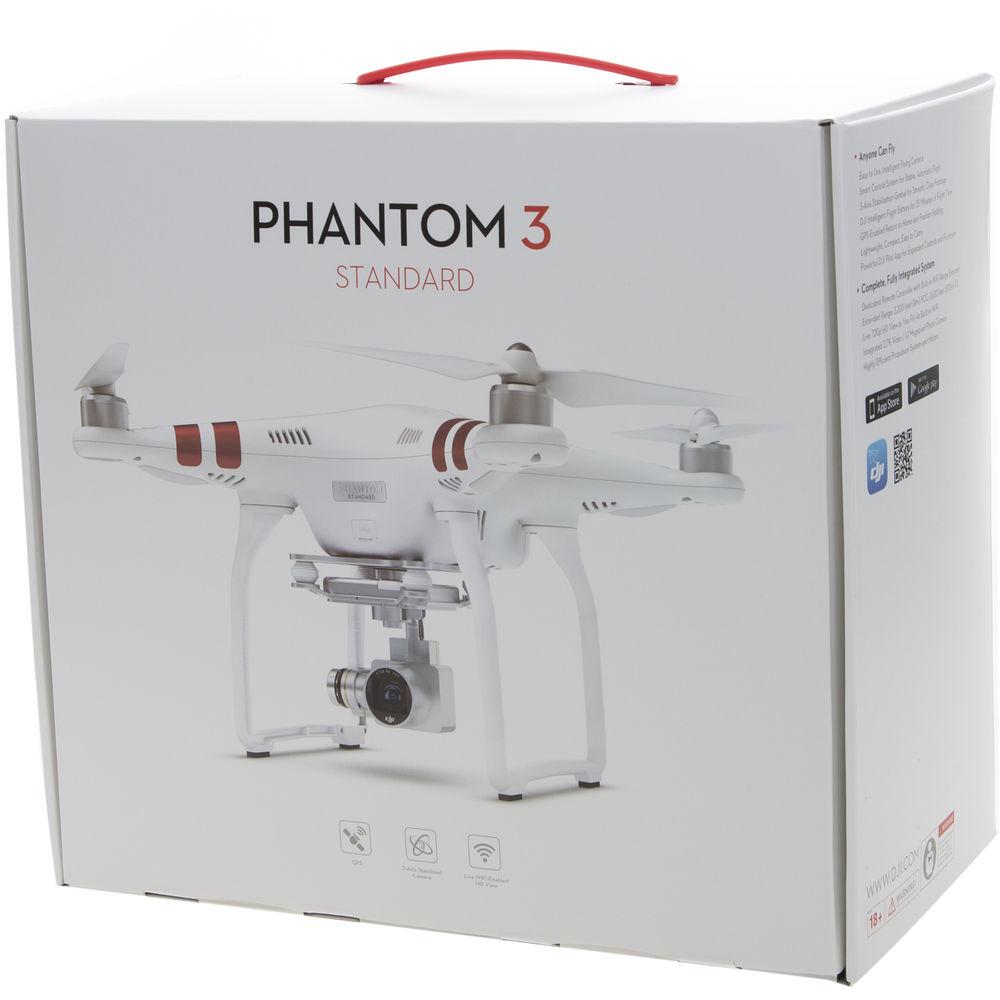
Product description Unveiled: DJI Phantom 3 Standard Read More erxeduqswwcqcazwbzabtcxrbsazxyzeexezrb - DJI - Introducing the Phantom 3 Standard
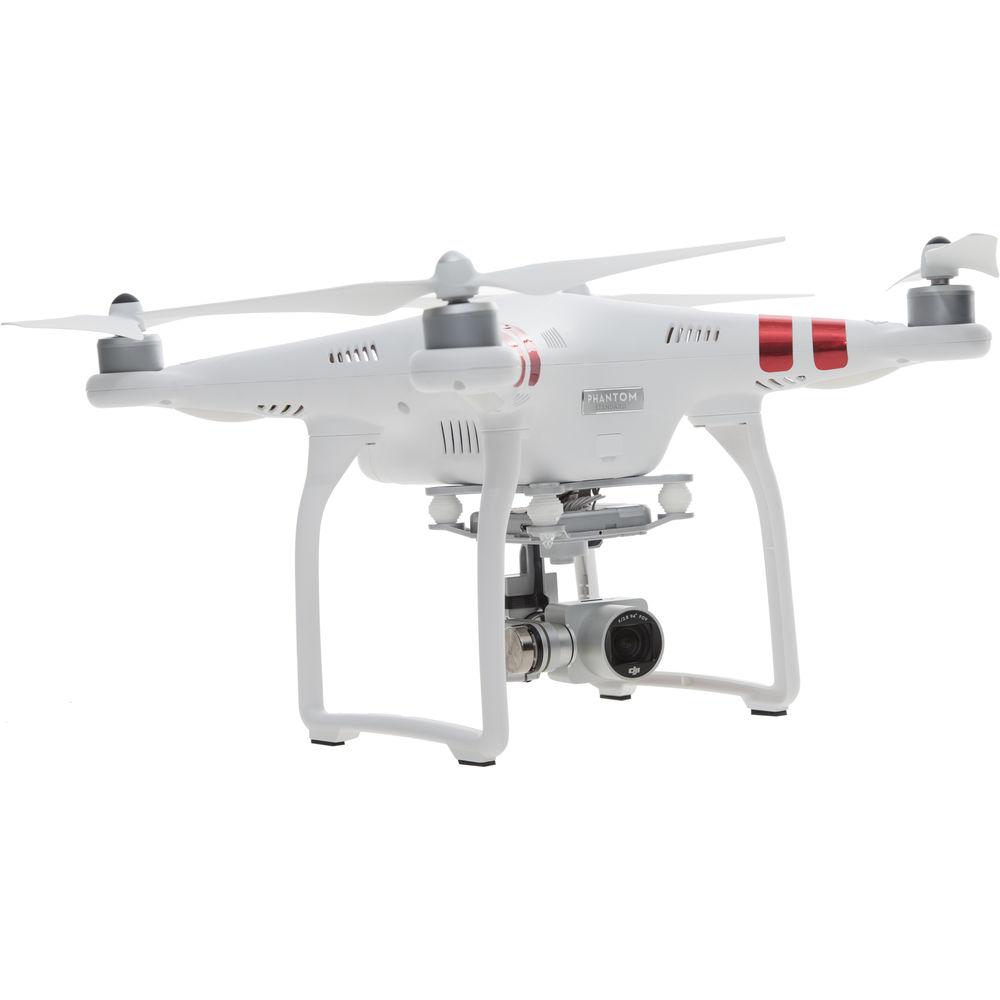
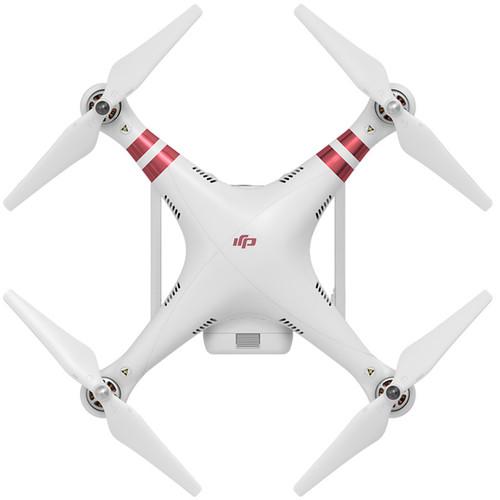
With the Phantom 3 Standard, DJI introduces 2.7K ("UHD") aerial video acquisition to the Phantom line. Its dedicated camera is mounted via a 3-axis motorized gimbal that stabilizes the footage and enables manual tilting from a dial on the controller. The control signal operates on 5.8 GHz, plus there is a 2.4 GHz Wi-Fi downlink for live 720p video monitoring and app-based control using DJI's free GO app. Thanks to a Wi-Fi range extender, the Wi-Fi boasts a range of 3280' line-of-sight. GPS equipped, the Phantom 3 Standard sports the assisted flying features, such as automatic return home, that have become staples of the Phantom series. Thanks to redesigned, more efficient motors, flight times of up to 25 minutes are possible.
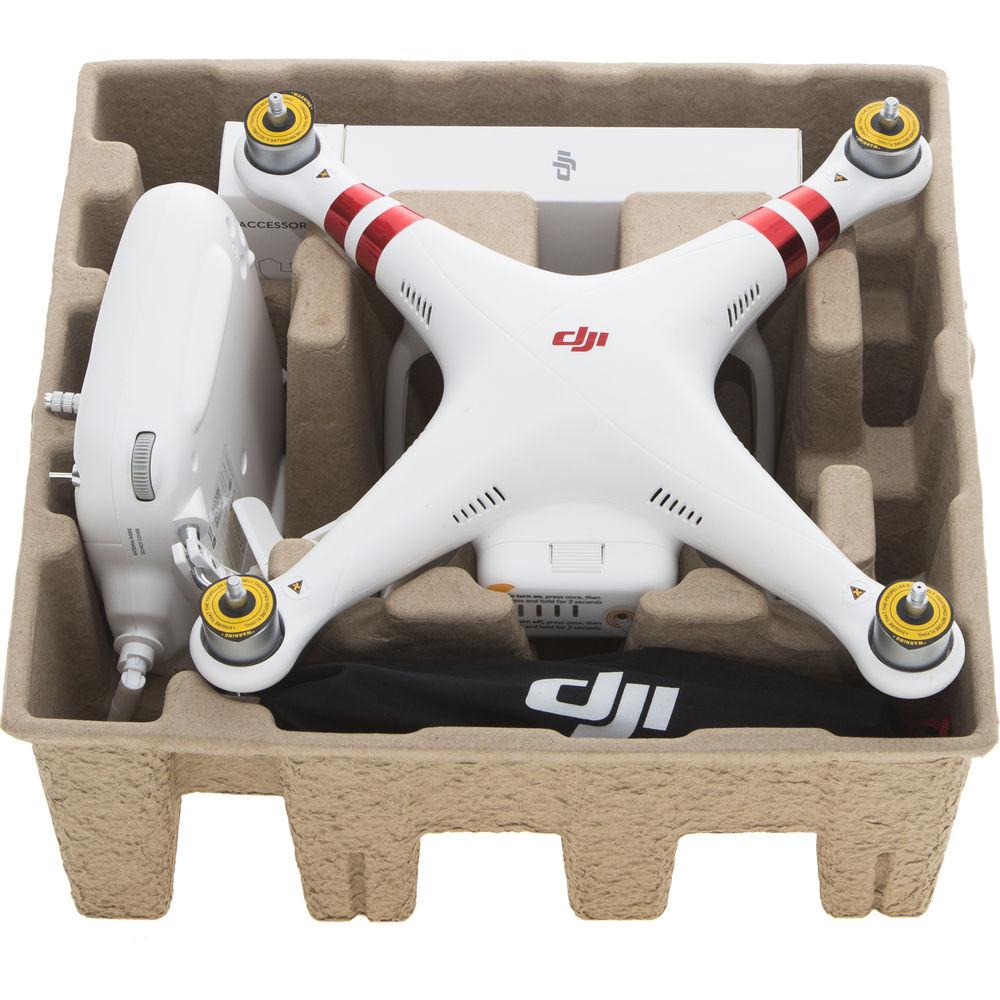
A ready-to-fly-quadcopter, the Phantom 3 Standard comes prepackaged with the basics to get your started: a radio controller (transmitter), flight battery and charger, two sets of props, a mobile device clamp, 8GB memory card, and more. As will all multi-rotors, be sure to follow all pre-flight calibrations steps to ensure correct operation of the navigation system before hitting the skies. Performance - Redesigned Motors
- New motors introduced with the Phantom 3 Standard feature higher performance relative tyoto their weight. Curved DJI electromagnets are used to spin the motors at high, controllable speeds - all by using magnetic force, without any physical contact, to increase durability
Intelligent Flight Control System - GPS-Assisted Autopilot System
- GPS integration enables enhanced stability and a provides a number of assisted flying and full autopilot features, such as return to home, Intelligent Orientation Control (IOC), and and Point of Interest (POI) lock.
- Return Home
- With GPS enabled, the Phantom 3 will remember its takeoff point and automatically return to the pilot if the control signal is ever lost.
- Auto Hover
- After takeoff, it automatically hovers in place, waiting for your command. It then changes altitude or direction at the flick of a finger. When you want it to stop, it again pauses and hovers, waiting for your next instruction
Gimbal-Stabilized 2.7K Camera - Up to 2.7K Video and 12MP Stills
- The included camera system features video recording at up to 2.7K (UHD) video in H.264 and also takes JPEG and DNG RAW photos at 12MP. In addition, it shoots Full HD 1080p video at up to 30 fps and 720p video at up to 60 fps. Video and photos are recorded to a microSD card
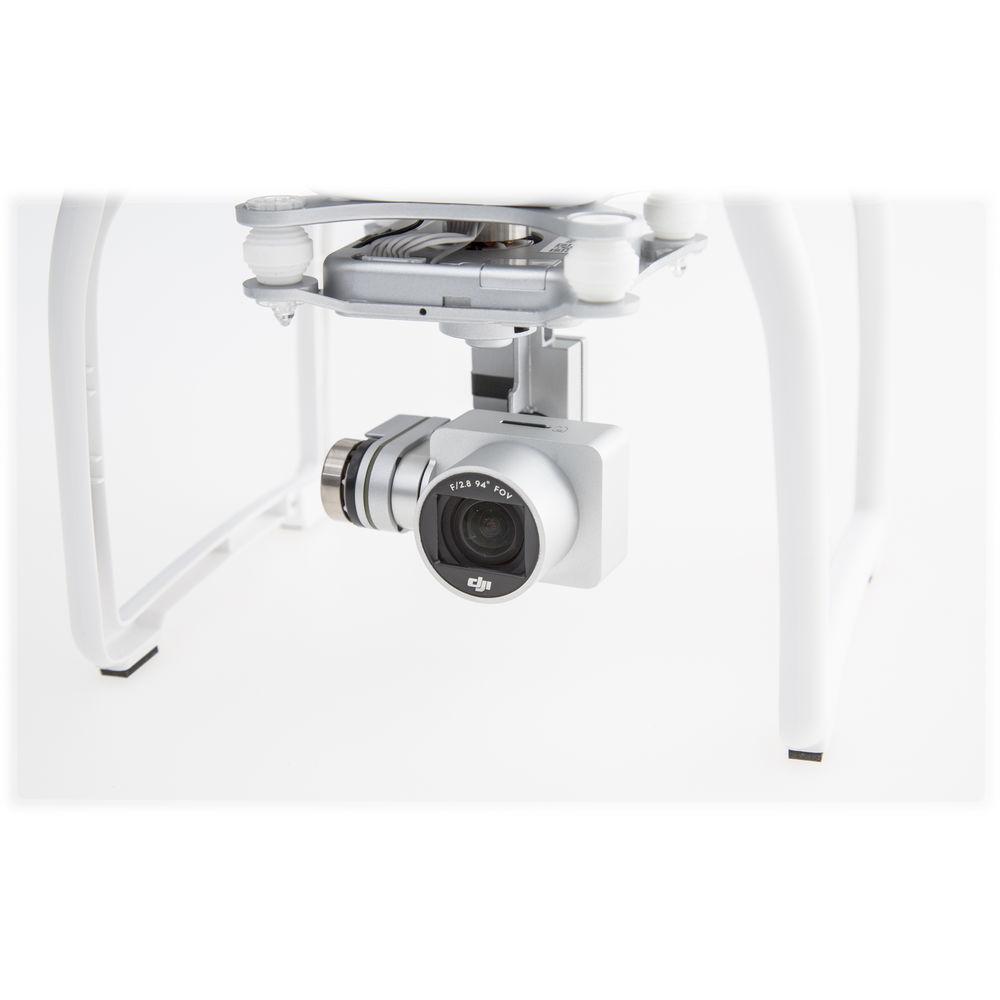
- Integrated 3-Axis Gimbal
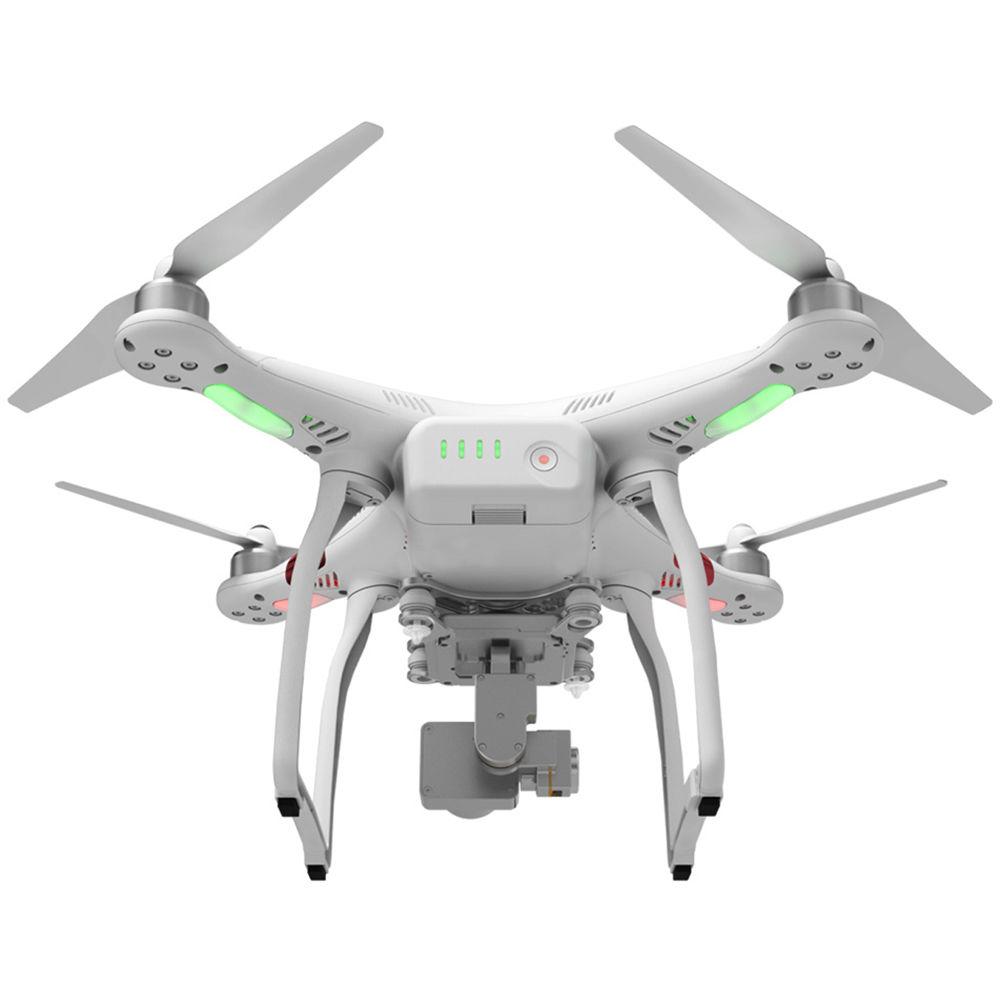
- The gimbal provides stability by counteracting unwanted motion such as wind buffeting or vibration and also keeps the horizon level even as the quadcopter banks. A control dial on the transmitter (radio controller) allow you to manually tilt the camera
- 94° Wide Angle Lens
- The camera features a 94° angle-of-view lens, which is a narrower angle than a fisheye for less distortion while still being wide enough to enable capturing establishing shots. The lens features an f/2.8 aperture and is comprised of 9 elements, including an aspherical element
DJI Go App for Remote Operation and Live Monitoring - Tether your iOS or Android mobile device to the Phantom 3 Standard to view a live feed from the camera, access camera settings, enable waypoint navigation, and more. The controller features a 2.4 GHz Wi-Fi range extender and includes a clamp for holding a smartphone (included mobile device holder does not support tablets)
- 720p Video Downlink
- Monitor a live video feel with low latency at up to 720p resolution. The radio controller features an integrated 2.4 GHz Wi-Fi range extender that boost the range up to 3280.8' line-of-sight
- Remote Camera Operation
- Through the app you can frame your shot, snap still, photos, and record video. It can also be used to access manual settings, such as shutter speed. Once done recording, you can use the video editor to create movies ready for sharing
- Ground Station-Style Navigation
- Use the app to display a live map that tracks your Phantom 3 Standard as it flies. You can also show flight telemetry (OSD), including speed, altitude, and distance. Your course and telemetry can be loged for evaluation or reminiscence back home
Handheld Radio Controller (Transmitter) - Full control is in your hands with a remote controller built specifically for the Phantom 3 Standard. Precise control sticks command flight, while a dial lets you tilt the camera to see more. It includes a built-in USB-rechargeable battery, a clamp to hold your mobile device, and a range extender for operation from up to 3280.8' away
Note: USB power source for charging available separately Additional Features - Intelligent Flight Battery
- The flight battery slots into the "tail" of the Phantom 3 and features and on/off switch plus four LED charge indicators that are visible while flying - so you can keep track of remaining flight time without needing to consult the app. For recharging, balance and power regulation is handled internally within the battery itself. You simply plug it into a wall outlet with the supplied power cord and you are good to go. The battery is able to lasts up to 25 minutes, depending on flying conditions
UPC: 190021000285 In the Box DJI Phantom 3 Standard with 2.7K Camera and 3-Axis Gimbal Controller for Phantom 3 Standard (5.8 GHz) erxeduqswwcqcazwbzabtcxrbsazxyzeexezrb Intelligent Flight Battery for Phantom 3 57W Battery Charger for Phantom 3 AC Power Cable 4 x 9450 Self-Tightening Propeller Set for Phantom 3 (Part 9) Gimbal Clamp 4 x Vibration Dampers 2 x Anti-Drop Kit Landing Gear Pad for Phantom 2 Quadcopter (4-Pack) Propeller Removal Clamp Sticker Set for Phantom 3 Professional / Advanced 8GB microSD Card Limited 1-Year Warranty on Central Board Limited 1-Year Warranty on Remote (Transmitter) Limited 6-Month or 200 Cycle Battery on Flight Battery (whichever Comes First) Limited 6-Month Warranty on Gimbal/Camera Limited 6-Month Warranty on Motors Aerial Photography and Drone Glossary David Adler 09/04/2018 Camera in the Sky: Using Drones in Wedding Photography and Videos Peter Ward_1 02/29/2016 Some Good News for Photographers and Filmmakers Who Use Drones Peter Ward_1 02/23/2015 Unveiled: DJI Phantom 3 4K Quadcopter Peter Ward_1 01/04/2016 Guides & Manuals More info from DJI Table of Contents
|
Upload User Manual
Have you got an user manual for the DJI Phantom 3 Standard with 2.7K Camera and 3-Axis Gimbal in electronic form? Please send it to us and help us expand our library of instruction manuals.
Thank you, too, on behalf of other users.
To upload the product manual, we first need to check and make sure you are not a robot. After that, your "Submit Link" or "Upload File" will appear.
Download User ManualThe user manual for the DJI Phantom 3 Standard with 2.7K Camera and 3-Axis Gimbal can be downloaded in PDF format at the link stated below.
Technical parametersDJI CP.PT.000168 Specs | | | Maximum Speed | 52.5 fps / 16 m/s | | Maximum Ascent/Descent Speed | Ascent: 16.4 fps / 5 m/s
Descent: 9.8 fps / 3 m/s | | Maximum Altitude | 19685' / 6000 m above sea level | | Flight Time | Up to 25 minutes (depending on conditions) | | | | Navigation System | Built-in GPS | | | | Frequency | 5.725 GHz to 5.825 GHz | | Communication Distance | 3280.8' / 1000 m (outdoors and unobstructed, aircraft's altitude at 400 feet (120 m)) | | Transmitter Power | EIRP: 19 dBm | | Working Voltage | 600 mA at 3.7V | | Battery | 2600 mAh LiPo | | Charging Port | micro-USB | | Mobile Device Holder | Compatibility: Smartphones | | Operating Temperature | 32 to 104°F / 0 to 40°C | | | | Sensor | Size: 1/2.3"
Resolution: 12 MP effective | | Lens | Aperture: f/2.8
FOV: 94°
Focal Length: 20 mm (35 mm equivalent)
Elements: 9
Focus: 0 to ∞ | | Photo Resolution | Up to 12 MP (4000 x 3000) | | ISO Range | Video: 100 to 3200
Photo: 100 to 1600 | | Shutter Speed | 8 to 1/8000 seconds | | Video Resolutions | UHD 2.7K (2704 x 1520): 24p, 25p, 30p (29.97p)
FHD (1920 x 1080): 24p, 25p, 30p
HD (1280 x 720) 24p, 25p, 30p, 48p 50p, 60p | | Photo Modes | Single Shot
Burst Shooting: 3, 5, 7 frames
Auto Exposure Bracketing (AEB): 3/5
Bracketed Frames at 0.7 EV bias
Time-lapse | | Bitrate | Up to 40 Mbp/s | | File Formats | Photo: JPEG, DNG
Video: MP4, MOV (MPEG-4 AVC) | | Recording Media | Type: microSD/SDXC card up to 64 GB
Format: FAT32 / exFAT
Note: Class 10, UHS-1 or faster card required | | Operating Temperature | 32 to 104°F / 0 to 40°C | | | | Number of Axes | 3-axis (pitch, roll, yaw) | | Control Range | Pitch: -90 to +30° | | Angular Vibration Range | ±0.02° | | | | Interface | Wi-Fi | | Frequency | 2.400 to 2.483 GHz | | Transmit Power | 27 dBm | | Range | Up to 3280.8' / 1000 m (outdoors and unobstructed, aircraft's altitude at 400' feet (120 m)) | | Resolution | 720p at 30 fps (depending on conditions and mobile device) | | Latency | Low latency (depending on conditions and mobile device) | | | | Type | Brushless | | Working Temperature | 23 to 104°F / -5 to 40°C | | Weight | 1.9 oz / 55 g | | | | Chemistry | Lithium-polymer (LiPo) | | Capacity | 4480 mAh | | Wattage | 68 Wh | | Configuration | 4S | | Voltage | 15.2 V | | Weight | 12.9 oz / 365 g | | Maximum Charging Power | 100 W | | Operating Temperature | 14 to 104°F / -10 to 40°C | | Charger | Voltage: 17.4 V
Power: 57 W | | | | Name | DJI GO | | System Requirements | Operating System: iOS 8.0 or later; Android 4.1.2 or later | | Recommended Devices | iOS: iPhone 5s, iPhone 6, iPhone 6 Plus, iPhone 6s, iPhone 6s Plus, iPod touch 6, iPad Pro, iPad Air, iPad Air Wi-Fi + Cellular, iPad mini 2, iPad mini 2 Wi-Fi + Cellular, iPad Air 2, iPad Air 2 Wi-Fi + Cellular, iPad mini 3 and iPad mini 3 Wi-Fi + Cellular. This app is optimized for iPhone 5s, iPhone 6, iPhone 6 Plus, iPhone 6s and iPhone 6s Plus
Android:
Samsung: 705c, S6, S5, NOTE4, NOTE3
Google Nexus: 9, 7 II
Ascend Mate 7
Huawei Mate 8
Nubia Z7 mini
Sony: Xperia Z3
MI 3, MI PAD | | | | Frequency | 2.4 GHz ISM | | EIRP | 100 mW | | | | Operating Temperature | 32 to 104°F / 0 to 40°C | | Dimensions | Diagonal (Including Propellers): 23.2" / 590 mm | | Weight | Including Battery and Propellers: 2.7 lb / 1.2 kg | | | | Package Weight | 8.55 lb | | Box Dimensions (LxWxH) | 15.4 x 13.9 x 8.9" |
Rating92% users recommend this product to others. And what about you?

This product has already been rated by 56 owners. Add your rating and experience with the product.
Discussion
 Ask our technicians if you have a problem with your settings,
or if anything is unclear in the user manual you have downloaded.
You can make use of our moderated discussion.
The discussion is public and helps other users of our website who may be encountering similar problems.
Ask our technicians if you have a problem with your settings,
or if anything is unclear in the user manual you have downloaded.
You can make use of our moderated discussion.
The discussion is public and helps other users of our website who may be encountering similar problems.
The discussion is empty - enter the first post
Post a new topic / query / comment:
|
|
|
| Request for user manual |
You can’t find the operation manual you are looking for? Let us know and we will try to add the missing manual:
I’m looking for a manual / Request for manual
Current requests for instruction manuals:
Call Of Duty World War Two For Xbox...
controller stratus XL...
stratus XL...
smart whatch serie S11 42mm...
Allen & Heath SQ-6 manual...
|
| Discussion |
Latest contributions to the discussion:
AEW R 4100
Name: MAURICIO ANGARITA
Audio-Technica AEW-R4100 UHF Diversity Receiver for
AEW R 4100 has the mute function blocked and does not allow audio to pass. I tried several times to turn off the mute from the transmitter but it does nothing, the mute stays on. Solution?
Thank you...
Instructions for assembling the 2015 Forecast Image Master Consoles GC3-A
Name: mike elam
Forecast Consoles GC3-A ImageMaster Editing Console
Looking for instructions for assembling this console. ...
EMPTY TONER ERROR MESSAGE AFTER REPLACING TONER
Name: LINDA BAD YELLOW EYES
Brother TN223BK Standard-Yield Toner
I HAD TO CHANGE OUT ALL THREE TONERS DUE TO LEAKS IN THE YELLOW AND CYAN. AFTER I REPLACED THEM, THE MACHINE KEEPS GIVING ME AN EMPTY TONER ERROR MESSAGE. HELP!!...
PS480D 20/24 pin Switching 480W Power Supply
Name: swkargo
Logisys 480W Power Supply
This item states in can run -5vdc .It is NOT listed on the board or I beleive is r4 is missing the resitior. Any body have thid issue. Shawn
...
Help needed
Name: Ann Carter
SanDisk 1TB Extreme Portable USB 3.1
When I click the link to download the user manual for my Sandisk Extreme external hard drive, it gives me the manual for the LG Cricket. Can you please change the link so I can download the Sandisk manual and begin using this drive? Thank you....
|
|



