|
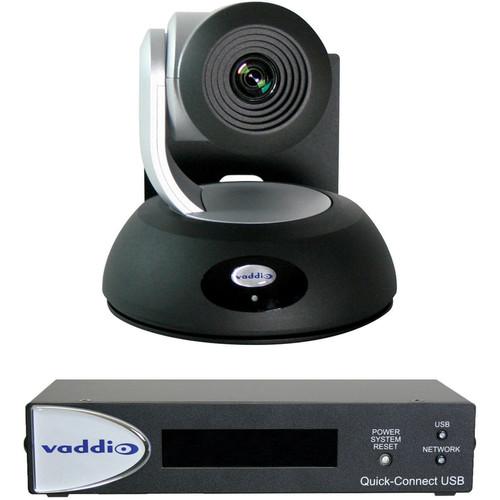
User Manual for Vaddio RoboSHOT 12 QUSB System Click to enlarge the picture
 Contents of the user manual for the Vaddio RoboSHOT 12 QUSB System
- Product category: PTZ Cameras Vaddio
- Brand: Vaddio
- Description and content of package
- Technical information and basic settings
- Frequently asked questions – FAQ
- Troubleshooting (does not switch on, does not respond, error message, what do I do if...)
- Authorized service for Vaddio PTZ Cameras
 |
User manual for the Vaddio RoboSHOT 12 QUSB System contain basic instructions
that need to be followed during installation and operation.
Before starting your appliance, the user manual should be read through carefully.
Follow all the safety instructions and warnings, and be guided by the given recommendations.
User manual is an integral part of any Vaddio product,
and if it is sold or transferred, they should be handed over jointly with the product.
Following the instructions for use is an essential prerequisite for protecting
health and property during use, as well as recognition of liability on the part of the manufacturer
for possible defects should you make a warranty claim. Download an official Vaddio user manual in which you will find instructions on how to install, use, maintain and service your product.
And do not forget – unsuitable use of a Vaddio product will considerably shorten its lifespan!
|
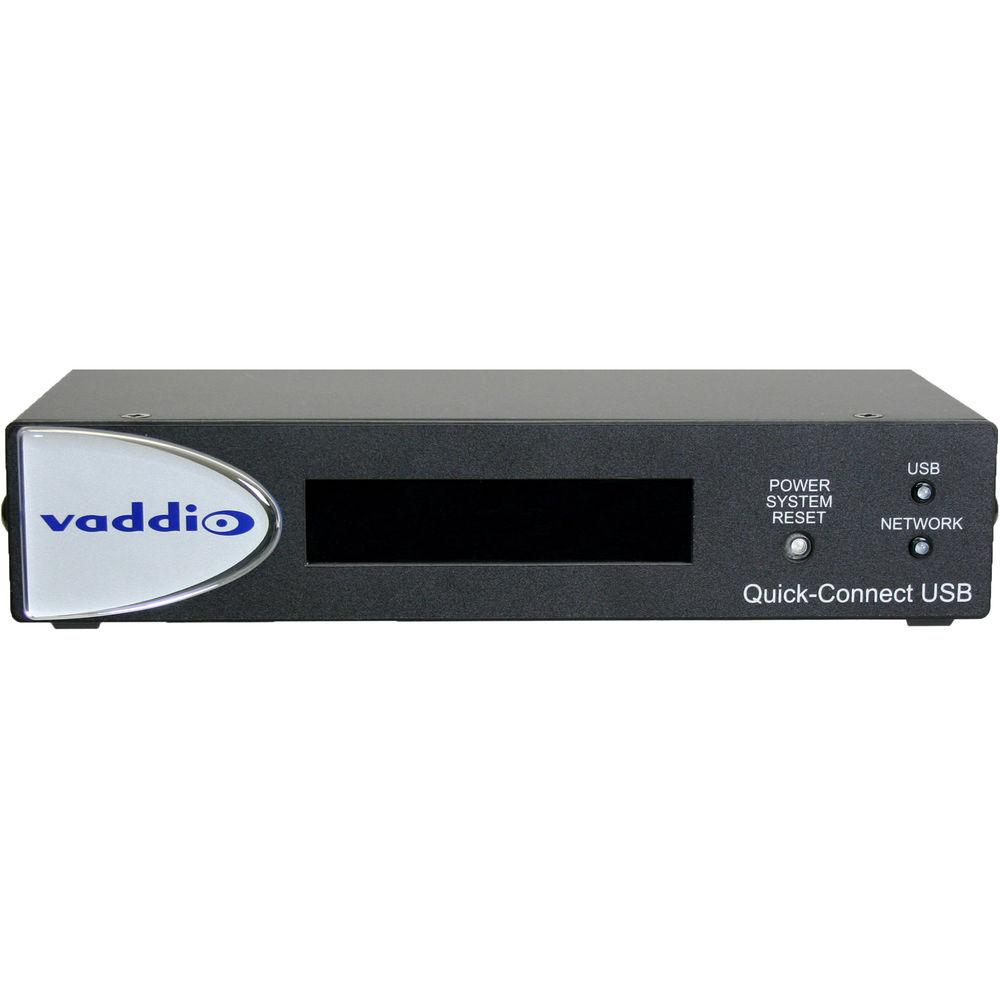
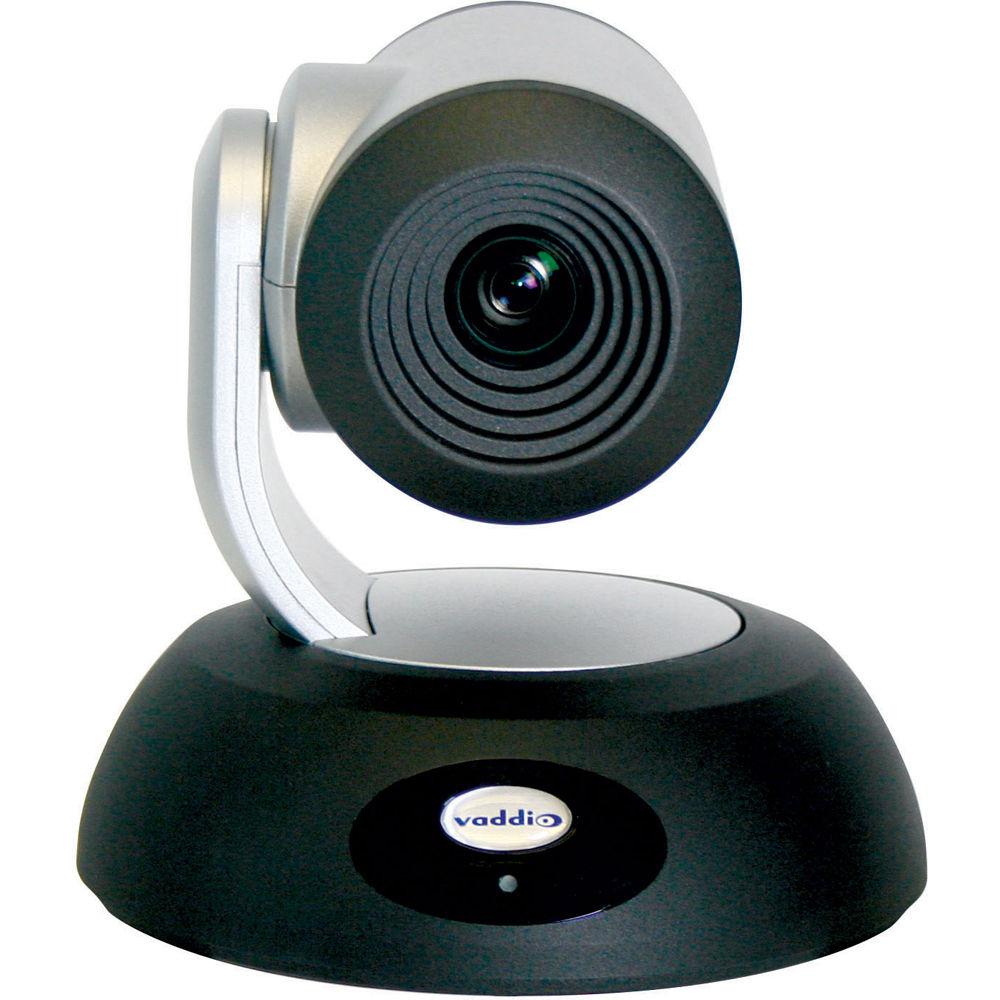
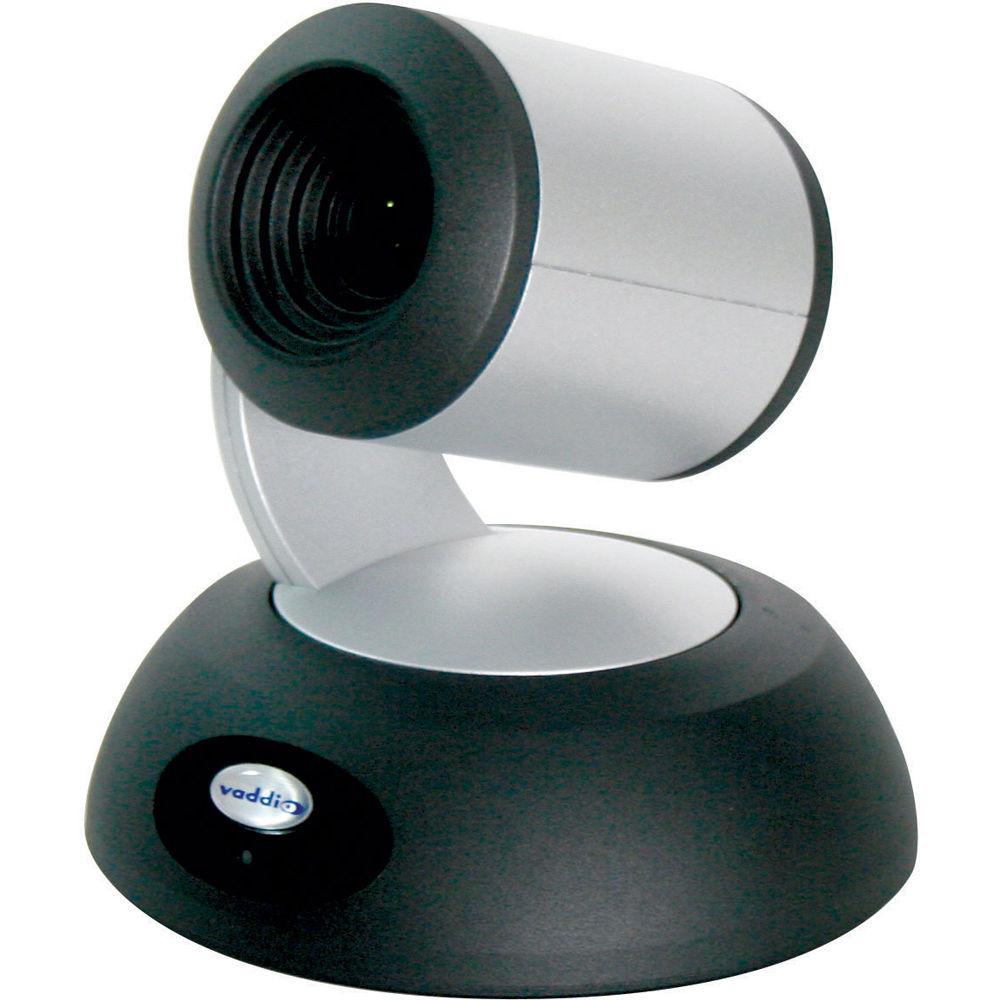
Product description Vaddio's RoboSHOT 12 QUSB System is a professional quality PTZ camera with fine detail and quality color reproduction packaged with a Quick-Connect USB Control unit. It's suitable for small to medium-sized rooms, houses of worship, medium auditorium A/V systems, small to medium distance learning classrooms, live event theaters, and lecture theaters with lecture capture. The key features of the camera are Tri-Synchronous Motion; Range-Set for setting optical limits; and the combination of an advanced image sensor, lens, and ISP (image signal processor).
Paired with the camera, the Quick-Connect USB control unit uses the Vaddio EZCamera Cat-5 Cable System to transport HSDS (differential video), power, and control to and from the camera over standard Cat-5 cabling up to 100' with virtually no loss in video quality or latency. The USB interface provides simultaneous HDMI and HD component output, or you can stream over the USB output using MJPEG or H.264. The interface supports universal USB drivers, so you can connect the device to your computer with confidence that it will work. - Camera
- The Tri-Synchronous Motion algorithm in the RoboSHOT cameras is capable of moving all three (pan, tilt, and zoom) axes simultaneously. The algorithm calculates the position and velocity of the smooth, direct-drive motor movements between the presets so pan, tilt, and zoom arrive at the preset subject simultaneously.
- The camera incorporates an Exmor 1/2.8", 2.34 Megapixel, Full HD (1080p/60) high-speed, low noise CMOS image sensor combined with a new ISP, which produces vivid, realistic, and accurate color with fast and sharp automatic focus and auto iris routines.
- The camera uses a single control arm for pan and tilt movements. Both ends of the cast control arm are anchored with silent and smooth BLDC (brushless DC) direct-drive motors. These motors provide accurate and fast camera positioning and are capable of the slowest of crawls, which are suitable for on-air use.
- IR sensors are built into the front of the RoboSHOT to receive IR signals from the IR Remote Commander supplied with the camera. The IR sensors sit behind the Makrolon IR Window on the front of the base.
- Ethernet port and a built-in web server, which allows the user to control the camera functions on an internal web page with a browser from anywhere in the world, or in the same room, over your IP network. Telnet, IR Remote and RS-232 control for the camera are available to satisfy almost any system control requirements.
The multi-colored LED indicates the use states of the camera:
- Purple LED is for Boot-up and Standby modes.
- Blue LED is for normal operation and is a power on, ready condition.
- The blue LED will blink when the camera receives a valid IR command.
- Solid red LED is to indicate a tally function illuminating when the camera is on-air.
- Blinking red LED indicates a fault condition.
- Yellow LED illuminates during a firmware update.
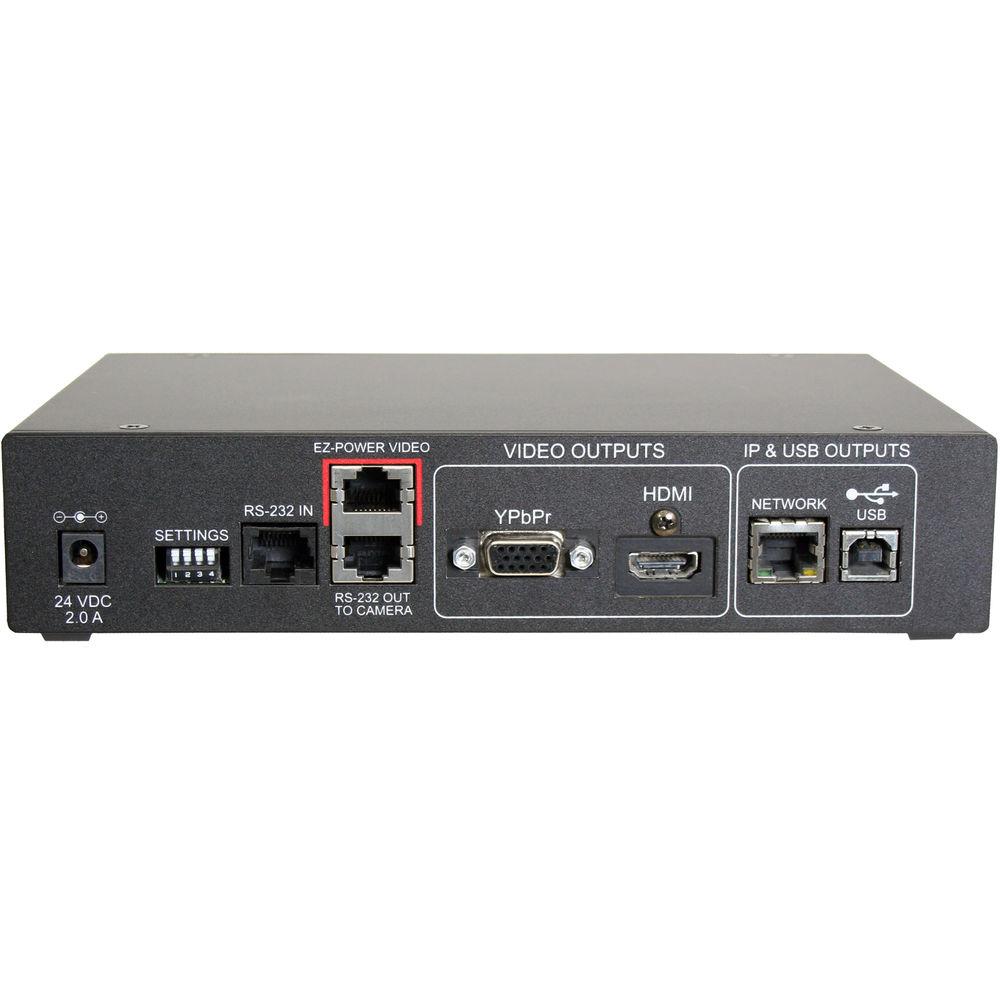
- Interface Unit
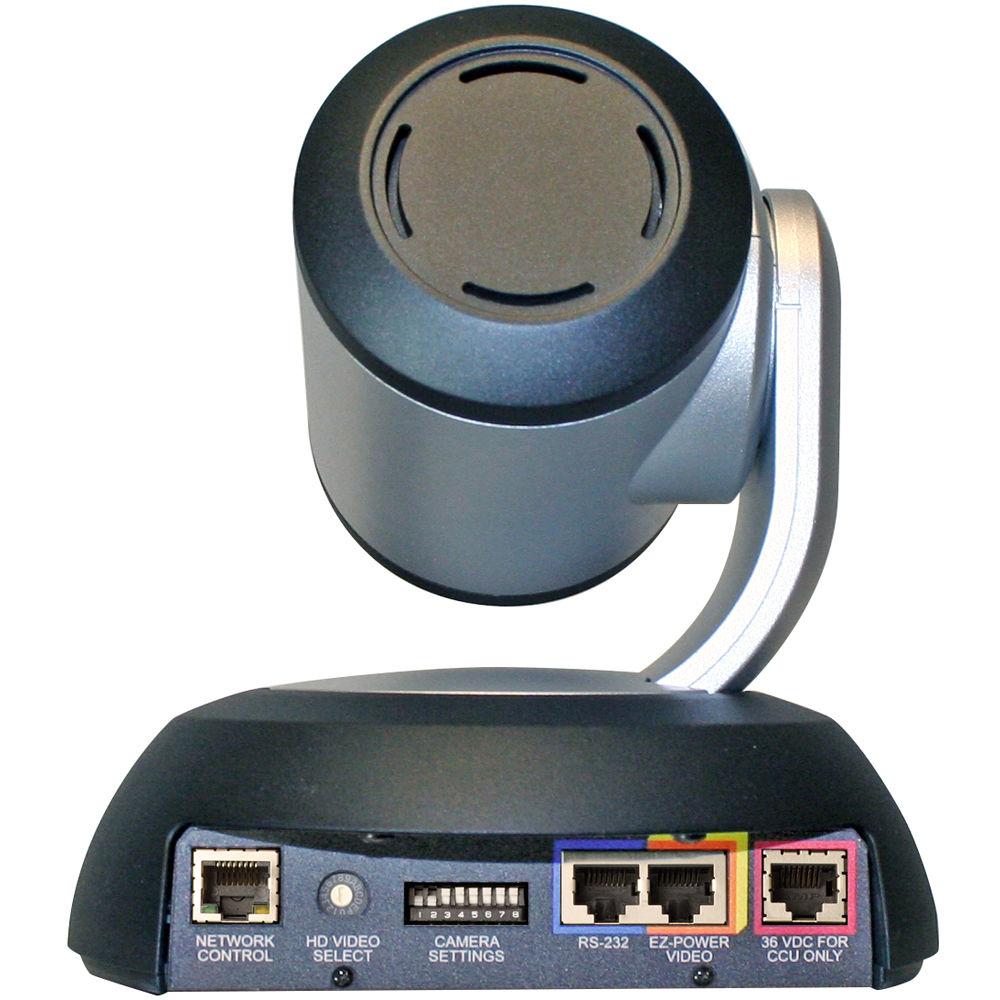
- Serial RS-232 output on RJ-45 connects via Cat-5 to the camera's RS-232 input on the camera. Control signals from the embedded webserver are sent via RS-232, or RS-232 from external controllers is relayed to the camera over this control port.
- EZ-POWER VIDEO: RJ-45 jack used to supply 24 VDC power to the camera and return differential video from the camera on Cat-5 cable up to 100' away.
- Analog component video output on a DE-15 (HD15) connector (resolution is set on the back of the camera). The YPbPr output resolution will be the same as the HDMI output resolution. SD video resolutions (Y/C and CVBS formats) are not supported by the Quick-Connect USB Interface; however, some progressive frame rates are supported by the analog component SD video output.
- The digital video output on the HDMI connector can either be YCbCr color space (normal HDMI mode) or can be changed to DVI-D color space (sRGB) for older monitors and devices. The HDMI and YPbPr outputs work simultaneously and are the same resolution (set at the camera).
- The Ethernet jack streams video (up to 1080p/30 H.264 and can be set from the internal web pages much like the HD-USB Camera. The resolutions are available in a three (3) stage quality format: (High Quality, Good Quality, and Standard Quality targets) and includes a range of CIF to 1080p/30.
- The USB 2.0 is on a Type-B female jack and connects to a PC running a soft-client video conferencing system or video capture software that uses UVC (USB Video Class) standard drivers. No other USB 2.0 drivers are required to plug the QC-USB into a computer and have it work. The UVC drivers will auto negotiate the top resolution that the PC and QC-USB can accomplish together and auto-implement.
In the Box Vaddio RoboSHOT 12 QUSB System (International) RoboSHOT 12 HD PTZ Camera with 12X Zoom yadcfswbwsctb Quick-Connect USB Interface 24 VDC, 2.08A Switching Power Supply with International AC Cord 6' (1.83m) USB Type-A to Type-B Cable User and Installation Guide 806-819 Gray RJ-45 Dust Cap (for 36 VDC RJ-45 Port on camera) Limited 2-Year Warranty on Parts and Labor Table of Contents
|
Upload User Manual
Have you got an user manual for the Vaddio RoboSHOT 12 QUSB System in electronic form? Please send it to us and help us expand our library of instruction manuals.
Thank you, too, on behalf of other users.
To upload the product manual, we first need to check and make sure you are not a robot. After that, your "Submit Link" or "Upload File" will appear.
Technical parametersVaddio RoboSHOT 12 Specs | | | Image Sensor | Exmor 1/2.8", 2.34 megapixel, full HD (1080p/60 native) high-speed, low-noise CMOS image sensor | | Lens | 12X optical zoom | | Supported Resolutions | HD Resolutions: (16:9 format)
1080p/60/59.94/50/30/25
1080i/60/59.94/50
720p/60/59.94/50/30/25 | | Miscellaneous | Tri-Synchronous Motion: Concurrent PTZ motor movement and simultaneous PTZ arrival at a stored preset
Range-Set: Optical zoom limits on tele end and wide end
Advanced ISP: Vivid and accurate color with fast and sharp automatic focus and iris routines | | S/N Ratio | >50 dB | | Minimum Illumination | 1.0 lux (F1.8, 50IRE)
Recommended illumination: >100 lux | | Minimum Distance | 0.4" (10 mm), wide end; and 2.6 ft (800 mm), tele end | | Pan & Tilt | Angles:
Pan: ±160°, Tilt: +90°, -30°
Speeds:
Pan/Tilt: .35 to 120°/sec | | Sync System | Internal | | Control Method | Ethernet: Internal Web Pages and Telnet, IR Remote Commander and RS-232 for external controllers | | Dimensions | 6.94 x 7.05 x 6.76" (17.6 x 17.9 x 17.2 cm) | | Weight | 4.85 lb (2.2 kg) | | | | Video Output | - USB 2.0 (MJPEG): Resolution up to 720p/30 (USB 2.0 MJPEG)
- H.264 (IP) on Ethernet: Resolution up to 1080p/30 (H.264 over IP)
- Analog Component (YPbPr): Resolution up to 1080p/60
- HDMI: Resolution up to 1080p/60
| | Connectors | - Power: 5.5 mm OD x 2.5 mm ID Coaxial Connector
- YPbPr: DE-15 (15-pin VGA) Female
- HDMI: HDMI Female
- RS-232 IN: RJ-45 Jack
- RS-232 OUT: RJ-45 Jack
- EZ-Power Video: RJ-45 Jack (Power and Differential HD Video)
| | CAT-5 Cable Distance | Two Cat-5e cables (EZ-Power video and RS-232); max distance up to 100' (30.48 m) | | Power Supply | 24 VDC, 2.08 A switching power supply | | Dimensions | 8.38 x 6.00 x 1.72" / 21.3 x 15.2 x 43.69 cm | | Weight | 1.4 lb / 0.64 kg |
Rating70% users recommend this product to others. And what about you?

This product has already been rated by 68 owners. Add your rating and experience with the product.
Discussion
 Ask our technicians if you have a problem with your settings,
or if anything is unclear in the user manual you have downloaded.
You can make use of our moderated discussion.
The discussion is public and helps other users of our website who may be encountering similar problems.
Ask our technicians if you have a problem with your settings,
or if anything is unclear in the user manual you have downloaded.
You can make use of our moderated discussion.
The discussion is public and helps other users of our website who may be encountering similar problems.
The discussion is empty - enter the first post
Post a new topic / query / comment:
|
|
|
| Request for user manual |
You can’t find the operation manual you are looking for? Let us know and we will try to add the missing manual:
I’m looking for a manual / Request for manual
Current requests for instruction manuals:
Call Of Duty World War Two For Xbox...
controller stratus XL...
stratus XL...
smart whatch serie S11 42mm...
Allen & Heath SQ-6 manual...
|
| Discussion |
Latest contributions to the discussion:
AEW R 4100
Name: MAURICIO ANGARITA
Audio-Technica AEW-R4100 UHF Diversity Receiver for
AEW R 4100 has the mute function blocked and does not allow audio to pass. I tried several times to turn off the mute from the transmitter but it does nothing, the mute stays on. Solution?
Thank you...
Instructions for assembling the 2015 Forecast Image Master Consoles GC3-A
Name: mike elam
Forecast Consoles GC3-A ImageMaster Editing Console
Looking for instructions for assembling this console. ...
EMPTY TONER ERROR MESSAGE AFTER REPLACING TONER
Name: LINDA BAD YELLOW EYES
Brother TN223BK Standard-Yield Toner
I HAD TO CHANGE OUT ALL THREE TONERS DUE TO LEAKS IN THE YELLOW AND CYAN. AFTER I REPLACED THEM, THE MACHINE KEEPS GIVING ME AN EMPTY TONER ERROR MESSAGE. HELP!!...
PS480D 20/24 pin Switching 480W Power Supply
Name: swkargo
Logisys 480W Power Supply
This item states in can run -5vdc .It is NOT listed on the board or I beleive is r4 is missing the resitior. Any body have thid issue. Shawn
...
Help needed
Name: Ann Carter
SanDisk 1TB Extreme Portable USB 3.1
When I click the link to download the user manual for my Sandisk Extreme external hard drive, it gives me the manual for the LG Cricket. Can you please change the link so I can download the Sandisk manual and begin using this drive? Thank you....
|
|


