|
User Manuals for Receiver Camera MountsYou have selected the product series Pro Audio - Location Sound - Wireless Microphone Accessories - Receiver Camera Mounts. Now choose the brand, model or product code you are looking for. If it is not available, you can request it from customer support.Manufacturers – select a brand:
Ambient Recording - Anton Bauer - ARRI - Audio Ltd. - Audio-Technica - BEC - Bracket 1 - Hawk-Woods - IDX System Technology - JVC - K-Tek - Lectrosonics - Polsen - Rycote - Sennheiser - Shure - Sony
| Showing: 51-60 products | Total: 141 products | | 1 ... 4 | 5 | 6 | 7 | 8 ... 15 |
|
Bracket 1 Base A - Handle |

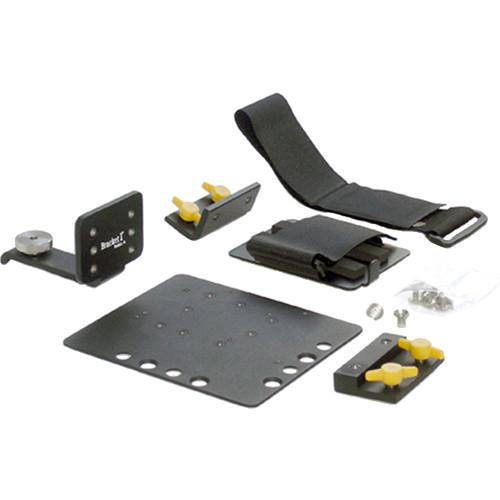 Bracket 1 BaseA System The Base A-Handle Mount 3 with Wireless Receiver and Battery Mount Kit-B by Bracket 1 consists of a Threaded Handle Mount 3, Battery Mounting Plate, Quick Release Plate, 90° Short Adapter, a Quick Plate and a touch-tab fastener in a kit. It works as a camera mounting system for attaching wireless microphone re...
|
|
Bracket 1 Base A - Handle |

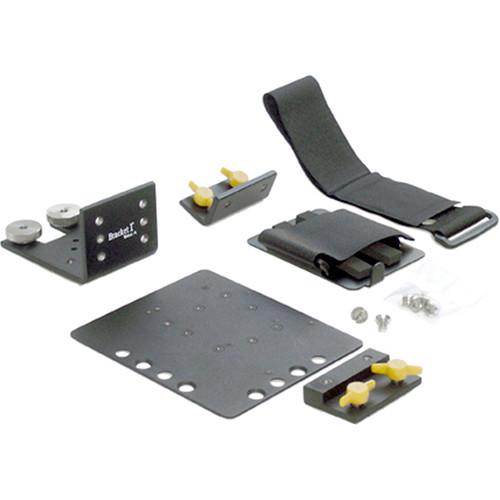 Bracket 1 BaseA System The Base A-Handle Mount 1 with Wireless Receiver and Battery Mount Kit-B by Bracket 1 consists of a Threaded Handle Mount 1, Battery Mounting Plate, Quick Release Plate, 90° Short Adapter, a Quick Plate and a touch-tab fastener in a kit. It works as a camera mounting system for attaching wireless microphone re...
|
|
Rycote Wireless Universal Receiver Camera Bracket |
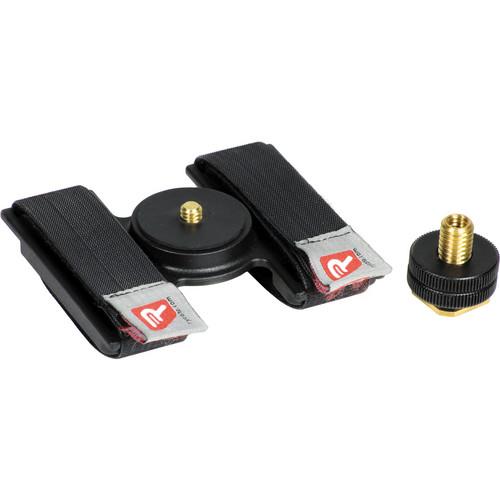 Product Demo Product Demo The Rycote Wireless Universal Receiver Camera Bracket MkII is designed for mounting a wireless microphone receiver on the flash shoe of a camera, or on a 1/4" mount. The bracket utilizes a brass thumbwheel to make mounting easier and can accommodate a wide range of different sized wireless receivers. The b...
|
|
Bracket 1 Base A Threaded Handle |
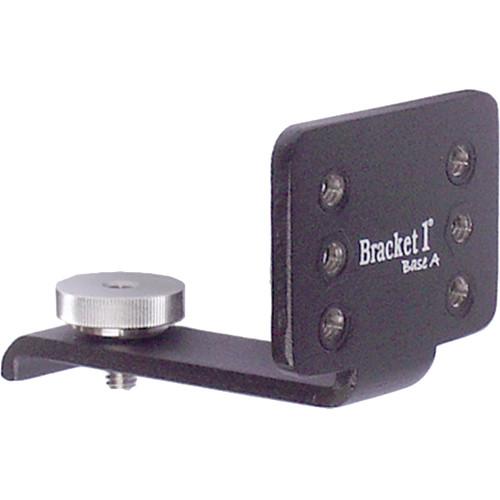 Bracket 1 BaseA System The Base A Threaded Handle Mount 3 from Bracket 1 is a bracket that provides an accessory plate for a camera with at least one 1/4”-20 threaded hole. The aluminum construction and stainless steel hardware ensure long-lasting durability. The six 1/4"-20 screw holes allow you to mount vital accessories, s...
|
|
Bracket 1 Base A - Threaded |

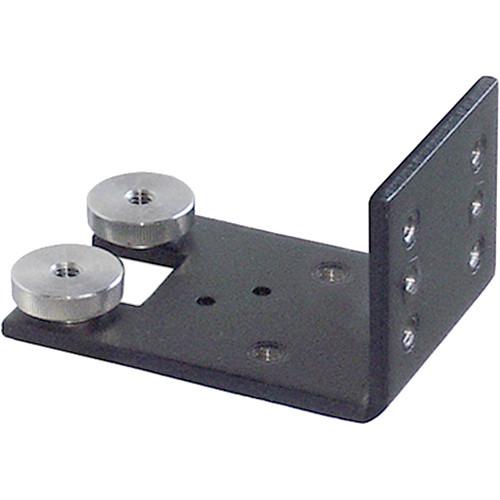 Bracket 1 BaseA System The Bracket 1 Base A - Threaded Handle Mount 1 builds your custom Base A system beginning with one of the threaded handle mounts. The Base A - Threaded Handle Mount 1 fits Panasonic AG-AF100, AG-HPX255, AG-HPX250, AG-AC160, AG-AC130, and AG-AC120 camcorders, and most other cameras with two 1/4"-20 threaded holes s...
|
|
Bracket 1 Multi Cold Shoe Threaded |
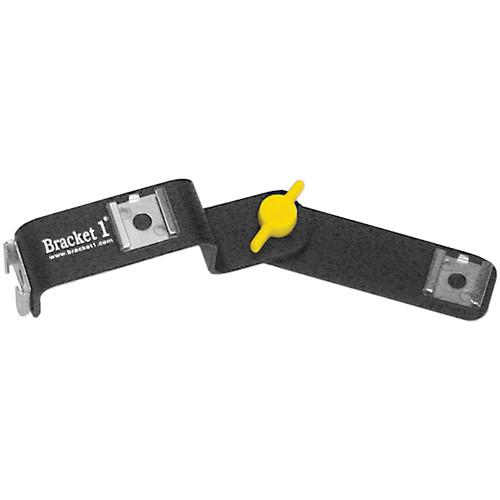 Multi Shoe Mount by Bracket 1 Bracket 1 Overview Add three cold shoe mounts to any camera that has a 1/4"-20 threaded hole with this adjustable Multi Cold Shoe Adapter from Bracket 1. This accessory is especially useful for cameras that don't have a native shoe mount. Screw the adapter into the 1/4"-20 threaded hole using the inte...
|
|
Bracket 1 Base A - Threaded |
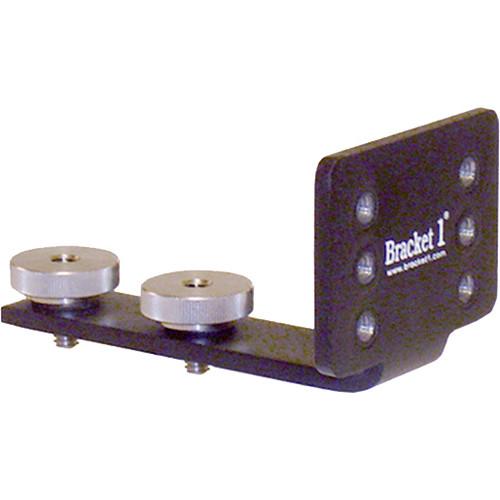 Bracket 1 BaseA System The Base A - Threaded Handle Mount 2 from Bracket 1 fits cameras with dual 1/4"-20 threaded pattern (spaced 1.5" apart front to back) on camera handle. It is designed for a Base A camera accessory mounting system. Compatible with: Panasonic AG-AF100, AG-AC130, AG-AC160, AG-HPX250, AG-HPX255 Sony NEX-FS100, NEX-F...
|
|
Bracket 1 Cradle Mount for Blackmagic |

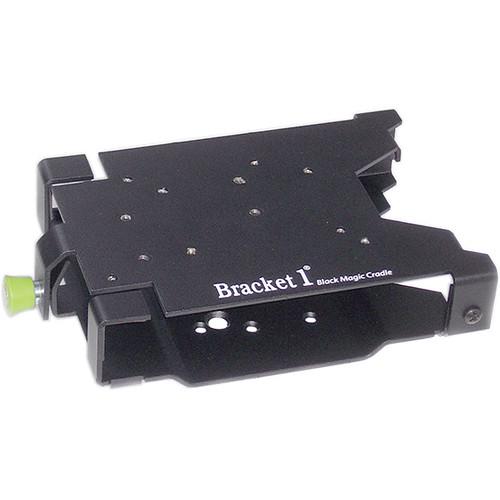 Bracket 1 Overview The Original Bracket 1 System Bracket 1 BaseA System Shuttle Cradle The Blackmagic HyperDeck Shuttle Cradle from Bracket 1 is a mounting solution designed specifically for your Blackmagic Design HyperDeck Shuttle SSD Field Recorder. The cradle secures around the HyperDeck Shuttle and provides holes for ...
|
|
Bracket 1 Quick Release Adapter for |
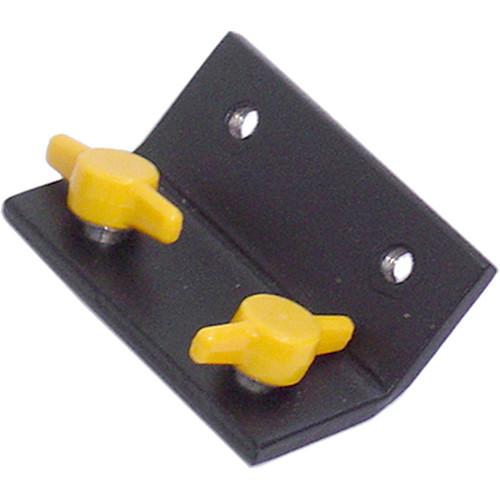 Bracket 1 BaseA System The 45°Quick Release Adapter for Base A Bracket System from Bracket 1 attaches to the Base A Handle Mount 1, 2, or 3, giving you an additional mounting position for an Accessory Plate, Battery Plate, Recorder Cradle, or any other Bracket 1 accessory. In the Box Bracket 1 Quick Release Adapter for Base A Bracke...
|
|
Bracket 1 Long Quick Release Adapter |
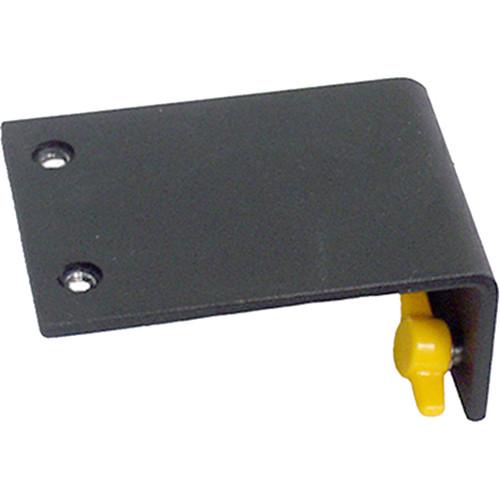 Bracket 1 BaseA System The 90° Long Quick Release Adapter for Base A Bracket System from Bracket 1 attaches to the Base A Handle Mount 1, 2, or 3, giving you an additional mounting position for an Accessory Plate, Battery Plate, Recorder Cradle, or any other Bracket 1 accessory. In the Box Bracket 1 Long Quick Release Adapter for Ba...
|
|
| 1 ... 4 | 5 | 6 | 7 | 8 ... 15 | | Showing: 51-60 products | Total: 141 products |
|
|
| Request for user manual |
You can’t find the operation manual you are looking for? Let us know and we will try to add the missing manual:
I’m looking for a manual / Request for manual
Current requests for instruction manuals:
Call Of Duty World War Two For Xbox...
controller stratus XL...
stratus XL...
smart whatch serie S11 42mm...
Allen & Heath SQ-6 manual...
|
| Discussion |
Latest contributions to the discussion:
AEW R 4100
Name: MAURICIO ANGARITA
Audio-Technica AEW-R4100 UHF Diversity Receiver for
AEW R 4100 has the mute function blocked and does not allow audio to pass. I tried several times to turn off the mute from the transmitter but it does nothing, the mute stays on. Solution?
Thank you...
Instructions for assembling the 2015 Forecast Image Master Consoles GC3-A
Name: mike elam
Forecast Consoles GC3-A ImageMaster Editing Console
Looking for instructions for assembling this console. ...
EMPTY TONER ERROR MESSAGE AFTER REPLACING TONER
Name: LINDA BAD YELLOW EYES
Brother TN223BK Standard-Yield Toner
I HAD TO CHANGE OUT ALL THREE TONERS DUE TO LEAKS IN THE YELLOW AND CYAN. AFTER I REPLACED THEM, THE MACHINE KEEPS GIVING ME AN EMPTY TONER ERROR MESSAGE. HELP!!...
PS480D 20/24 pin Switching 480W Power Supply
Name: swkargo
Logisys 480W Power Supply
This item states in can run -5vdc .It is NOT listed on the board or I beleive is r4 is missing the resitior. Any body have thid issue. Shawn
...
Help needed
Name: Ann Carter
SanDisk 1TB Extreme Portable USB 3.1
When I click the link to download the user manual for my Sandisk Extreme external hard drive, it gives me the manual for the LG Cricket. Can you please change the link so I can download the Sandisk manual and begin using this drive? Thank you....
|
|
