|
User Manuals for On-Air Lights & Clock TimersYou have selected the product series Professional Video - Studio & EFP Equipment - Production Add-ons - On-Air Lights & Clock Timers. Now choose the brand, model or product code you are looking for. If it is not available, you can request it from customer support.Manufacturers – select a brand:
Others - PunchLight - Remote Audio - Sandies - TecNec
| Showing: 11-20 products | Total: 29 products | | 1 | 2 | 3 |
|
PunchLight Recording PlexSign Mini |

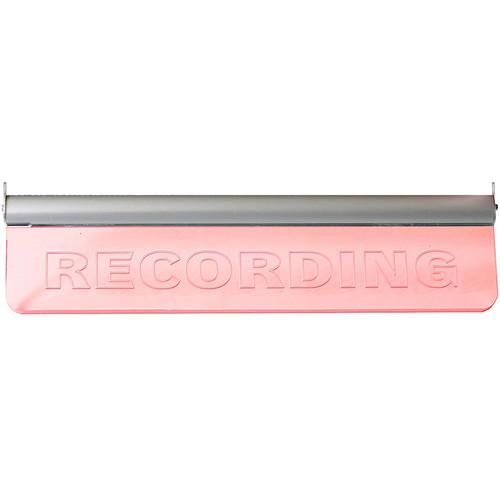 The Recording PlexSign Mini from PunchLight is a light unit set in high-grade plexiglass. The illuminated letters are engraved using a high-precision milling technique. The PlexSign can be connected to the PunchLight DLi, PunchLight GPI, or the PunchLight MIDI (sold separately), and of which act as a trigger. The product displays "RECORDING&q...
|
|
PunchLight Recording PlexSign |

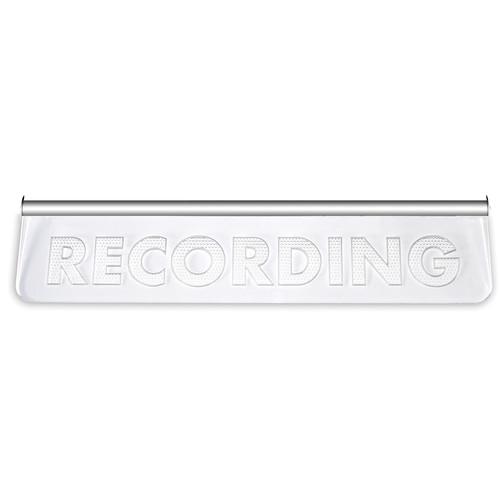 The Recording PlexSign from PunchLight is a light unit set in high-grade plexiglass. The illuminated letters are engraved using a high-precision milling technique. The PlexSign can be connected to the PunchLight DLi, PunchLight GPI, or the PunchLight MIDI (sold separately), and of which act as a trigger. The product displays "RECORDING" ...
|
|
PunchLight Recording Lamp USB |
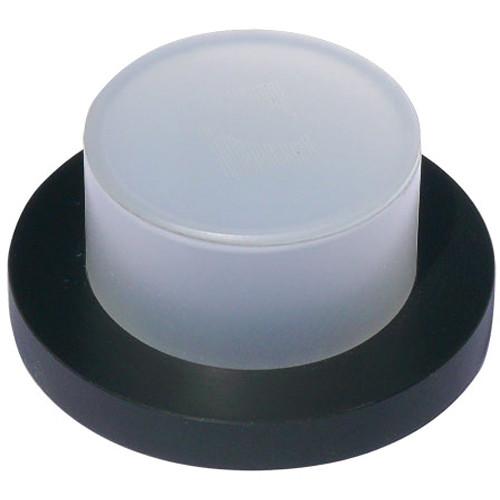 The Recording Lamp USB from PunchLight is a small Plexiglas light unit which automatically indicates Recording start/stop and record "ready". The hardware allows you to customize the colors of all 3 lamp modes. Recording, Pre Roll, and Cue can each be a separate color. The unit is powered directly via USB. No PSU or MIDI interface is needed. Aut...
|
|
PunchLight Studio Display SD2 with PunchLight |

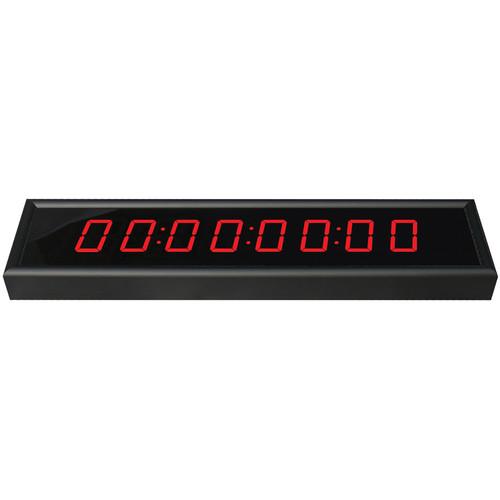 The Studio Display SD2 from PunchLight is a timecode display that comes with a PunchLight DLi interface. The Studio Display SD2 can show bars & beats, time, or samples. It is compatible with Pro Tools and most other audio/MIDI applications. The PunchLight DLi display and light interface has one output for the Studio Display SD2 and two additional...
|
|
PunchLight Recording Ring Light |

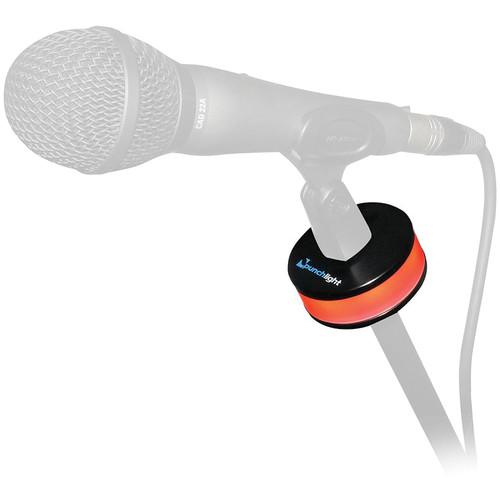 The Recording Ring Light from PunchLight is a studio warning light that attaches to your microphone stand. It can be used as a standalone unit or simultaneously with a microphone. The ring signals "Recording" by glowing red, and "Record Ready" by glowing yellow. The unit must be connected to the PunchLight DLi, PunchLight GPI, PunchLight MIDI, or ...
|
|
PunchLight DLi Display & Light Interface |

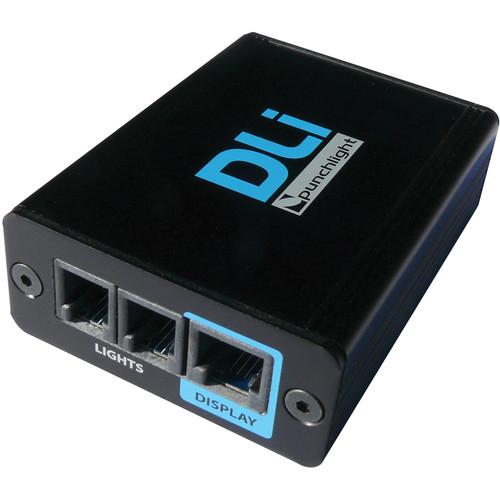 The PunchLight DLi Display & Light Interface automatically switches on an external light unit such as the PunchLight RECORDING Display, RECORDING PlexSign, RECORDING Ring, or RECORDING Lamp (sold separately). It has front panel LED status indication for Recording or Record Ready. Two light units can be controlled simultaneously. The third output i...
|
|
PunchLight MIDI Switcher |

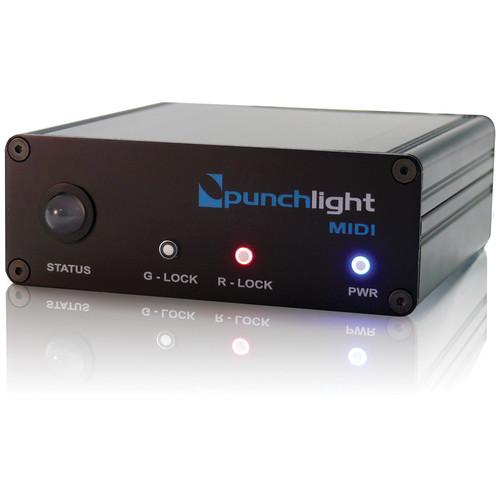 The PunchLight MIDI Switcher is a recording indicator is designed for anybody working in project, dubbing, or post production studios who needs visual confirmation of when a recording begins or ends. This simple, precise, and easy-to-use device is ideal for musicians and sound engineers as well as film, TV, and video editors. The PunchLight MIDI ...
|
|
PunchLight Relay Switchbox USB |
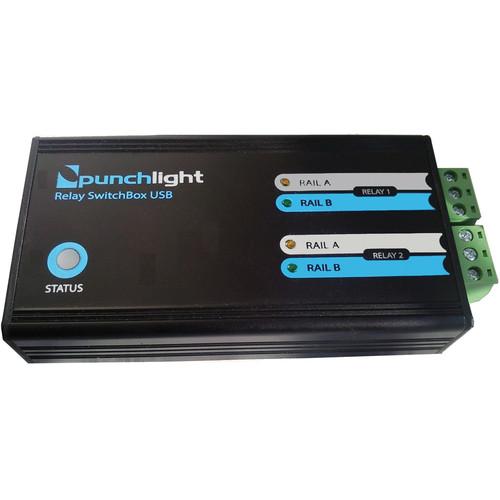 The Relay Switchbox USB from PunchLight is a small, USB-powered unit with two built-in switching relays. The unit can control any signaling systems that arealready installed in your studio. You can control other devices such as speakers, a microphone, or your own light system with this box. The Relay Switchbox USB can work without a power supply, ...
|
|
PunchLight GPI Universal Switcher |
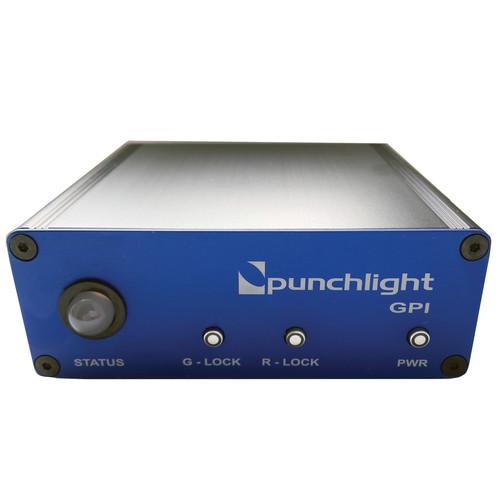 The PunchLight GPI Universal Switcher Interface is a recording indicator designed for anybody working in project, dubbing, or post production studios who needs visual confirmation of when a recording begins or ends. It is ideal for musicians and sound engineers as well as film, TV, and video editors. The PunchLight GPI is a switcher interface for ...
|
|
PunchLight Studio Display USB |
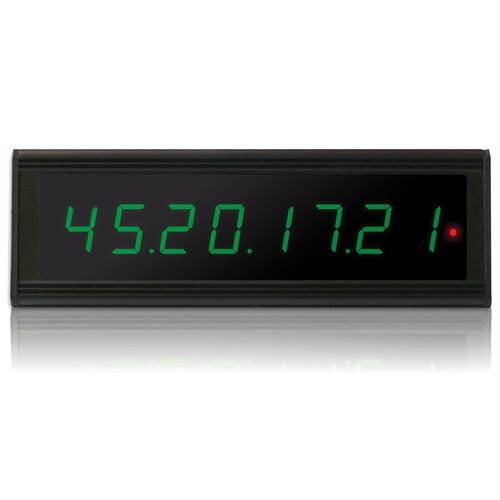 The Studio Display USB from PunchLight allows you to see incoming timecode from your monitor and expands the features of your existing Timecode Display. The Studio Display USB can show bars & beats, time, or samples. It is compatible with Pro Tools, Cubase, Nuendo, Logic Pro, and other audio/MIDI applications. Bars & Beats/Feet + Frames Time...
|
|
| 1 | 2 | 3 | | Showing: 11-20 products | Total: 29 products |
|
|
| Request for user manual |
You can’t find the operation manual you are looking for? Let us know and we will try to add the missing manual:
I’m looking for a manual / Request for manual
Current requests for instruction manuals:
Call Of Duty World War Two For Xbox...
controller stratus XL...
stratus XL...
smart whatch serie S11 42mm...
Allen & Heath SQ-6 manual...
|
| Discussion |
Latest contributions to the discussion:
AEW R 4100
Name: MAURICIO ANGARITA
Audio-Technica AEW-R4100 UHF Diversity Receiver for
AEW R 4100 has the mute function blocked and does not allow audio to pass. I tried several times to turn off the mute from the transmitter but it does nothing, the mute stays on. Solution?
Thank you...
Instructions for assembling the 2015 Forecast Image Master Consoles GC3-A
Name: mike elam
Forecast Consoles GC3-A ImageMaster Editing Console
Looking for instructions for assembling this console. ...
EMPTY TONER ERROR MESSAGE AFTER REPLACING TONER
Name: LINDA BAD YELLOW EYES
Brother TN223BK Standard-Yield Toner
I HAD TO CHANGE OUT ALL THREE TONERS DUE TO LEAKS IN THE YELLOW AND CYAN. AFTER I REPLACED THEM, THE MACHINE KEEPS GIVING ME AN EMPTY TONER ERROR MESSAGE. HELP!!...
PS480D 20/24 pin Switching 480W Power Supply
Name: swkargo
Logisys 480W Power Supply
This item states in can run -5vdc .It is NOT listed on the board or I beleive is r4 is missing the resitior. Any body have thid issue. Shawn
...
Help needed
Name: Ann Carter
SanDisk 1TB Extreme Portable USB 3.1
When I click the link to download the user manual for my Sandisk Extreme external hard drive, it gives me the manual for the LG Cricket. Can you please change the link so I can download the Sandisk manual and begin using this drive? Thank you....
|
|
