|
User Manuals for Dash CamerasYou have selected the product series Surveillance - Vehicle Cameras & GPS Tracking - Dash Cameras. Now choose the brand, model or product code you are looking for. If it is not available, you can request it from customer support.
Sub-categories – select a sub-category:
Dash Cam Accessories - Dashcams
| Showing: 31-40 products | Total: 106 products | | 1 | 2 | 3 | 4 | 5 | 6 ... 11 |
|
Black Vue DR900S Series 1-Channel 4K |

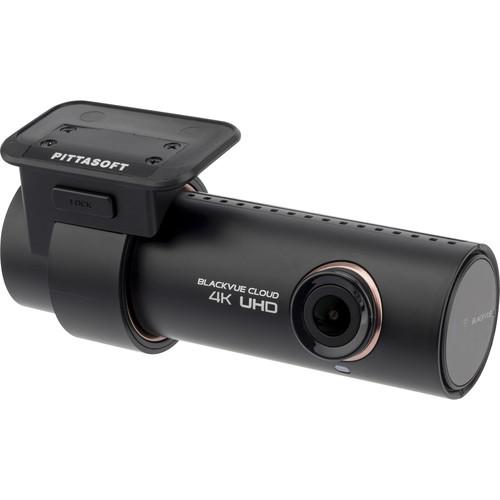 The Latest Dash Cams from Black Vue Read More The DR900S Series 1-Channel 4K UHD Dash Camera from BlackVue has an 8MP CMOS sensor to capture up to 3840 x 2160 resolution video at 30 fps. This dash cam features a wide 136° horizontal field of view, enabling you to see the road ahead. Dual-band Wi-Fi connectivity allows you to connect the dash c...
|
|
Garmin Dash Cam 65W with Wide-Angle |

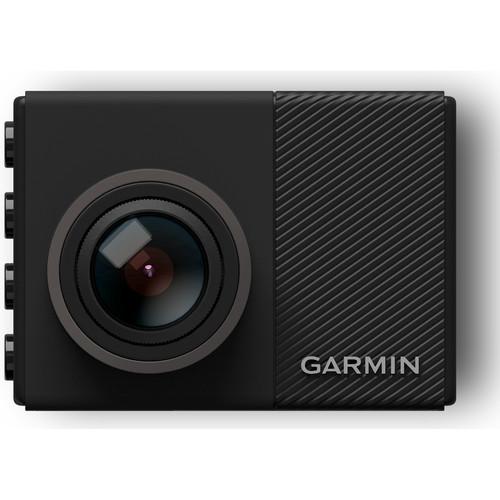 Able to capture 1920 x 1080 video at up to 30 fps, the Dash Cam 65W from Garmin features a 2" LCD display with side buttons for menu navigation. The dash cam has a built-in microphone to record sound within the vehicle for an aural and visual surveillance setup. Control the dash cam with your voice and start/stop recording without pressing any but...
|
|
Thinkware FA200 1080p Wi-Fi Dash Cam |
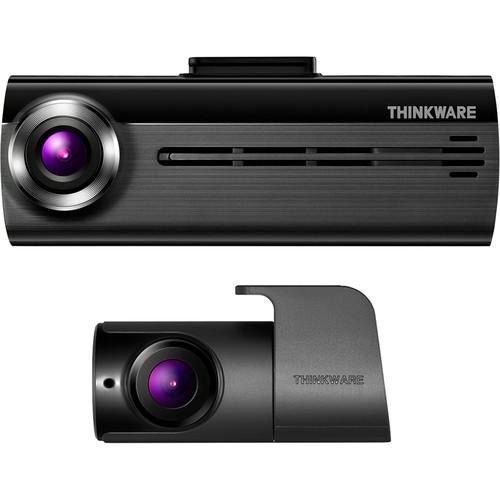 The FA200 1080p Wi-Fi Dash Cam with Rear View Camera from Thinkware enables you to record the front and rear of your vehicle while on the road. The front-facing Wi-Fi dash cam uses a 2.1MP CMOS sensor to capture 1920 x 1080 resolution video at 30 fps. It delivers a 140° diagonal field of view to cover the entire road ahead of your car as you d...
|
|
Transcend DrivePro 550 Dual Lens Dash |

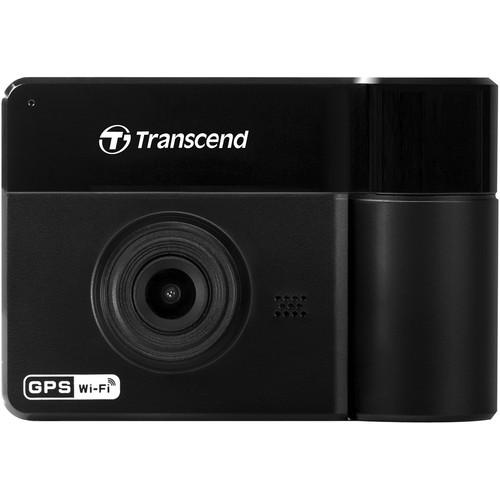 The DrivePro 550 from Transcend is a dual-lens dash camera equipped with a 2.4" color LCD screen. This dash cam is capable of capturing the road ahead of you, along with the interior of your vehicle. The front camera captures 1080p resolution video at 30 fps, and the 180° rotatable rear lens captures 720p video. Four IR LEDs on the rear provid...
|
|
Thinkware TWA-SACH Adhesive Wire Clips |

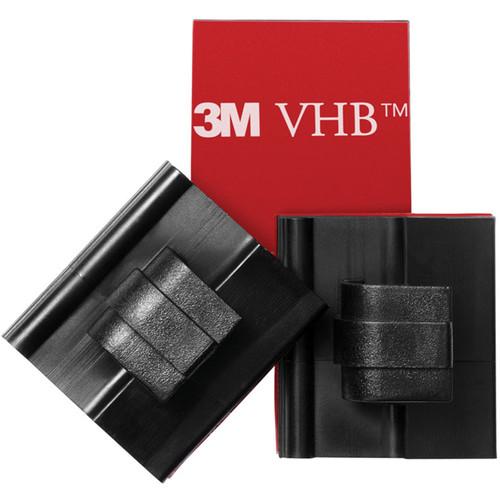 The TWA-SACH Adhesive Wire Clips are designed to be used with dash cams from Thinkware. This set of five adhesive wire clips keeps the cables from your dash cam organized. The wire clips are equipped with adhesive tape to deliver secure, long-lasting cable management. Compatible with all Thinkware dash cams Offers cable management for your T...
|
|
Thinkware TWA-F800M Dash Cam Mount |

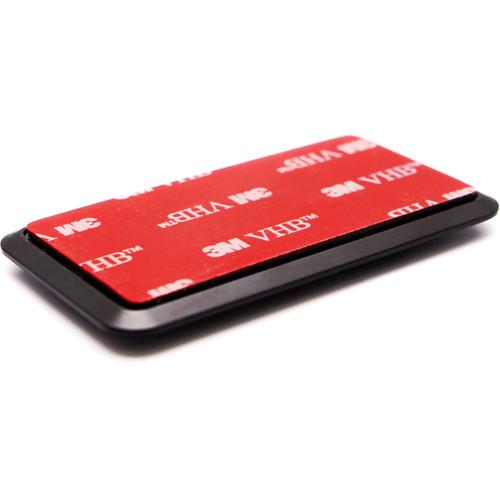 The TWA-F800M Dash Cam Mount is designed to be used with the F800 dash cam from Thinkware. This mount is equipped with 3M adhesive tape to ensure that your F800 dash cam stays in place and remains functioning in the event of an impact. It reduces vibrations transmitted to the camera to provide stable video recording. Compact design minimizes obs...
|
|
Thinkware FA200 1080p Wi-Fi Dash Cam |

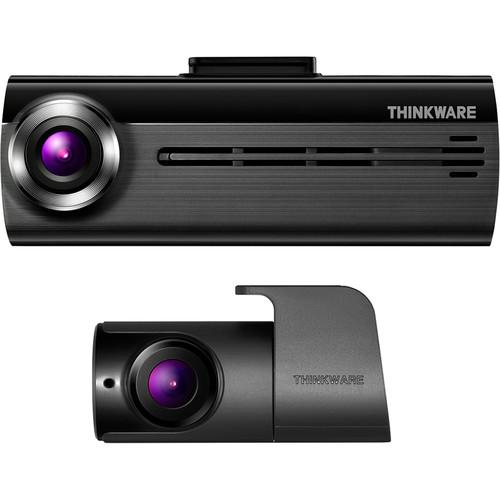 The FA200 1080p Wi-Fi Dash Cam with Rear View Camera from Thinkware enables you to record video of the front and rear of your vehicle while on the road. The front-facing Wi-Fi dash cam uses a 2.1MP CMOS sensor to capture 1920 x 1080 resolution video at 30 fps. It delivers a 140° diagonal field of view to cover the entire road ahead of your car...
|
|
Thinkware TWA-F100IFRT 720p External Weatherproof Infrared |
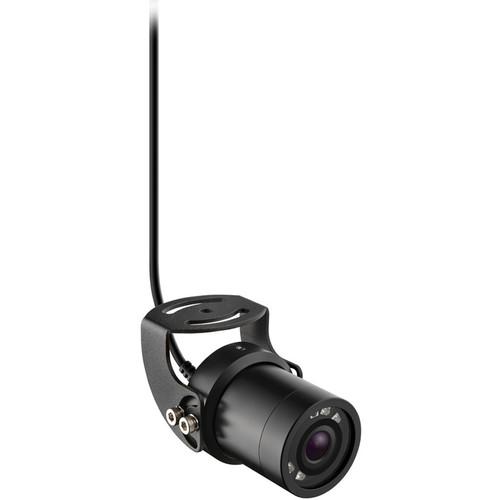 Mount the TWA-F100IFRT 720p External Weatherproof Infrared Camera with Night Vision from Thinkware on the rear exterior of your vehicle for rear view coverage. This device can be added to Thinkware's F100 dash cam, and is meant to be used in place of a rear camera. This camera captures 1280 x 720 resolution video in a wide 135° field of view a...
|
|
Garmin Low-Profile Magnetic Mount |
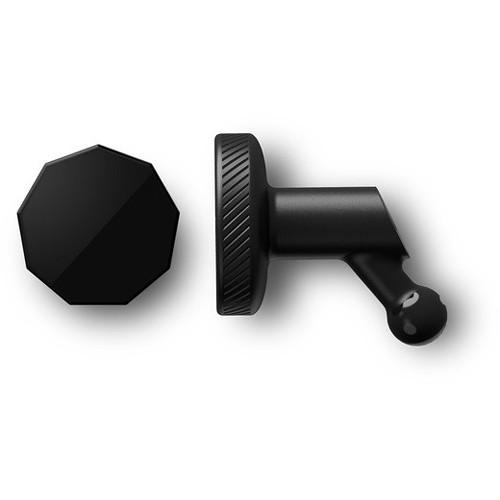 The Low-Profile Magnetic Mount enables you to securely mount your compatible Garmin dash cam for hands-free use while on the road. The mount's low-profile design minimizes blockage of your line of sight. Includes magnetic disk and adhesive material for secure mounting Compatibility Garmin Dash Cam 45 Garmin Dash Cam 55 Garmin Dash Cam 65W ...
|
|
Transcend TS-DBK2 MOLLE and Magnetic Mounting |
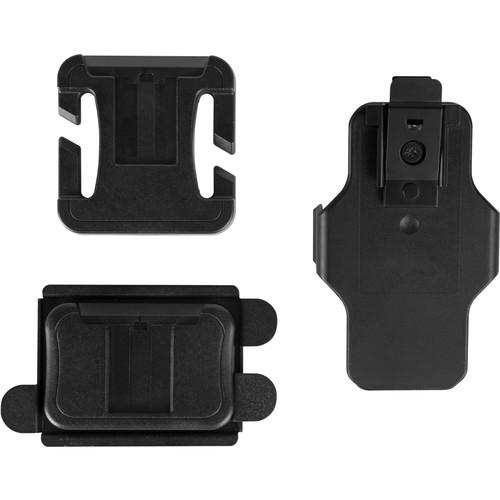 The TS-DBK2 accessory kit from Transcend includes a magnetic mounting kit, MOLLE mount, and camera holder for attaching the DrivePro Body 20 and 30 cameras to your body. The magnetic mounting kit is equipped with magnets to ensure that the DrivePro camera stays in position on your body. The MOLLE mount is designed for use with tactical vests. Plea...
|
|
| 1 | 2 | 3 | 4 | 5 | 6 ... 11 | | Showing: 31-40 products | Total: 106 products |
|
|
| Request for user manual |
You can’t find the operation manual you are looking for? Let us know and we will try to add the missing manual:
I’m looking for a manual / Request for manual
Current requests for instruction manuals:
Call Of Duty World War Two For Xbox...
controller stratus XL...
stratus XL...
smart whatch serie S11 42mm...
Allen & Heath SQ-6 manual...
|
| Discussion |
Latest contributions to the discussion:
AEW R 4100
Name: MAURICIO ANGARITA
Audio-Technica AEW-R4100 UHF Diversity Receiver for
AEW R 4100 has the mute function blocked and does not allow audio to pass. I tried several times to turn off the mute from the transmitter but it does nothing, the mute stays on. Solution?
Thank you...
Instructions for assembling the 2015 Forecast Image Master Consoles GC3-A
Name: mike elam
Forecast Consoles GC3-A ImageMaster Editing Console
Looking for instructions for assembling this console. ...
EMPTY TONER ERROR MESSAGE AFTER REPLACING TONER
Name: LINDA BAD YELLOW EYES
Brother TN223BK Standard-Yield Toner
I HAD TO CHANGE OUT ALL THREE TONERS DUE TO LEAKS IN THE YELLOW AND CYAN. AFTER I REPLACED THEM, THE MACHINE KEEPS GIVING ME AN EMPTY TONER ERROR MESSAGE. HELP!!...
PS480D 20/24 pin Switching 480W Power Supply
Name: swkargo
Logisys 480W Power Supply
This item states in can run -5vdc .It is NOT listed on the board or I beleive is r4 is missing the resitior. Any body have thid issue. Shawn
...
Help needed
Name: Ann Carter
SanDisk 1TB Extreme Portable USB 3.1
When I click the link to download the user manual for my Sandisk Extreme external hard drive, it gives me the manual for the LG Cricket. Can you please change the link so I can download the Sandisk manual and begin using this drive? Thank you....
|
|
