|
User Manuals for Studio & EFP EquipmentYou have selected the product series Professional Video - Studio & EFP Equipment. Now choose the brand, model or product code you are looking for. If it is not available, you can request it from customer support.
Sub-categories – select a sub-category:
Character Generators & Graphic Solutions - Chroma Key - Closed Caption & Video Alert Systems - Production Add-ons - Production Switchers & Controllers - Signal Monitoring & Calibration - Streaming Media Solutions - Teleprompters
| Showing: 1791-1800 products | Total: 2547 products | | 1 ... 178 | 179 | 180 | 181 | 182 ... 255 |
|
NewTek Extended Hardware Warranty Renewal for |

 Renew extended warranty coverage for your 3Play 4800 by one year with NewTek's Extended Hardware Warranty Renewal. This warranty extension is only applied after the original 1-year warranty and a 1-year extension. This renewal may be purchased any time while extended coverage is in effect and will also cover any control surfaces used with the prod...
|
|
NewTek Solution Support Agreement Consulting Service |
 The Solution Support Agreement Consulting Service 10 Hours Assistance from NewTek is 10 hours remote and on-site assistance by NewTek's Workflow Team within two years, logged in 6-minute increments. This resource will perform workflow troubleshooting but can also assist with programming, workflow design, or operator training. It's designed to prov...
|
|
NewTek On-Site Training, 8-Hours Non-taxable |

 The On-Site Training from NewTek is an on-site eight hours operator training program for NewTek products that are installed at the facility. The training is completed by a NewTek Authorized Trainer according to a predetermined training plan. There is a maximum of three trainees for each training group. An online Services Order Ticket is required ...
|
|
NewTek C08 Workflow Analysis Consulting Service |

 The C08 Workflow Analysis Consulting Service from NewTek is a one-day (8 hours) remote and on-site assistance with product workflow, configuration, and integration. Initial product installation is not included in this service. Pre-approval of consulting projects required. Table of Contents ...
|
|
Autocue QTV QMaster Remote License |

 The QMaster Remote License from Autocue/QTV is a license for QMaster software, allowing you to export QMaster scripts via FTP or Dropbox. The scripts can then be downloaded to an iPad via the iAutocue app. In the Box Autocue/QTV QMaster Remote License Limited 1-Year Warranty Table of Contents ...
|
|
PunchLight GPI Universal Switcher |
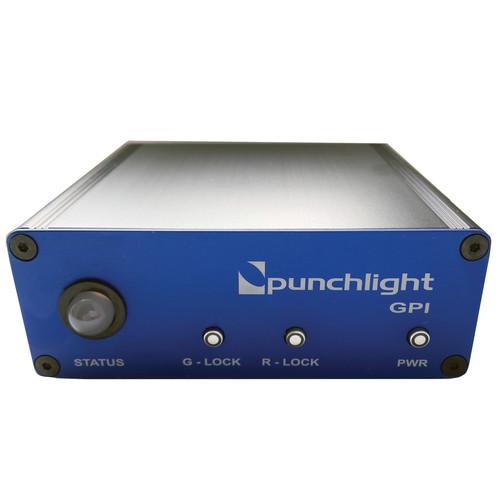 The PunchLight GPI Universal Switcher Interface is a recording indicator designed for anybody working in project, dubbing, or post production studios who needs visual confirmation of when a recording begins or ends. It is ideal for musicians and sound engineers as well as film, TV, and video editors. The PunchLight GPI is a switcher interface for ...
|
|
Autocue QTV Case for Prompters with |
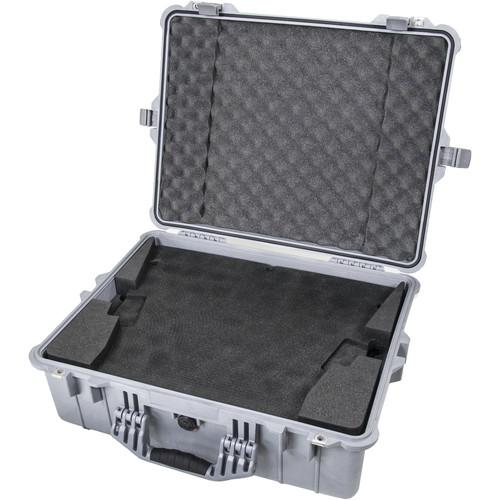 This is an Autocue Case for large "OCU" model Autocue prompters with large wide-angle hoods. In the Box Autocue/QTV Case for Prompters with Large Wide-Angle Hoods Limited 1-Year Warranty Table of Contents ...
|
|
PunchLight Studio Display USB |

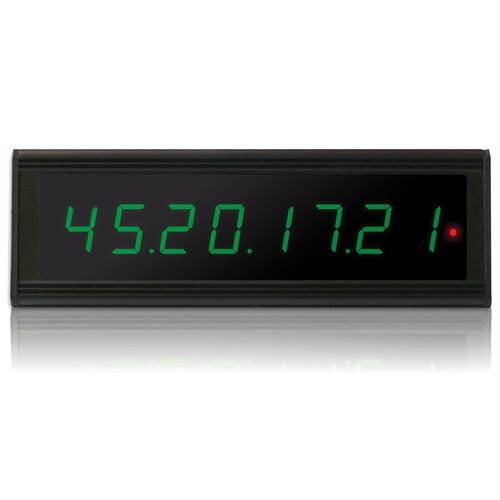 The Studio Display USB from PunchLight allows you to see incoming timecode from your monitor and expands the features of your existing Timecode Display. The Studio Display USB can show bars & beats, time, or samples. It is compatible with Pro Tools, Cubase, Nuendo, Logic Pro, and other audio/MIDI applications. Bars & Beats/Feet + Frames Time...
|
|
PunchLight Studio Display XT2 with USB |
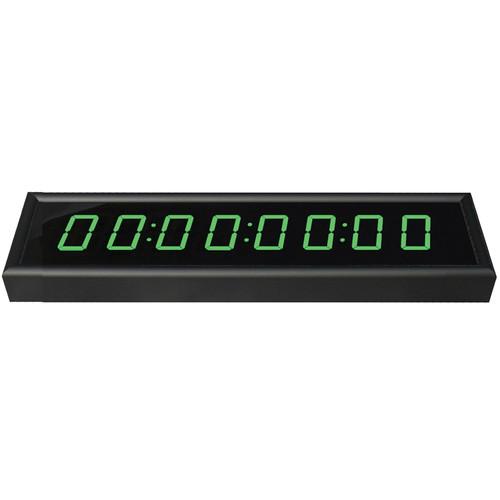 The Studio Display XT2 from PunchLight allows you to see incoming timecode from your monitor. The XT2 displays timecode, time, or samples & bars. It is designed for use in recording and post production studios. The XT2 has a multi-color function for all segments. During playback, the timecode is green, for "ready" it is yellow, and durin...
|
|
PunchLight Relay Extender for MIDI and |
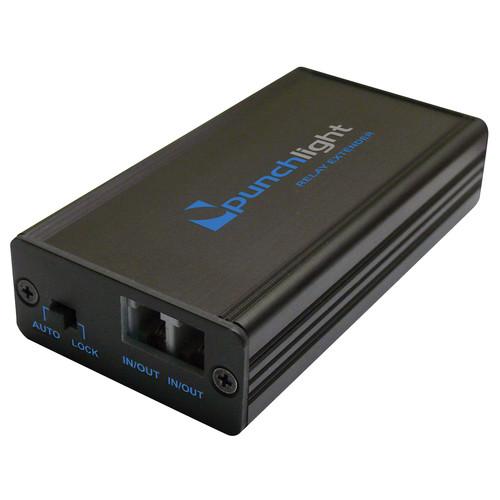 The Relay Extender from PunchLight allows you to control devices such as speakers, a microphone, and light system. It can connect to a PunchLight MIDI or PunchLight GPI (sold separately) and automatically turn the appropriate gear on or off. Two relay patch with terminal plate Two RJ10 inputs (12V) Connects to PunchLight MIDI or PunchLig...
|
|
| 1 ... 178 | 179 | 180 | 181 | 182 ... 255 | | Showing: 1791-1800 products | Total: 2547 products |
|
|
| Request for user manual |
You can’t find the operation manual you are looking for? Let us know and we will try to add the missing manual:
I’m looking for a manual / Request for manual
Current requests for instruction manuals:
Call Of Duty World War Two For Xbox...
controller stratus XL...
stratus XL...
smart whatch serie S11 42mm...
Allen & Heath SQ-6 manual...
|
| Discussion |
Latest contributions to the discussion:
AEW R 4100
Name: MAURICIO ANGARITA
Audio-Technica AEW-R4100 UHF Diversity Receiver for
AEW R 4100 has the mute function blocked and does not allow audio to pass. I tried several times to turn off the mute from the transmitter but it does nothing, the mute stays on. Solution?
Thank you...
Instructions for assembling the 2015 Forecast Image Master Consoles GC3-A
Name: mike elam
Forecast Consoles GC3-A ImageMaster Editing Console
Looking for instructions for assembling this console. ...
EMPTY TONER ERROR MESSAGE AFTER REPLACING TONER
Name: LINDA BAD YELLOW EYES
Brother TN223BK Standard-Yield Toner
I HAD TO CHANGE OUT ALL THREE TONERS DUE TO LEAKS IN THE YELLOW AND CYAN. AFTER I REPLACED THEM, THE MACHINE KEEPS GIVING ME AN EMPTY TONER ERROR MESSAGE. HELP!!...
PS480D 20/24 pin Switching 480W Power Supply
Name: swkargo
Logisys 480W Power Supply
This item states in can run -5vdc .It is NOT listed on the board or I beleive is r4 is missing the resitior. Any body have thid issue. Shawn
...
Help needed
Name: Ann Carter
SanDisk 1TB Extreme Portable USB 3.1
When I click the link to download the user manual for my Sandisk Extreme external hard drive, it gives me the manual for the LG Cricket. Can you please change the link so I can download the Sandisk manual and begin using this drive? Thank you....
|
|
