|
User Manuals for Film ScannersYou have selected the product series Photography - Scanners - Scanners - Film Scanners. Now choose the brand, model or product code you are looking for. If it is not available, you can request it from customer support.Manufacturers – select a brand:
Blackmagic Design - Braun - Hasselblad - Kodak - Others - Pacific Image - Pana-Vue - Plustek - veho - Wolverine Data
| Showing: 11-20 products | Total: 25 products | | 1 | 2 | 3 |
|
Pacific Image PowerFilm Scanner |

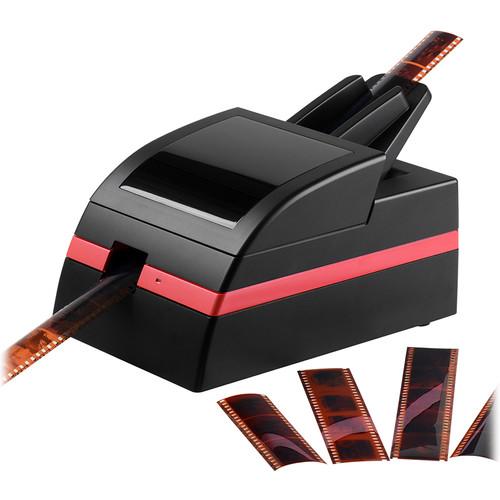 Pacific Image Delivers Super Scanning Solutions Read More 180214 PF video 180222 PF long video Cleaning Inside Your Scanner Loading Your Negatives Organizing and Scanning Your Negatives Troubleshooting Designed for fast an efficient scanning of up to 60 sequential frames, the PowerFilm from Pacific Image is a sl...
|
|
Braun NovoScan 3-in-1 Film and Photo |

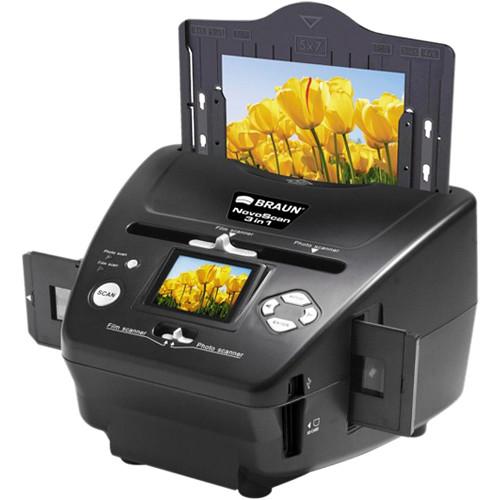 Digitize your 35mm negatives and slides as well as your small 3.5 x 5", 4 x 6", and 5 x 7" prints with this NovoScan 3-in-1 Film and Photo Scanner from Braun. It uses a 5.1MP CMOS sensor that provides an optical resolution of 1800 x 1800 dpi, as well as an interpolated resolution of 3600 dpi, to create finely detailed scans of your film and photog...
|
|
Braun NovoScan 120 Scanner |
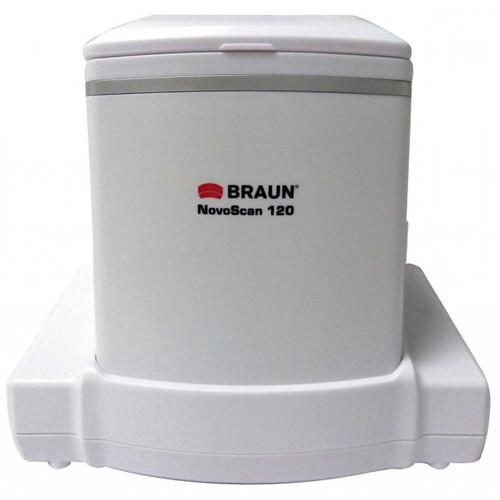 Scan your 120 format film from 645 up to 6x9 with this NovoScan 120 Scanner from Braun. This unit works with both negative and slide film using a 14MP 1/2.3" CMOS sensor to create highly detailed digital scans, which are saved to an SD/SDHC memory card. Also, it is quite fast with scans taking just 1 second to complete. For simplicity, the NovoSca...
|
|
Pacific Image Prime Film XAs super |

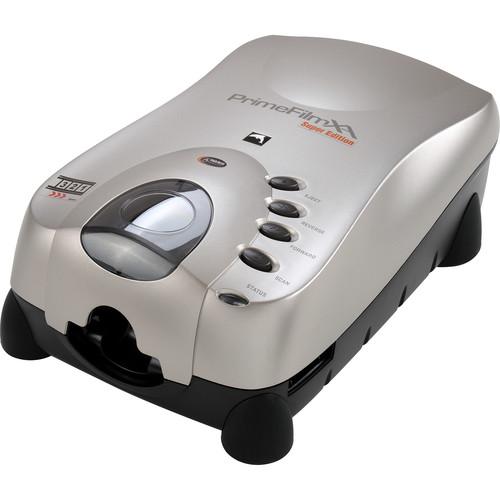 Pacific Image Delivers Super Scanning Solutions Read More Featuring updated color handling and faster performance, the Prime Film XAs super edition from Pacific Image is a film scanner designed for use with 35mm film strips and mounted slides of color negative, color positive, and B&W negative films. The super edition of this scanner offers faster...
|
|
Pana-Vue Pana-Scan 120 Transparency & Film |

 Digitize your medium format slides and negatives by picking up the standalone Pana-Scan 120 Transparency & Film Scanner from Pana-Vue. This device uses a 14MP CMOS sensor to scan your 120, 220, or 620 film with 6 x 4.5 cm, 6 x 6 cm, 6 x 7 cm, 6 x 8 cm, and 6 x 9 cm images for immediate display on a computer, laptop, or TV. It offers manual and aut...
|
|
Plustek OpticFilm 135 Film Scanner |
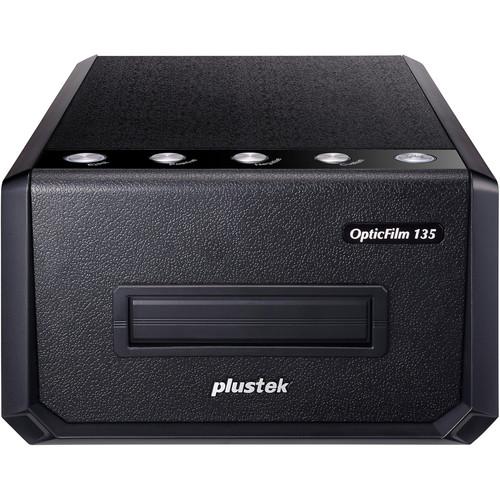 Plustek OpticFilm 135 Film Scanner Offering a high optical resolution of 3600 dpi and the ability to handle 35mm slides and negatives, the OpticFilm 135 Film Scanner from Plustek will help users easily digitize their latest rolls or preserve classic photos and memories. Scans will be sure to preserve detail with a Dmax of 3.4 and a colo...
|
|
Wolverine Data 8mm and Super 8 |
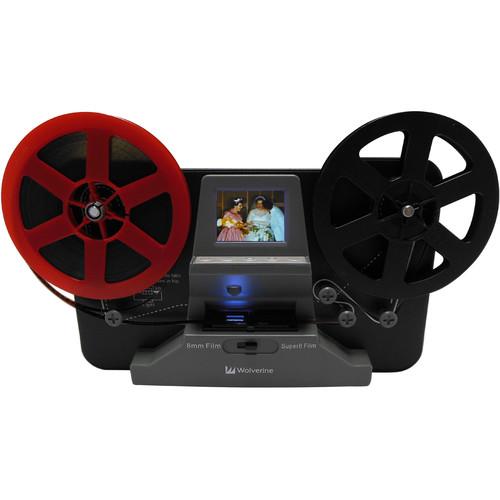 Wolverine 8mm and Super 8 Movie Reels to Digital MovieMaker Save your 8mm and Super 8 films by converting them to digital with the 8mm and Super 8 Movie Reels2Digital MovieMaker from Wolverine Data. Using a 3.53MP 1/3" CMOS sensor, this device can create HD 960 x 720 footage at 30 fps. It can work with either 3 or 5" reels and offers bo...
|
|
Braun FS120 Medium Format Film Scanner |

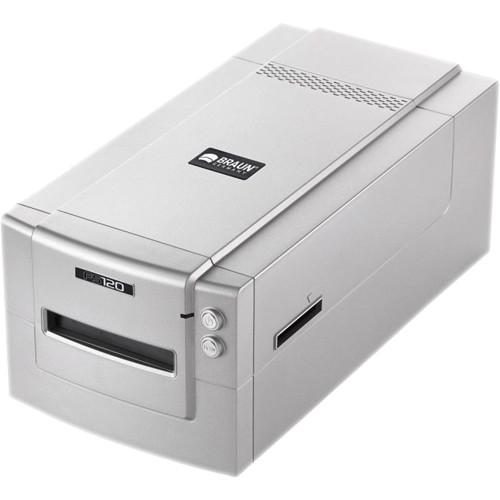 Digitize your 35mm slides and negatives all the way up to 6x12 cm shots with the FS120 Medium Format Film Scanner from Braun. It features a 3-line CCD sensor that works with an optical resolution of 3200 dpi and a color depth of 48-bit for creating highly detailed images. Also, it has a good Dmax rating of >3.6 as well as a scanning area of 1.0 x ...
|
|
Plustek OpticFilm 8200i SE Film Scanner |
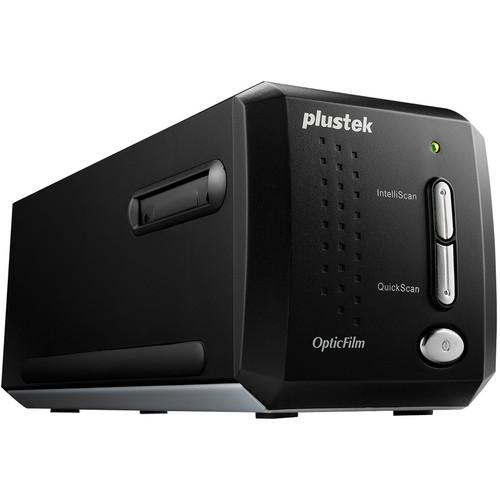 SilverFast 8.8-History Feature The OpticFilm 8200i SE Film Scanner from Plustek converts all your 35mm negatives and mounted slides into digital files you can edit and view on the computer. The scanner uses a high resolution 7200 dpi sensor with 48-bit color depth to capture all the detail from your originals. The scanner's built-in inf...
|
|
Plustek OpticFilm 8200i Ai Film Scanner |
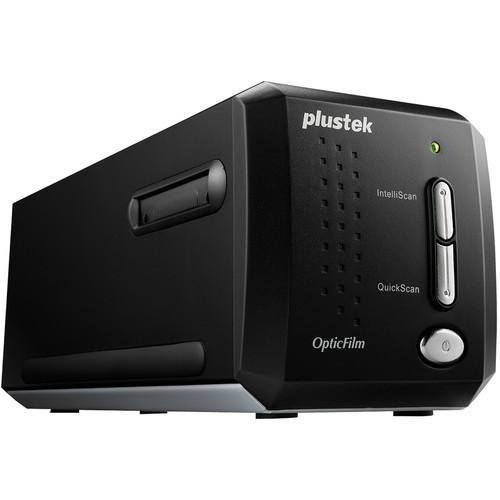 SilverFast 8.8 - History Feature SilverFast 8.5 - Selective Color Correction SCC SilverFast 8.5 - NegaFix The OpticFilm 8200i Ai Film Scanner from Plustek converts all your 35mm negatives and mounted slides into digital files you can edit and view on the computer. The scanner uses a high resolution 7200dpi sensor with 48-bit c...
|
|
| 1 | 2 | 3 | | Showing: 11-20 products | Total: 25 products |
|
|
| Request for user manual |
You can’t find the operation manual you are looking for? Let us know and we will try to add the missing manual:
I’m looking for a manual / Request for manual
Current requests for instruction manuals:
Call Of Duty World War Two For Xbox...
controller stratus XL...
stratus XL...
smart whatch serie S11 42mm...
Allen & Heath SQ-6 manual...
|
| Discussion |
Latest contributions to the discussion:
AEW R 4100
Name: MAURICIO ANGARITA
Audio-Technica AEW-R4100 UHF Diversity Receiver for
AEW R 4100 has the mute function blocked and does not allow audio to pass. I tried several times to turn off the mute from the transmitter but it does nothing, the mute stays on. Solution?
Thank you...
Instructions for assembling the 2015 Forecast Image Master Consoles GC3-A
Name: mike elam
Forecast Consoles GC3-A ImageMaster Editing Console
Looking for instructions for assembling this console. ...
EMPTY TONER ERROR MESSAGE AFTER REPLACING TONER
Name: LINDA BAD YELLOW EYES
Brother TN223BK Standard-Yield Toner
I HAD TO CHANGE OUT ALL THREE TONERS DUE TO LEAKS IN THE YELLOW AND CYAN. AFTER I REPLACED THEM, THE MACHINE KEEPS GIVING ME AN EMPTY TONER ERROR MESSAGE. HELP!!...
PS480D 20/24 pin Switching 480W Power Supply
Name: swkargo
Logisys 480W Power Supply
This item states in can run -5vdc .It is NOT listed on the board or I beleive is r4 is missing the resitior. Any body have thid issue. Shawn
...
Help needed
Name: Ann Carter
SanDisk 1TB Extreme Portable USB 3.1
When I click the link to download the user manual for my Sandisk Extreme external hard drive, it gives me the manual for the LG Cricket. Can you please change the link so I can download the Sandisk manual and begin using this drive? Thank you....
|
|
