|
User Manuals for Production Hardware & AccessoriesYou have selected the product series Pro Audio - Location Sound - Production Hardware & Accessories. Now choose the brand, model or product code you are looking for. If it is not available, you can request it from customer support.
Sub-categories – select a sub-category:
Battery Power & Distribution - Broadcast Processors - Telephone Audio Interfaces - Time Code Accessories
| Showing: 381-390 products | Total: 472 products | | 1 ... 37 | 38 | 39 | 40 | 41 ... 48 |
|
Remote Audio BDSv4 Battery Distribution System |

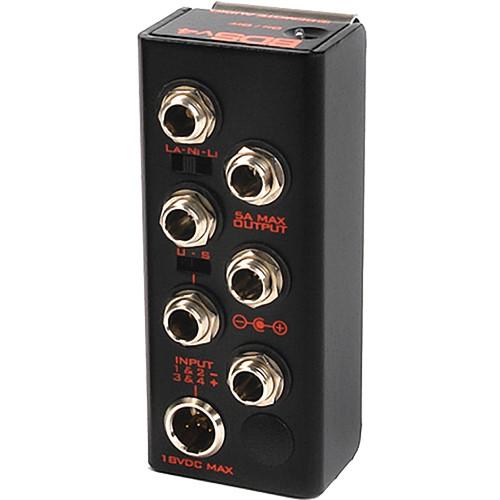 The BDSv4 Battery Distribution System from Remote Audio is an effective device for distributing power to field recording devices, cameras, mixers, and monitoring devices via a single source such as an Anton Bauer "Brick" or an NP-1 battery. This allows you to power multiple items from a single source, and turn them on and off with a single switch....
|
|
Ambient Recording Pouch for Ambient Lockit |

 The Pouch for Ambient Lockit from Ambient Recording is a leather pouch included within the purchased parts package. This leather pouch has a transparent foil window, cut outs for connectors and on/off switch, and a double-faced adhesive hook-and-loop tape (touch fastener). In the Box Ambient Recording Pouch for Ambient Lockit 1-Year Warranty Ta...
|
|
PSC FPSCPSM-CAB2 Standard Power Star Mini |

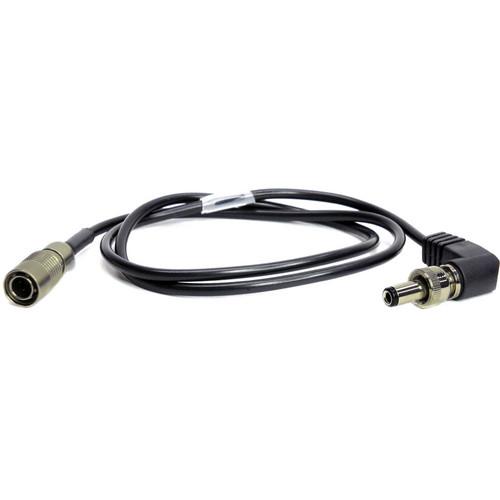 The FPSCPSM-CAB2 is a standard output cable that allows you to use the Power Star Mini power distribution system with devices that have a 4-pin Hirose connector, such as the M4mkII, AlphaMix, newer-model 442, 302, and more. Note: This cable is interchangeable with BDS cables from Remote Audio. In the Box PSC FPSCPSM-CAB2 Standard Power Star Mini O...
|
|
Cable Techniques CT-PTC-318 Timecode In Cable |
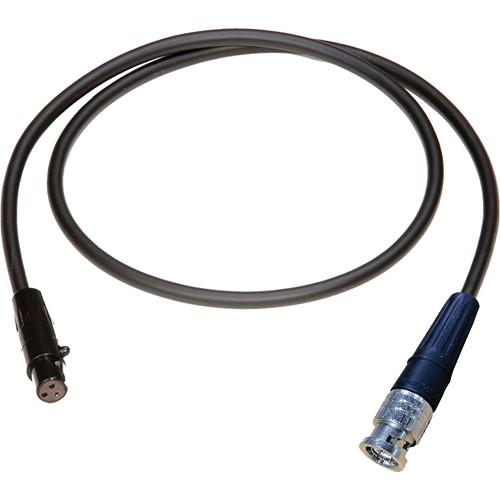 The Cable Techniques CT-PTC-318 Timecode In Cable (18") from Redding Audio is a Canare L-2.5CFB cable that is designed for use with the Sound Devices 552 mixer. In the Box Cable Techniques CT-PTC-318 Timecode In Cable (18") 1-Year Limited Warranty Table of Contents ...
|
|
Cable Techniques BB-HA4M-6 4-Pin XLR-Male to |

 The Cable Techniques BB BB-HA4M-6 4-pin XLR-Male to Hirose Adapter Cable (6") from Redding Audio is designed to power Battery Bud or Hirose 4 equipped gear that require 12 to 18 VDC for operation. In the Box Cable Techniques BB-HA4M-6 4-Pin XLR-Male to Hirose Adapter Cable (6") 1-Year Limited Warranty Table of Contents ...
|
|
JK Audio RemoteMix One - Field |
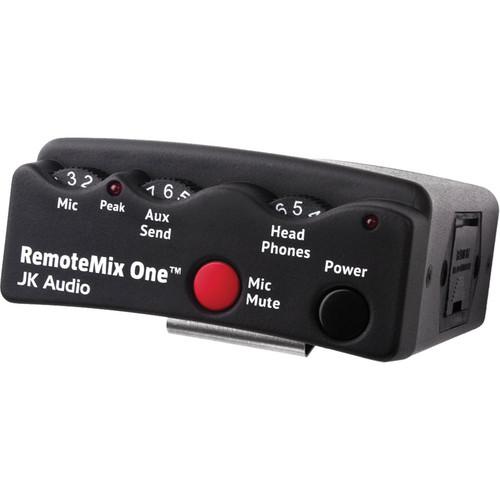 The RemoteMix One from JK Audio is a flexible communications interface in a rugged beltpack design for field reporters and live remote talent. The unit allows for performing live, single-person interviews through a cell phone, and using the wired headset jack can provide two-way IFB connections through a cell phone or notebook for flexible remote ...
|
|
JK Audio Interloop - Wired Wireless |
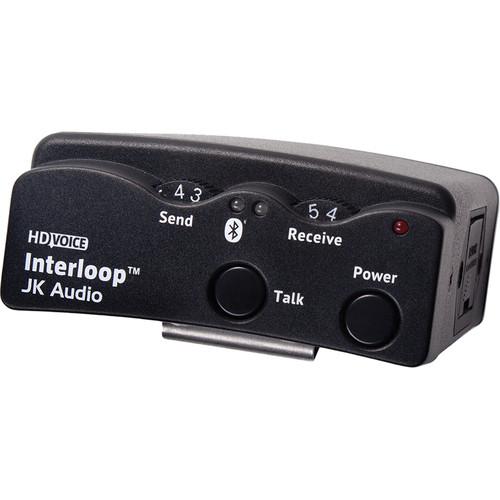 Interloop from JK Audio combines Bluetooth wireless technology with two-wire intercom systems, housed in a rugged beltpack design. It works with industry standard two-wire, party-line intercoms, connecting to the existing intercom system like any other beltpack. Using Bluetooth technology allows wireless connection to a variety of audio devices. A...
|
|
JK Audio RemoteMix 3.5 - Broadcast |
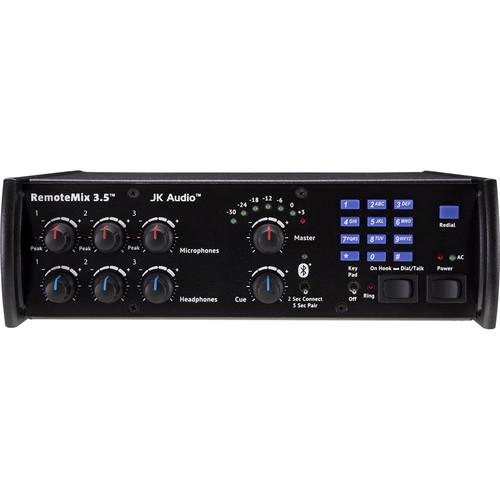 The RemoteMix 3.5 from JK Audio is a three-channel field mixer and headphone amplifier, as well as a universal communications interface. The unit features a phone line hybrid and keypad, a PBX handset interface, and both wired and wireless cell phone interfaces. The mixer is perfect for sports remotes and can be used as a phone line hybrid, for c...
|
|
JK Audio BlueSet Wireless Headset Interface |
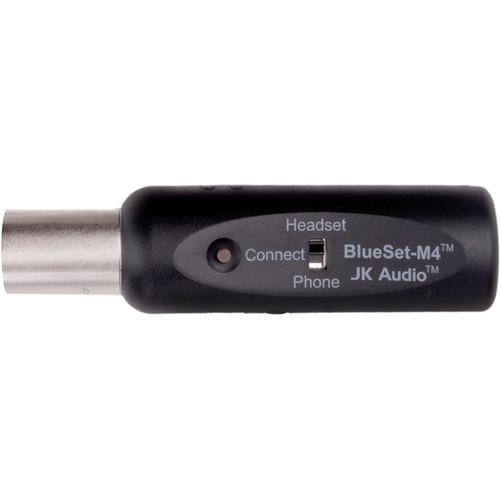 The BlueSet from JK Audio is a compact wireless audio interface for use with most PL beltpacks as part of an intercom system. The BlueSet plugs into the beltpack's headset connector and uses Bluetooth wireless technology to send and receive audio between the beltpack and cellphone or headset. This allows you to leave the beltpack in a stationary l...
|
|
JK Audio BlueSet Wireless Headset Interface |
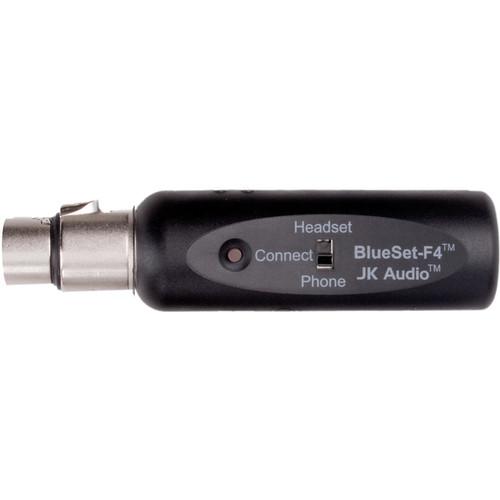 The BlueSet from JK Audio is a compact wireless audio interface for use with most PL beltpacks as part of an intercom system. The BlueSet plugs into the beltpack's headset connector and uses Bluetooth wireless technology to send and receive audio between the beltpack and cellphone or headset. This allows you to leave the beltpack in a stationary l...
|
|
| 1 ... 37 | 38 | 39 | 40 | 41 ... 48 | | Showing: 381-390 products | Total: 472 products |
|
|
| Request for user manual |
You can’t find the operation manual you are looking for? Let us know and we will try to add the missing manual:
I’m looking for a manual / Request for manual
Current requests for instruction manuals:
Call Of Duty World War Two For Xbox...
controller stratus XL...
stratus XL...
smart whatch serie S11 42mm...
Allen & Heath SQ-6 manual...
|
| Discussion |
Latest contributions to the discussion:
AEW R 4100
Name: MAURICIO ANGARITA
Audio-Technica AEW-R4100 UHF Diversity Receiver for
AEW R 4100 has the mute function blocked and does not allow audio to pass. I tried several times to turn off the mute from the transmitter but it does nothing, the mute stays on. Solution?
Thank you...
Instructions for assembling the 2015 Forecast Image Master Consoles GC3-A
Name: mike elam
Forecast Consoles GC3-A ImageMaster Editing Console
Looking for instructions for assembling this console. ...
EMPTY TONER ERROR MESSAGE AFTER REPLACING TONER
Name: LINDA BAD YELLOW EYES
Brother TN223BK Standard-Yield Toner
I HAD TO CHANGE OUT ALL THREE TONERS DUE TO LEAKS IN THE YELLOW AND CYAN. AFTER I REPLACED THEM, THE MACHINE KEEPS GIVING ME AN EMPTY TONER ERROR MESSAGE. HELP!!...
PS480D 20/24 pin Switching 480W Power Supply
Name: swkargo
Logisys 480W Power Supply
This item states in can run -5vdc .It is NOT listed on the board or I beleive is r4 is missing the resitior. Any body have thid issue. Shawn
...
Help needed
Name: Ann Carter
SanDisk 1TB Extreme Portable USB 3.1
When I click the link to download the user manual for my Sandisk Extreme external hard drive, it gives me the manual for the LG Cricket. Can you please change the link so I can download the Sandisk manual and begin using this drive? Thank you....
|
|
