|
User Manuals for 3D PrintersYou have selected the product series Computers - Printers - 3D Printers & Accessories - 3D Printers. Now choose the brand, model or product code you are looking for. If it is not available, you can request it from customer support.Manufacturers – select a brand:
3D Systems - Afinia - CraftBot - Dremel 3D - FlashForge - Kodak - Leapfrog - LulzBot - M3D - MakerBot - Monoprice - Others - ROBO 3D - Snapmaker - Tiertime - XYZprinting
| Showing: 81-90 products | Total: 90 products | | 1 ... 7 | 8 | 9 |
|
Dremel 3D Idea Builder 3D40 3D |

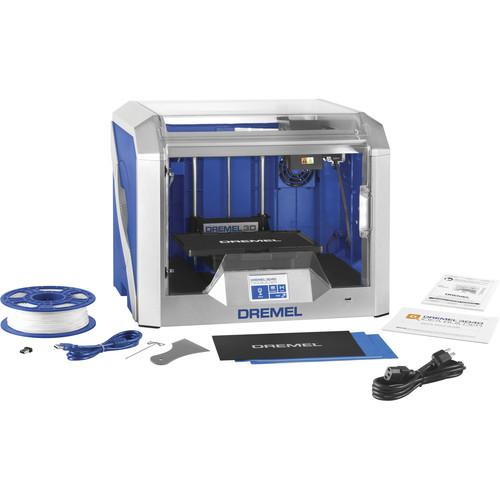 Start 3D printing right out of the box with the Dremel 3D Idea Builder 3D40, thanks to its pre-installed single extruder. The extruder features active filament monitoring to help reduce clogs. The enclosed workspace features a removable build plate with assisted 2-point leveling, an internal spool holder for the filament, and an enhanced cooling s...
|
|
XYZprinting da Vinci Jr. 1.0w 3D |

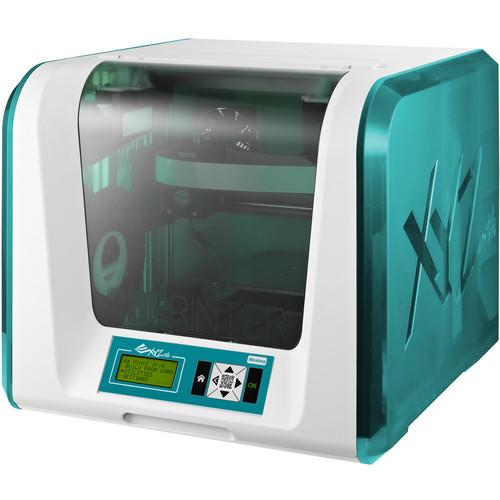 da Vinci Jr. 1.0w - Wi-Fi Connection Setup (Mac) da Vinci Jr. 1.0w - Wi-Fi Connection Setup (PC) Designed for kids of all ages, as well as first-time 3D printer users, the da Vinci Jr. 1.0w 3D Printer from XYZprinting features a build volume of 5.9 x 5.9 x 5.9", a layer resolution of 100 to 400 microns, a maximum print speed o...
|
|
XYZprinting da Vinci 1.0 Pro 3D |

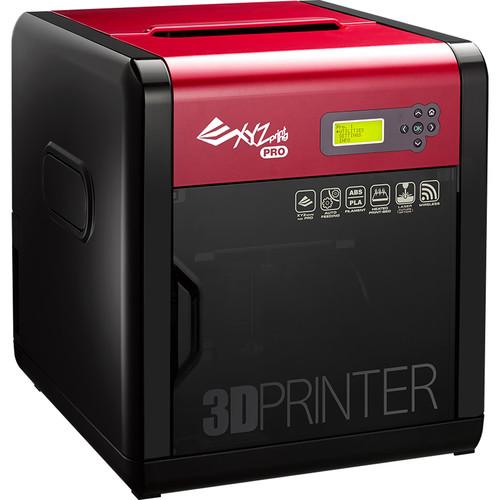 XYZprinting da Vinci 1.0 Pro unboxing da Vinci 1.0 Pro. - First-time Printing Da Vinci 1.0 pro - Instructions for the Laser Engraving Module da Vinci 1.0 Pro Calibration Fail Trouble Shooting & Z-Offset Adjustment The da Vinci 1.0 Pro 3D Printer from XYZprinting allows you to adjust the temperature settings for the extrud...
|
|
XYZprinting da Vinci 1.0 Pro 3-in-1 |

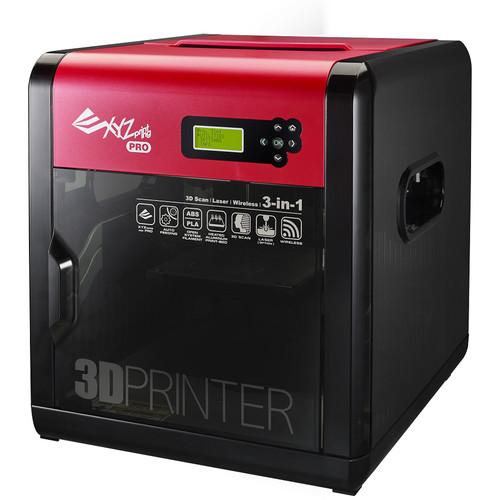 XYZscan Multi Scan Introduction With a build volume of 7.9 x 7.9 x 7.5", the da Vinci 1.0 Pro 3-in-1 3D Printer from XYZprinting features a layer resolution of 20-400 microns and is able to utilize 1.75mm ABS & PLA filaments via its auto-loading filament system. It is equipped with a 3D scanner, a single extruder nozzle, an enclose...
|
|
XYZprinting da Vinci 1.0 3D Printer |

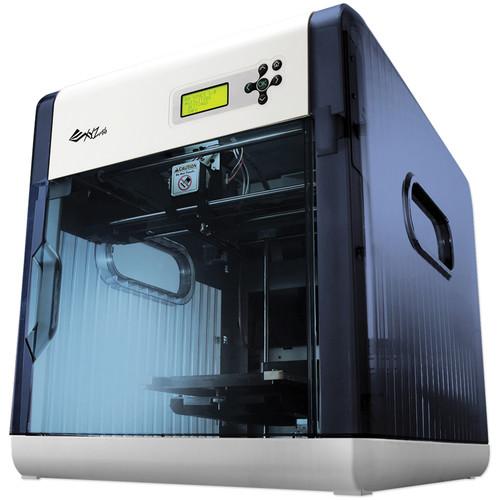 Print in ABS up to a maximum build volume of 7.8 x 7.8 x 7.8" with the da Vinci 1.0 3D Printer from XYZprinting. Create detailed objects in resolutions as fine as 100 microns. Alternatively, choose the Ultra Fast speed setting to print your designs in 400-micron resolution when greater precision isn't required. The included XYZWare software will a...
|
|
Robox 3D Printer |
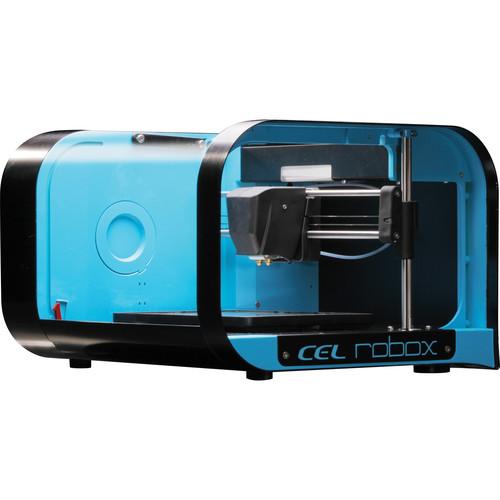 Enjoy fast and detailed 3D printing with the Robox 3D Printer, whose dual nozzle extruder can achieve resolutions as fine as 20 microns thin. While one nozzle fills in the body of your print quickly, the other nozzle works the outer surface in fine detail, up to a maximum build volume of 8.3 x 5.9 x 3.9". The Robox prints with one material at a ti...
|
|
ROBO 3D R1 Plus 3D Printer |
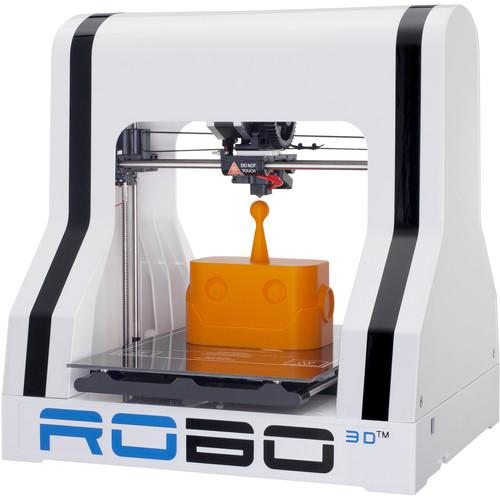 ROBO 3D R1 "PLUS" Getting Started Video The R1 +Plus 3D Printer from ROBO 3D features a 9-point leveling system that automatically levels at the start of each print and Hexagon All Metal Hot End that covers all materials in commercial circulation for 3D printing. The R1 +Plus prints objects up to 10 x 9 x 8" from a variety of ...
|
|
3D Systems Cube 3 Printer |
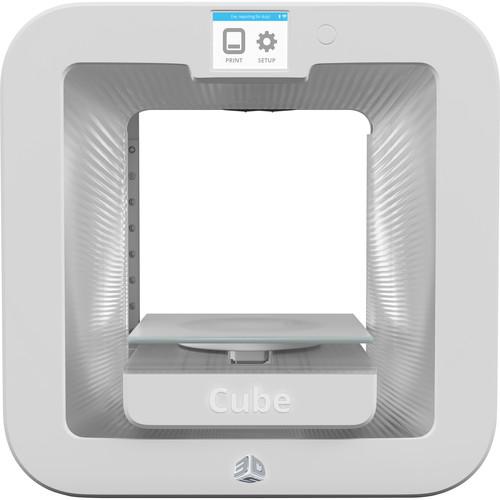 The white Cube 3 from 3D Systems is a desktop 3D printer capable of two-color printing in both ABS and PLA plastics, at resolutions as fine as 70 microns. Design models up to 6 x 6 x 6" in volume, and the Cube 3 will build them by melting plastic in thin sheets, depositing layer upon layer until they form a three-dimensional object. Filament...
|
|
MakerBot Replicator Z18 3D Printer |
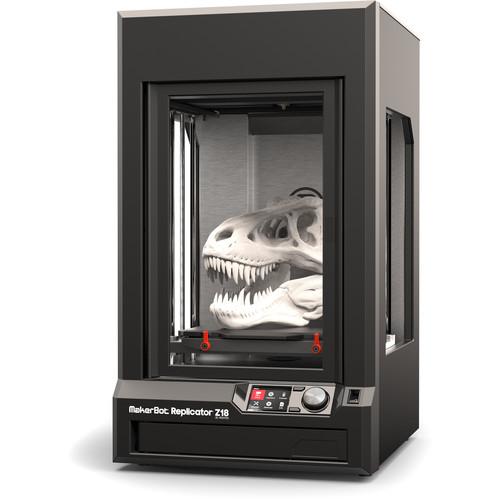 3D Printing in the Classroom with Makerbot Read More Introduction Unboxing Getting Started The Replicator Z18 3D Printer from MakerBot allows you to print large, detailed objects up to 12" in width and depth, and up to 18" in height. To ensure accurate printing and to minimize warping even throughout lengthy print jobs, the Z1...
|
|
MakerBot Replicator 2X Experimental 3D Printer |

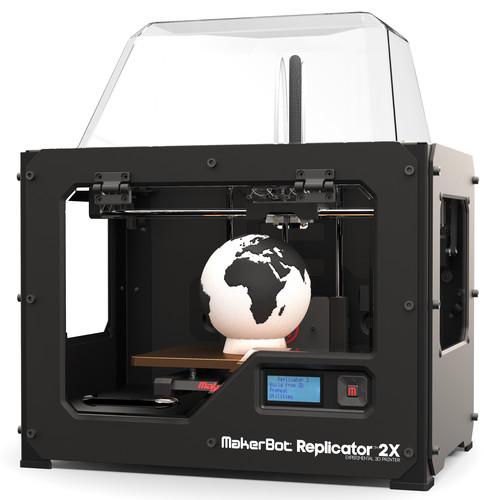 3D Printing in the Classroom with Makerbot Read More The Replicator 2X Experimental 3D Printer from MakerBot provides access to experimental, dual-extrusion 3D printing. With precisely aligned dual nozzles, the Replicator 2X allows you to add another level of creativity to your 3D models with the ability to print in one or two colors. MakerBot als...
|
|
| 1 ... 7 | 8 | 9 | | Showing: 81-90 products | Total: 90 products |
|
|
| Request for user manual |
You can’t find the operation manual you are looking for? Let us know and we will try to add the missing manual:
I’m looking for a manual / Request for manual
Current requests for instruction manuals:
Call Of Duty World War Two For Xbox...
controller stratus XL...
stratus XL...
smart whatch serie S11 42mm...
Allen & Heath SQ-6 manual...
|
| Discussion |
Latest contributions to the discussion:
AEW R 4100
Name: MAURICIO ANGARITA
Audio-Technica AEW-R4100 UHF Diversity Receiver for
AEW R 4100 has the mute function blocked and does not allow audio to pass. I tried several times to turn off the mute from the transmitter but it does nothing, the mute stays on. Solution?
Thank you...
Instructions for assembling the 2015 Forecast Image Master Consoles GC3-A
Name: mike elam
Forecast Consoles GC3-A ImageMaster Editing Console
Looking for instructions for assembling this console. ...
EMPTY TONER ERROR MESSAGE AFTER REPLACING TONER
Name: LINDA BAD YELLOW EYES
Brother TN223BK Standard-Yield Toner
I HAD TO CHANGE OUT ALL THREE TONERS DUE TO LEAKS IN THE YELLOW AND CYAN. AFTER I REPLACED THEM, THE MACHINE KEEPS GIVING ME AN EMPTY TONER ERROR MESSAGE. HELP!!...
PS480D 20/24 pin Switching 480W Power Supply
Name: swkargo
Logisys 480W Power Supply
This item states in can run -5vdc .It is NOT listed on the board or I beleive is r4 is missing the resitior. Any body have thid issue. Shawn
...
Help needed
Name: Ann Carter
SanDisk 1TB Extreme Portable USB 3.1
When I click the link to download the user manual for my Sandisk Extreme external hard drive, it gives me the manual for the LG Cricket. Can you please change the link so I can download the Sandisk manual and begin using this drive? Thank you....
|
|
